




Disclosure: I’d like to thank Surfans for providing me with the F20 Pro for this review. All thoughts and opinions are my own, and Surfans had no say or input on the contents of this review.
Surfans is a brand that is usually associated with entry-level DAPs, with the original F20 being a popular choice for those who wanted a simple, offline-focused music player without spending a lot of money. The new F20 Pro is a bit different, though. This is Surfans’ stepping into the Android DAP category.
At $149.99 USD, the F20 Pro is not trying to compete directly with something like the iBasso DX180, FiiO M21, HiBy R4, or even the HiBy M300. Instead, it is trying to bring some of that Android-based DAP flexibility to a much lower price point. With the Surfans F20 Pro, you get Android 12, WiFi 5 support, Bluetooth 5.0 with LDAC, 3.5mm SE and 4.4mm balanced outputs, physical playback controls, a volume wheel, expandable storage, and a dual ESS DAC implementation.
That is a lot of specs on paper, especially at this price point. The question is whether Surfans has managed to make it all feel cohesive. The answer is mostly yes, but with some important caveats, as you’ll see in this review.
So, let’s get into the review to see how the Surfans F20 Pro holds up, and what it’s all about.
Watch my video review of the F20 Pro:
Key Specifications
- Product Page: https://www.surfans.net/products/surfans-f20-pro
- MSRP: $149.99 USD
- Core Processor: MediaTek Helio P22 8-core Cortex A53
- Internal Components: 2x ESS90182KM DACs, OPA1612 and RTC6863 Op-Amps
- RAM: 4GB
- Storage: 32GB internal, MicroSD card slot (supports up to 1TB)
- OS: Android 12
- Display: 2.73 inch IPS LCD touchscreen, 320×320
- Connectivity:
- 3.5mm SE (125mW @ 32ohms per channel)
- 4.4mm Balanced (500mW @ 32ohms per channel)
- USB-C (USB 2.0) for charging and data transfer
- Bluetooth 5.0 (SBC, AAC, LDAC)
- WiFi 5, 2.5GHz + 5GHz
- Battery :
- 2500mAh, up to 10 hours of playback
- Supported Sample Rates and Formats:
- Up to 24-bit/192kHz PCM, DSD512
- Dimensions:
- 101.9mm x 59.2mm x 15.8mm
- Weight: 170 grams
In the Box
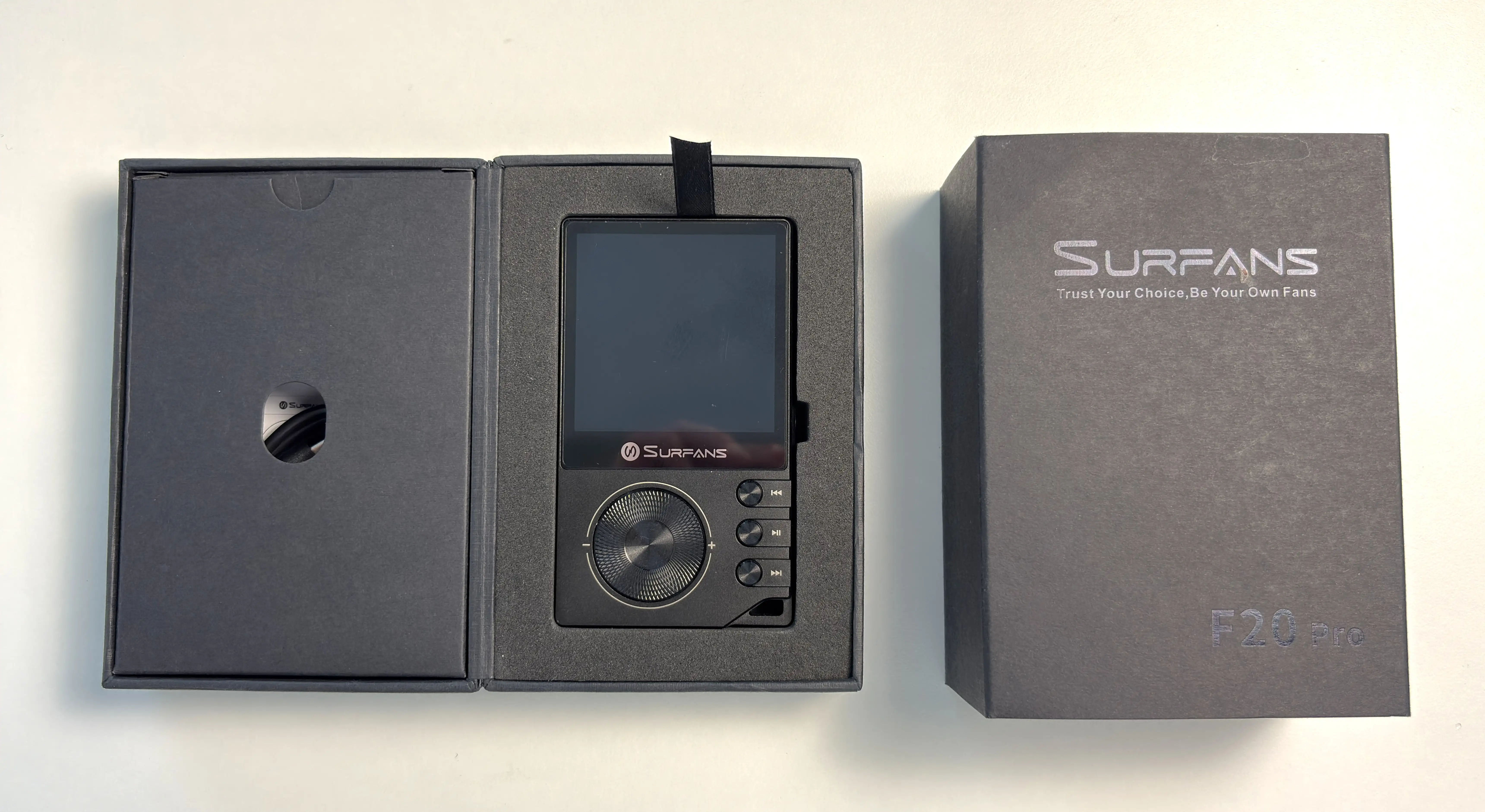
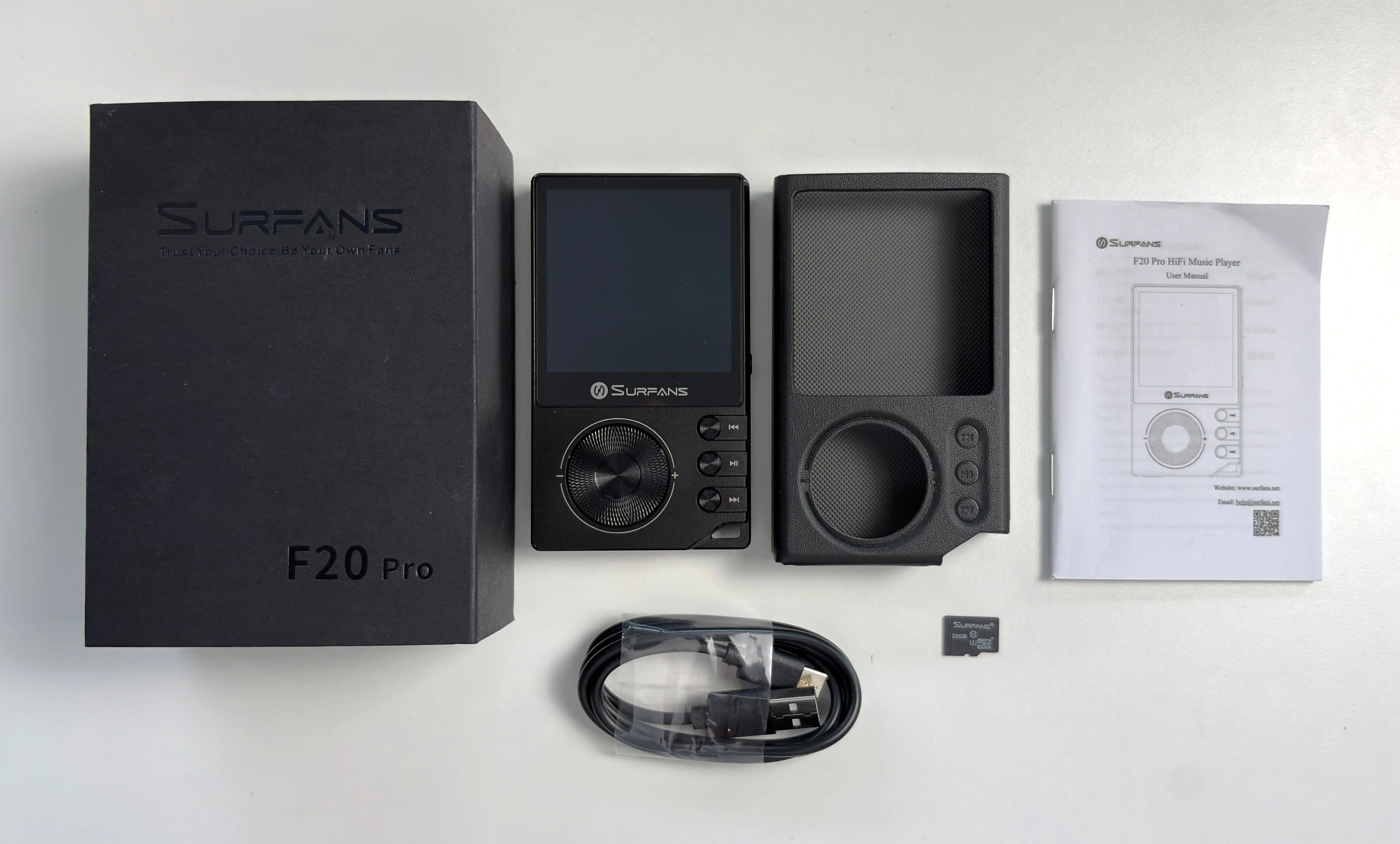
- Surfans F20 Pro
- USB-C to USB-A cable
- Protective case
- Manual
- microSD card
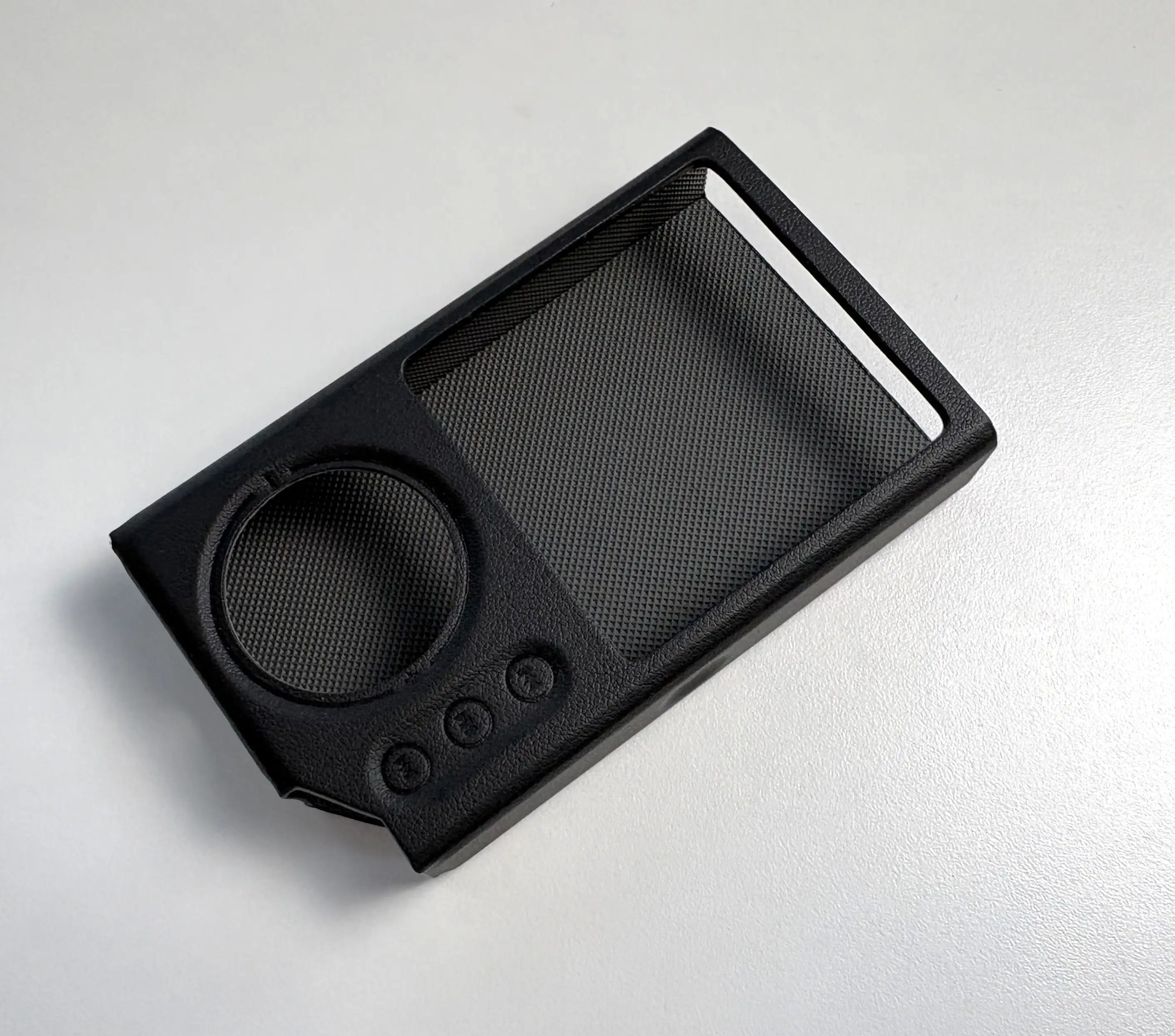
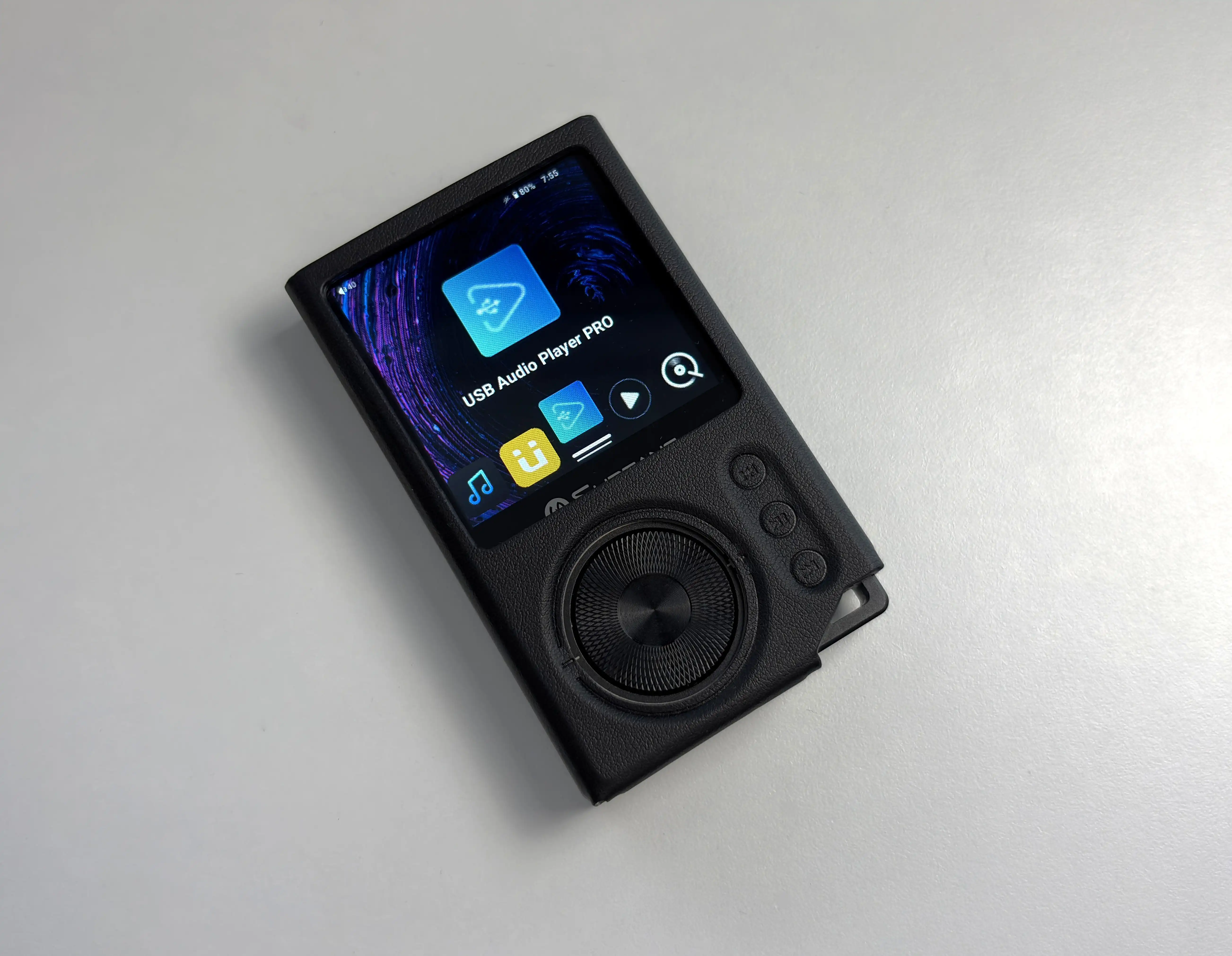
The F20 Pro packaging includes a case, which is appreciated, but it is not perfect. I will talk more about this later, but depending on how you navigate Android, the case can interfere with some gestures near the edge of the display. That is not a deal breaker, but it is something I noticed quickly. Overall, though, it offers solid protection while feeling soft and leather-like.


Design & Build Quality
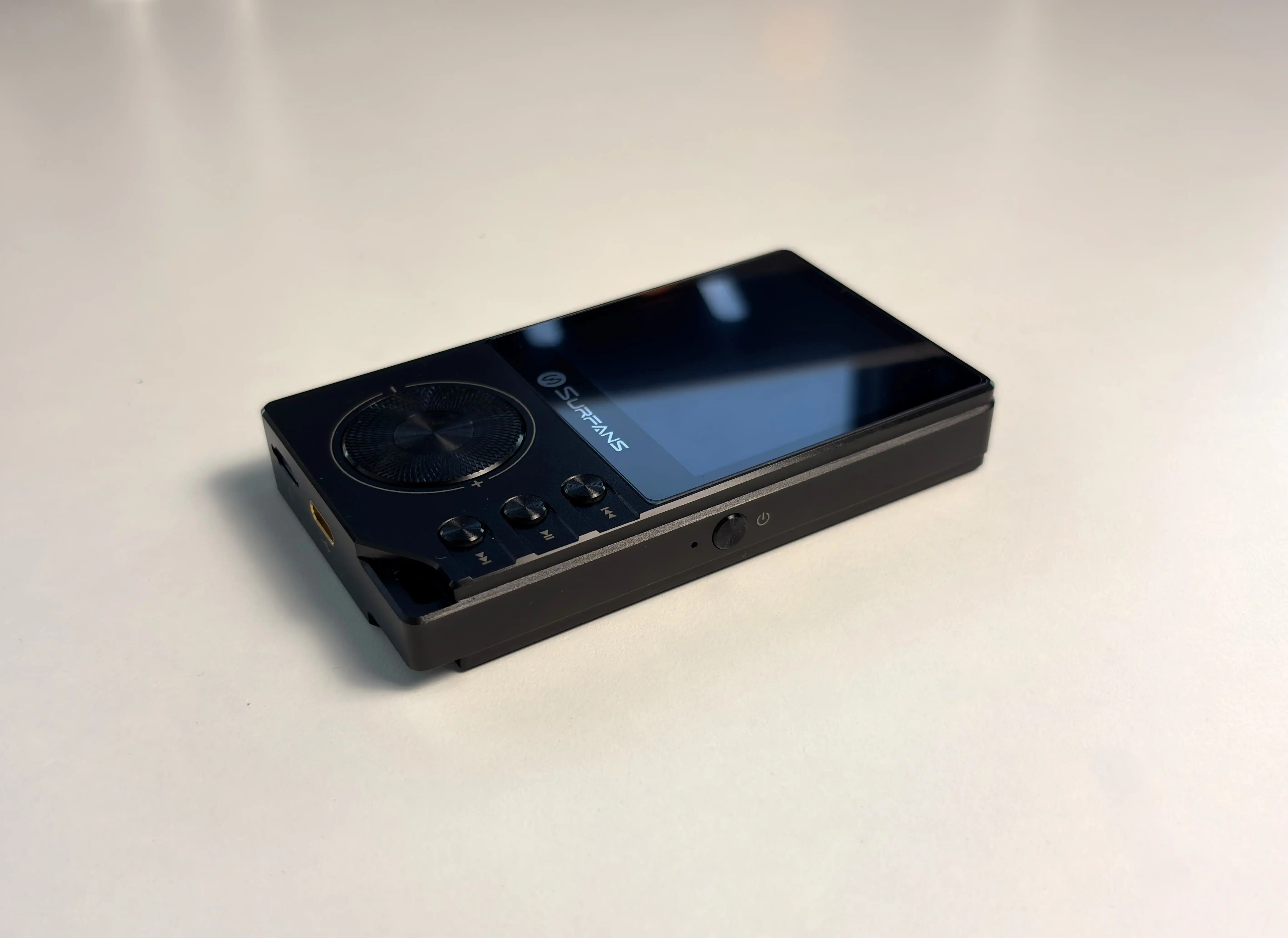
The Surfans F20 Pro is a compact and fairly dense-feeling DAP, thanks to its CNC aluminum chassis. At 170 grams, it has enough weight to feel substantial while you’re handling it, but it is still small and light enough to comfortably use one-handed or carry in a pocket (it weighs about the same as my iPhone 16). Compared to larger Android DAPs, this feels more like a traditional compact music player that happens to run Android rather than a smartphone-sized device.
Like previously mentioned, the body is made from CNC aluminum, and for the price, the overall construction is very good. It feels almost as premium as more expensive DAPs. The edges are clean, the buttons have a functional layout, and the device has the kind of slightly utilitarian design that works well for a budget audio player.
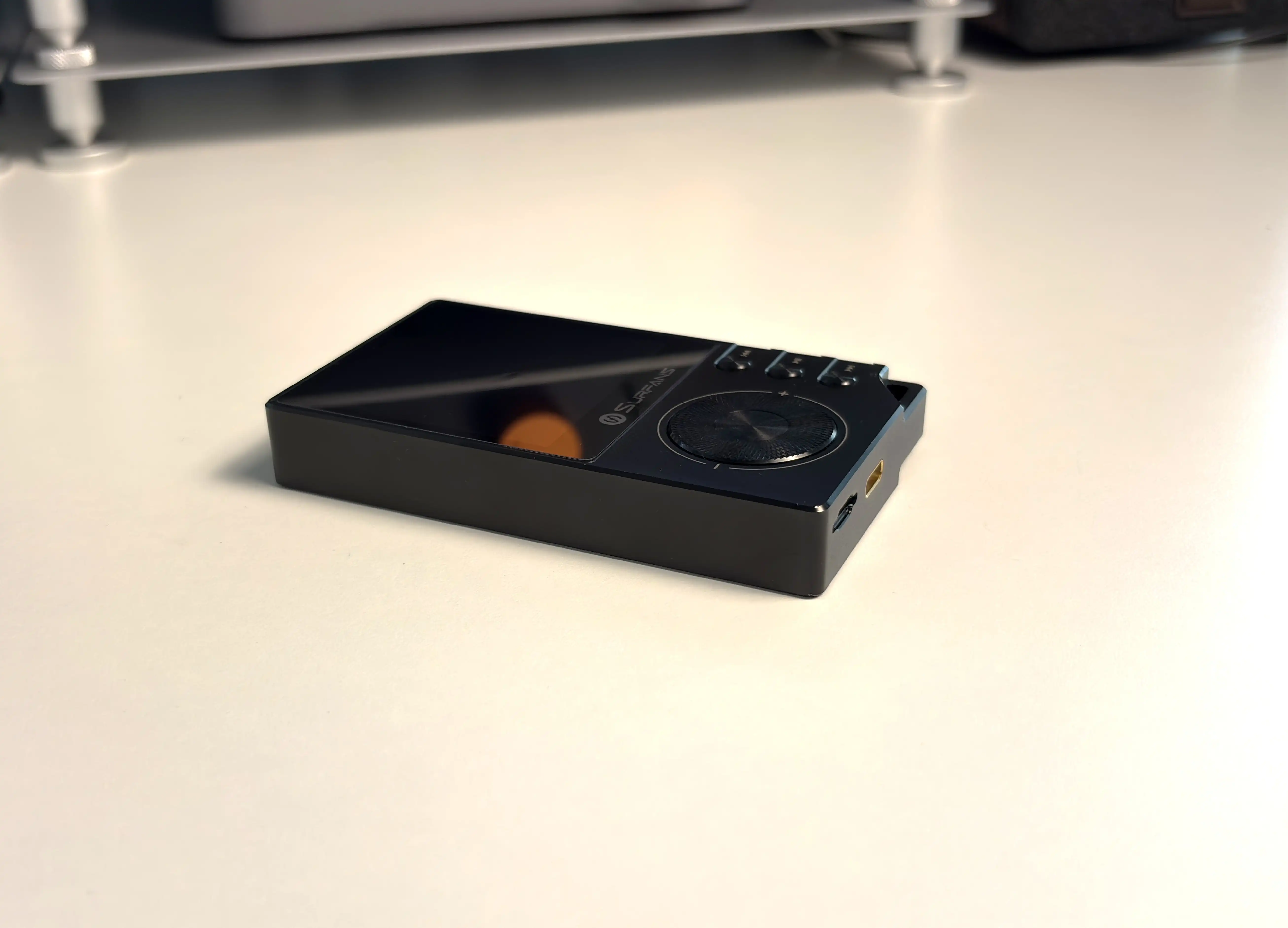
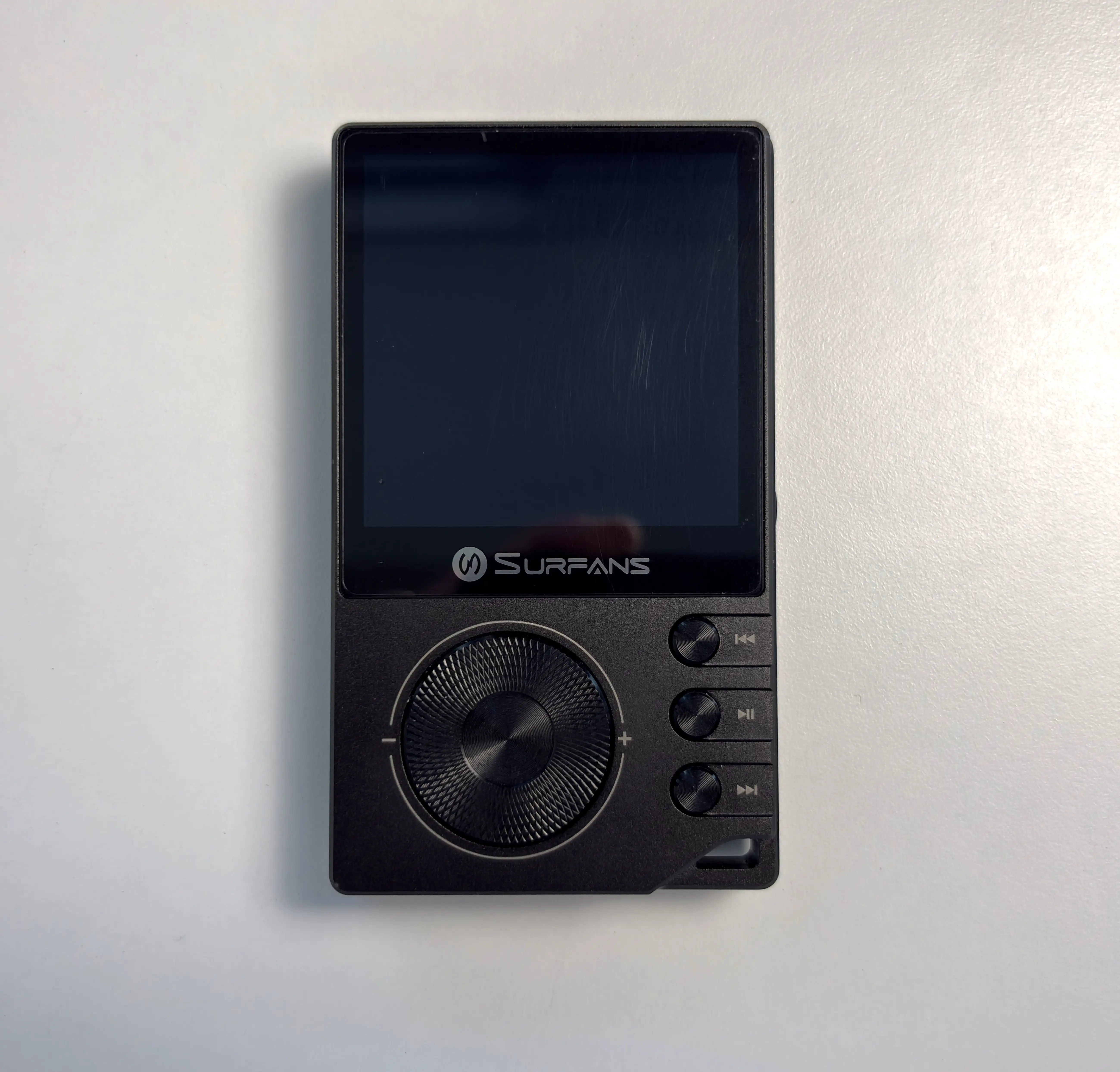
The volume wheel, sadly, reminds you that this is a budget digital audio player. Surfans uses an ALPS volume wheel, and while it does give the F20 Pro a more tactile, audio-focused feel, the wheel itself lacks the clicky feedback of the scroll wheel that’s on the original F20. It’s a little too easy to spin, and there is even a bit of play with the wheel as a whole. There is only a subtle physical click when you turn it left or right, which is surprising, as the wheel on the F20 was almost perfect in this regard.
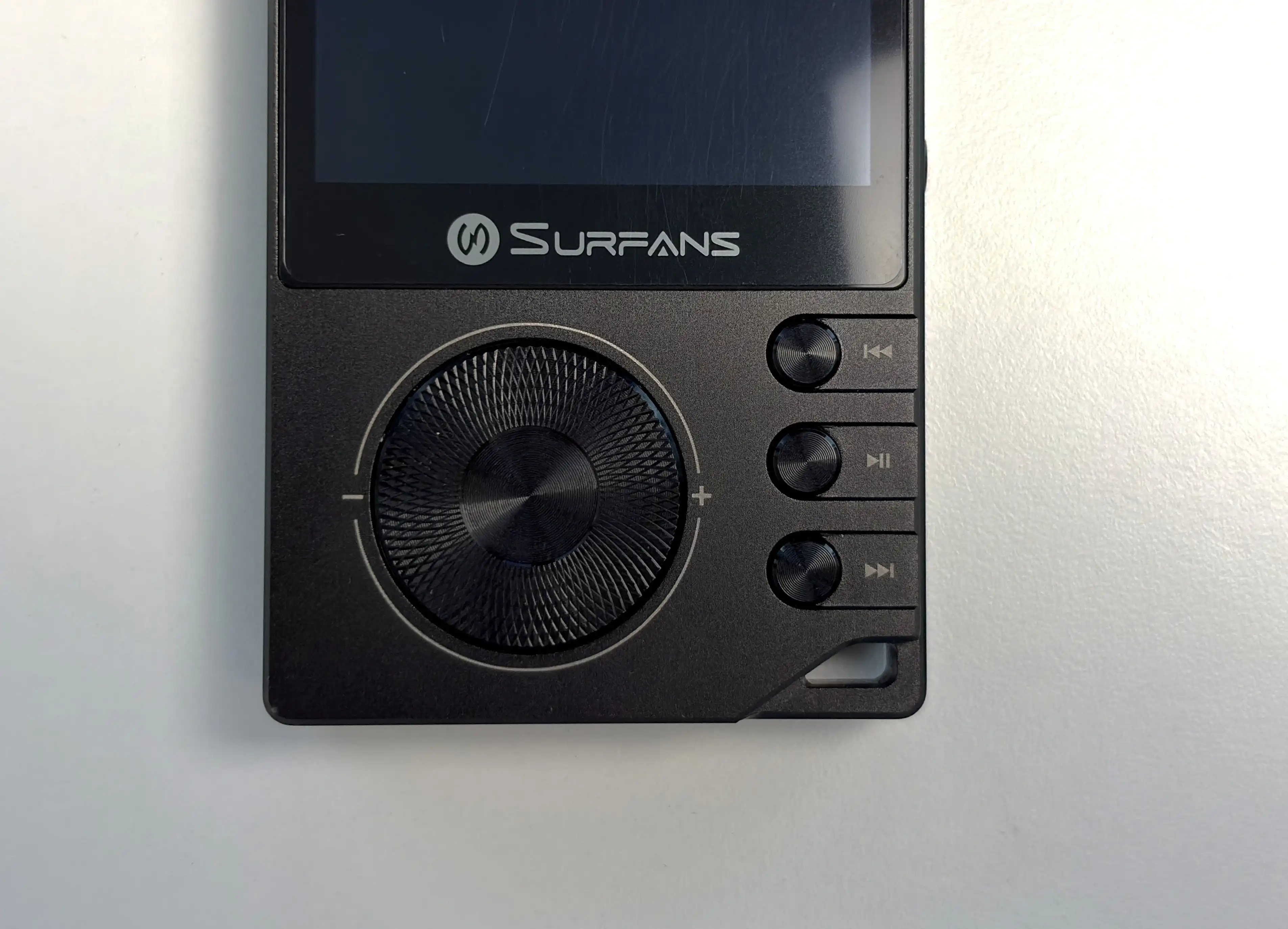
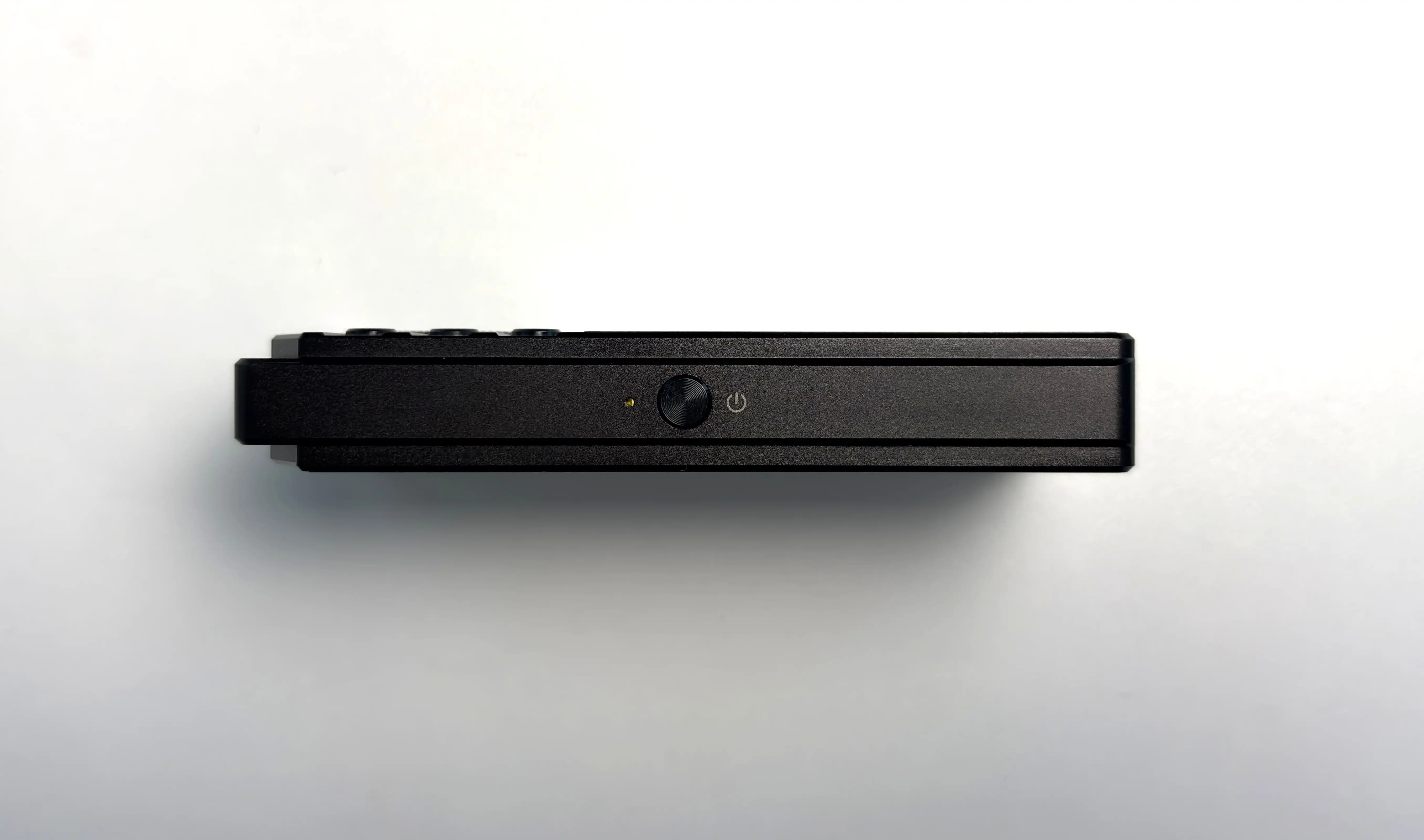


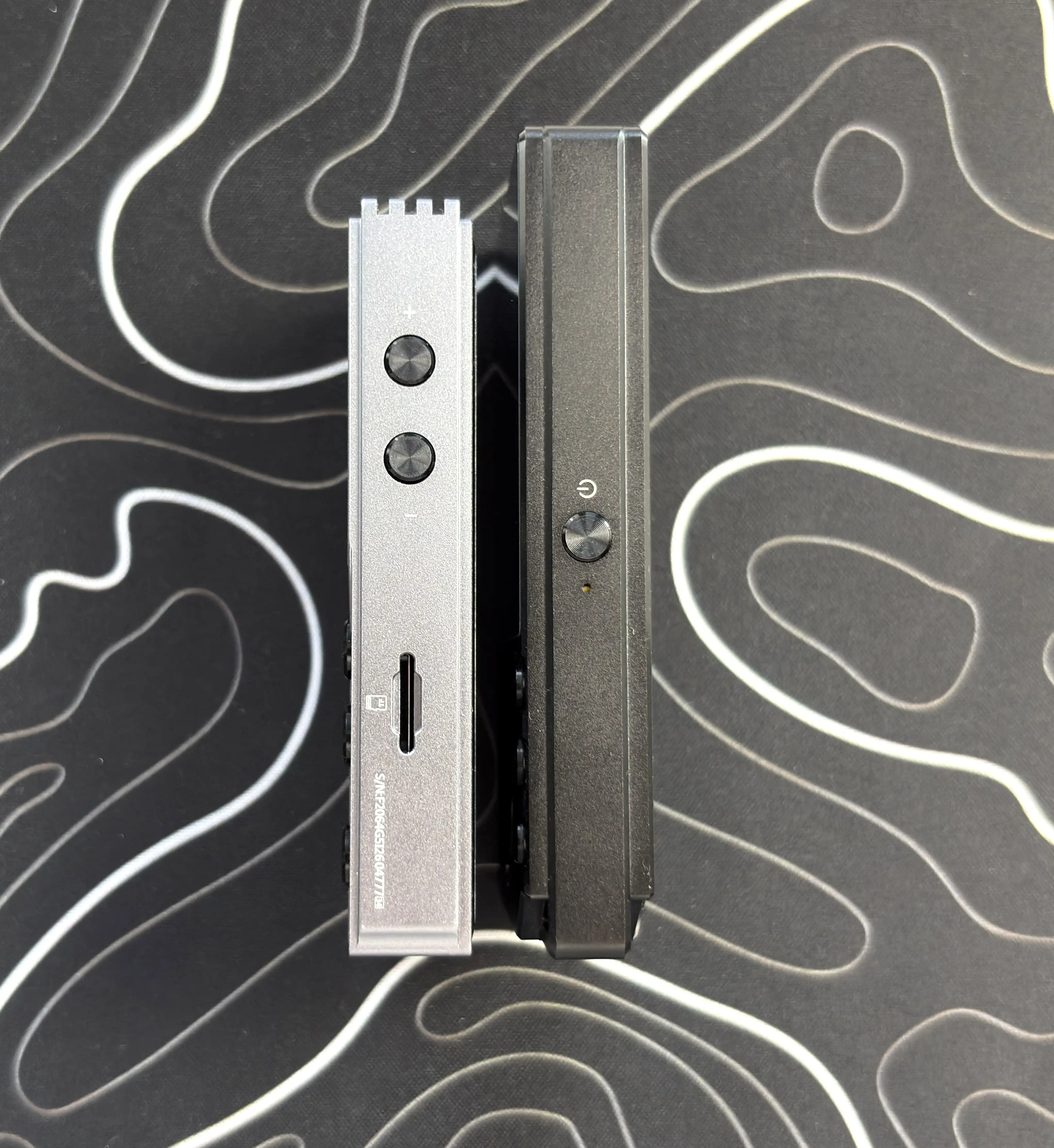
The other physical playback buttons are thankfully much better here. I will always prefer dedicated buttons on a DAP because they make it much easier to control music while the device is in your pocket. The F20 Pro gives you previous track, play/pause, and next track buttons on the front right side of the device. The power and screen on/off button is on the left edge, and it feels great to use. Actually, the positioning of these buttons is perfect for one-handed use, so it’s clear some thought went into the layout.
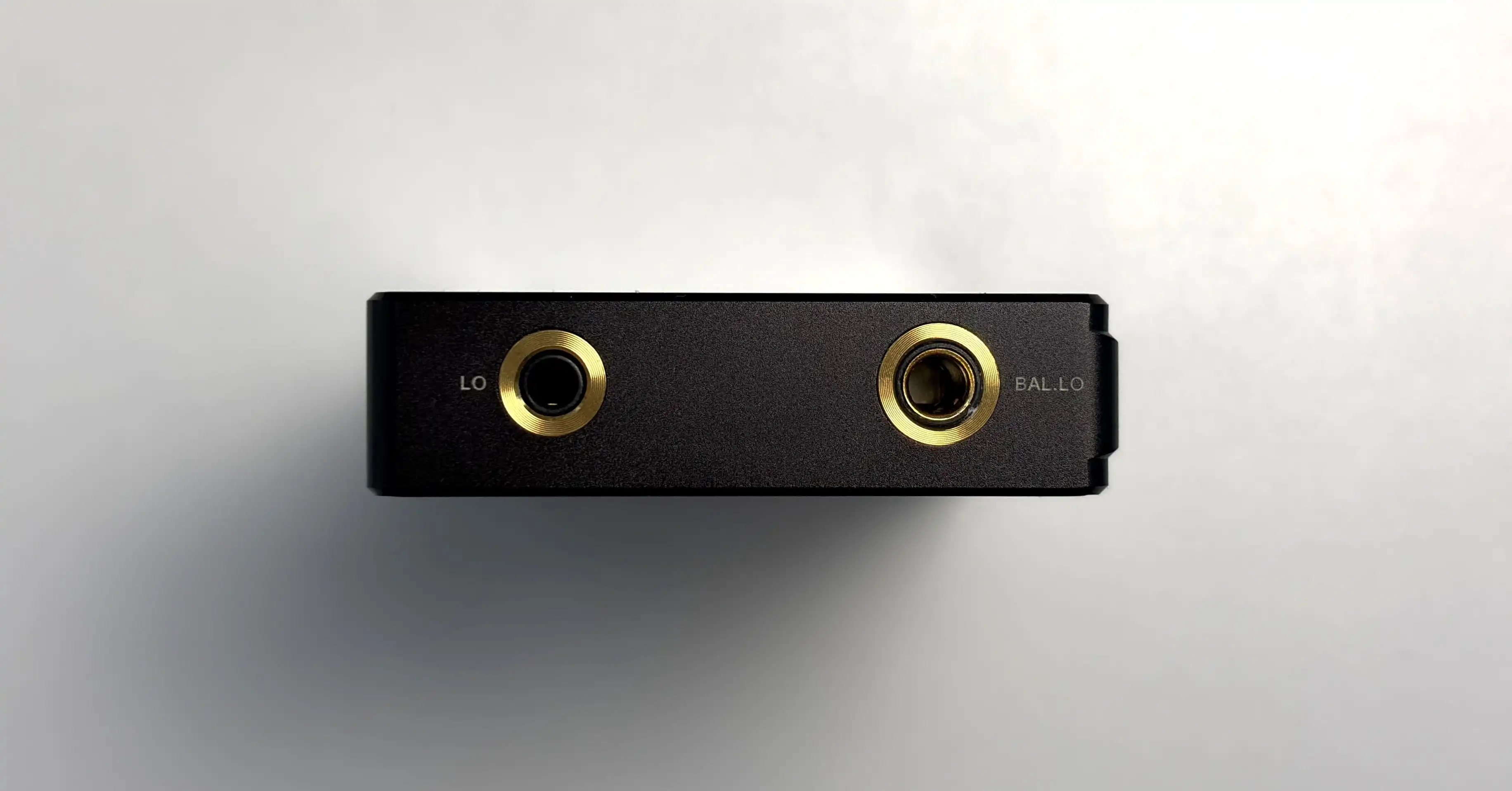


On the output side, you get both 3.5mm single-ended and 4.4mm balanced outputs, which are located on the top of the DAP. The 4.4mm balanced output is a big part of what makes the F20 Pro interesting, as it gives this little player far more flexibility than a basic entry-level DAP, especially if you use IEMs or over-ear headphones with balanced cables.
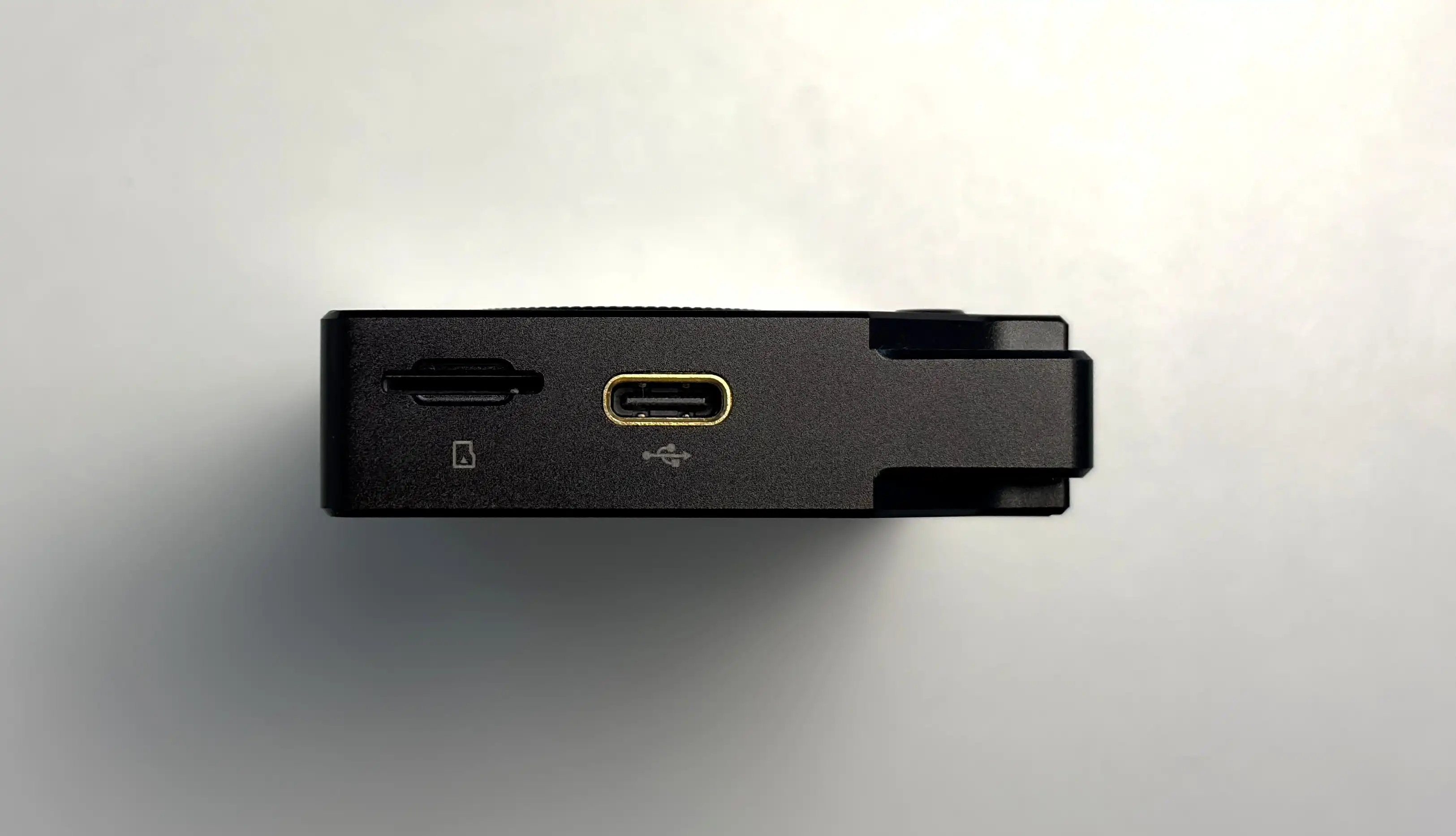
The very bottom of the F20 Pro is where the microSD card slot and USB-C connection is located. The bottom right of the device also has a hole so you can attach a lanyard if desired.
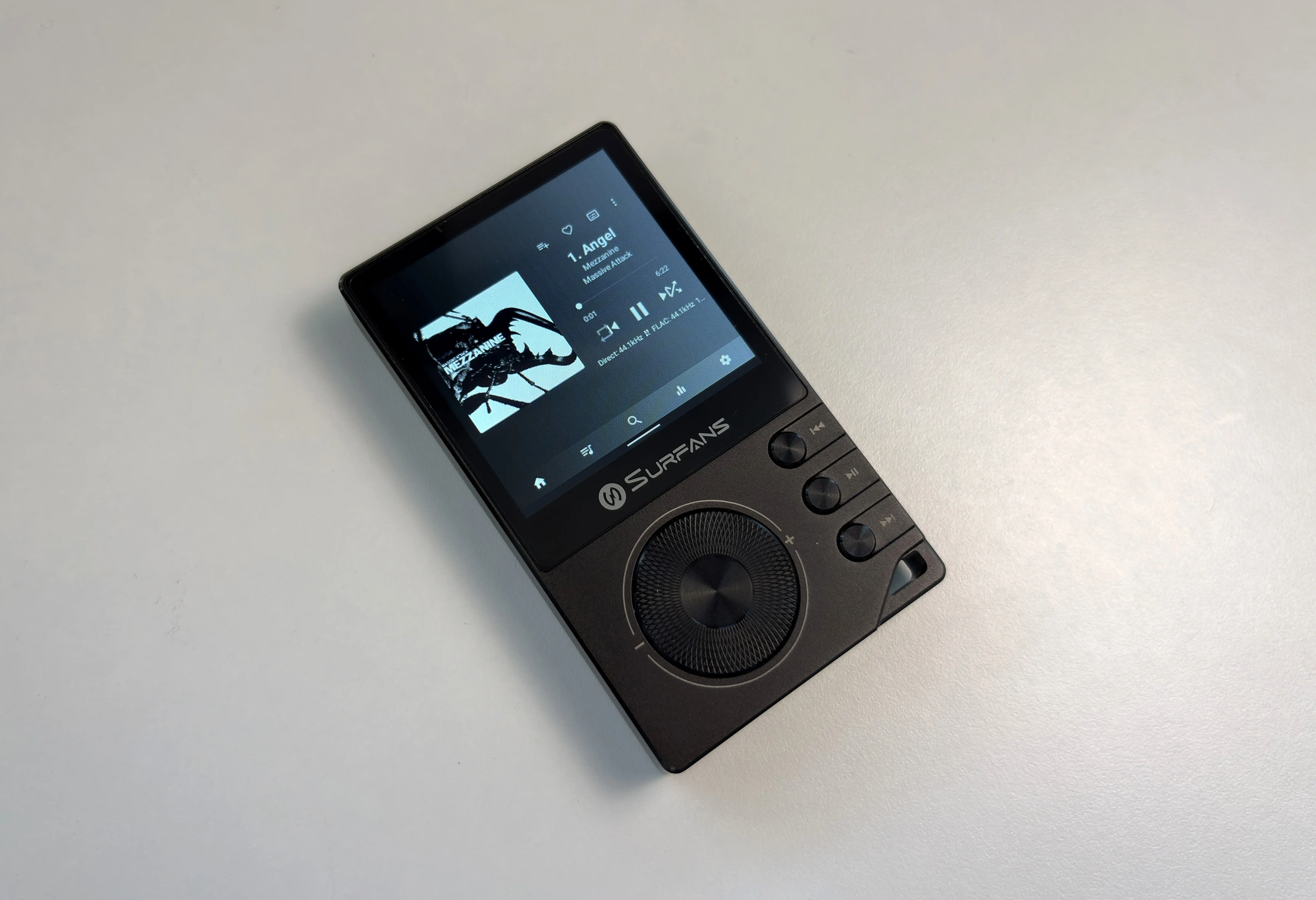
The display is where the budget nature of the device becomes more obvious. The 2.73-inch touchscreen is small, and the 320 x 320 resolution is not going to impress anyone coming from a modern smartphone or a higher-end Android DAP. It is good enough for navigating music apps, changing settings, and browsing a library, but it is not a display I would want to use for much beyond music playback. Color accuracy and saturation are pretty decent, as is the brightness level (both the maximum and minimum brightness levels). I’ll talk more about the actual experience using the display in a bit. There is also a screen protector that is pre-applied from the factory.
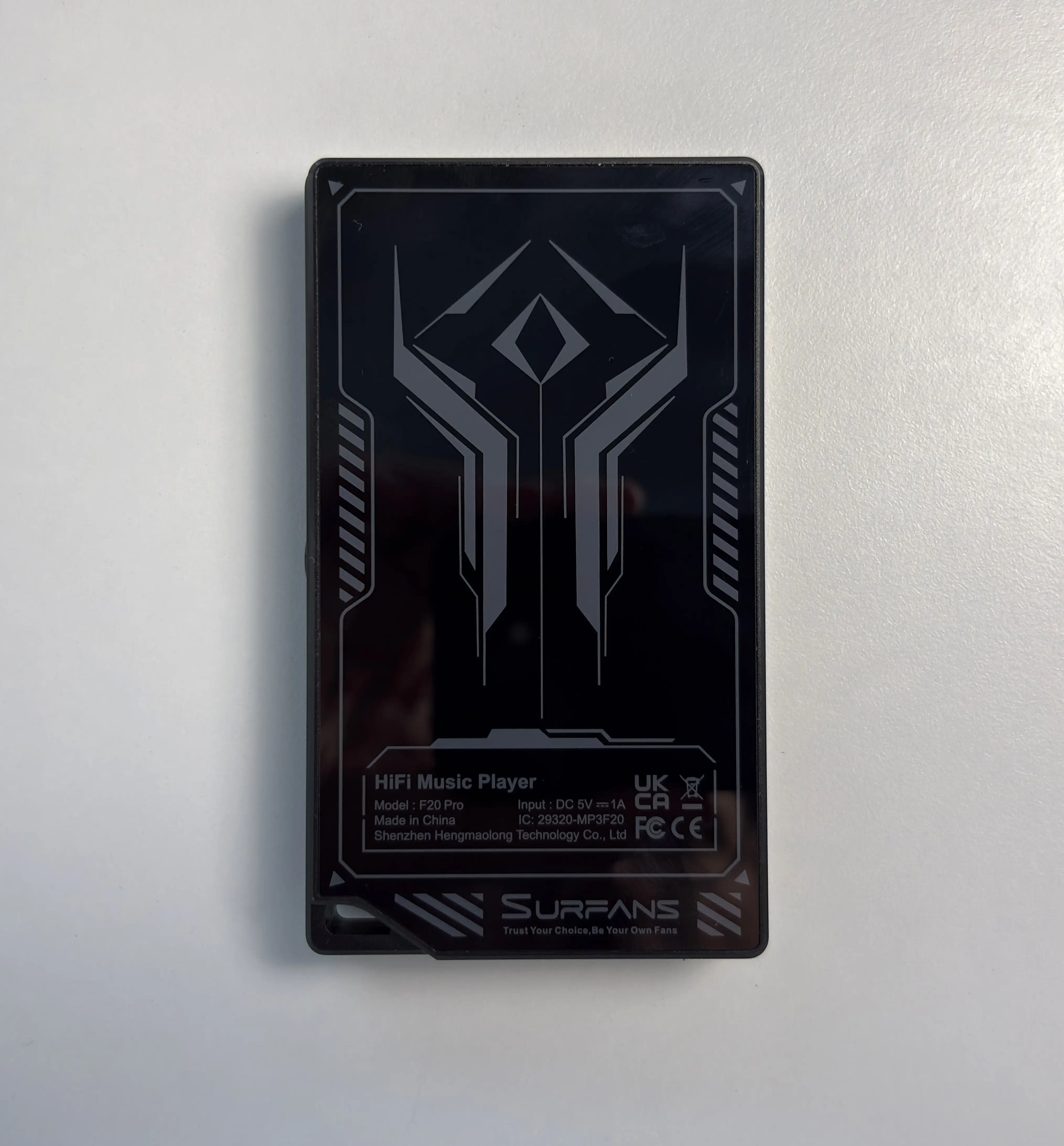
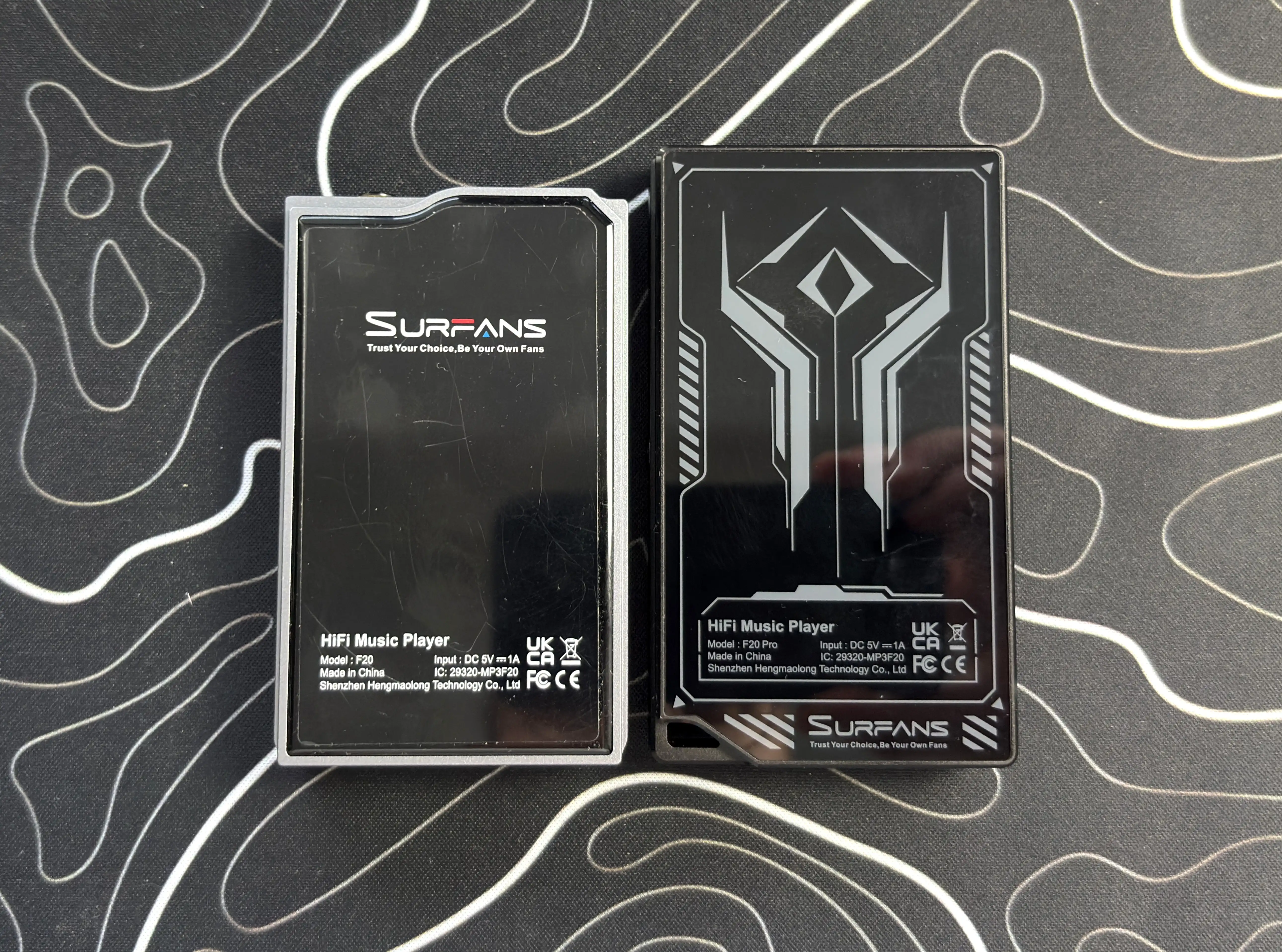
Lastly, the very back of the F20 Pro is glass, with a sort of cyberpunk-inspired design. The glass is smooth and rounds out the overall premium feeling of the device.
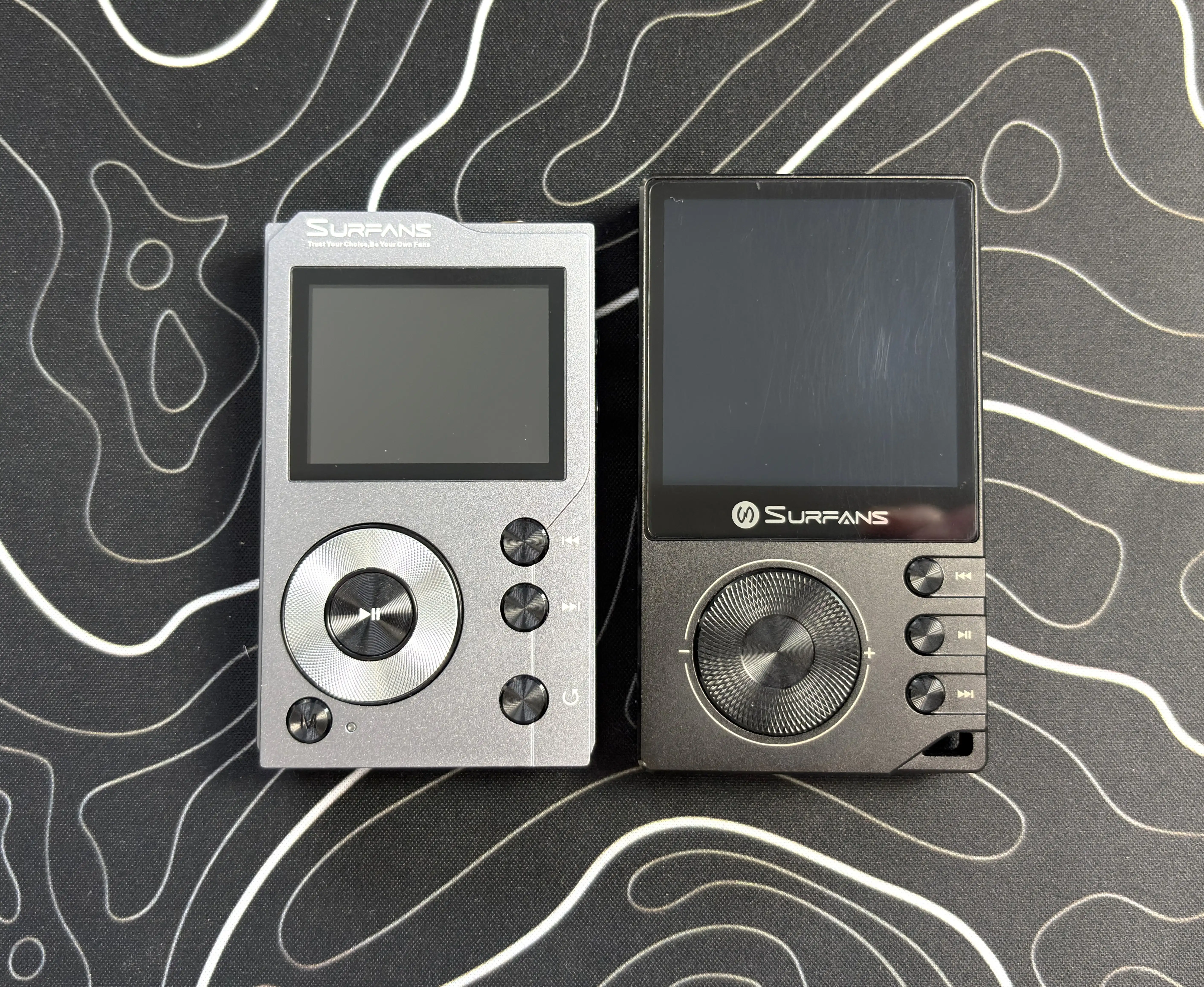
For those interested, here are some pictures comparing the F20 Pro with the F20:


OS and UI
The F20 Pro runs Android 12, which is one of its biggest selling points. At this price, many dedicated music players are still using a custom lightweight operating system (like HiBy OS, Rockbox, or Shanling’s MTouch OS) that is fine for local files but limited if you want streaming apps or even some customization. The F20 Pro gives you access to a more familiar Android experience, which immediately makes it more flexible. You get access to the Play Store, so you can install essentially any app you want.
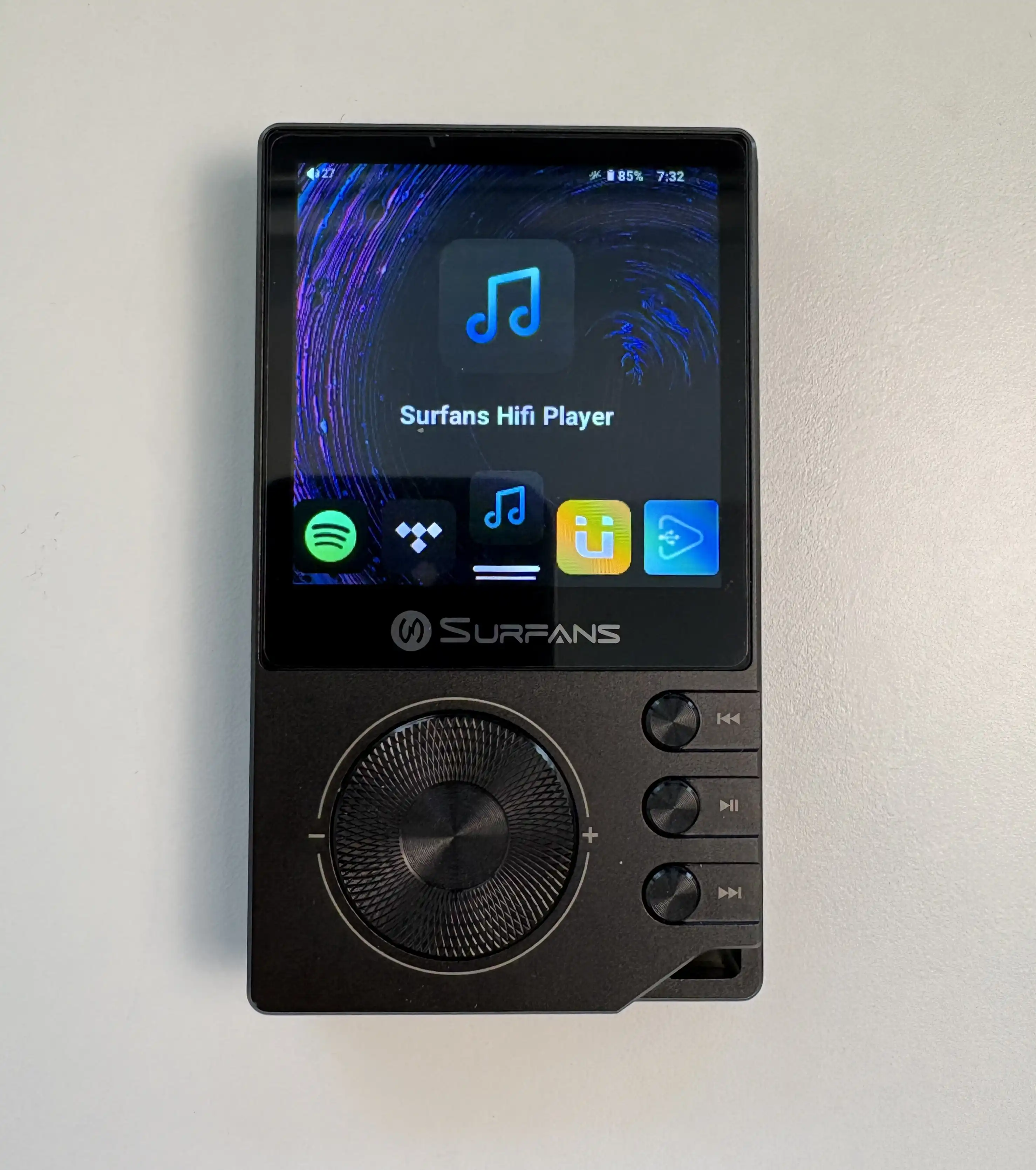
You can use apps like Spotify, Tidal, Apple Music, and other Android music apps. This is a major advantage over simpler non-Android players, especially if your music listening is split between local FLAC files and streaming services. These apps also come pre-installed, showing you the intended use from the get-go.
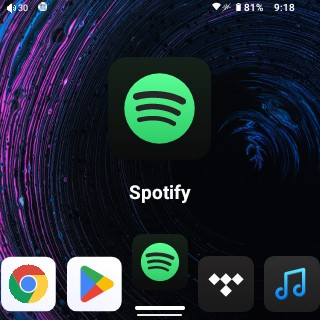
The launcher being used for the F20 Pro is, well, functional. There is no app drawer or home screen; every app is displayed in one line, and you go through each app one by one until you get to the one you want. You can either swipe left to right or use the volume wheel to navigate.
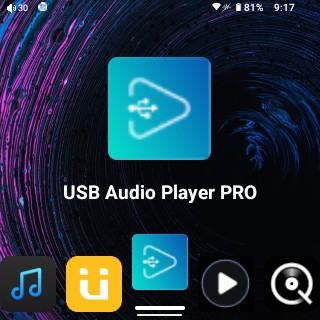
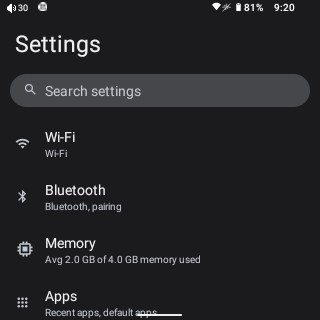


As well, this is not a high-performance Android device. The F20 Pro has 4GB of RAM (marketed as 3GB in some places, but I assure you it’s 4GB) and modest internals with its MediaTek CPU, and you can feel that when using heavier apps. Spotify, in particular, can make the device feel slower than it is, simply due to how much information it loads in the background.
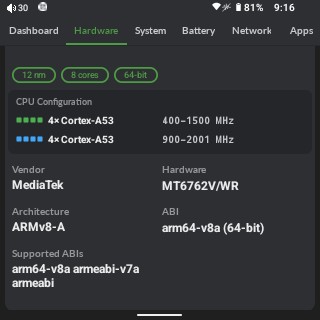
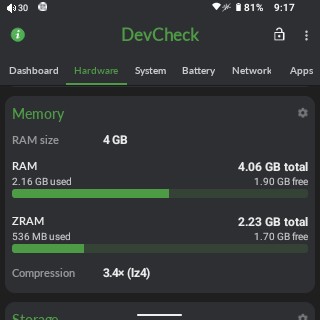


This is where setting expectations matters. If you are expecting modern smartphone-like speed, the F20 Pro will disappoint you. If you are coming from basic non-Android DAPs and just want the ability to install streaming apps, then the performance is much easier to accept.
The toucscreen responsiveness was also a little inconsistent for me at first. The touchscreen could feel overly sensitive, especially when the device was under load or still catching up after opening an app. After the latest firmware update, responsiveness improved noticeably, and I think Surfans has done a great job at optimizing the device to this point.
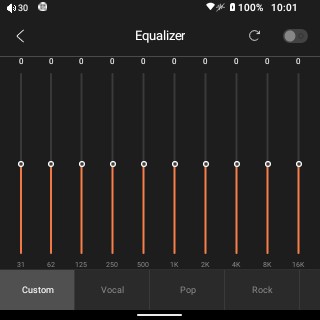
The newest firmware update also added EQ functionality, which is encouraging. Surfans appears to be actively working on the software, and that matters a lot for a device like this. Budget Android DAPs can live or die by firmware support. The EQ is limited to the Surfans Hifi Player, which is a simplistic music player (if you loved the F20’s player interface, you’ll love this). So, the EQ is not global, but Poweramp Equalizer or Wavelet can fix that.
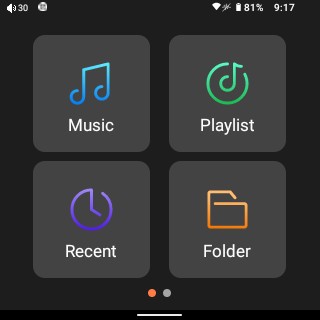
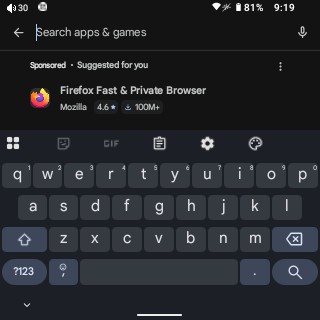


The default navigation option is set to the “classic” 3-button navigation option. You can leave it like this if you have issues with using the touchscreen, but it does take up some precious real estate of the already small screen. I mainly used the Gesture navigation in my testing because of this. This is most evident when trying to type on the screen (thankfully, you can adjust the size of GBoard’s keyboard).
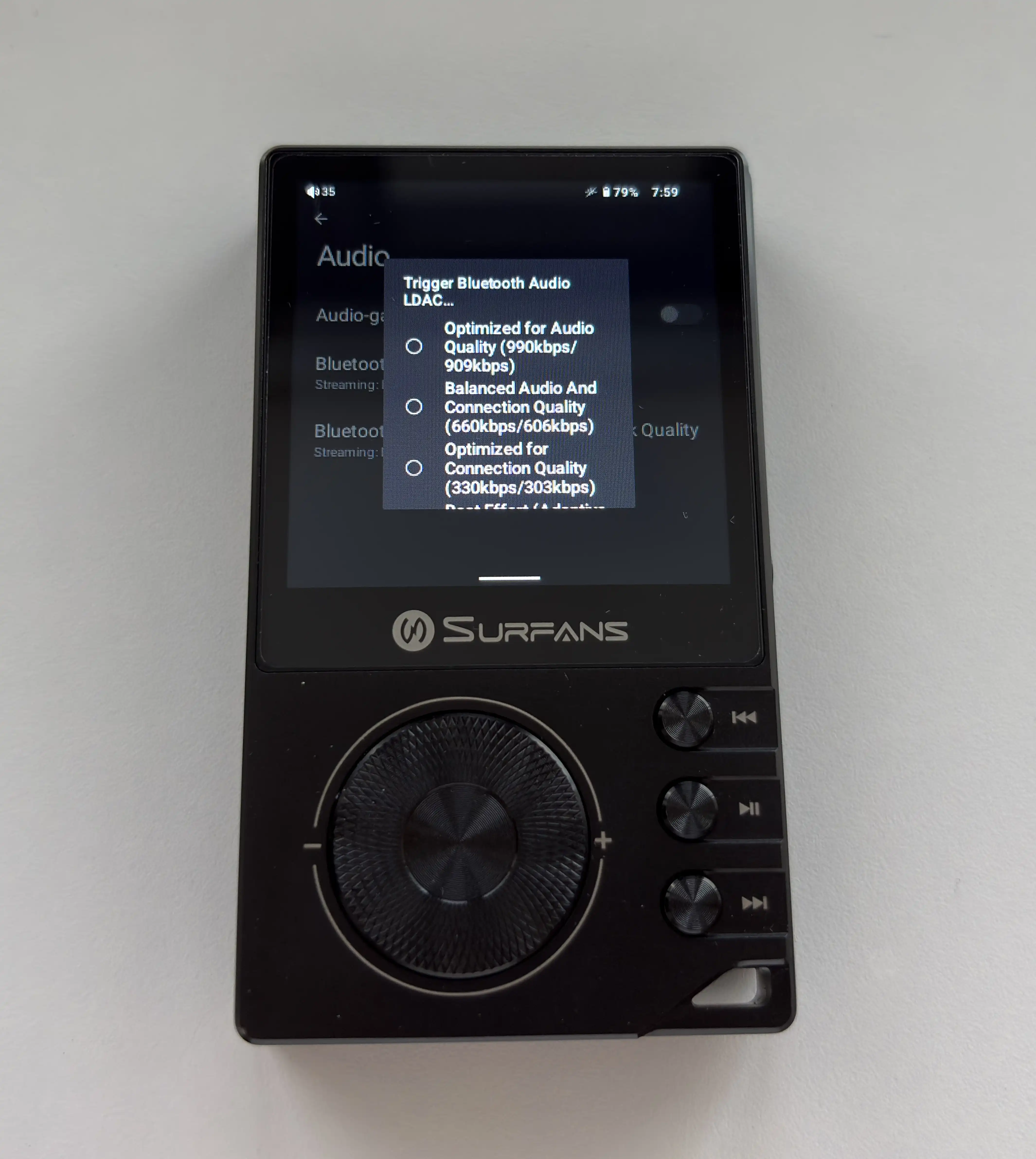


The gesture navigation is usable, but the included case can get in the way of this. It makes it nearly impossible to pull down the notification shade or use the back gesture (swipe from the left) consistently. Because of that, if you plan on using the case, I think the F20 Pro is better suited to traditional Android navigation buttons rather than gesture navigation.
Overall, the Android experience is functional and generally practical. It gives you the flexibility you want from an Android DAP, but at times it also reminds you that this is a $149 device.
WiFi & Bluetooth Performance
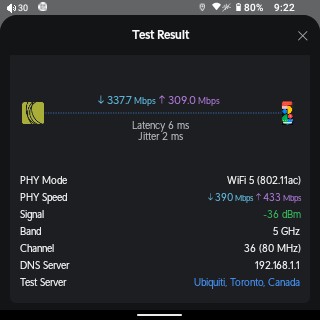


The Surfans F20 Pro supports dual-band WiFi 5, including both 2.4GHz and 5GHz networks. This is important for streaming apps, and in my use, the WiFi performance was good enough for music streaming. The actual connection details, for those interested, are in the screenshot below from my Unifi setup, but it is able to connect to the 5GHz network at a connection speed of 433mbps. This is extremely decent, and honestly, you shouldn’t need more WiFi performance considering the intended use of the F20 Pro. The actual connection is very stable, and I’m able to walk to the other end of my apartment (opposite end of where my access point is) and still get a decent connection.
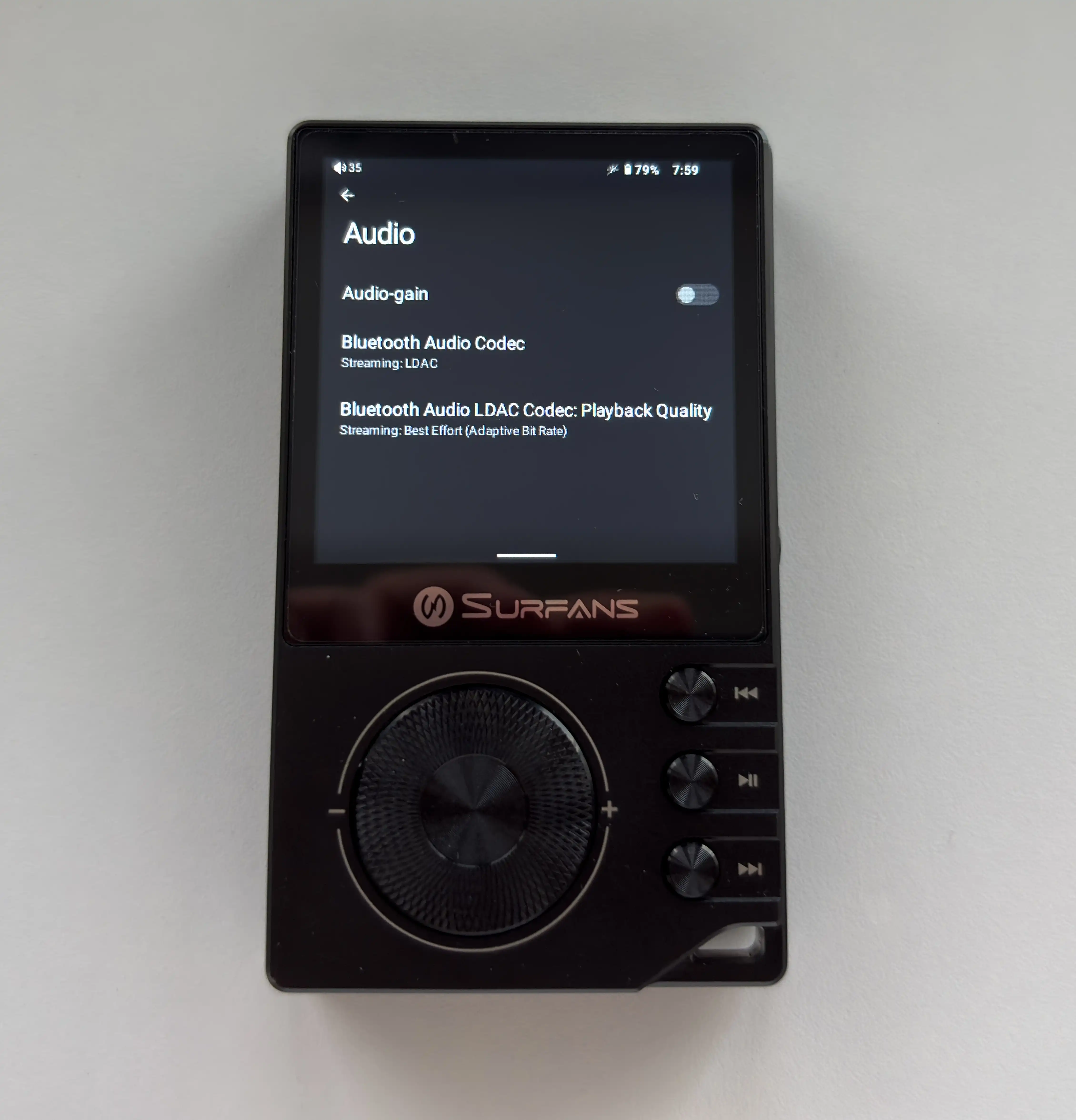
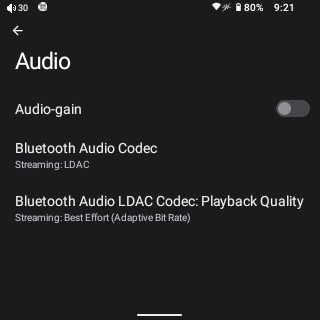
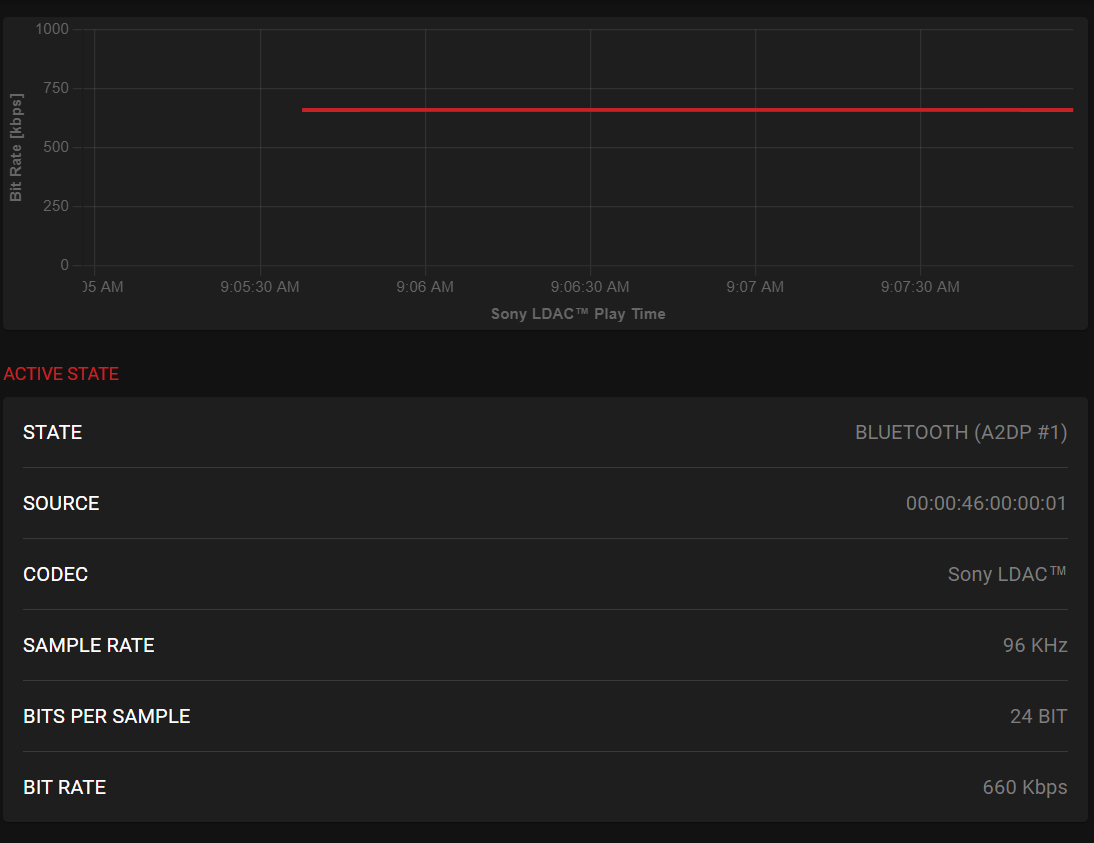
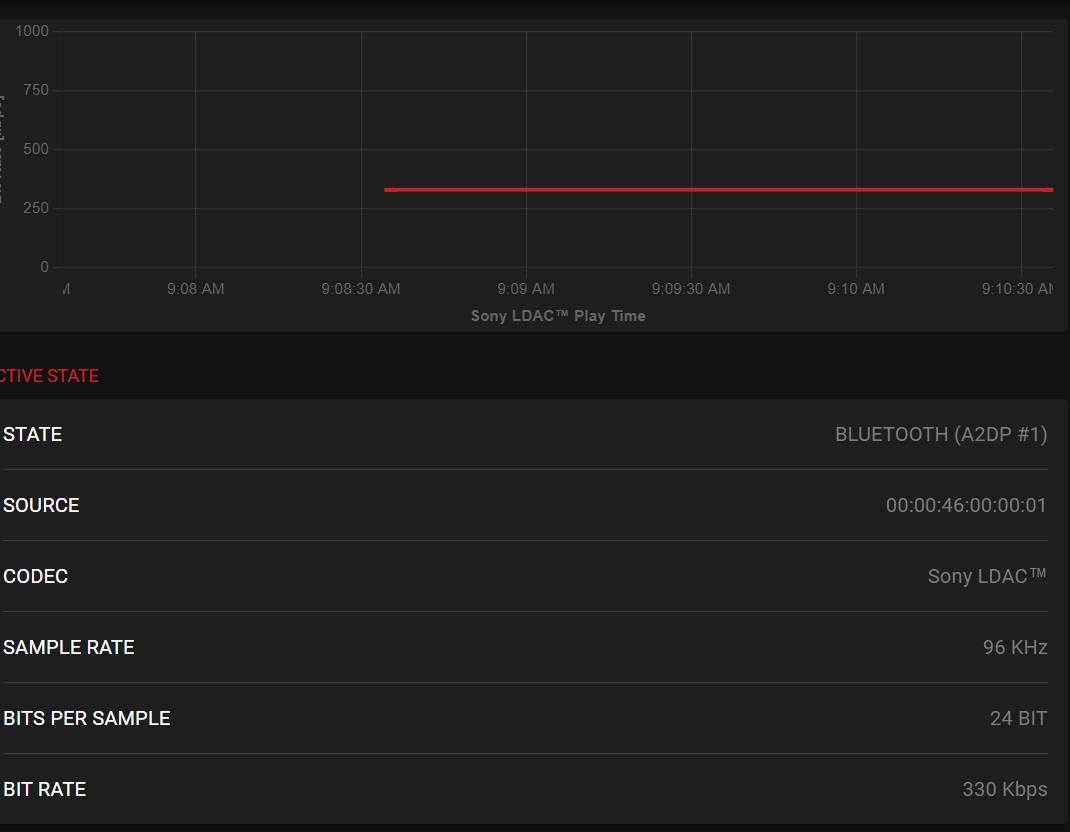
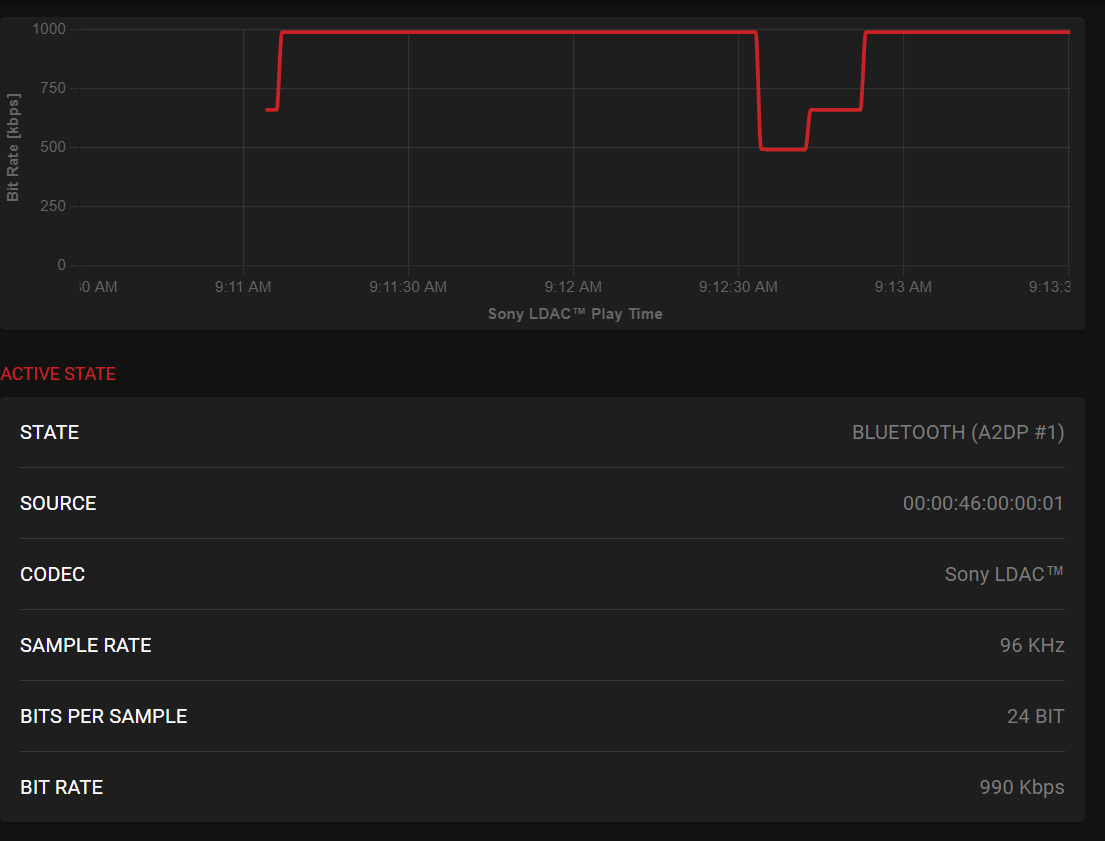
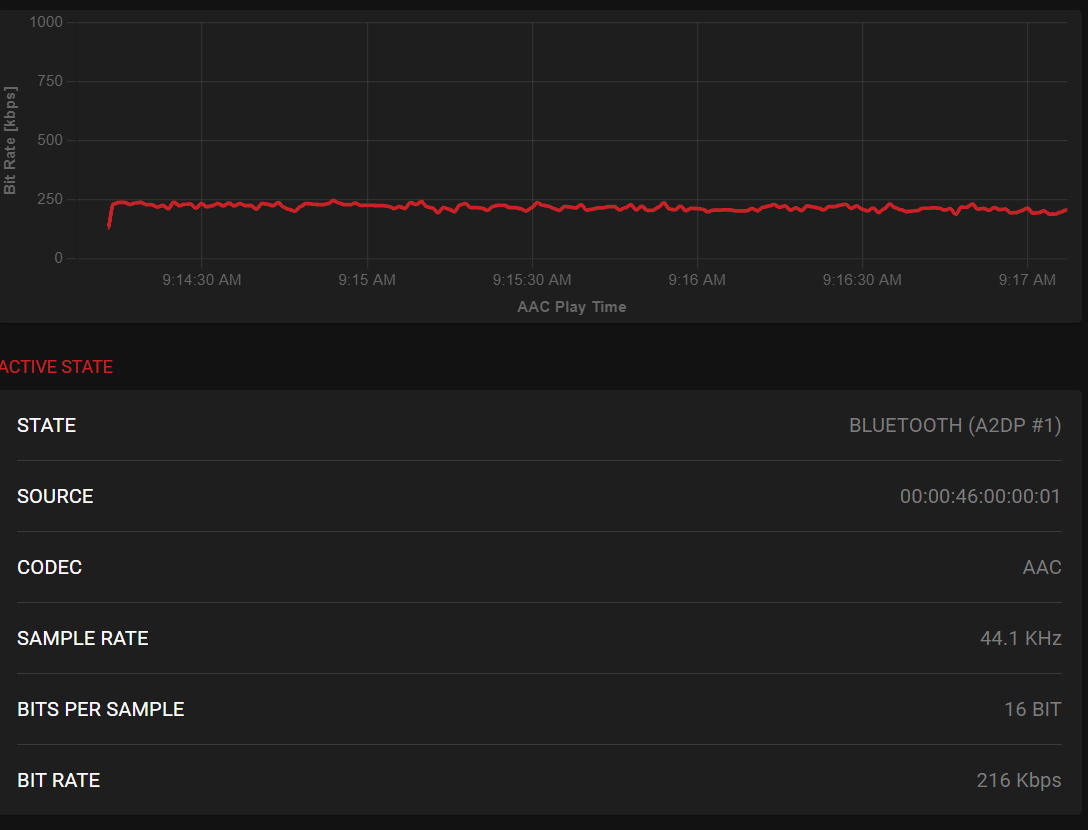
Bluetooth support is also solid for this price. The F20 Pro supports Bluetooth 5.0 with SBC, AAC, and LDAC. Supporting LDAC has become fairly standard now, even on budget DAPs, but it’s still nice to see it here. You even get options to select specific codecs, and for LDAC, the bitrate mode.
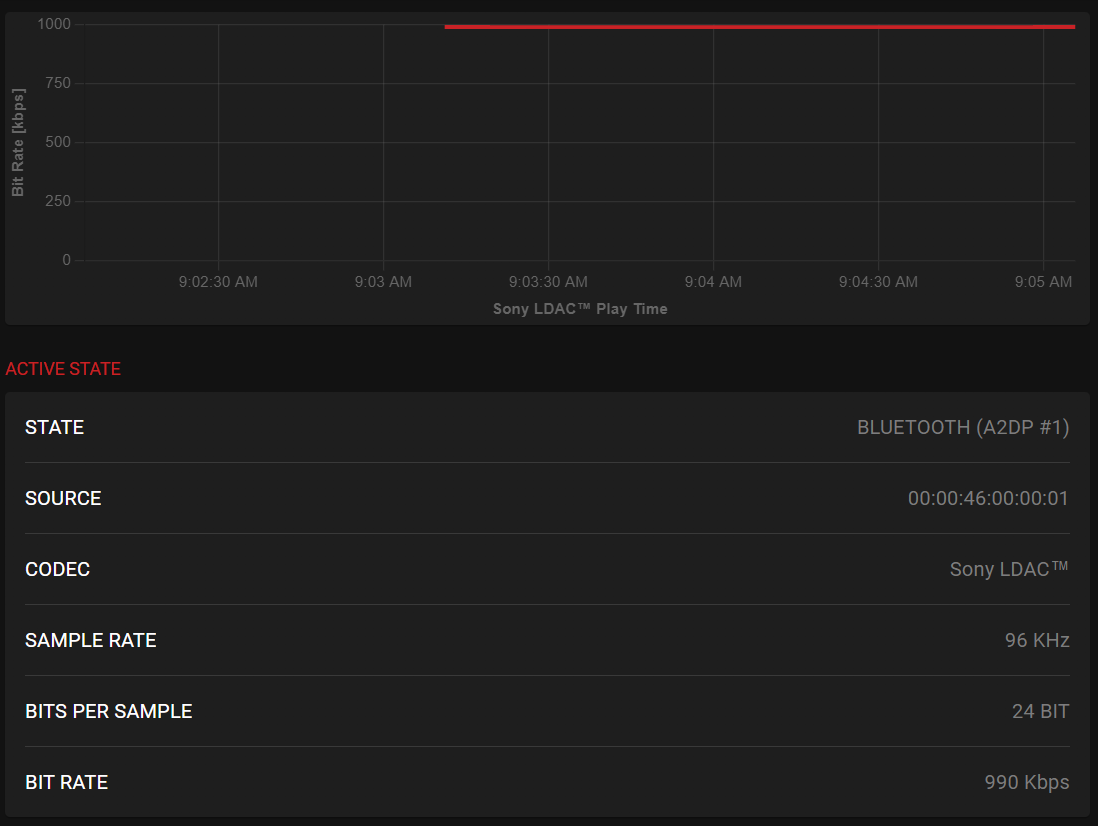
Testing the actual connection stability with my Qudelix 5K, you can see in the screenshots below that the LDAC performance is flawless, and I had no issues with dropouts or stutters. ASC performance is also good, if a little uneven.


Battery Life
Surfans rates the battery life for the F20 Pro for up to 10 hours of playback time, and that feels realistic for a compact Android DAP with a 2000mAh battery. Battery life does depend heavily on how you use it, so local playback with the screen off will last much longer than, say, streaming music over WiFi with the screen on.
The actual battery performance is acceptable. In general, I get close to the 10-hour mark with playing local files in USB Audio Player Pro (UAPP). This is with the screen at about 60%, WiFi and Bluetooth off, and the volume at around 25 on low gain.
The standby performance is good, and much better than I expected, honestly. I consistently observed a 4-5% drop in battery life over 24 hours, which, for an Android DAP, is pretty decent. This is with no apps open.
Charging takes about three hours, which is not especially fast. I would have liked to see faster charging, but at this price, I can live with it. You can charge the device even when it’s powered off, which I do like to see.
Syncing Music and Playlists
Transferring music to the F20 Pro is straightforward. The easiest way is to copy all of your music to the microSD card, then pop it into the DAP, and scan for music using whichever music player you like. You can also connect the F20 Pro to a PC to access both the internal storage and microSD card, but it’s honestly faster to use a microSD card adapter to copy files to it. There isn’t much internal storage to be used (32GB total, but about 20GB is usable), so you will want to use a microSD card anyway.
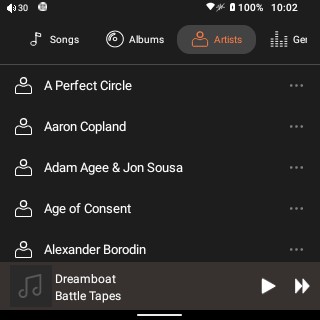
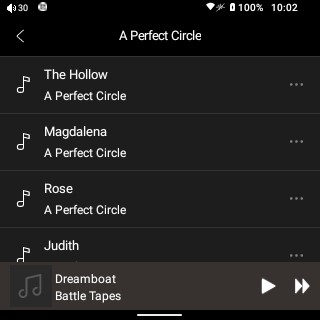
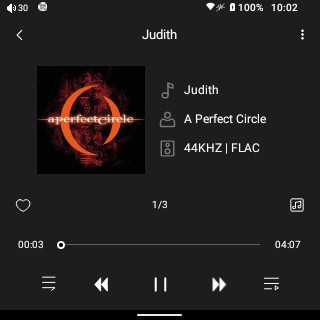
Playlist handling will depend heavily on the app you use, but in general, most apps support M3U playlists. The built-in player (Surfans HiFi Player) is fine for basic use, but it doesn’t support importing playlists. The app itself is also extremely limited, so I would recommend installing a third-party app anyway.
This is one of those areas where the F20 Pro benefits greatly from running Android. You are not locked into Surfans’ own software.
Overall User Experience
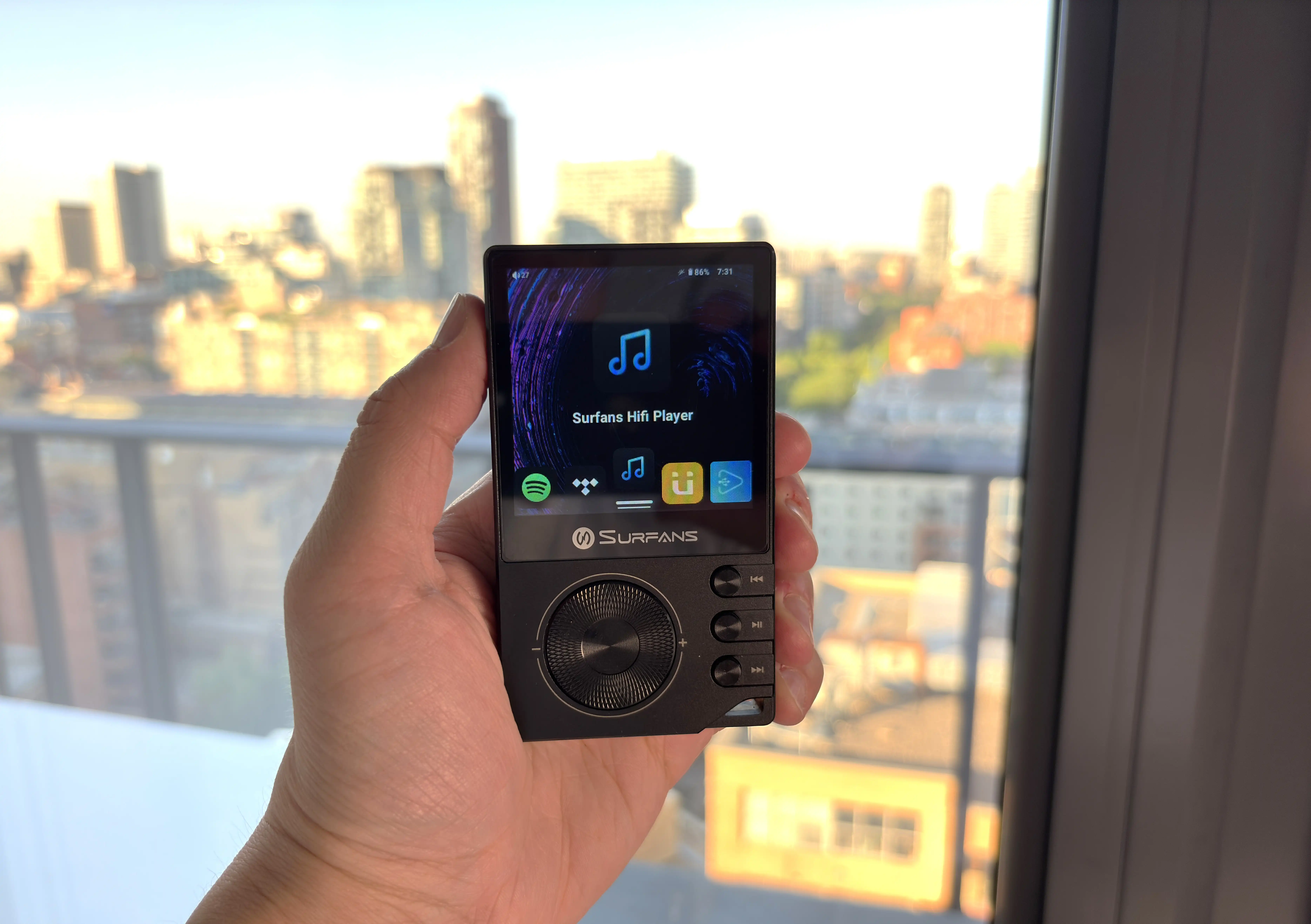
The Surfans F20 Pro is a device that immediately gets better once you understand what it is and what it is not. It is not a premium Android DAP. It does not have the speed, display quality, software polish, or refinement of something like the iBasso DX180 or an Android smartphone. However, it is also much cheaper than those devices.
So, how is it to use the F20 Pro as a daily driver DAP? The F20 Pro takes about 45 seconds to boot into a ready-to-use state, which is pretty normal for an Android device. From here, it’s already fairly responsive, and you can select a music player, like UAPP in my case, and start playing music.
The overall touchscreen responsiveness is pretty good, especially after the latest firmware update. I haven’t had any issues with ghost touches or gestures not registering. At this point, the main issue/limitation is the small screen. A small screen limits the touch points quite a bit, so those with big fingers may have issues here.
The UI takes some getting used to. Scrolling through the lineup of apps using the volume wheel is painfully slow, especially if you have quite a few apps installed. There is no app drawer or search function, so you literally have to scroll through app after app to get to the one you want to use. Swiping with your finger is infinitely faster, but I’d personally like to see an effort made to improve the launcher.
Apps launch quickly and, really, I had no issues using any of the streaming apps (Qobuz, Spotify, Apple Music) or apps like UAPP and Poweramp. Even the EarFun Audio apps work just fine. Again, it’s Android, so you have this flexibility. The only problem I’ve run into is the screen size (again). Most apps actually adjust pretty well to the smaller screen, but you won’t be getting the same experience as you would on larger devices.
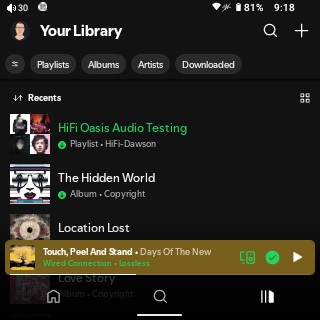
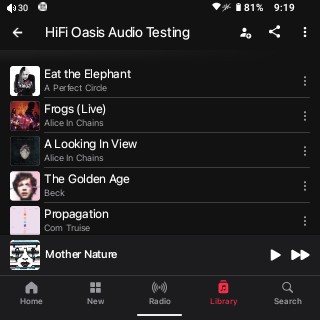



Spotify actually looks great and adjusts well here. You get the album art and playback controls on the screen, as well as the seek bar. Apple Music is also very usable, but when you make the current playing track full screen, you lose the playback controls, with only the album art and seek bar showing (not the end of the world, though). Qobuz is closer to the UI of Spotify, where you get the playback controls and seek bar on the screen, but the album art gets condensed considerably.
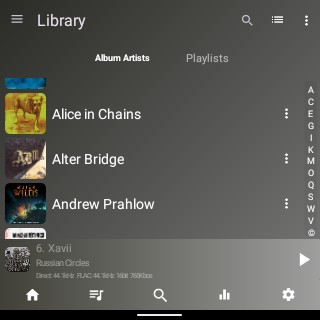
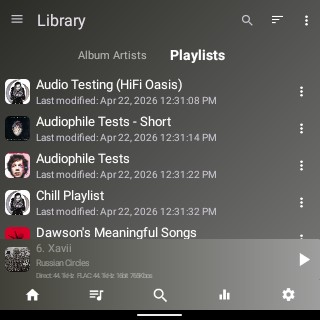
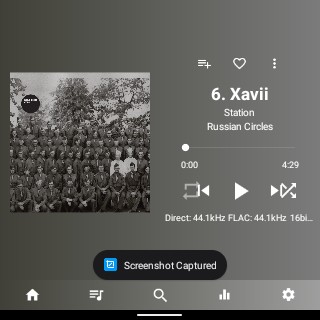


UAPP and Poweramp are very usable and adjust well to a smaller screen. For UAPP, you even have the option of hiding the status bar at the top to get a bit more space. Combine this with the use of gesture navigation instead of the 3-button navigation, and you will be able to use as much of the screen as possible (which is why I mentioned earlier about the use of gesture navigation).
Unlike the original F20, you can use the playback controls of the F20 Pro while the screen is off. It’s “hidden” under the setting in the notification shade tiles called “Physical keyboard”. Enabling this allows the controls and volume wheel to be used when the screen is off. I would like to see Surfans go the extra mile and customize the name to one that is more descriptive, as well as give the option to disable only the volume wheel when the screen is off (to prevent accidental volume changes when the DAP is in your pocket).
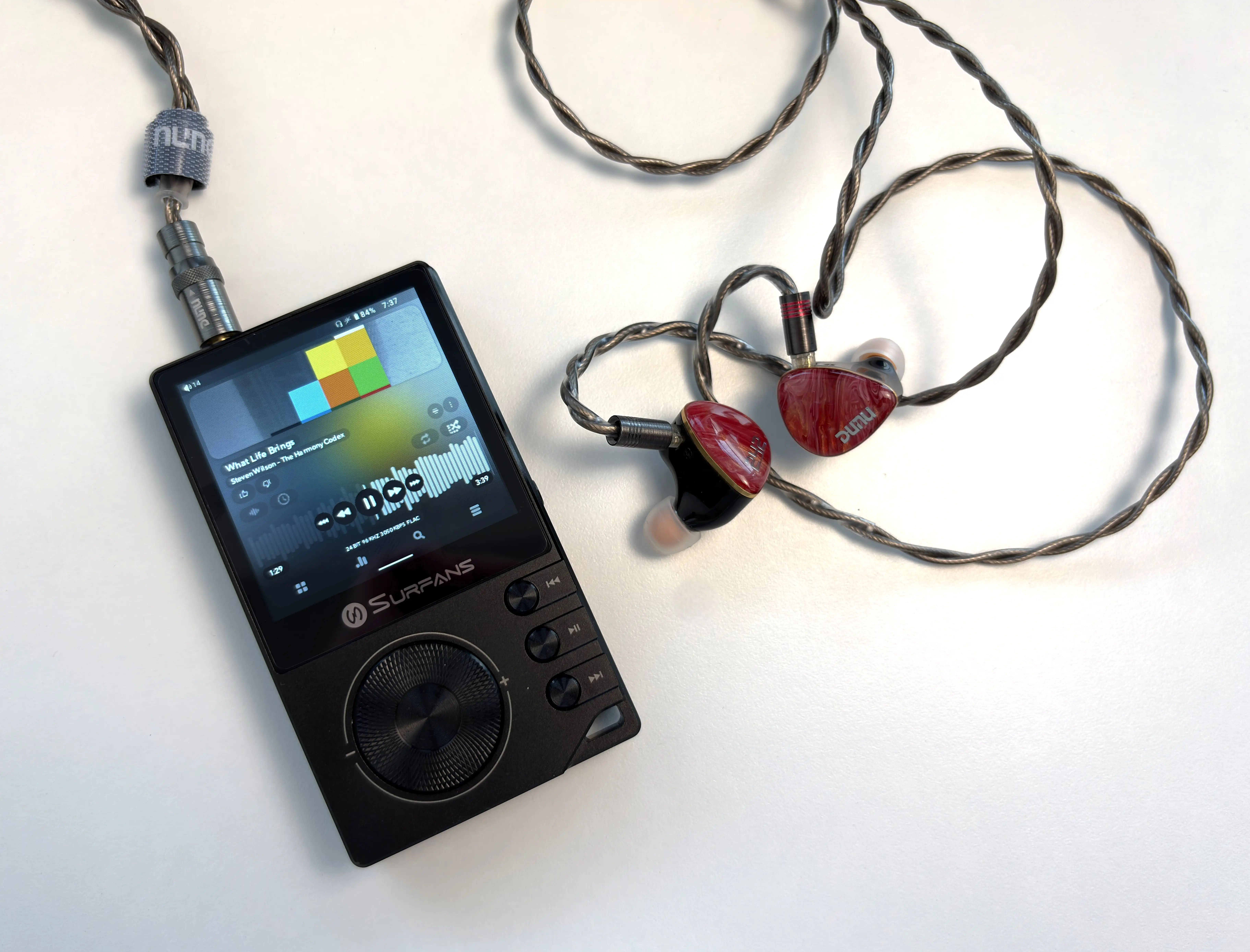
The actual buttons on the device feel great to use, though. They’re tactile yet not very audible, and also placed in logical and comfortable positions on the DAP. When you’re on the main screen of the F20 Pro, you can use the volume wheel to move between different app icons in the launcher, and then press the play/pause button to select it. It’s a nice touch, but also feels watered down, and at times counterintuitive. For example, if you are playing music and you go back to the main launcher screen, you can’t change the volume unless you open an app or pull down on the notification shade. As well, if audio is playing, the play/pause button will control playback instead of selecting an app in the launcher. Little inconsistencies like this make the physical controls less impactful.
The volume wheel also changes the volume somewhat slowly, which is great if you want minor adjustments, but frustrating for big changes. I did find, though, that you can manipulate the volume bar with your finder once it’s activated.
A couple of final notes. It might be necessary to change the battery usage permissions for some music streaming apps. Sometimes I’ve noticed that when you turn the screen off while music is being played, from say, Apple Music or Qobuz, the audio begins to stutter infrequently. I have found that if you go to Settings – Apps – Name of the App – Battery, and set it to “Unrestricted”, the audio stutter goes away. This can also happen when you have more than one app open in the background, so multitasking is not something you will want to be doing on this DAP (or any Android DAP, really).
I also noticed that in-line controls from headphone cables do not work, and sometimes with Bluetooth headphones and TWS earbuds, changing the volume using the controls on the headphone or earbuds will also change the track.
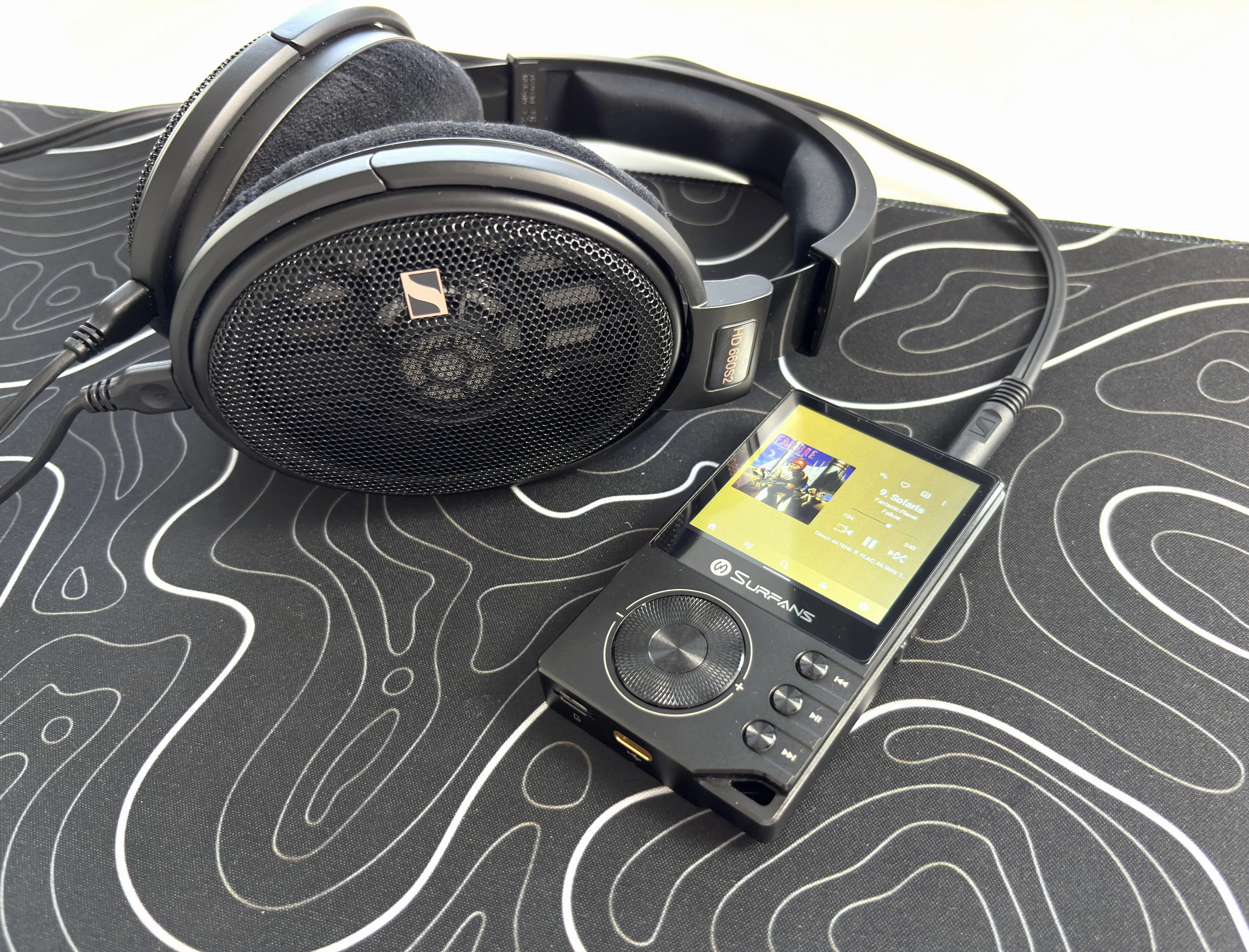
Lastly, you can connect USB-C headphones or a USB-C dongle DAC/Amp to the F20 Pro. Interestingly, though, the F20 Pro lacks the ability to be used as a USB DAC (I personally don’t use DAPs in this way, but for those that do, just note that the F20 Pro does not have this feature).
I will sum up the overall user experience by saying that once you know what kind of device you’re using, and you set your expectations appropriately, the F20 Pro is actually pleasant and easy to use, and you get an enjoyable audio experience with it.
Output Power
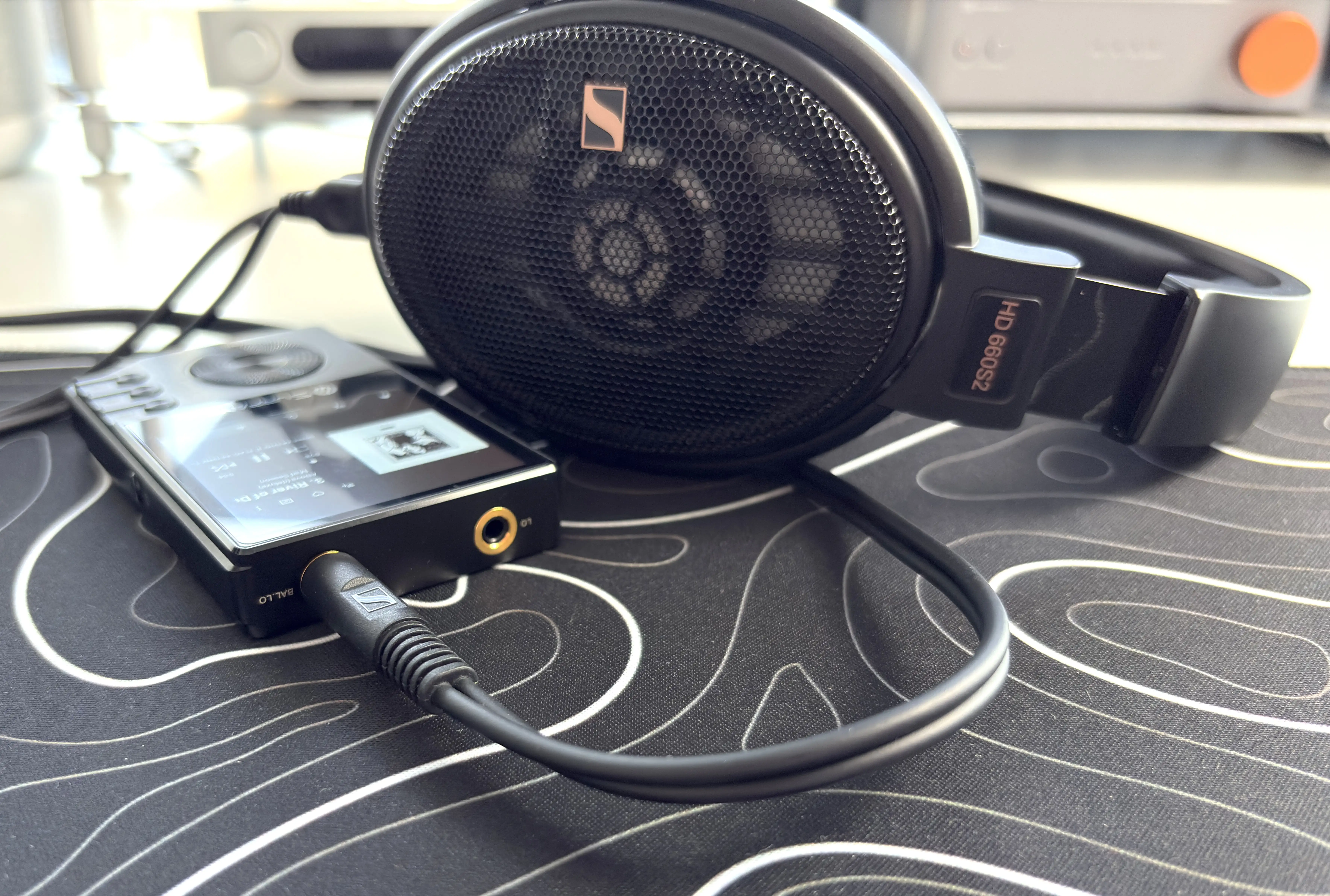
Output power is one of the F20 Pro’s stronger areas compared to other DAPs in this price range. The 3.5mm single-ended output is rated at up to 125mW per channel at 32 ohms, while the 4.4mm balanced output is rated at up to 500mW per channel at 32 ohms.
For IEMs, this is more than enough power. Even on the 3.5mm output on low gain, I had no issue with the volume level with all of the IEMs I tested. The 4.4mm balanced output gives the F20 Pro extra headroom and makes it a better match for harder-to-drive headphones. Even headphones such as the HIFIMAN Sundara and Edition XV, and even my Sennheiser HD 660S2, all sounded great when used with high gain.
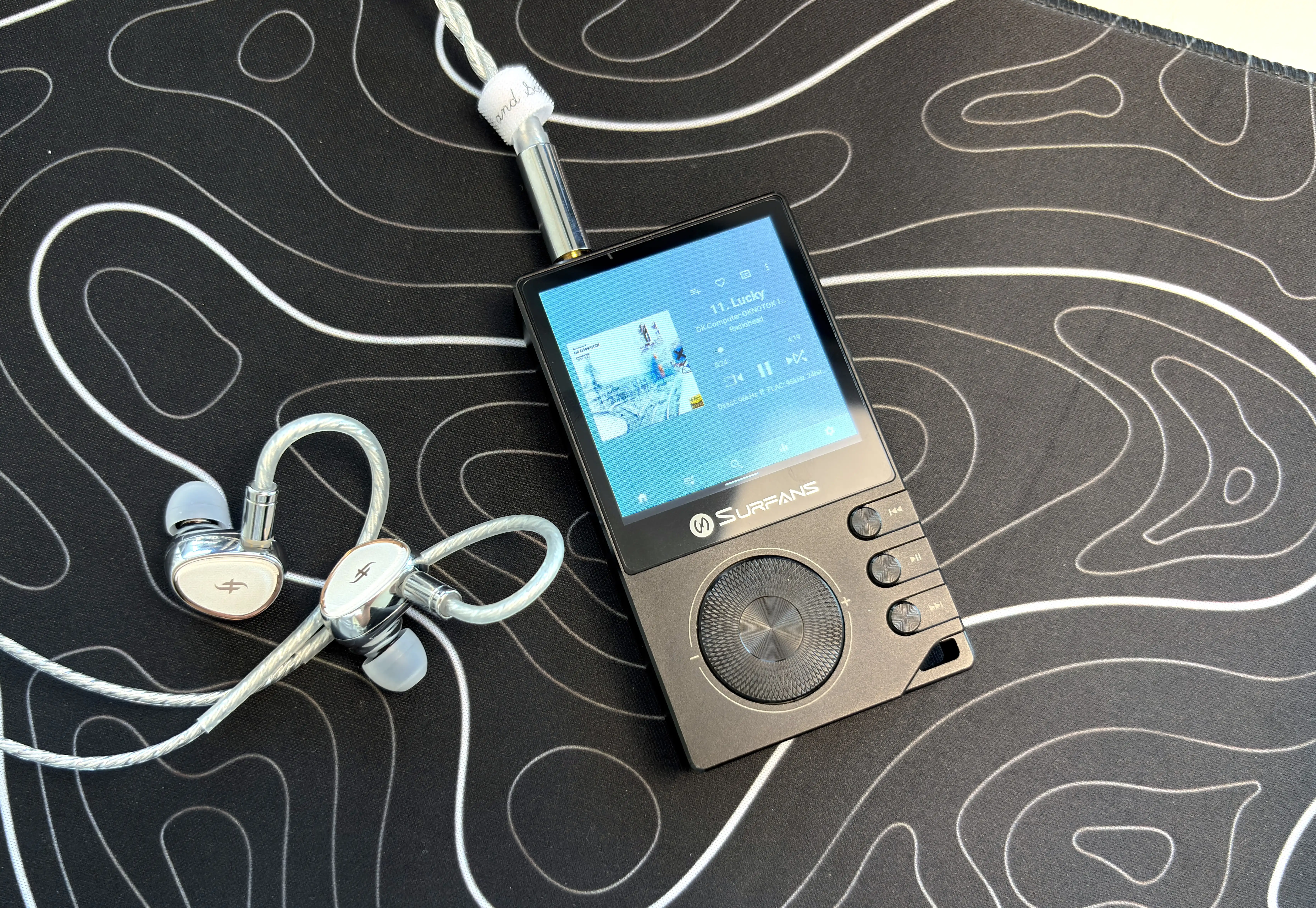
Noise floor performance is also important with a device like this. This was an issue with the F20, and Surfans has specifically stated they made this a priority when developing the F20 Pro. With most of my IEMs, there was no perceptible background hiss or noise. With very sensitive IEMs like the Campfire Audio Andromeda 10, I did hear a very slight amount of hiss, but I had to strain to hear it, and it was not noticeable when listening to music. I think Surfans did an excellent job here, and the F20 Pro is very usable with the majority of IEMs.
Sound Quality
Main IEMs and headphones used for this review:
- Campfire Audio Andromeda 10
- Crinear Reference
- DUNU DN242
- Focal Azurys
- HIFIMAN Edition XV
- Sennheiser HD 660S2
- Simgot EA1000
- SIVGA SV021 Pro V2
- ZiiGaat Horizon
Links to my music playlist used for the majority of testing:
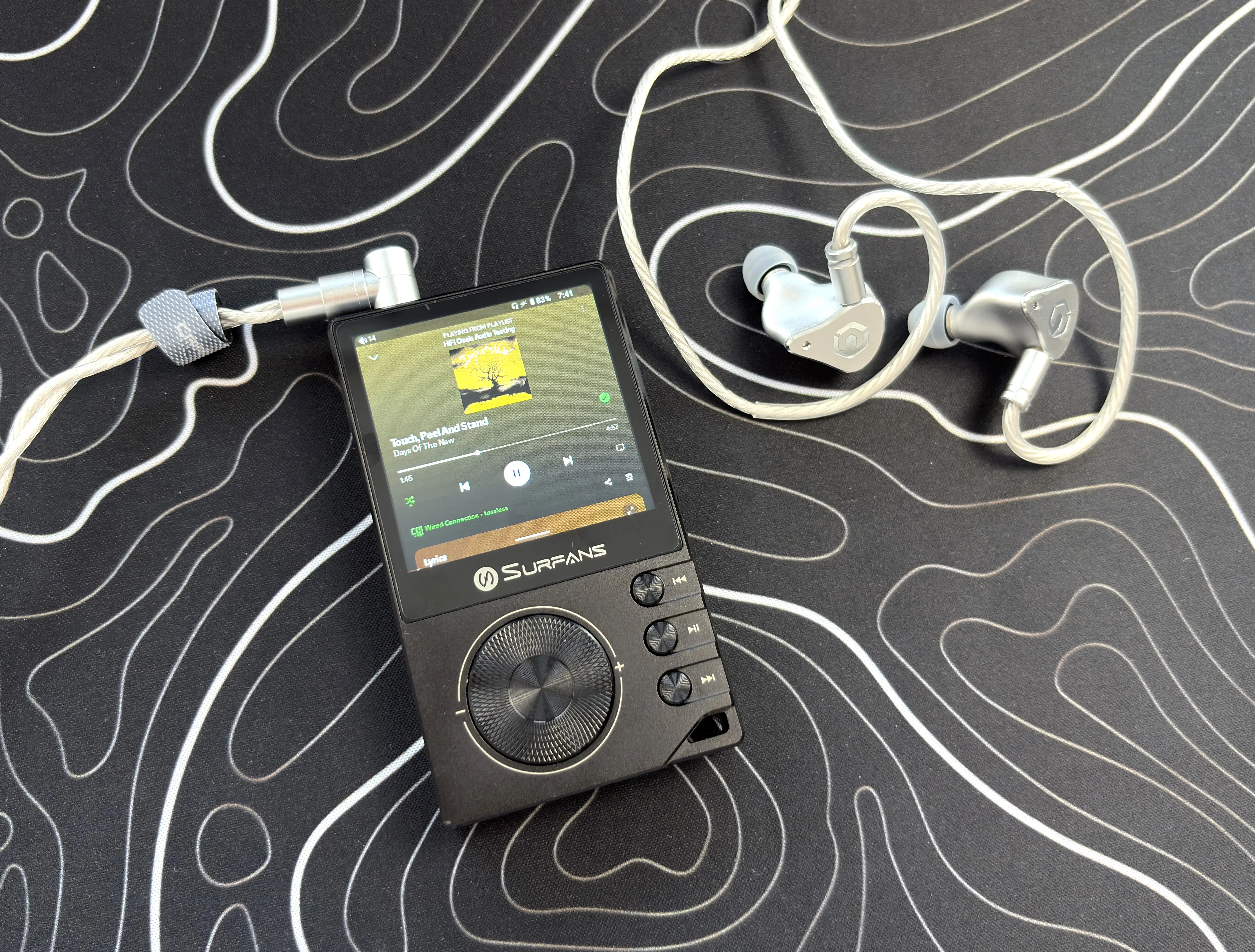

The Surfans F20 Pro is using the same ES9018K2M DAC chip that is in the F20, although now it’s using two of them for a dual-channel DAC design. Most likely, this is to ensure a low noise floor (as we just talked about), low distortion, and a stable, consistent output.
Objectively, the F20 Pro has a clean, slightly energetic sound that will pair quite well with almost any IEM or headphone. For a budget DAP, it strikes a good balance between clarity and listenability, ensuring that it does not sound too sterile or clinical.
As for my subjective sound impressions, the F20 Pro still sounds fairly neutral and open like the F20 does, but it has a refinement that makes it very addictive to listen to. At this price, there isn’t a single DAP that I have heard that can compete with how the Surfans F20 Pro sounds. I’d have to go all the way up to something like the FiiO M21 to find a DAP with similar detail retrieval and nuanced instrument layering. It’s that good.
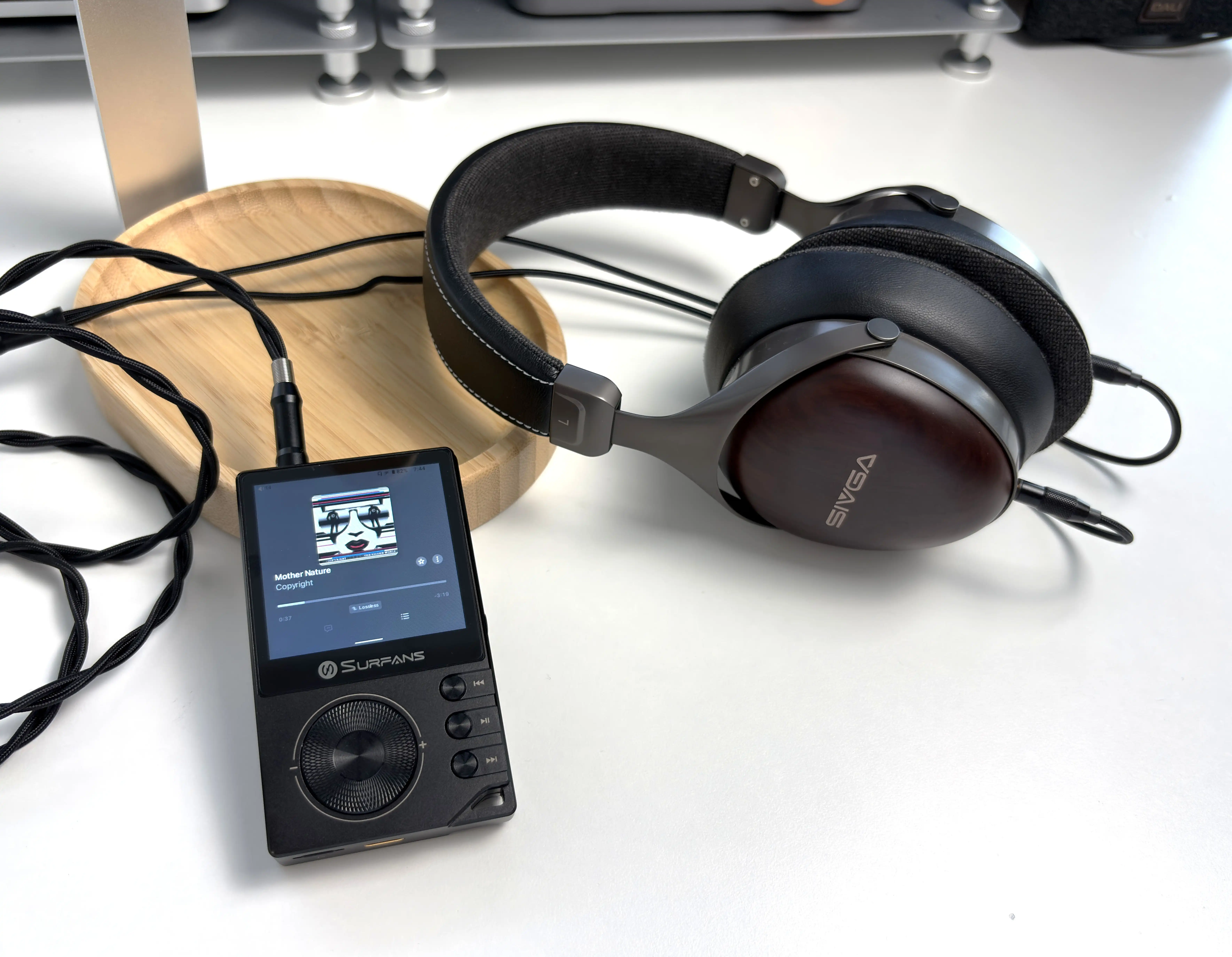
The bass response is fairly controlled and tight. The F20 Pro does not add a huge amount of warmth or weight on its own, so the bass performance will really depend on the IEM or headphone you are using. With warmer IEMs, that neutrality helps keep it from sounding too thick. With brighter or leaner IEMs, I would not say the F20 Pro adds much body or weight, so you’re still getting an uncolored sound.
The midrange is clean and overall direct. Male and female vocals come through with good clarity, and instruments have decent separation. More expensive DAPs will give you better layering, a more natural sense of space, and more texture through the midrange, but the F20 Pro never feels muddy or congested. Again, for $149, I can’t complain about any of this as the F20 Pro delivers much more than one expects at this price.
The treble performance is crisp without becoming aggressively sharp. It brings a good amount of energy here without sounding fatiguing, and especially pairs well with classical, rock, and pop music. There is enough treble presence to retain detail, but it does not overdo it. There’s also enough roll-off to keep up with even the most detailed of IEMs.
Technical performance is good for the price. Detail retrieval, imaging, and separation are all a step above what I expect from a digital audio player at this price. The F20 Pro does not have the blackest background, the widest stage, or the most effortless dynamics, but it does sound like a proper audiophile DAP.
Final Thoughts
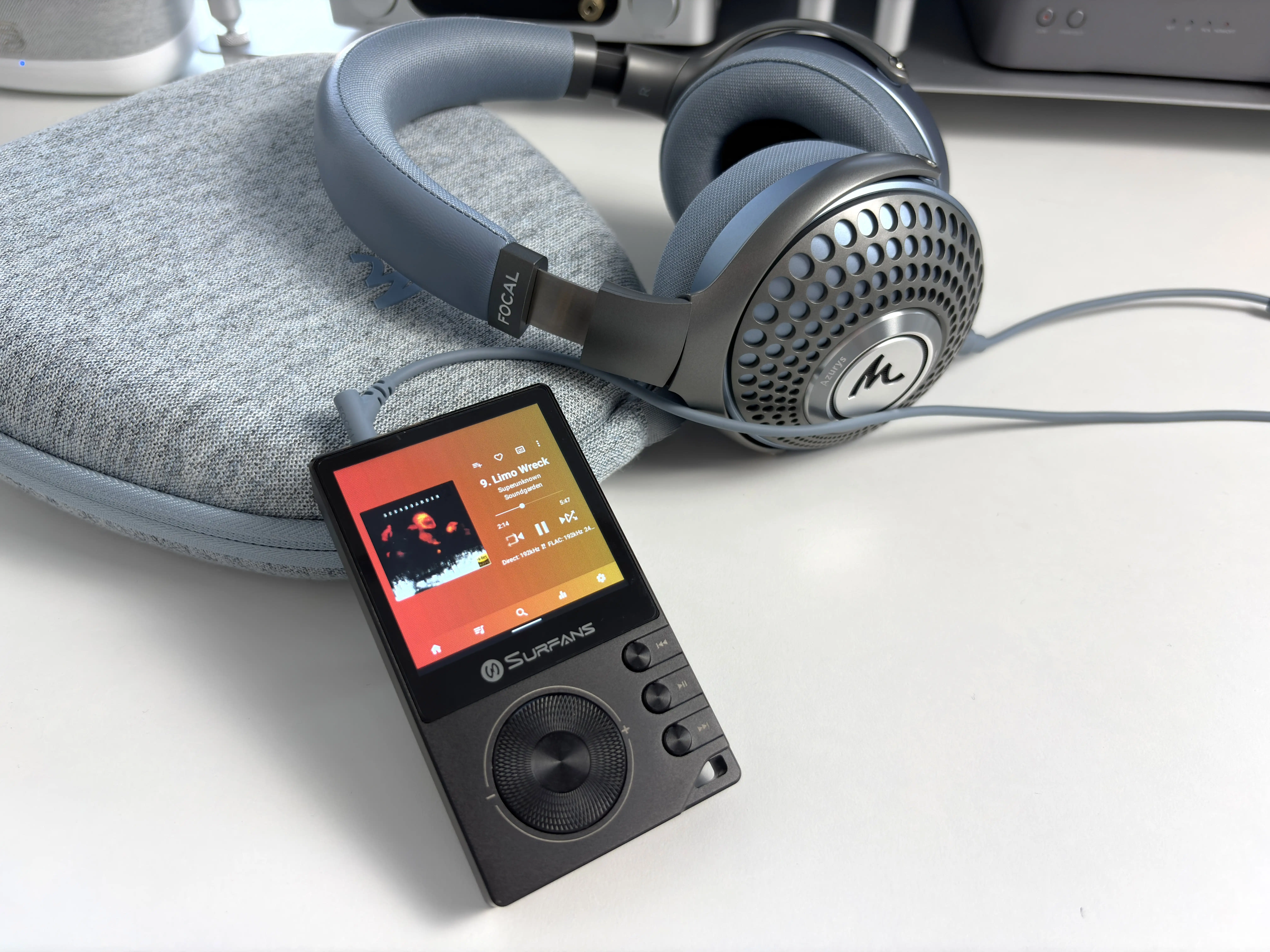
Surfans sent me the F20 Pro way back in March, so I’ve been using it extensively during that time (roughly 3 months). Originally, it was a rough experience, mostly due to the touchscreen being overly sensitive, as well as some resource optimization issues that made the whole device feel slower than it should have been.
Fast forward to today, and it feels like a completely different device, thanks to the multiple firmware updates that Surfans has rolled out in that time. I think Surfans made some incredible strides with the F20 Pro’s performance, and it now feels like a cohesive, mostly polished experience.
As I have mentioned several times in this review, you need to set your expectations accordingly (and I feel this is also true for most DAPs). If you’re used to using a smartphone as your everyday music listening device, the F20 Pro (and most other DAPs, really) will not have the same layer of polish and refinement as devices from Apple, Samsung, and Google. But, once you accept the F20 Pro for what it is, you can start to appreciate the experience
At $149.99 USD, it brings Android 12, dual ESS DACs, 3.5mm and 4.4mm outputs, Bluetooth with LDAC support, dual-band WiFi, expandable storage, physical controls, and enough output power to drive most IEMs and many over-ear headphones. That is a strong feature set for the money. On top of that, the F20 Pro sounds good. So good, in fact, that I am choosing to use it over more expensive DAPs.
The biggest compromises are software polish and the screen size. The Android experience is functional, but not always smooth due to the chosen launcher, as it makes finding and selecting apps somewhat cumbersome. The volume wheel also feels underutilized here, and honestly, could be of better quality (why didn’t they just use the scroll wheel from the original F20?). The touchscreen can be finicky to type on and select specific areas due purely to its small size, but overall, it is functional.
Lastly, the included case makes gesture navigation more annoying than it should be (though I appreciate that a case was included to begin with).
Overall, the core user experience is good. The F20 Pro sounds clean, has a low enough noise floor, supports streaming apps, works well with local files, and gives budget-minded users a proper Android DAP option without needing to spend $300+. If you want the smoothest and quickest Android DAP experience possible, this is not it. Save up for something more powerful. If you want a digital audio player that will get you mostly there at more than half the price of other DAPs, then the Surfans F20 Pro is very easy to recommend.


Purchase Links
Buy from Amazon: https://amzn.to/4vrHyCv
Buy direct from Surfans: https://www.surfans.net/products/surfans-f20-pro
The above links may be affiliate links. All commission earned through them goes directly to maintaining this site and bringing you more audio reviews.
I’m not always able to cover all the details of a product, both hardware and software, in my reviews. If you have any specific questions about this product, please feel free to leave a comment or contact me directly.
Be sure to check out our excellent Buyer’s Guides, as well as our other Reviews.
HiFi Oasis Verdict
HiFi Oasis Verdict-
Design & Build Quality8/10 Very good
-
Sound8/10 Very good
-
Features/Accessories7/10 Good
-
Value8/10 Very good
Pros
- Clean, neutral, and slightly energetic tuning
- Excellent sound quality for the price
- 4.4mm balanced output with plenty of power
- Low noise floor with most IEMs
- Android 12 with Play Store access. Supports Spotify, Tidal, Apple Music, Qobuz, UAPP, etc
- Bluetooth with LDAC support
- Stable dual-band WiFi performance
- Compact, solid CNC aluminum build
- Physical playback buttons work well
- Good standby battery performance
- Quality included accessories (pre-applied screen protector, case)
- Surfans has been active in improving the software experience
- Great value at $149 USD
Cons
- Small 2.73-inch screen can feel cramped
- OS launcher is basic and slow to navigate
- Volume wheel is underwhelming and underutilized
- Included case interferes with gesture navigation
- Built-in music player is very limited
- Lacks features commonly found in Android DAPs (no system-wide EQ, no USB DAC mode, inline headphone controls do not work)
- Charging is fairly slow


