




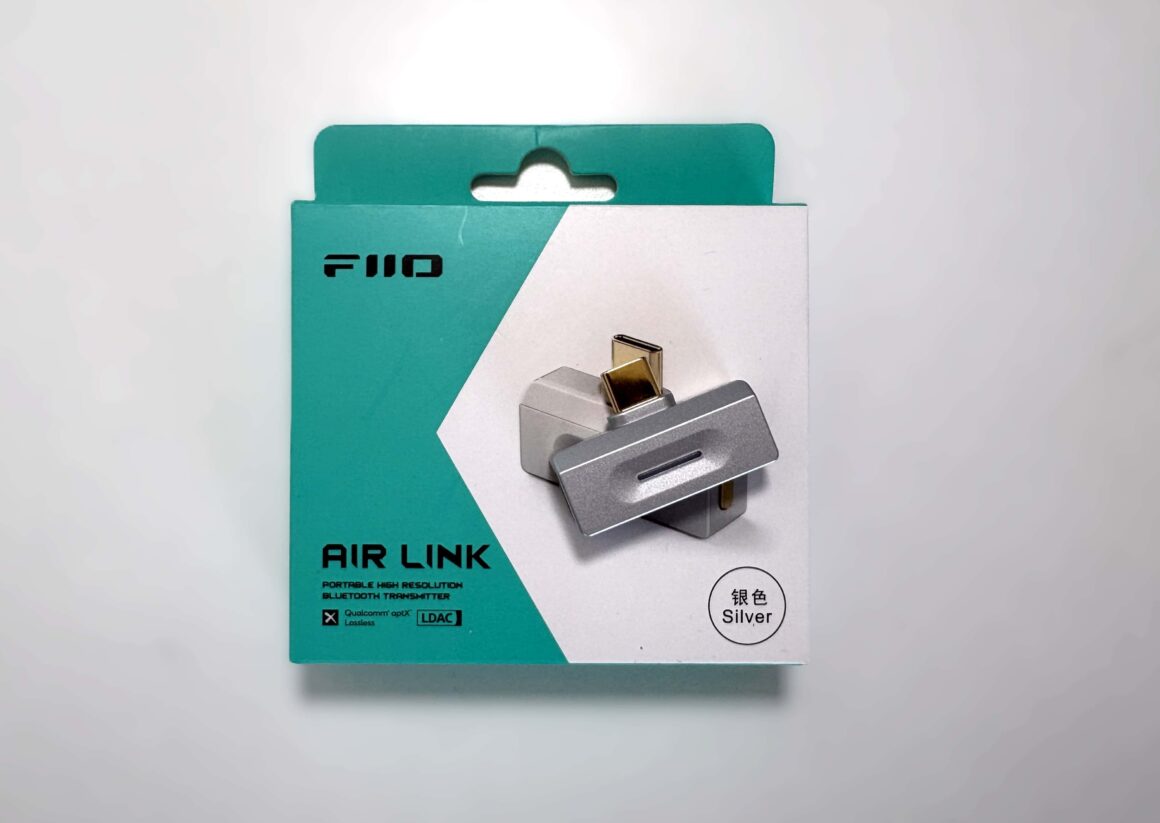
Disclosure: I’d like to thank FiiO for providing me with the Air Link for this review. All thoughts and opinions are my own, and FiiO had no say or input on the contents of this review.
The FiiO Air Link is a pocket-sized USB‑C Bluetooth transmitter designed to add, or even “upgrade” a device’s Bluetooth audio by adding high-resolution codecs that most phones don’t natively support. In practice, it plugs into a smartphone, tablet, laptop, or digital audio player and enables LDAC, Qualcomm aptX (HD/Adaptive/Low‑Latency/Lossless) audio streaming – far beyond the basic AAC or SBC your device normally offers. Powered by Qualcomm’s QCC5181 chip and Bluetooth 6.0, the Air Link promises to deliver a stable, long-range connection (roughly 35m line-of-sight) with low latency. In short, the Air Link “liberates” compatible devices from codec limitations (e.g., allowing iPhones to use LDAC or aptX Lossless instead of AAC) and promises noticeably richer wireless sound when used with high-end earbuds or speakers.
FiiO’s previous iteration of this Bluetooth dongle came in the form of the BT11. It’s a product that I did like and mostly worked pretty well for me. It did suffer from some issues, though, such as inconsistent Bluetooth quality, an extremely cumbersome way to control it from an iOS device, and initially only being able to update it through the iOS app (which was a frustrating experience due to the previous point). It did receive a couple of firmware updates, with the most recent one in October 2025 that really breathed new life into it.
Obviously, if you are someone who did not have a good experience with the BT11, you are probably very skeptical of the Air Link. I can tell you that not only is the Air Link very usable, but it’s actually a great Bluetooth dongle. FiiO has righted most of the wrongs it made with the BT11, at least in my eyes. So let’s get into the review to see exactly why I feel that way.
Key Specifications
- Product Page: https://www.fiio.com/airlink
- MSRP: ~$59 USD (price may vary slightly)
- Product Type: USB Bluetooth Dongle
- Bluetooth: 6.0
- Codecs Supported: SBC, aptX, aptX Adaptive, aptX Lossless, aptX HD, aptX LL, LDAC
- Connection: USB-C, USB-A with included adapter
- Features:
- No driver install required
- USB-C charging passthrough support
- FiiO Control mobile and web app support
- Supported Platforms:
- All USB class-compliant devices
- Dimensions:
- 34.5mm x 23.5mm x 9.5mm
- Weight: 5 grams
In the Box
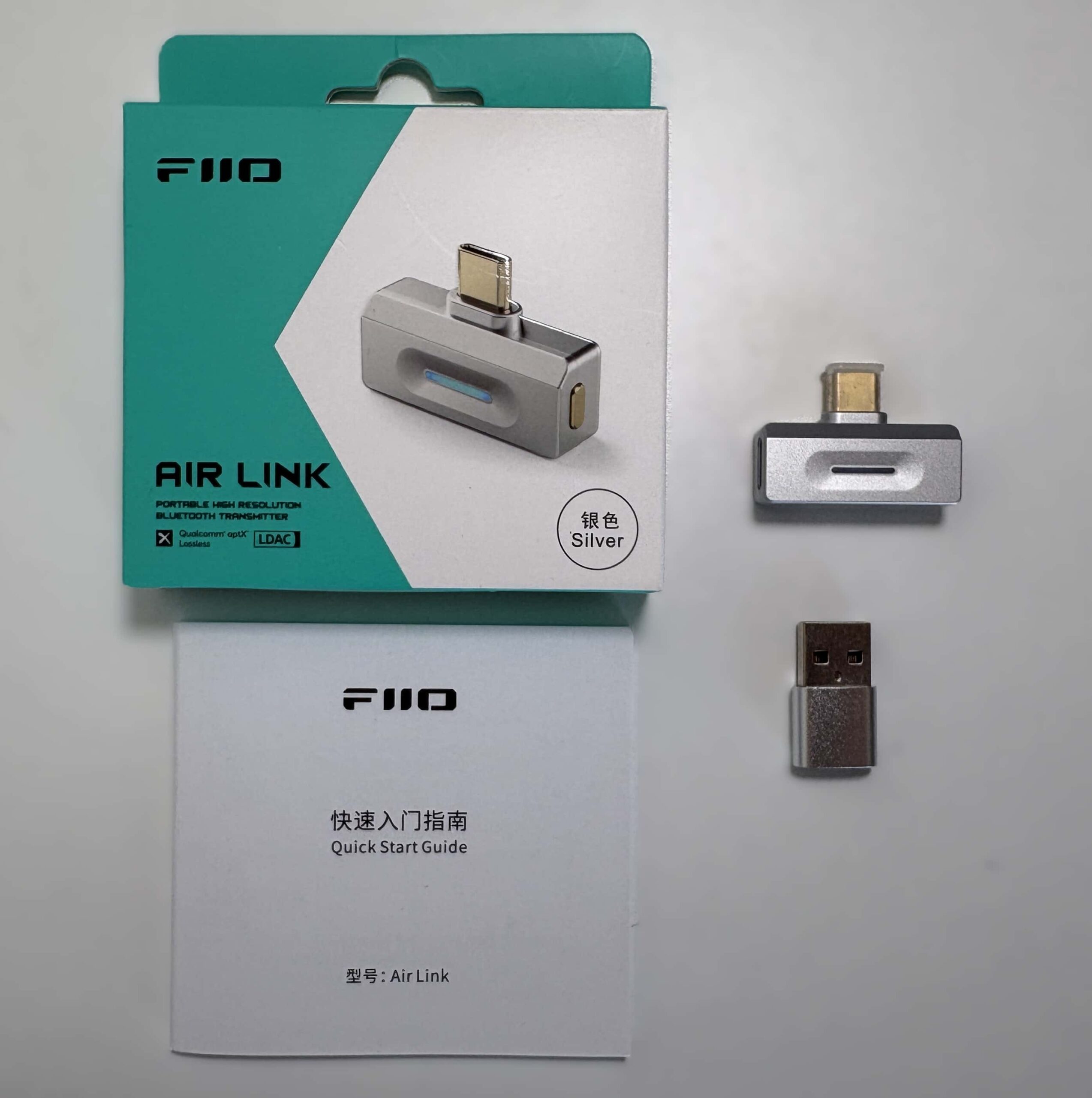
- FiiO Air Link
- USB-C to USB-A adapter
- USB-C cap
- Manual
Design & Build Quality

The FiiO Air Link is extremely compact, weighing roughly 5 grams, and has a low-profile T‑bar USB‑C design that sits nearly flush against your device when plugged in. This slim design keeps it unobtrusive and minimizes strain on the port. There’s a small lip that acts as a gap between the main part of the Air Link and the device you plug it into, so you should be able to use it with a smartphone or tablet that is protected by a case (unless you are using a very thick case on your device). The housing is mostly durable plastic, but still feels like it’s well-made and durable.
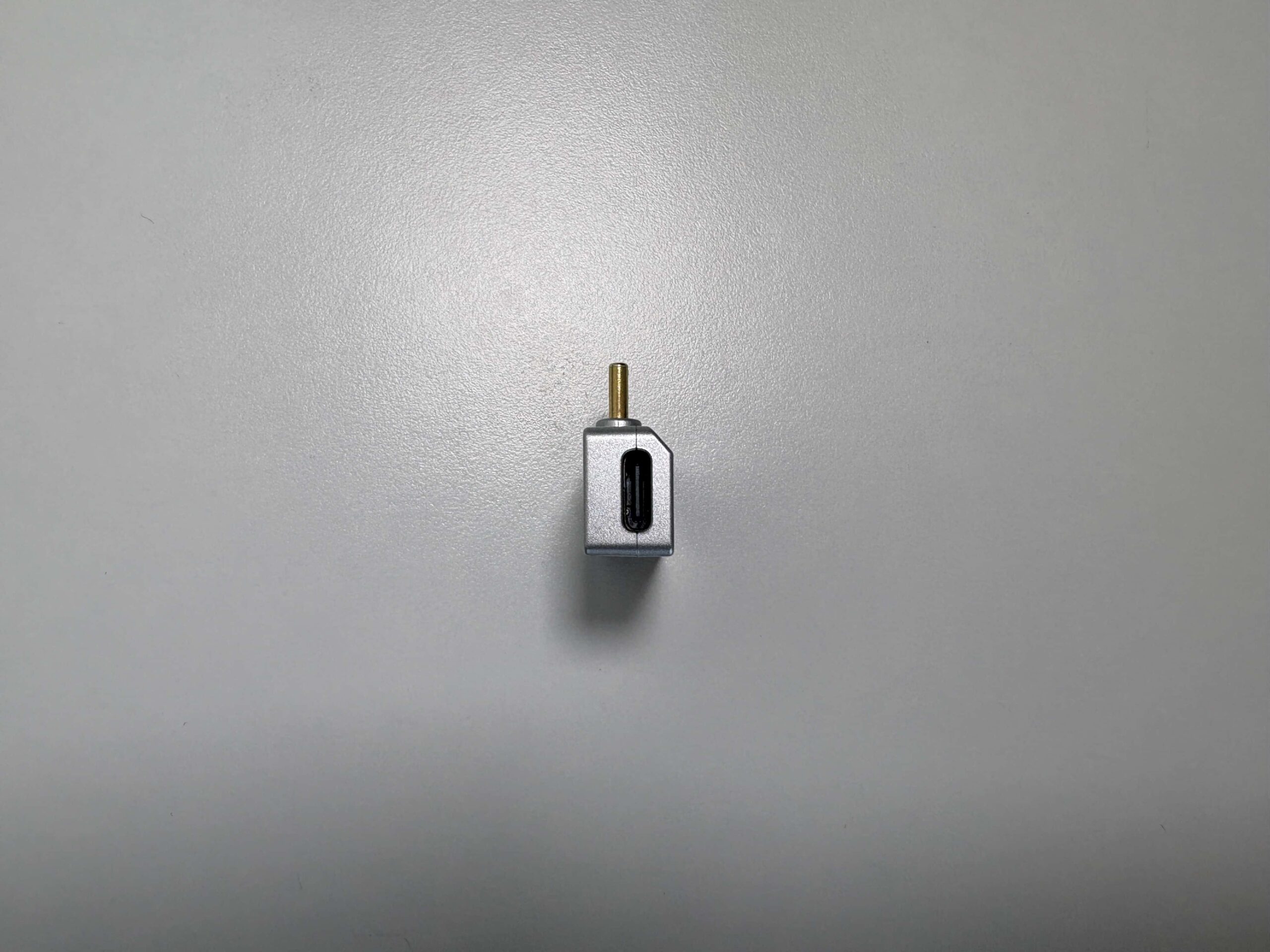
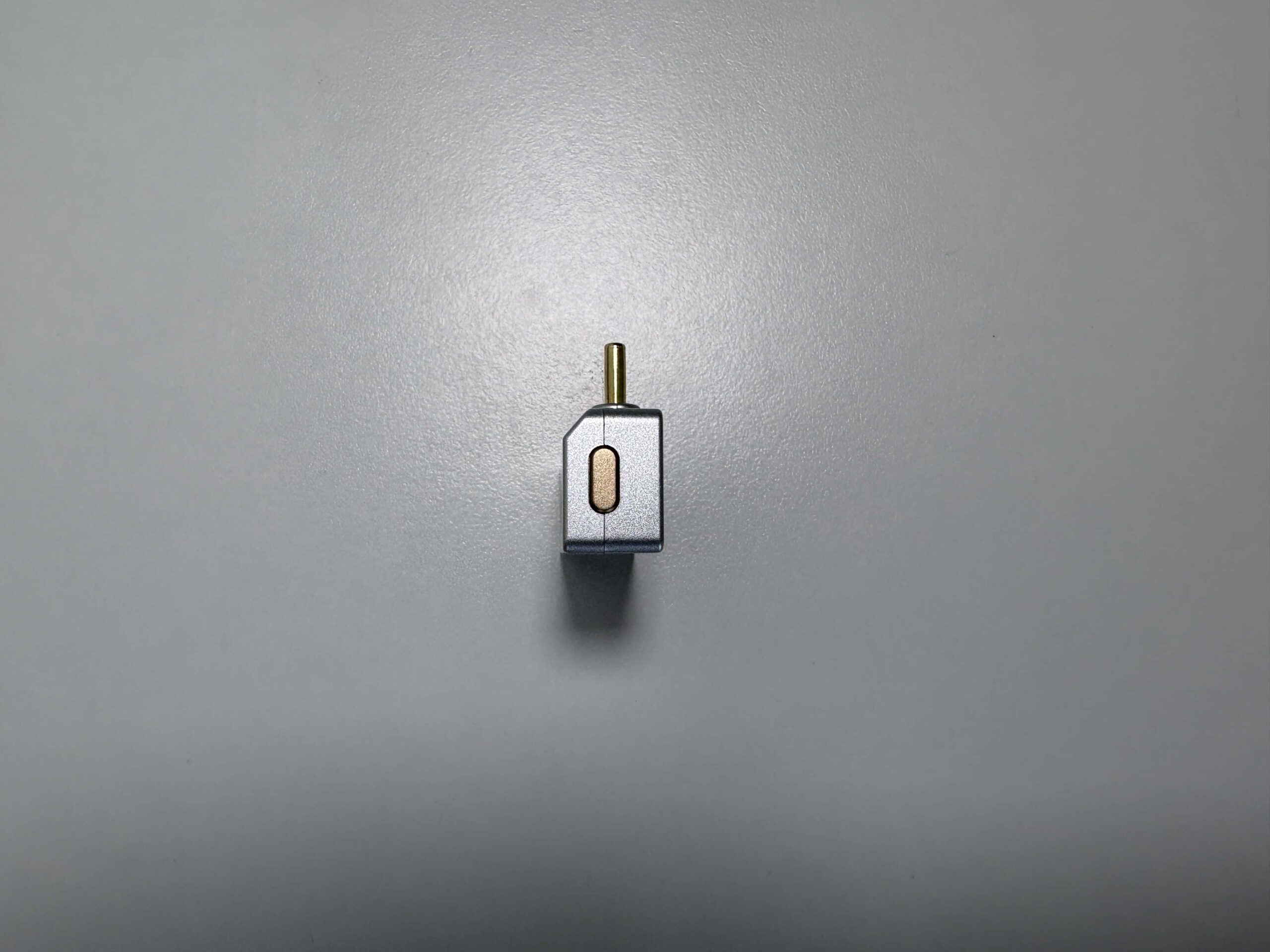
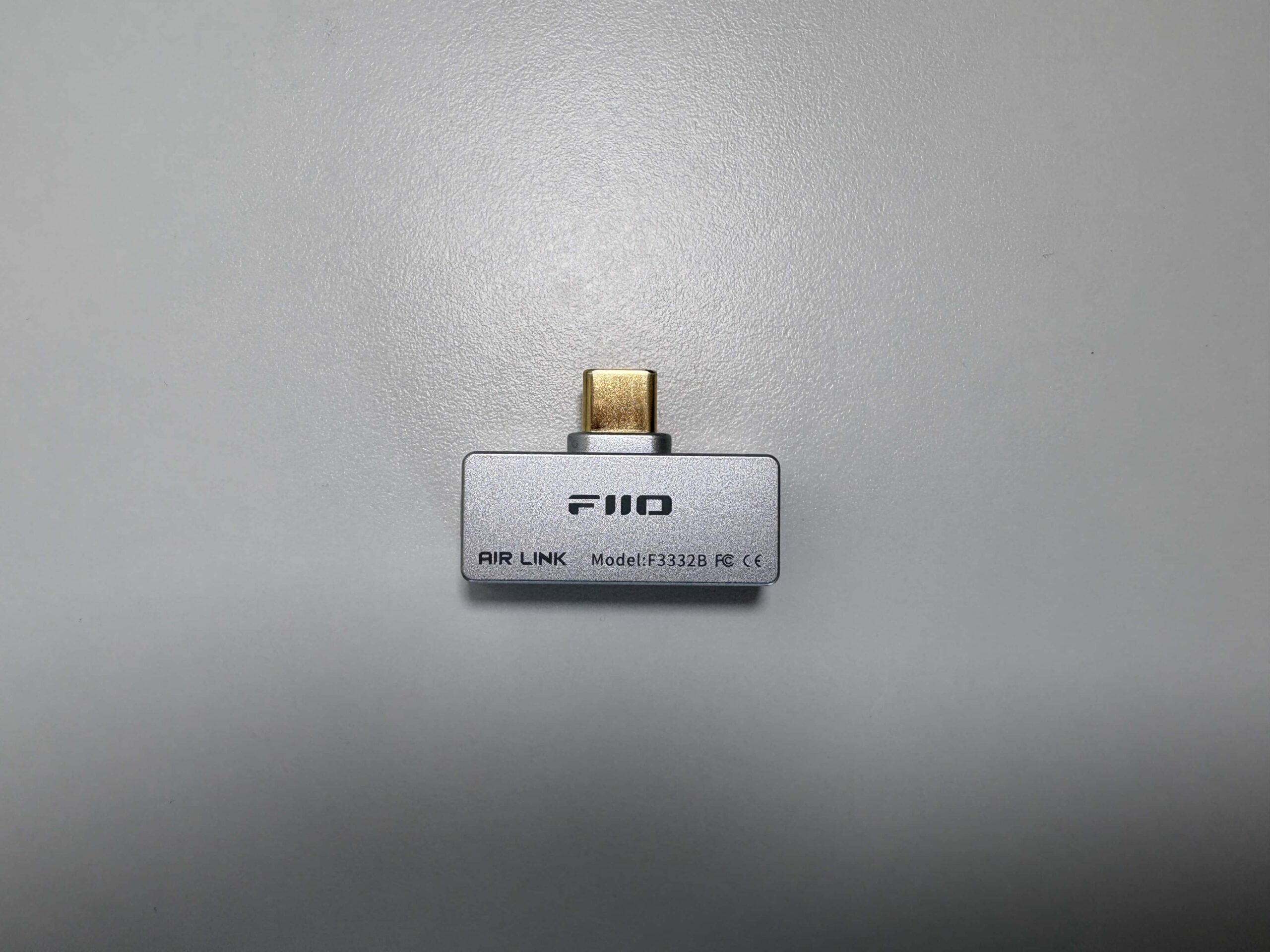


The Air Link uses a USB‑C male connector to plug into your source device, with a USB-C to USB-A adapter included if your device does not have USB-C. There is also a secondary USB‑C (female) port on the left side of the Air Link to provide pass-through charging, so you can connect your device’s charger at the same time you use the dongle. (Note: only standard 5 V charging is supported, so you won’t get USB‑C fast‑charge speeds). The right side has a single multi-function button on its body for pairing/reset and Bluetooth codec switching, and a multi-color RGB LED ring in the middle. This LED clearly shows status and active codec by color (for example, it lights white for LDAC, green for aptX‑Adaptive/Lossless, yellow for aptX HD, purple for aptX LL, blue for SBC, and flashes red/blue for pairing).
Here’s what the FiiO Air Link looks like compared to its predecessor, the BT11.


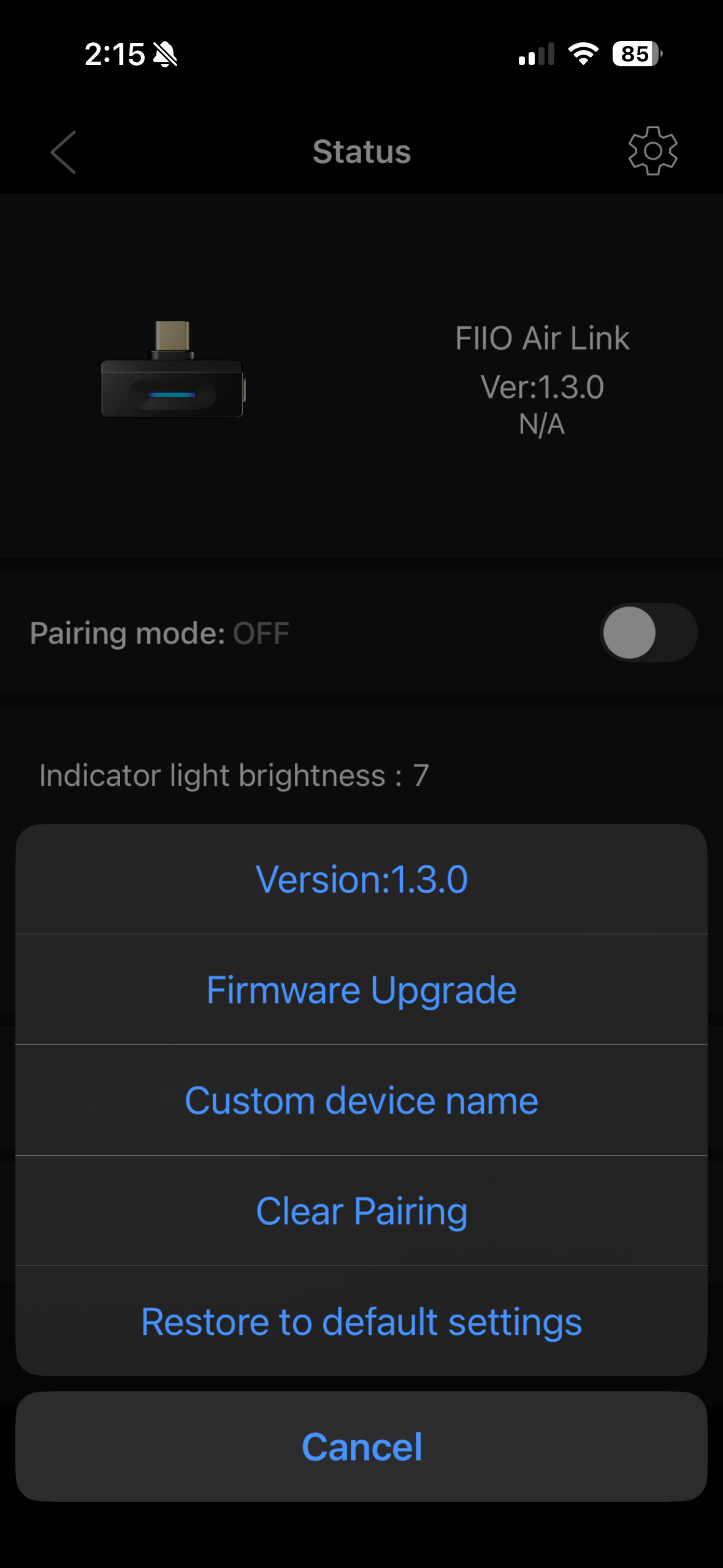
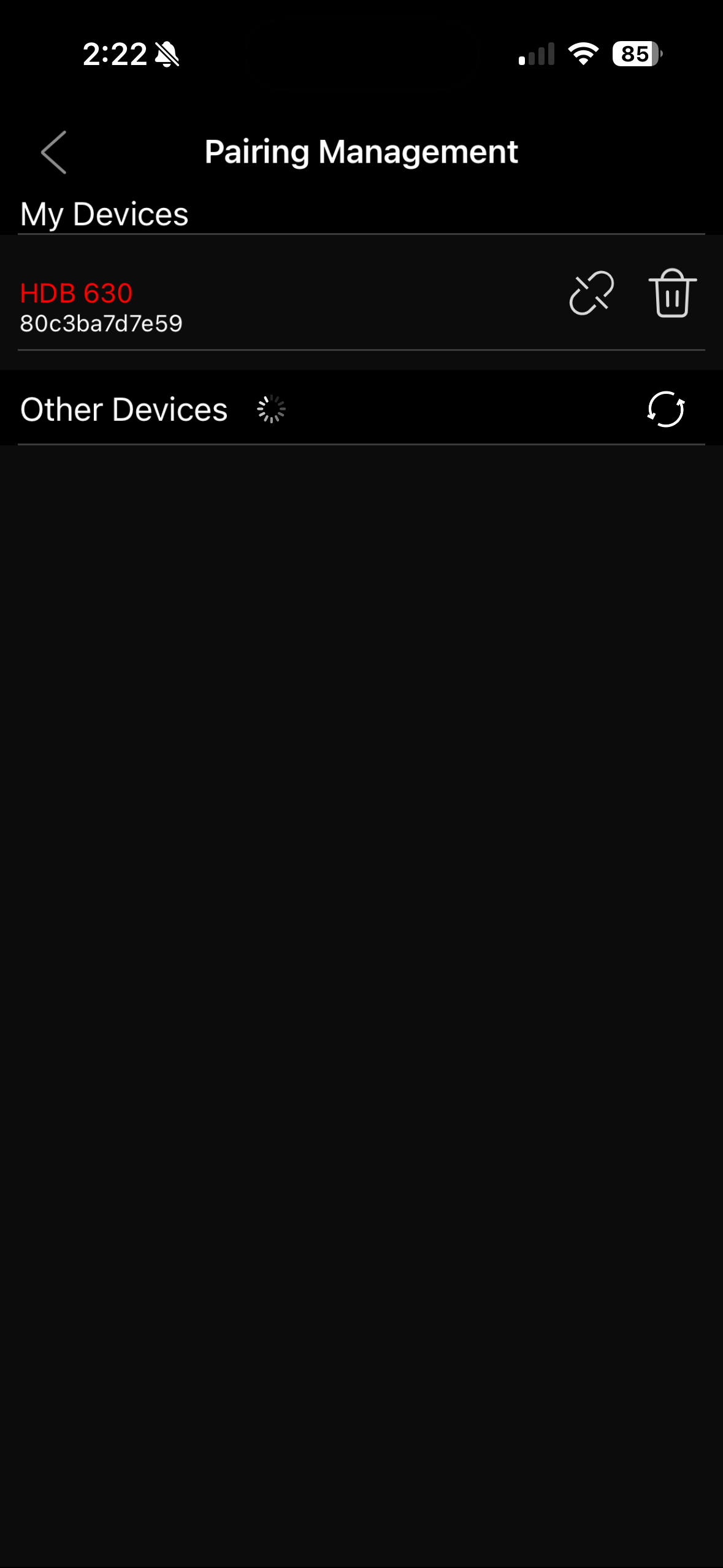
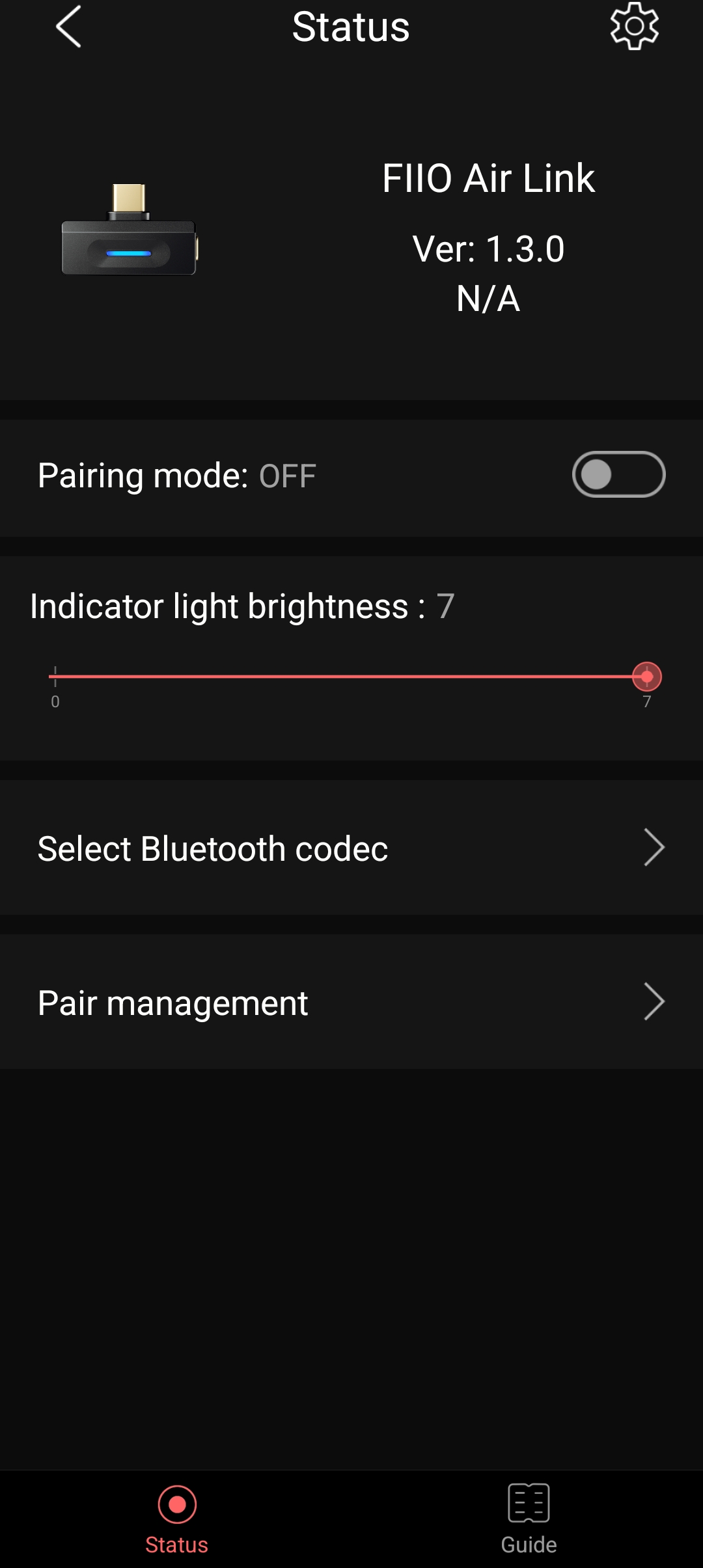
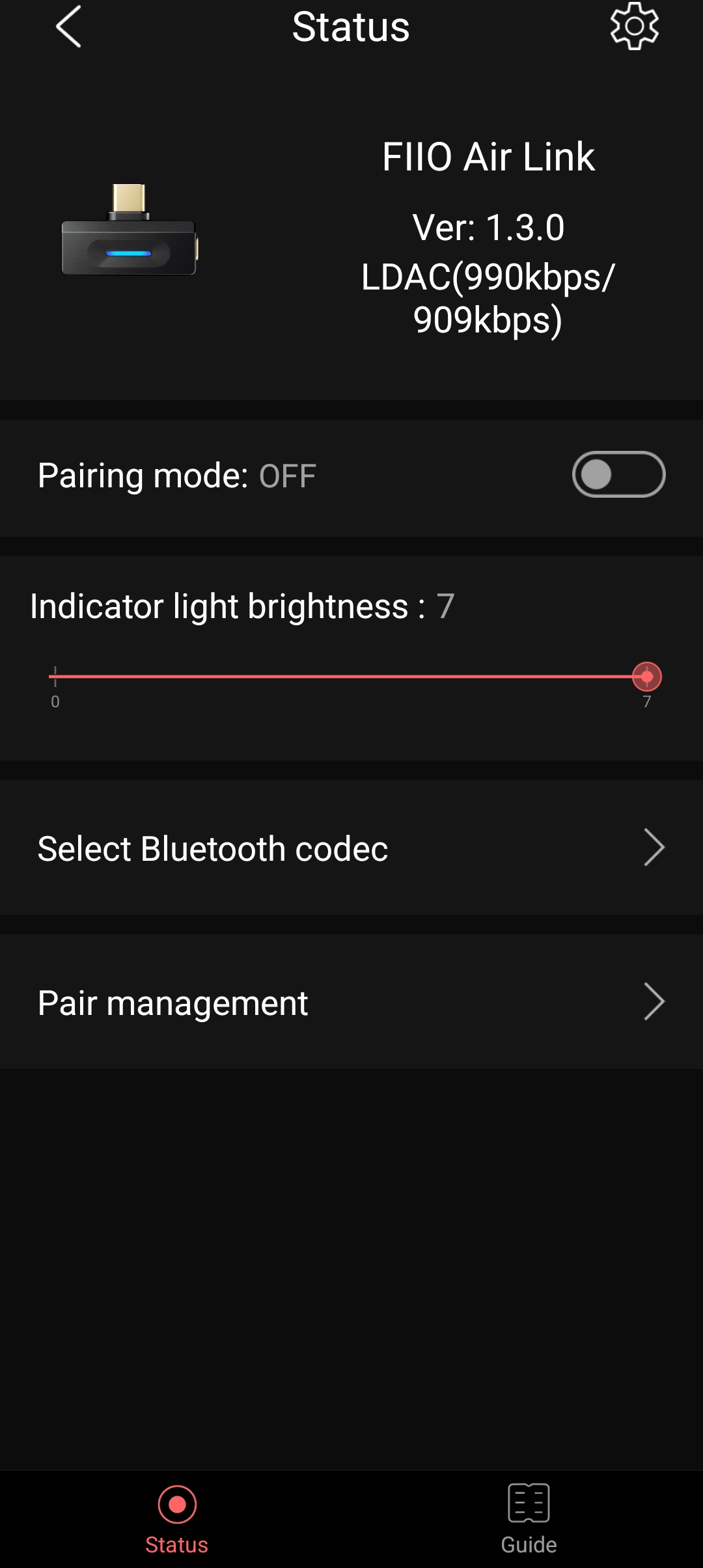
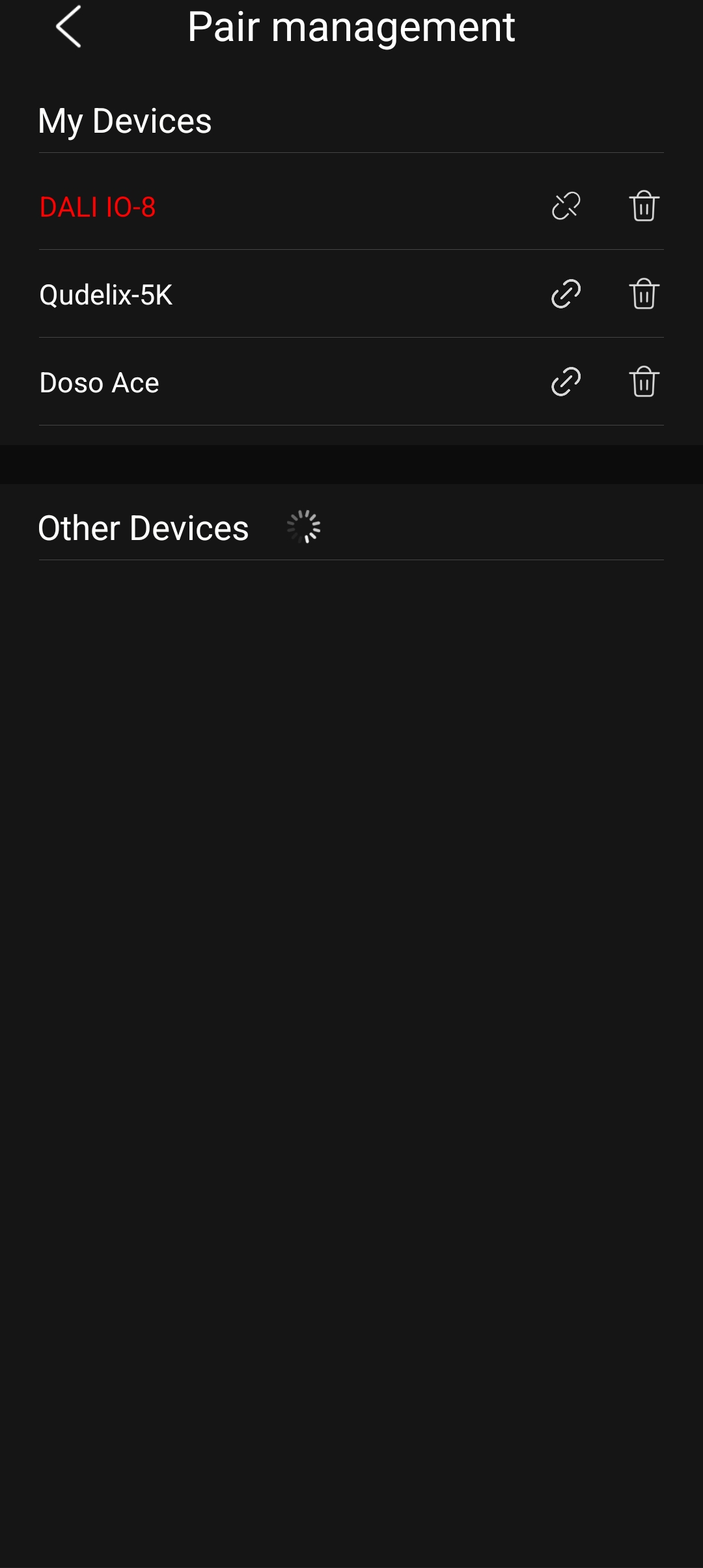
FiiO provides a companion FiiO Control app (Android/iOS) and web interface for configuration (https://fiiocontrol.fiio.com/). On Android, the app connects over USB‑C, while on Apple iPhones/iPads, it pairs via Bluetooth, as the Air Link is not MFi certified.
Through the FiiO Control app, you can update the Air Link’s firmware, switch/enable/disable specific codecs, manage connected devices, and view the active codec. I have noticed a bug where FiiO Control will show that aptX Lossless is currently active when aptX Adaptive is being used. The LED color on the Air Link shows the correct status, though, so it seems to be a bug within the app itself.
The experience of navigating and changing the settings in the app on both Android and iOS is quick and smooth, and the dongle is quickly detected on both platforms. This used to be a massive pain point with the BT11, but FiiO seems to have resolved this issue so that the dongle is much easier to use with the FiiO Control app.
Here are some screenshots from my PC, Apple iPhone 16, and Samsung Galaxy Fold 7 (and no, the app is not optimized for the Fold’s larger inner display).
PC


iPhone 16


Galaxy Fold 7




Usability and Features
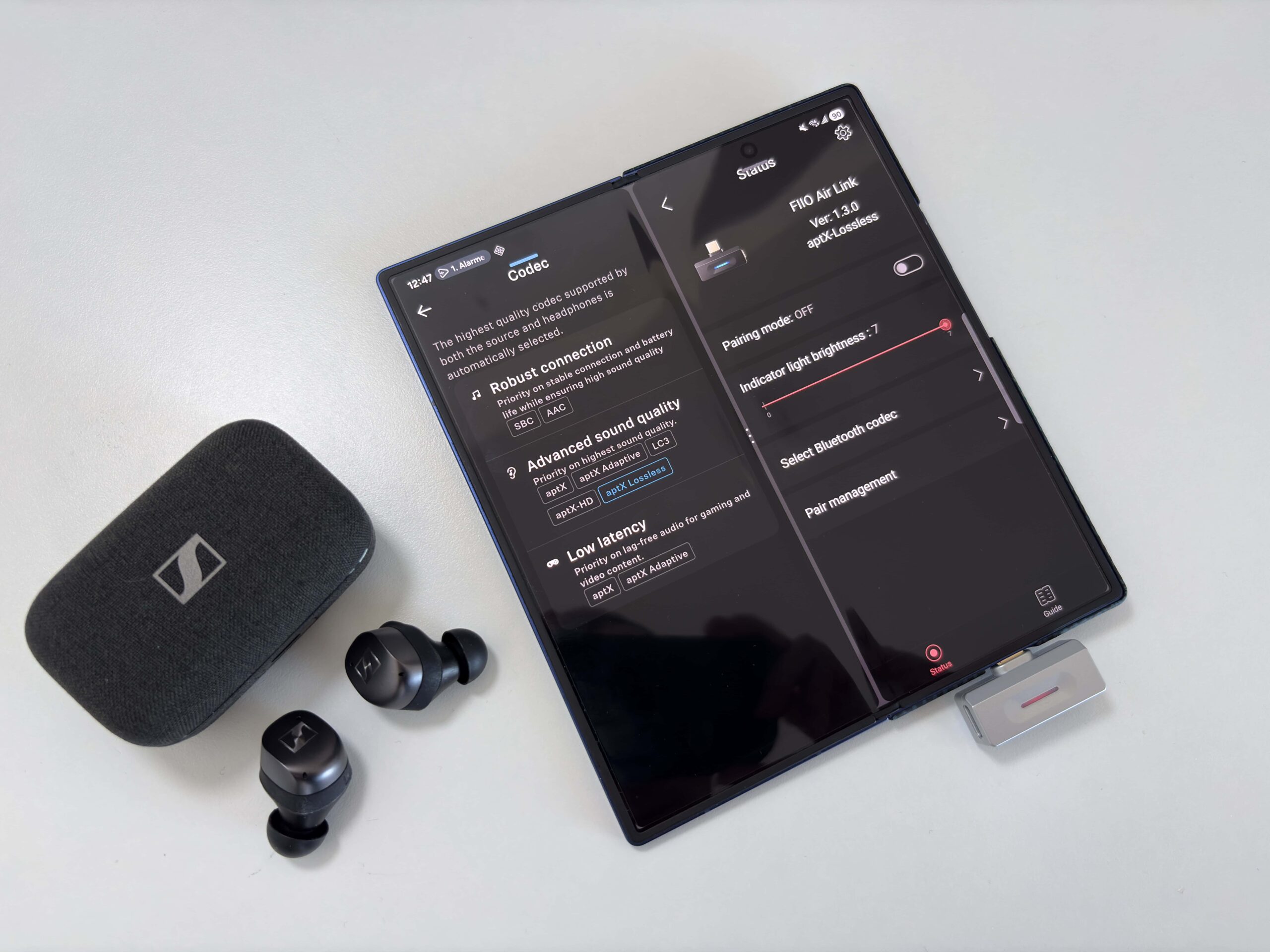
Pairing the Air Link is straightforward. You plug it into your device and either wait a few seconds for it to enter pairing mode (the LED will flash red and blue), or you press and hold the button for 3 seconds. After initial pairing, reconnection is automatic: when you plug the Air Link in and turn on your headset, they link up within a few seconds. Switching the dongle between devices (for example, phone → tablet → PC) is pretty seamless once set up.
The Air Link itself has only one multi-function button and no volume or playback controls. That means you control play/pause/skip and volume on your headphone or source device (if you experience low volume, make sure you turn the volume up on your headphones, either from another device, or using the headphone’s controls). The button does handle pairing, resets (10 sec hold to clear all pairings), and toggles between codecs without having to use the app. For example, if it’s connected via LDAC, pressing the button will switch between the audio quality modes (990 kbps, 660kbps, and 330kbps). The same goes for aptX Adaptive (Lossless, High Quality, and Low Latency). More complex codec selection, or specifying which codecs you allow to be used, requires using the app or web interface.
Playing back audio from any host device allows you to use the playback controls on your headphones or earbuds. Support for this does come down to the app you are using, though, as the playback controls with any headphone or TWS earbud I used were not recognized when using the FiiO Music app on my FiiO M21, for example. Switching to another music player like UAPP, the playback controls worked as expected.
Another thing I noticed is that, depending on the music player app being used, there is sometimes a brief stutter between tracks if the sampling rate is different (for example, going from a 16-bit/44.1kHz track to a 24-bit/96kHz one). Apps like Poweramp and UAPP seem to handle this just fine, but I’ve experienced this with apps like FiiO’s Music player and Qobuz.

The Air Link has no battery of its own and draws a tiny amount of power from your host device’s USB‑C port. In practice, this means you never have to charge the dongle separately, and it won’t “run out of power” mid-session. Power draw is minimal and has a negligible impact on phone battery life. Thanks to the USB‑C pass-through port, you can charge your phone/tablet at the same time. (Just remember the port is 5 V only, so it won’t support high-speed charging.) This effectively gives you unlimited listening time, limited only by your main device’s battery.
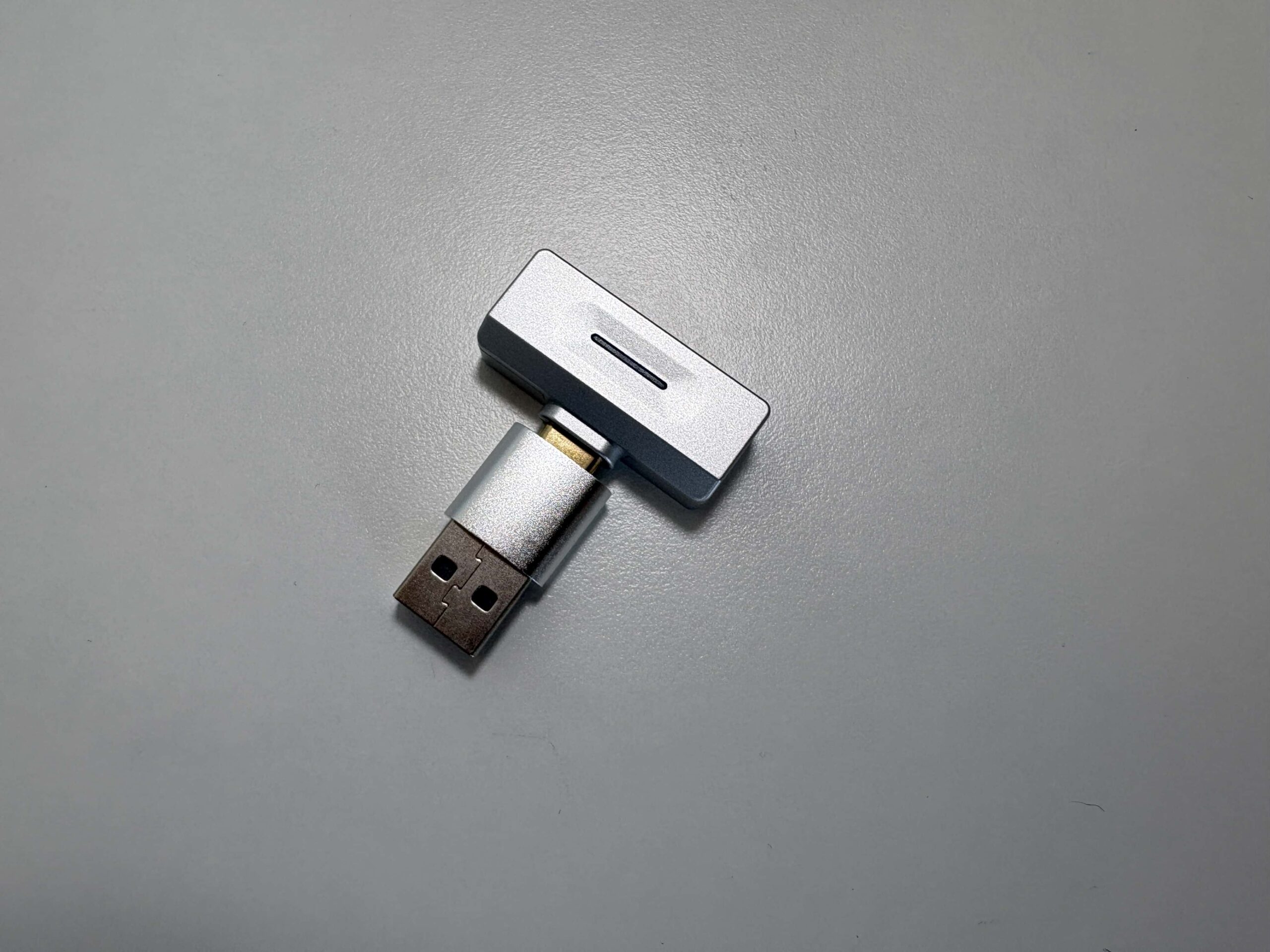
You can use the Air Link with any host device that outputs digital audio over USB‑C or USB-A (thanks to the included adapter). This includes modern smartphones, tablets, laptops, and even gaming consoles like PS5 or Nintendo Switch. Thanks to Bluetooth multipoint and the app, it can remember several headphones and easily switch between them – a useful feature for someone who uses different audio gear on different devices.
Game Console Experience

Nintendo Switch 2
The Nintendo Switch 2 officially supports Bluetooth, but Nintendo’s built-in implementation is limited. The Air Link bypasses these constraints by acting as a USB audio adapter. Plug the Air Link into the Switch 2’s USB‑C port (or into the dock’s USB‑A port using the included USB‑A→C adapter). The console will then send game audio to it via USB Audio Class 1.0. Pair your headphones to the Air Link, and you can enjoy high-resolution codecs (LDAC, aptX Lossless, aptX Adaptive, etc.) that the Switch cannot deliver on its own.
The latency using anything other than aptX Adaptive’s low latency mode is unbearable for gaming, so keep this in mind. If your headphone or earbuds have their own built-in game mode, this also helps make the experience much more playable.
Also note that you will not be able to use your headphone or earbud’s microphone for game chat, as the Air Link does not support voice pass-through.
PlayStation 5
Using the Air Link with the PS5 works exactly the same as it does on the Nintendo Switch. Plug it into any port you have available, then on the PS5 navigate to Settings → Sound → Audio Output, and select the Air Link as the output device. The result is the same high-res wireless audio (LDAC, aptX, etc.) available on other platforms.
Just as with the Switch 2, you will not be able to use your headphone or earbud’s microphone for game chat.
Bluetooth Performance
Devices used for this review:
- Apple iPhone 16
- FiiO M21
- HiBy R1
- Microsoft Surface Laptop 7
- Nintendo Switch 2
- Qudelix 5K
- Samsung Galaxy Z Fold 7
- Sony PlayStation 5
- Windows 11 desktop PC
Bluetooth headphones and TWS earbuds used for this review:
- DALI IO-8 (aptX Adaptive)
- EarFun Air Pro 4+ (aptX Lossless, LDAC)
- Sennheiser HDB 630 (aptX Adaptive)
- Sennheiser Momentum True Wireless 4 (aptX Lossless)
- Sonos Ace (aptX Lossless)
- Soundpeats Air 5 Pro+ (aptX Lossless, LDAC)
- Sony WH-1000XM5 (LDAC)
Links to my music playlist used for the majority of testing:
Spotify: https://open.spotify.com/playlist/6QSIhuCBDAUyoWGcyxPeN8?si=c0a4eb6bd3e3421e
Apple Music: https://music.apple.com/ca/playlist/hifi-oasis-audio-testing/pl.u-lKWlcjy04xp
Tidal: https://tidal.com/playlist/503485c7-7f3d-43f0-b904-4b9a89c33875

With Bluetooth 6.0 and a modern antenna design, the FiiO Air Link maintains a very stable connection well beyond typical Bluetooth range. FiiO states it has a range of 50+ meters in open spaces, and 35+ meters with people and obstacles. During use, it stayed locked to the headphones until well past the range of the smartphones I own. High bitrate codecs such as LDAC 990 kbps mode and aptX Lossless performed perfectly in my apartment when I walked about 15 meters away from the source device while wearing my headphones (including 2 walls in between). Overall, I experienced no dropouts or stuttering; the Bluetooth connection was rock solid with all of my devices.
The Air Link supports SBC, LDAC, and the full suite of Qualcomm codecs – aptX (classic), aptX HD, aptX Adaptive, aptX Low Latency, and aptX Lossless. In short, any headphone you use with it will get the highest-quality codec available, with up to 96 kHz/24-bit support and Hi-Res Wireless certification. The exception will be if you try to use any of Apple’s audio products, as they only support SBC and AAC. With any of the AirPods models, you are better off pairing them directly with your Apple device anyway.
Here are some screenshots of bitrate performance for LDAC, aptX Adaptive, aptX HD, and aptX with the Qudelix 5K. As you can see, the Air Link is delivering the expected bitrate for each codec, and is very stable as well. There was the odd time I noticed for aptX Adaptive that it would take 30 seconds or so for it to get to the maximum bitrate, but it eventually did get there. I also had the Qudelix 5K placed about 1 meter away from the Air Link as well when performing these tests.


The Air Link supports true Bluetooth multipoint (two active connections). You can pair it to two source devices (e.g., phone and laptop) and quickly switch between them. The FiiO app or web UI can manage multiple paired devices and toggle which is active. This is convenient for someone juggling, say, a smartphone and a tablet or PC.
The Air Link worked perfectly with 99% of the devices, headphones, and TWS earbuds I paired it with. The only exception is the DALI IO-8 headphones, which, for some reason, would not stay connected to the Air Link most of the time. It resulted in a series of unpairing/repairing, unplugging the Air Link, plugging it back in, powering off the IO-8, powering it back on again……..you get the picture. Eventually, it would work, but the hassle is extremely off-putting. Still, this is an improvement over the BT11, where I had far more issues pairing devices, as well as some performance issues with certain headphones (specifically when using LDAC and aptX Lossless).
Final Thoughts
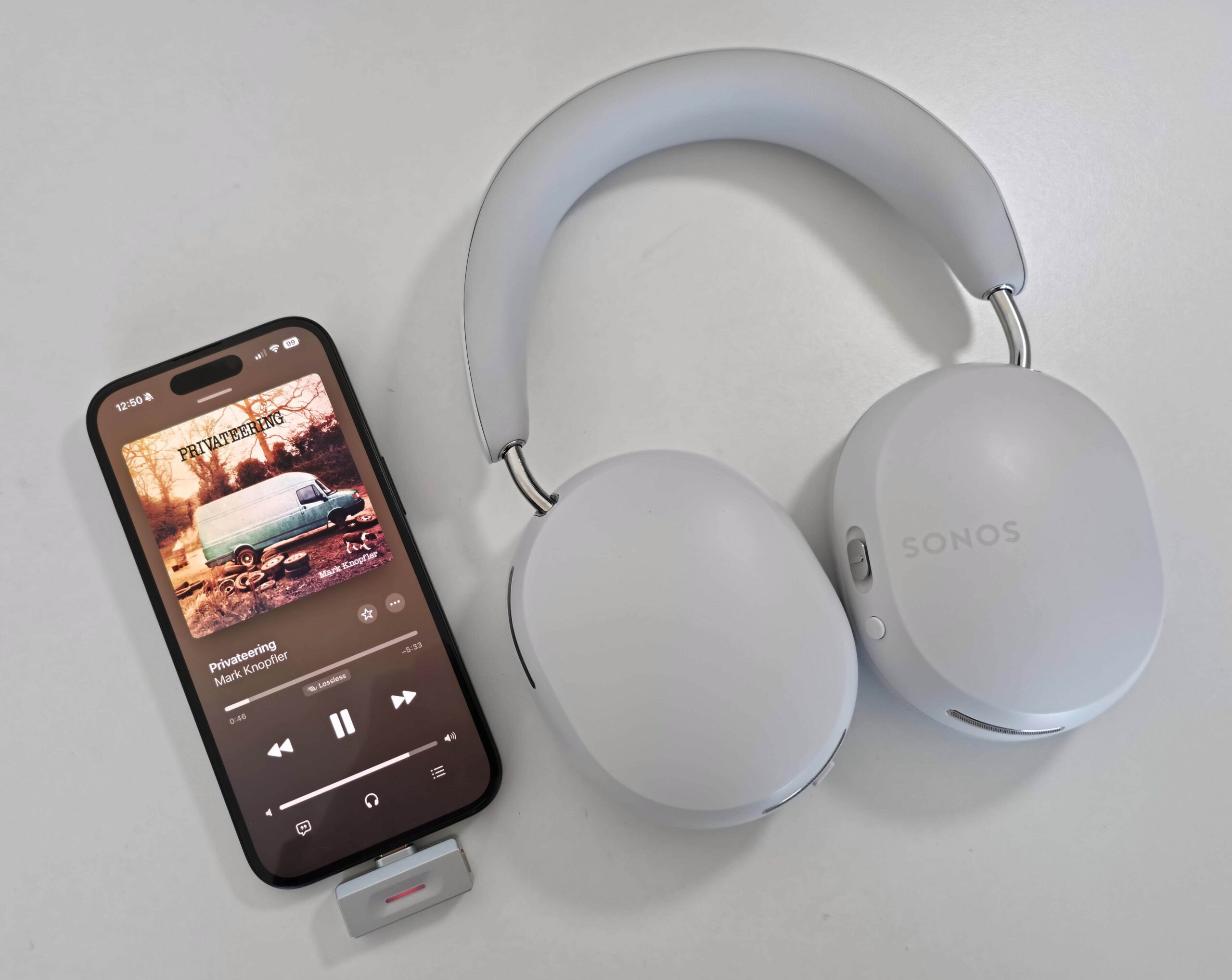
The FiiO Air Link packs a lot of Bluetooth audiophile features into a tiny, $59 device. In my testing, it successfully turned a smartphone (even an iPhone) into a full-blown high-resolution Bluetooth source. It delivers all the major codecs (LDAC, aptX HD/Adaptive/LL/Lossless) with solid connection stability and an intuitive UI – exactly what mobile users need when they demand better wireless audio.
Its small footprint and sturdy build make it truly portable. The universal USB‑C interface means it works with virtually any phone, tablet, or laptop, and the dedicated charging port allows you to charge your device while still using the dongle. Performance is mostly excellent, delivering long range with a stable connection, broad codec support, and multipoint pairing. The companion app provides very granular control (firmware updates, codec tweaks, pairing management) that most simple dongles lack, as does my favorite Bluetooth dongle, the Sennheiser BTD 700. FiiO is also promising PEQ support for the Air Link sometime in the future, but as I always say, buy a product for what it can do now, not for what is promised.
There are a few caveats to all of this glowing praise I am giving the Air Link. The initial setup process can be a bit finicky, and sometimes it won’t work well with a specific product (in my case, the DALI IO-8). As well, a few times the Air Link just refused to cooperate and would not pair with anything until I unplugged it and plugged it back in. Basically, doing things quickly with the Air Link leads to these types of issues, which means we are still a firmware update or two away from a perfectly functioning device for the average user.
Overall, though, for mobile audiophiles, the Air Link is a highly practical Bluetooth upgrade. It effectively fixes Apple’s AAC limitation on Apple devices and unlocks aptX Adaptive and Lossless support that most phones lack, all in a tiny package. If you regularly stream to high-end wireless headphones or speakers, the Air Link offers a clear quality and flexibility boost. Given its low cost and strong specs, the FiiO Air Link earns my recommendation as a great (but not perfect) Bluetooth audio accessory for modern mobile devices. If you are willing to live with the previously mentioned caveats, this dongle will serve you well.


Buy from AliExpress: https://s.click.aliexpress.com/e/_c4OwwRRX
The above links may be affiliate links. All commission earned through them goes directly to maintaining this site and bringing you more audio reviews.
I’m not always able to cover all the details of a product, both hardware and software, in our reviews. If you have any specific questions about this product, please feel free to leave a comment or contact me directly.
Be sure to check out our excellent Buyer’s Guides, as well as our other Reviews.
HiFi Oasis Verdict
HiFi Oasis Verdict-
Design & Build Quality9/10 Amazing
-
Sound8/10 Very good
-
Features/Accessories8/10 Very good
-
Value8/10 Very good
Pros
- Extremely compact and lightweight design
- Broad codec support
- Easy pairing and automatic reconnection across multiple devices
- Rock-solid Bluetooth stability
- FiiO Control app works smoothly on Android and iOS
- USB-C passthrough charging
- Universal compatibility with almost any USB source
- Great value
Cons
- Occasional inconsistency when switching between sample rates
- Limited charging speed with the USB-C passthrough connection
- No microphone/call support
- Still not completely “bug-free”



Hi, nice review, I bought it but unfortunately I detected a problem, the volume is too low like any headphones I’ve tried, but you don’t mention it in the review, so should I think that my unit is faulty?
I haven’t experienced that issue, though it seems many others have. The trick I think is that you need to make sure the headphone volume is at the max level, as the headphone volume and device/Air Link volume are independent.
Connect your headphones to a smartphone and increase the volume on them (easy if there is a companion app, or if there are controls on the headphones to do so). Then, connect them to the Air Link, and the volume on the headphones should be at max level, with the volume adjustable on the device you are using. This is how I have been operating with various Bluetooth headphones and TWS earbuds, and I have never had an issue with low volume.
Let me know if that helps.