

-80x80.jpg)



-110x110.jpg)


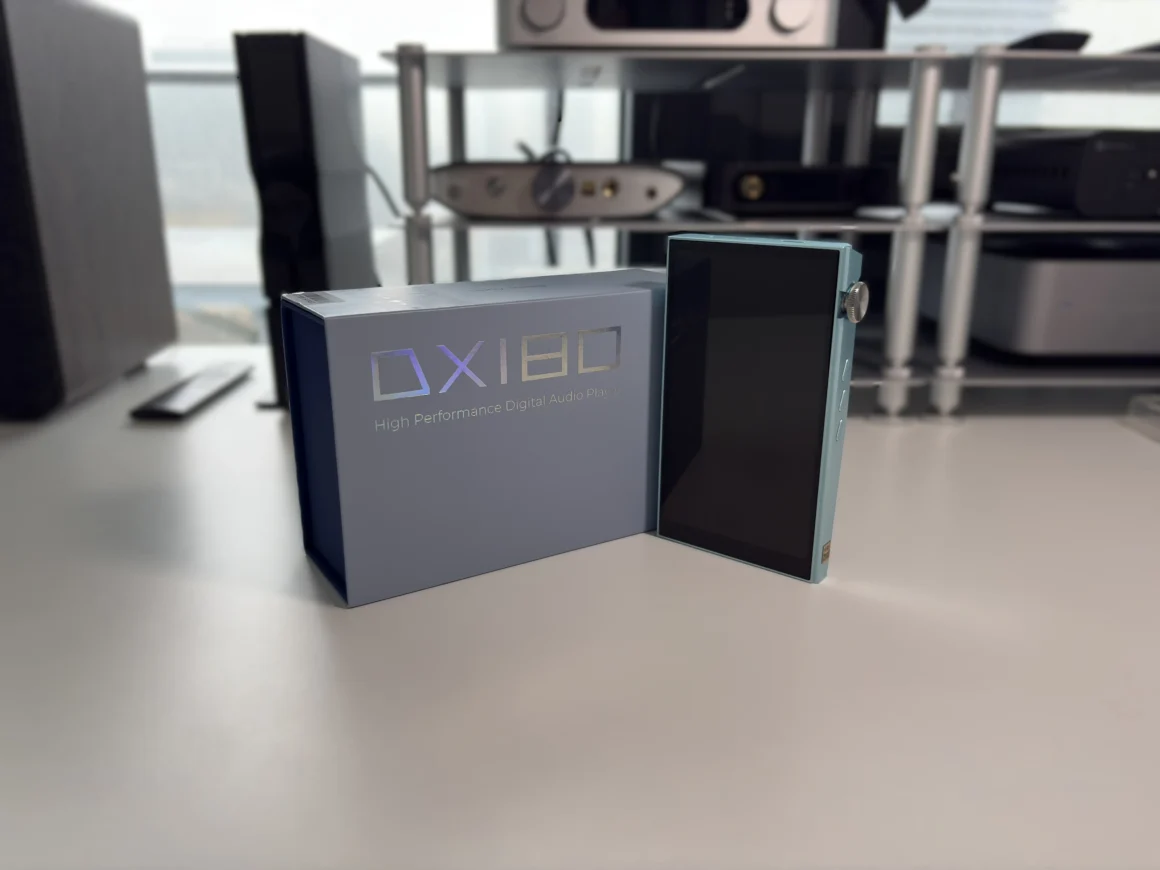
Disclosure: The iBasso DX180 was purchased by me, thanks to readers like you supporting this site. HiFi Oasis only uses affiliate links to generate revenue, no ads or sponsored content.
The iBasso DX180 is positioned as a mid‑range Android-based digital audio player that focuses on delivering flagship-level sound performance without the flagship price tag. It uses a quad DAC array of Cirrus Logic CS43131 chips combined with iBasso’s FPGA‑Master 2.0 clocking system and dual femtosecond oscillators for precise signal timing and improved distortion performance.
iBasso calls the DX180 their “entry-level” offering, though that label feels misleading when you look at what’s actually inside. This Android 13-powered player replaces both the DX160 and DX170 with updated internals that borrow heavily from their flagship models. The result is a device that punches well above its weight class in terms of paper specifications.
At $529 USD, it’s positioned squarely in the mid-range digital audio player market, where competition is at an all-time high (see the FiiO M21, HiBy R6 II 2025, and Shanling M3 Plus). To succeed, a modern DAP must provide more than just superior sound, it must also offer a user experience that rivals contemporary smartphones, efficient power management, and a design that resonates with the tactile sensibilities of the nitpicky audiophile community. So, let’s get into the review and see what to make of the iBasso DX180.
Key Specifications
- Product Page: https://ibasso.com/product/dx180
- MSRP: $529 USD
- Core Processor: Qualcomm Snapdragon 665
- Internal Components: 4x CS43131 DACs
- RAM: 4GB
- Storage: 128GB internal, MicroSD card slot (supports up to 2TB)
- OS: Android 13
- Display: 5.0 inch IPS LCD touchscreen, 1080×1920
- Connectivity:
- 3.5mm SE (281mW @ 32ohm per channel) / Coaxial output / Line Out shared output
- 4.4mm Balanced (690mW @ 32ohm per channel) / Line Out shared output
- USB-C for charging and data transfer (USB 3.1)
- Bluetooth 5.0
- Transmit codecs supported: SBC, AAC, aptX, aptX HD, LDAC
- Receive codecs supported (DAC mode): SBC, AAC
- WiFi: 802.11b/g/n/ac, 2.4Ghz/5Ghz
- Battery :
- 3200mAh
- Up to 15 hours of playback on low gain
- Up to 13 hours of playback on high gain
- Up to 30 hours of playback using Line Out mode
- 1.5 hours charging time
- PD 3.0/QC 3.0 support
- Supported Sample Rates and Formats:
- Local decoding: Up to 32-bit/768kHz PCM, DSD256
- USB audio out: Up to 32-bit/384kHz PCM, DSD256
- USB DAC mode: Up to 32-bit/384kHz PCM, DSD256
- Mini coaxial output: Up to 24-bit/384kHz PCM, DSD128
- Notable Features:
- FIR 2x Output mode
- Global Android Audio bypass (non-SRC)
- USB DAC, with dedicated USB controller for low latency
- User replaceable battery
- Dimensions:
- 123mm x 75mm x 16mm
- Weight: 206 grams
In the Box
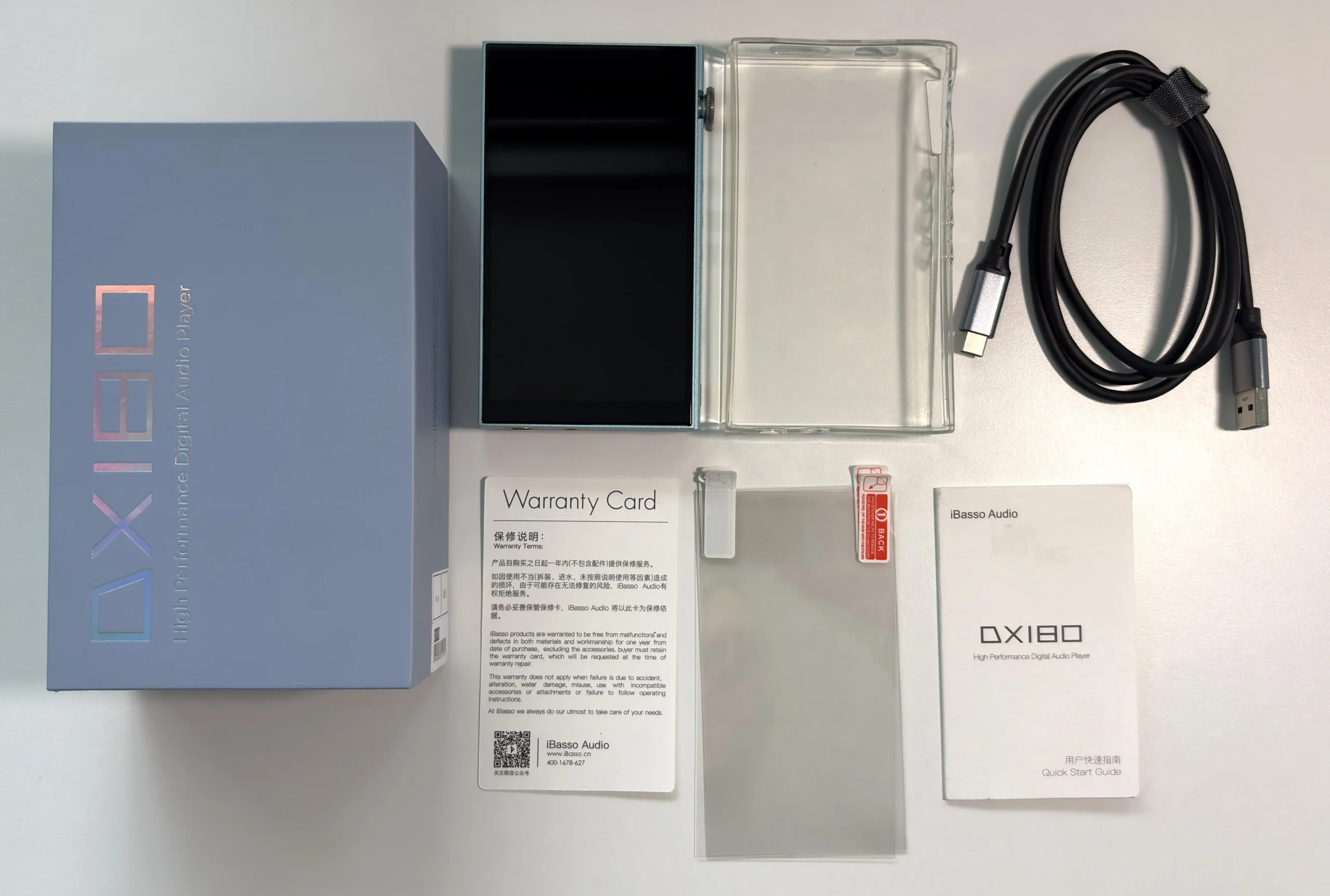
- iBasso DX180
- Clear TPU case
- USB-C to USB-A cable
- 4x screen protectors
- Manual
Design & Build Quality
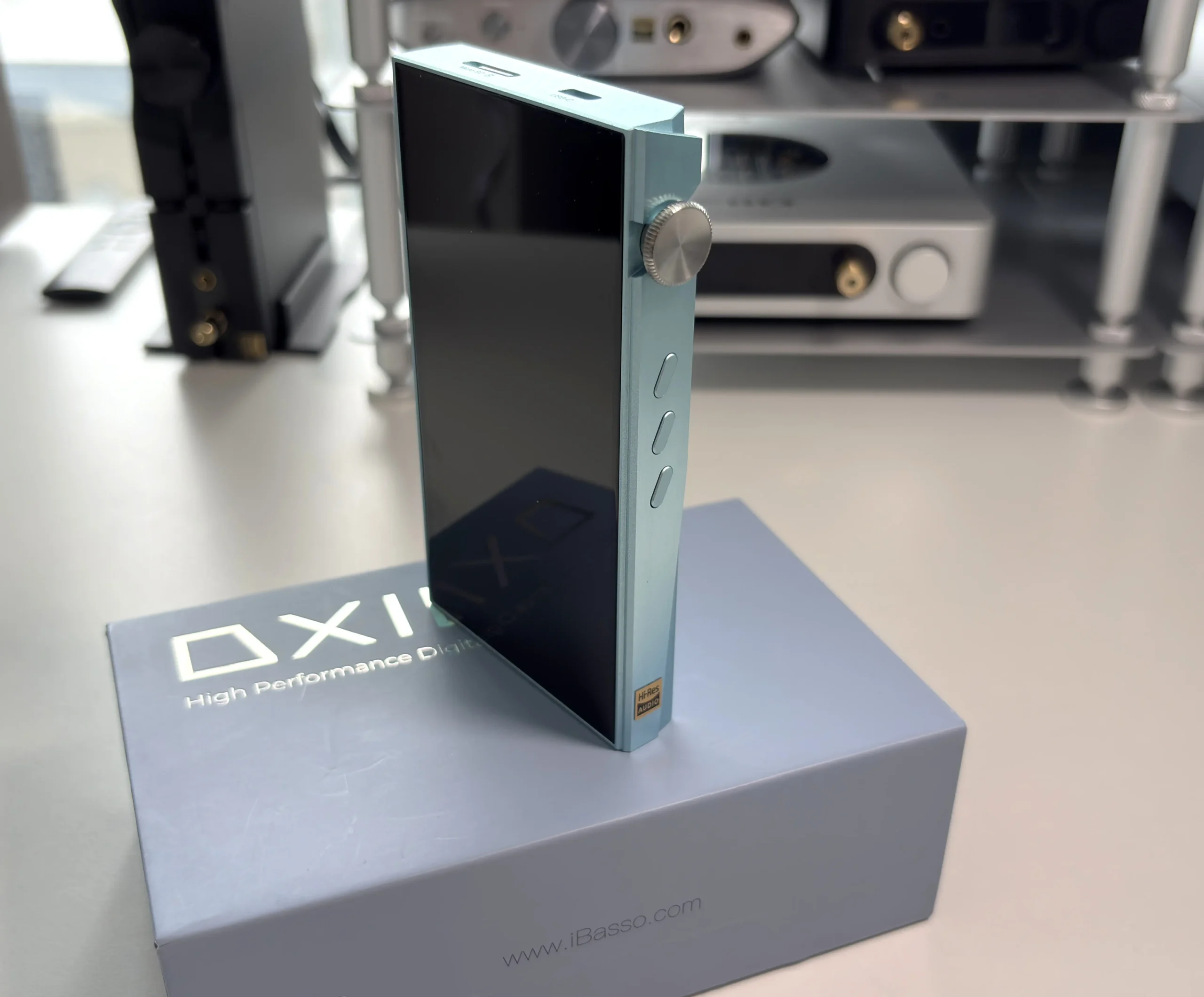
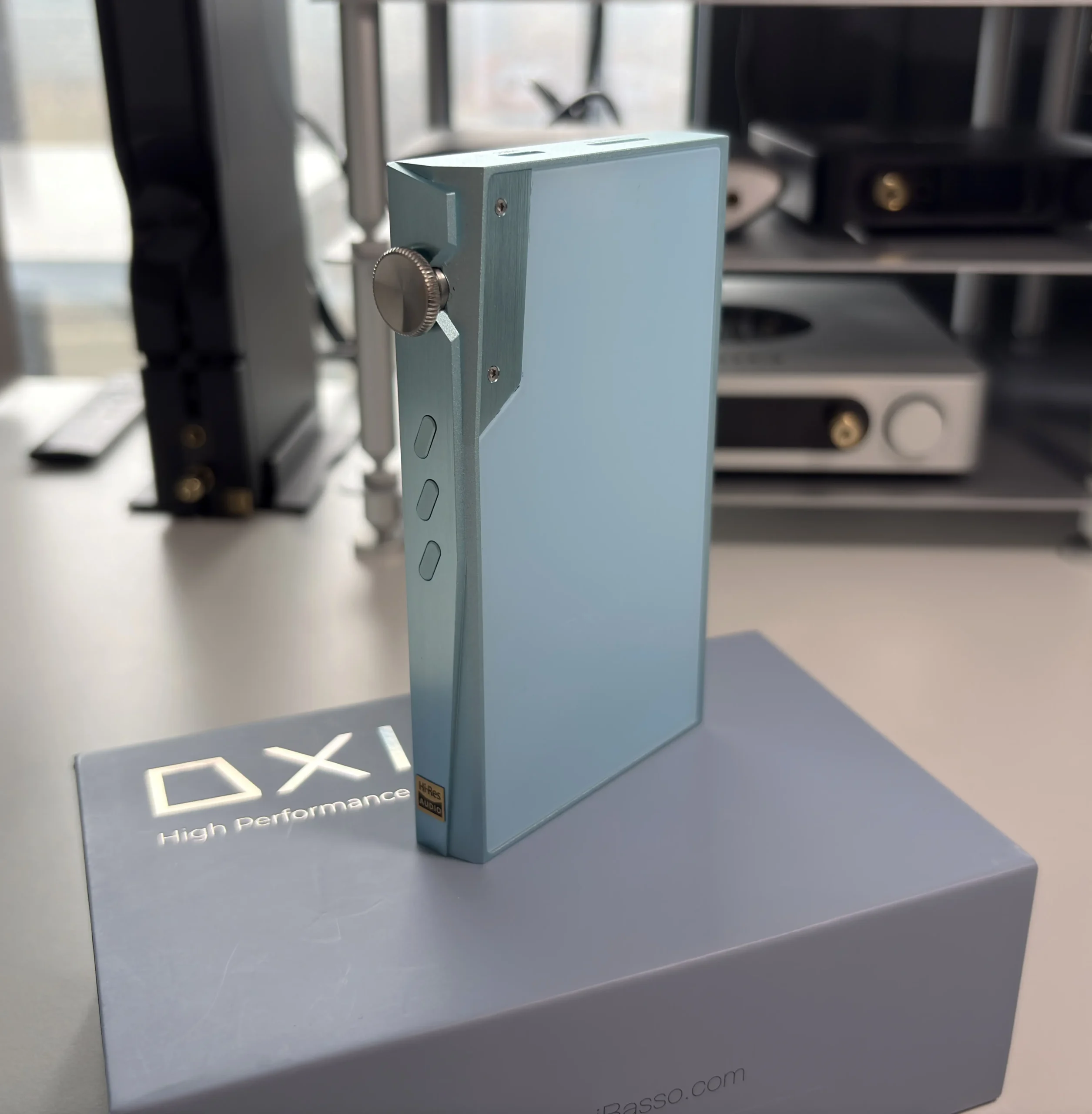
The iBasso DX180 is available in three color options: black, green, and light blue (which is what I have).
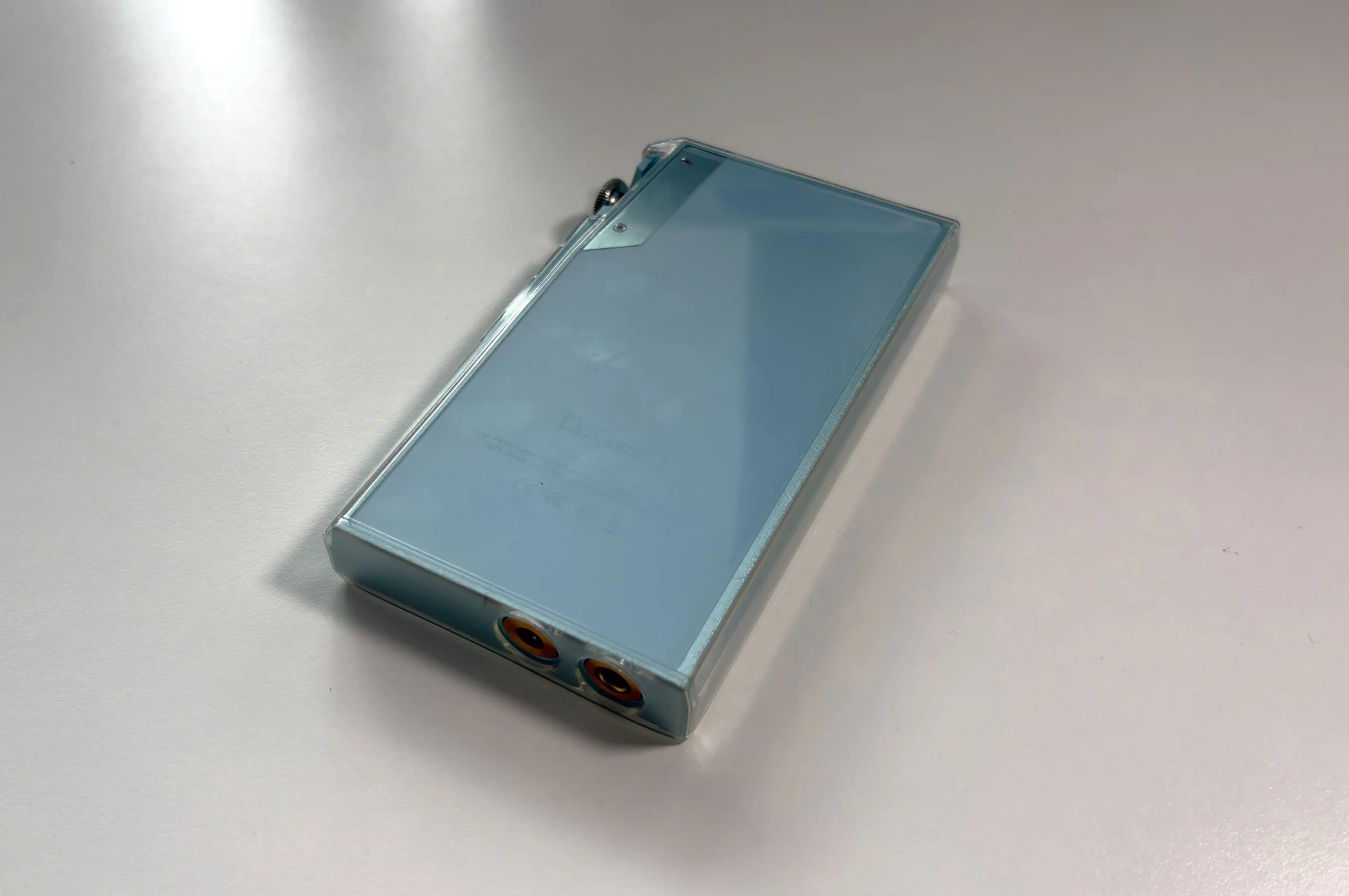
The DX180 feels like a step up from many mid-range audio players in terms of construction. The body is made from aluminum with sharp, modern edges that give it a clean look while remaining compact and portable. The device feels incredibly solid when you hold it. There are no gaps in the seams, every aspect feels intentionally designed. One thing I immediately noticed, though, is that the corners are fairly sharp. You don’t necessarily feel it when you’re holding and using the DAP, but if you pick it up and have one of the corners in the palm of your hand, you will definitely feel something sharp against your skin. iBasso does include a clear TPU case, so if the sharp corners (and even sharp edges) become too bothersome, the case completely resolves this without adding bulk.
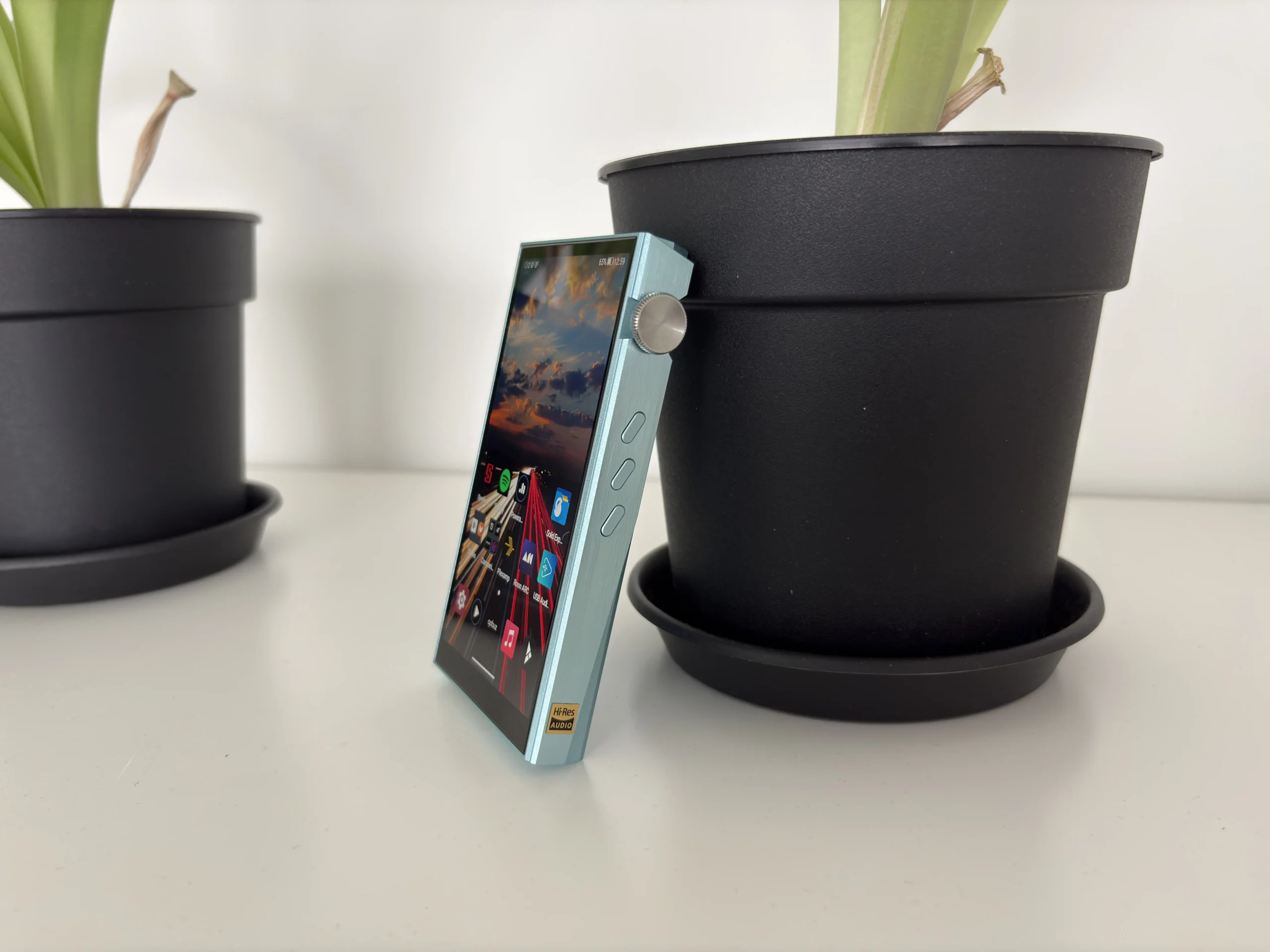
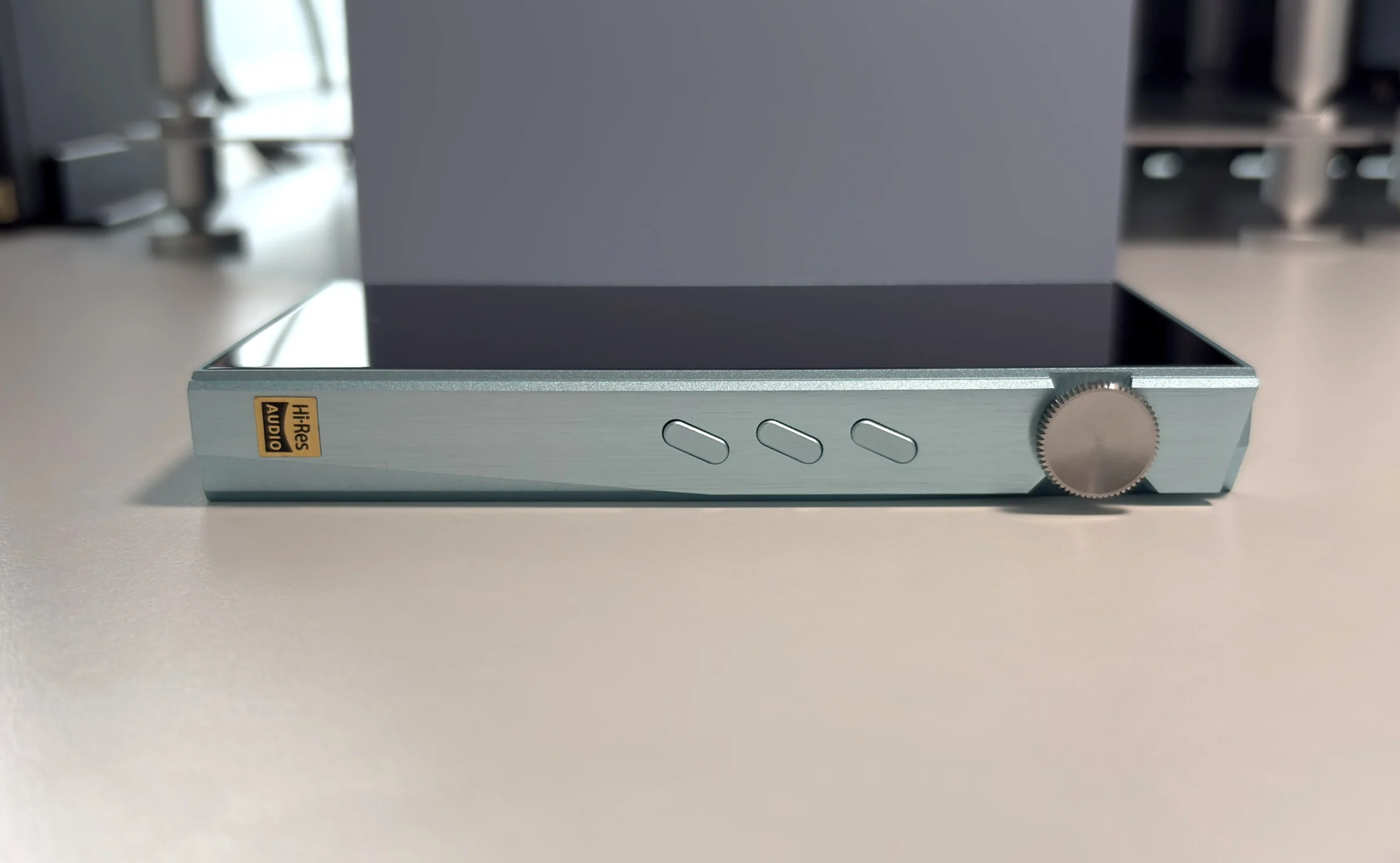
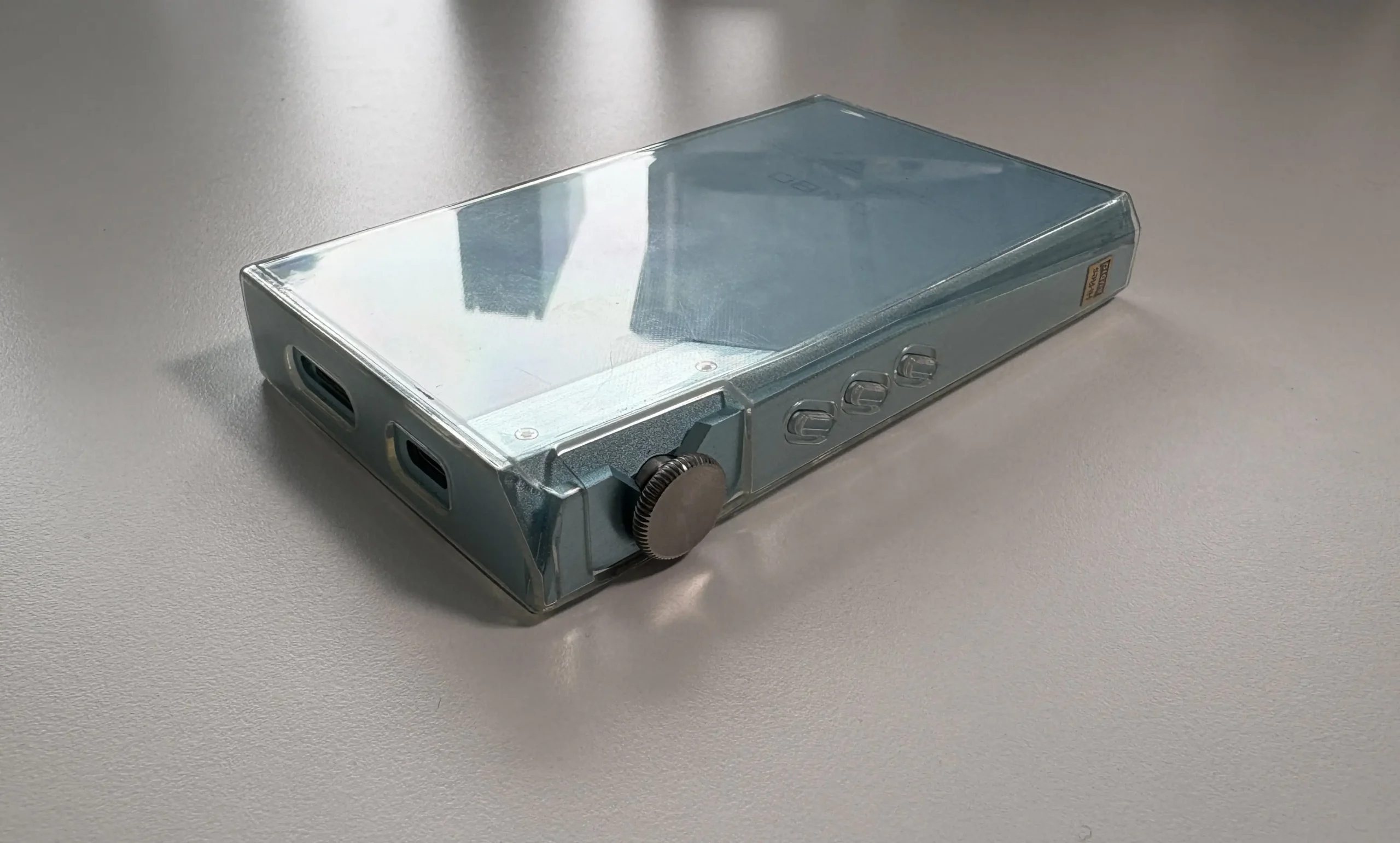
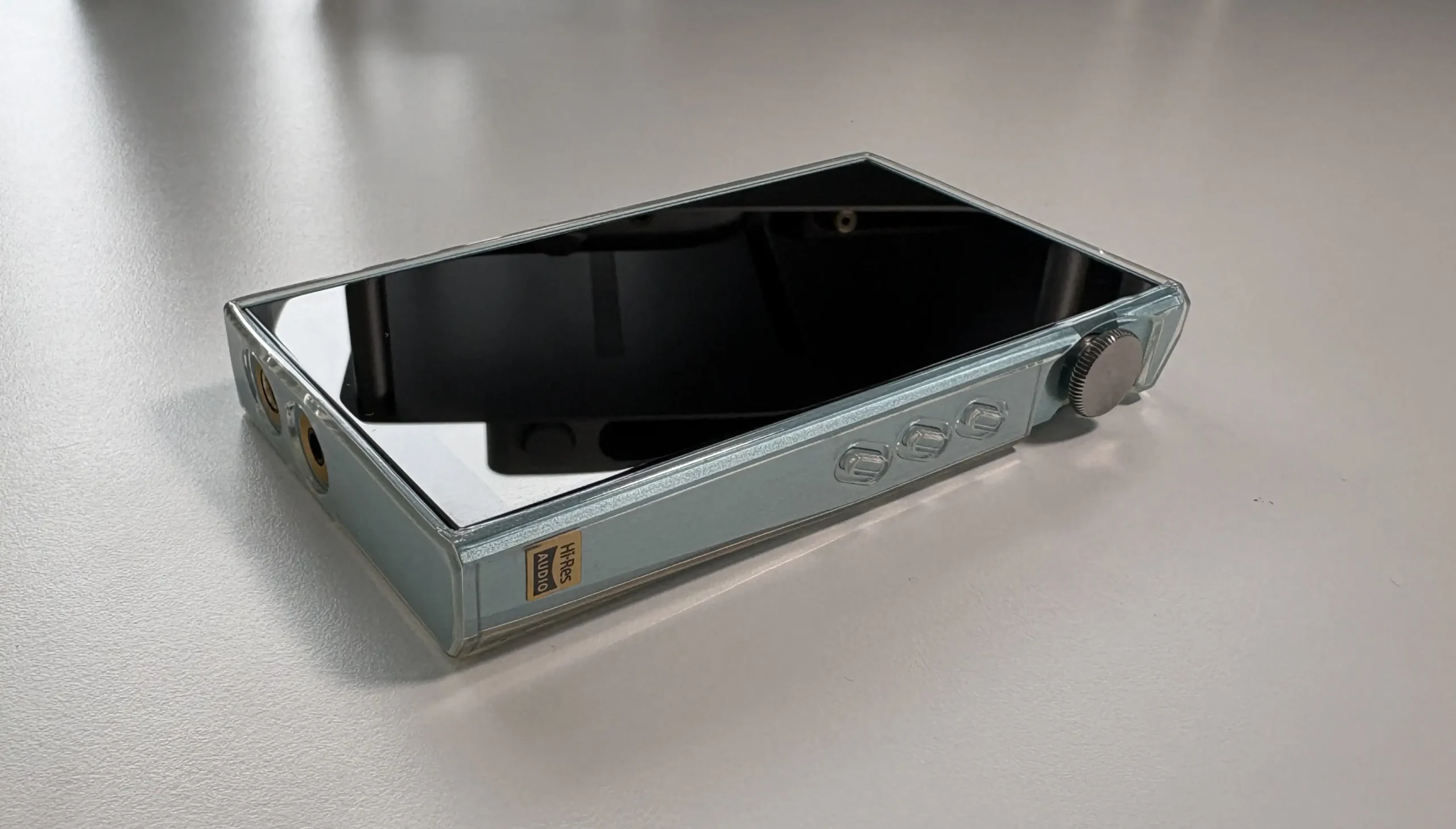
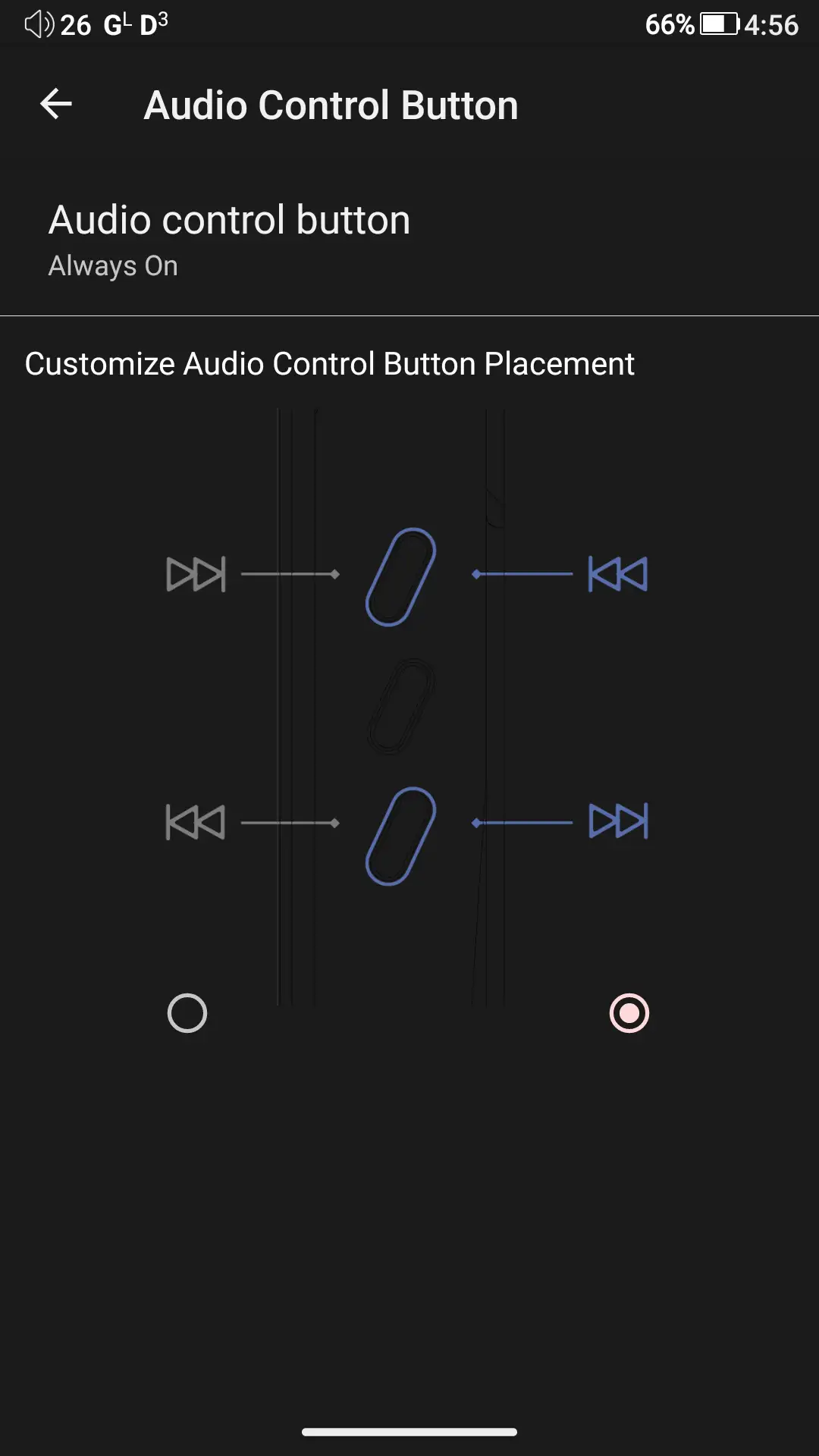
One of my favorite design elements is the side-mounted volume dial, which feels tactile and precise. It has a slightly audible click when you turn it, and it sticks out just enough to be practical to use without sacrificing pocketability. The dial can also be pressed in, which is used to turn the screen on and off, as well as to power the device on and off. Below the volume dial are three dedicated playback buttons that make it easy to control music without looking at the screen. I’ve seen comments from some saying that the buttons are too sensitive, but I didn’t find that to be the case. They are slightly raised and require some force to be pressed in. By default, the top button is for Next track/Fast Forward, the middle button for Play/Pause, and the bottom button for Previous Track/Rewind. In the software settings, the top and bottom buttons can be switched if that’s something you prefer.
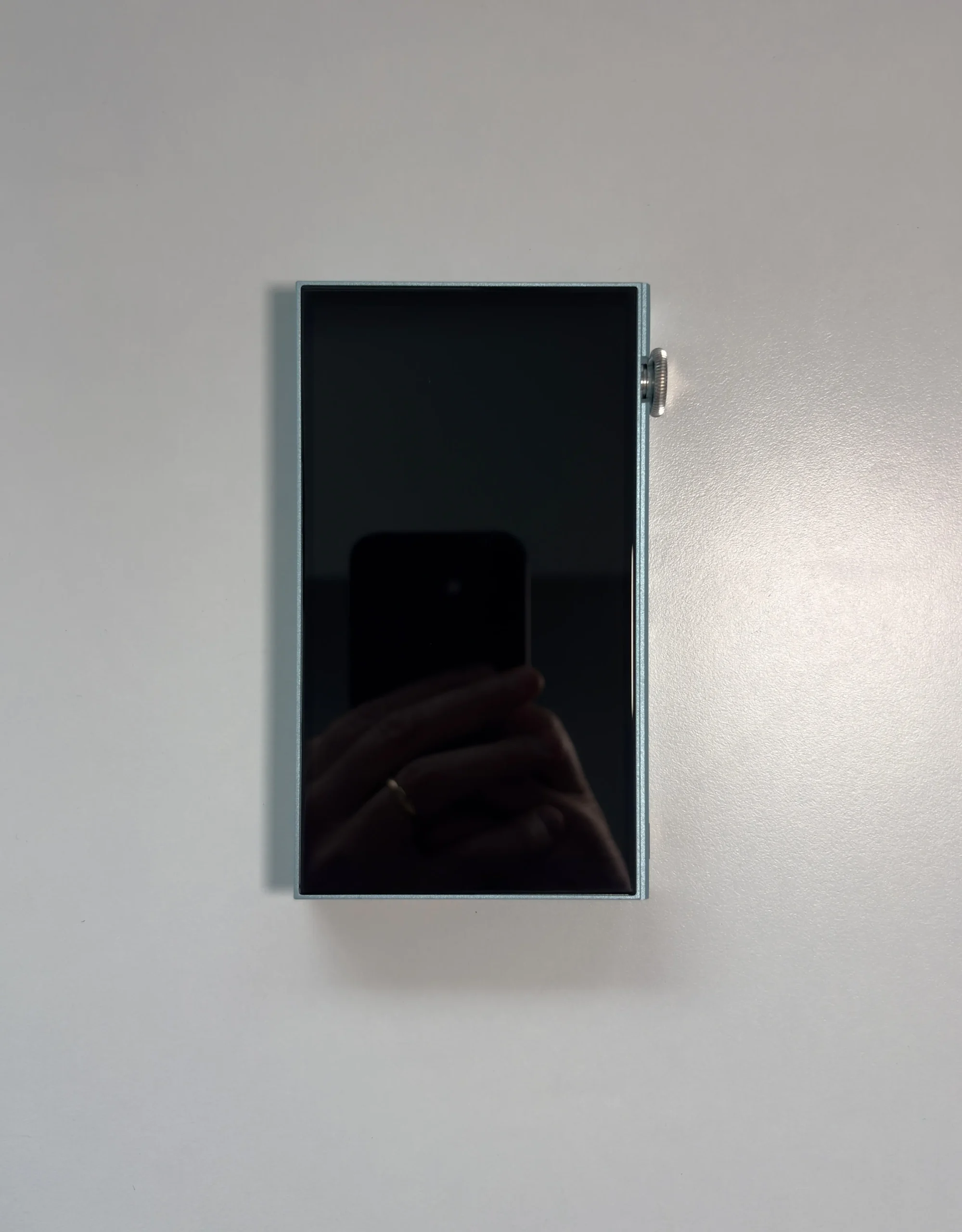

The front is dominated almost entirely by the 5-inch 1080p touchscreen display. The bezels are fairly slim for a digital audio player, and the display itself is bright and crisp, with 1080p resolution (1080 x 1920). iBasso notes that is uses a panel from Sharp, who are known for making high-quality panels, and it really shows here. There currently is not a single DAP that is priced the same or lower that has a better display. I’m not just talking about resolution, either. The colors are accurate and resolving, the image quality is exceptionally crisp and detailed, and the screen gets incredibly bright. If you have always found the screens used in digital audio players to be too dim, this one will change your mind. It’s modern smartphone-level quality.
Touch responsiveness is good. There are times when the device misunderstands my swipe gestures (specifically the back and forward gestures), as even tapping on the left or right sides of the display will sometimes trigger them, but otherwise, I think it performs just fine for a DAP.
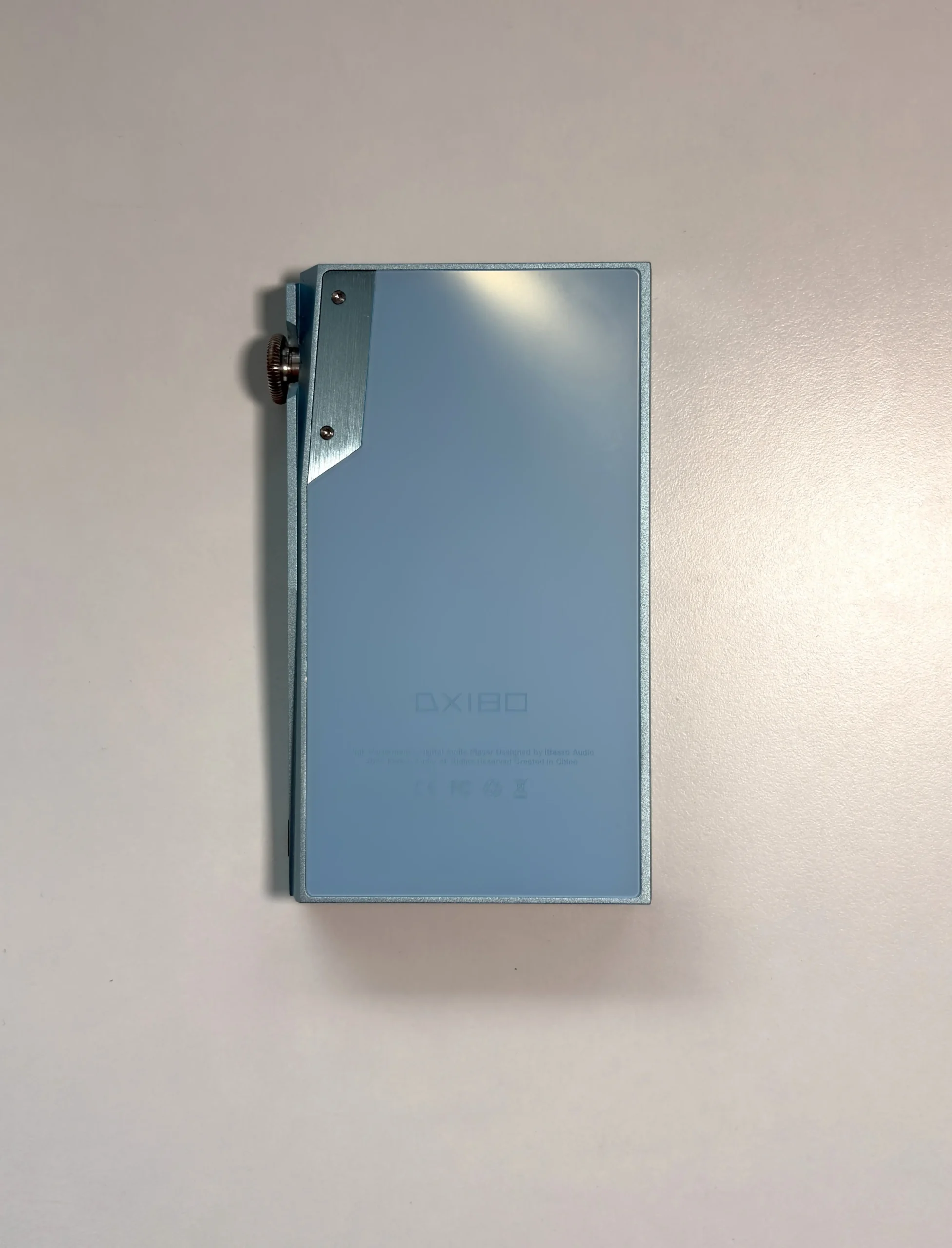
The frosted finish on the back panel provides a nice contrast to the angular design accents running along the sides, especially near the volume control, where those lines add visual interest. The upper left section of the back has an elongated metal plate with two screws. This houses one of the DX180’s great secrets: a user-replaceable battery. iBasso has been known as one of the few DAP manufacturers to allow users to replace the battery in their device without having to send it into a repair facility. Accessing the back panel is as easy as taking out the two screws and sliding the panel up. You have to watch out for the WiFi/Bluetooth antenna that is glued to the back, but the battery is easily accessible. Those looking for longevity will appreciate this feature, and I do wish more companies would follow iBasso’s lead here.
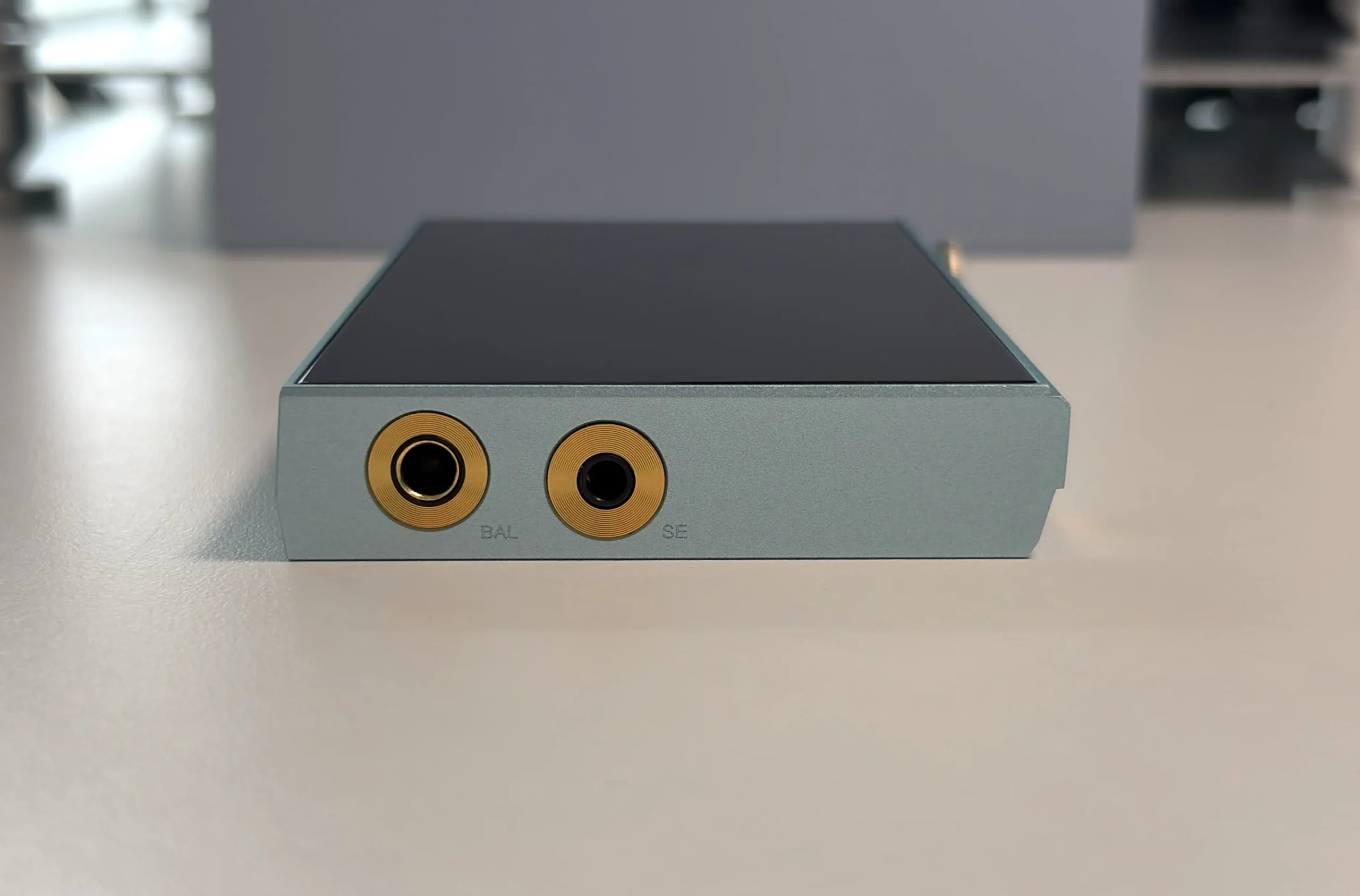
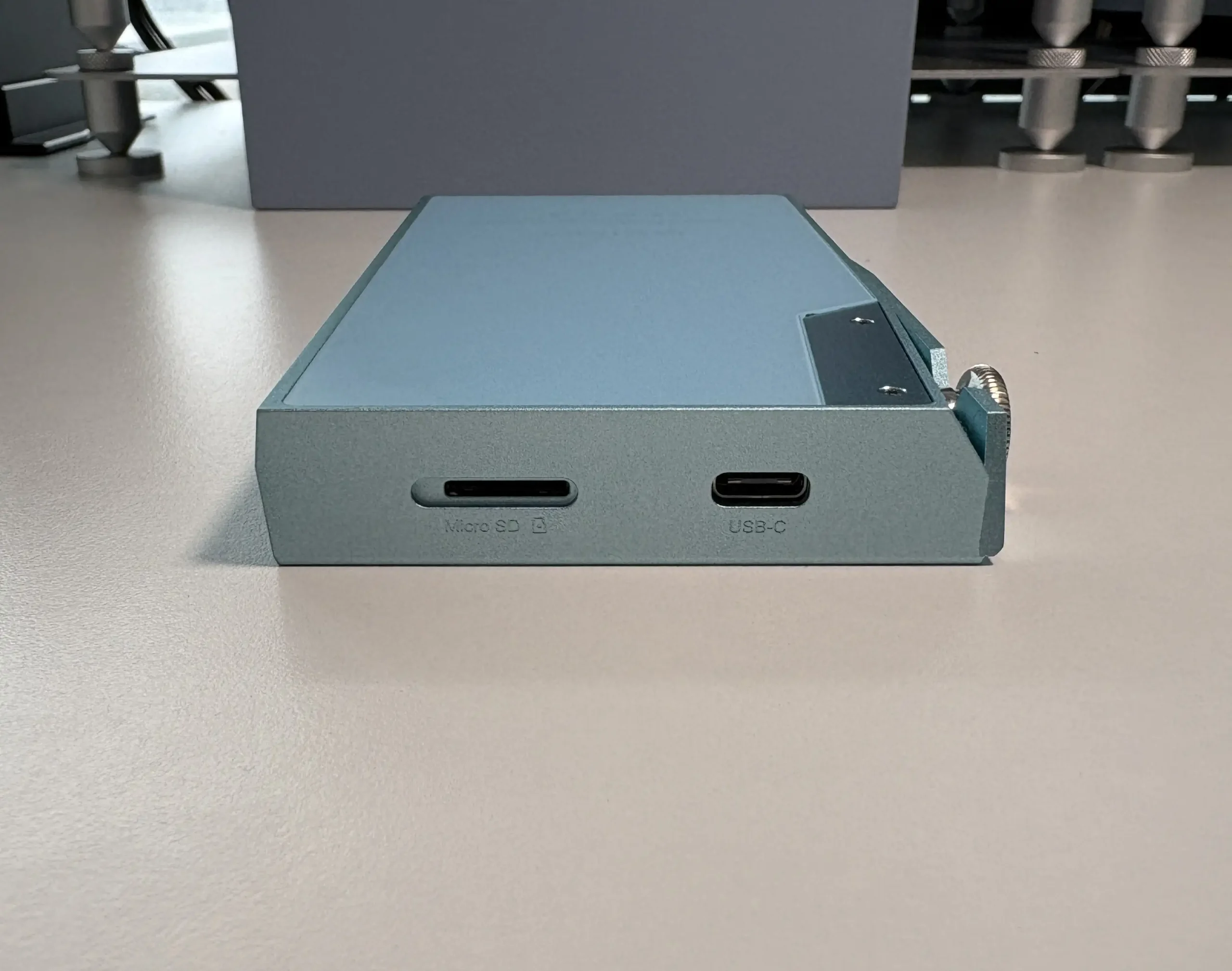
The USB-C and microSD card slot are located on the very top of the device, with the 3.5mm SE and 4.4mm balanced outputs located on the bottom. Personally, I prefer this orientation with the outputs on the bottom, but you do have the option to rotate the screen orientation if you prefer it.
Lastly, here are some pictures with the TPU case:
OS and UI
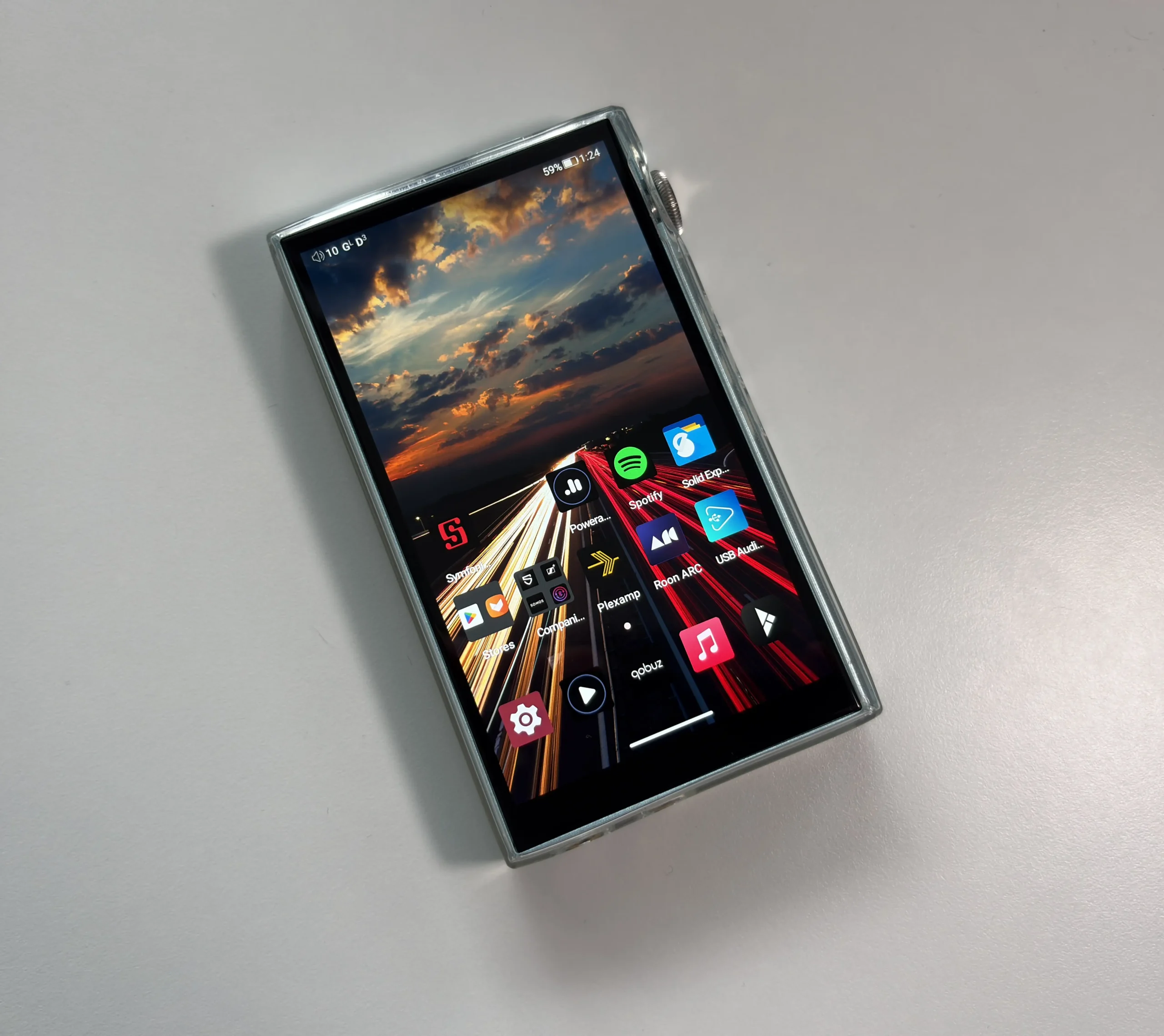
The DX180 runs Android 13 as a pure Android device rather than the dual-mode implementation found in some previous iBasso models. What sets this apart from competitors still stuck on Android 9 or 10 is the system-level Non-SRC bypass. Most Android devices automatically resample everything to 48kHz, which defeats the purpose of having high-resolution files in the first place (ie, higher than CD quality). The DX180 prevents this resampling whether you’re using the built-in Mango Player or using a 3rd party app (UAPP, Apple Music, Qobuz, etc).
The Qualcomm Snapdragon 665 handles the processing duties without generating much heat during longer listening sessions. Google Play Store comes pre-installed, which opens up access to pretty much any streaming service or music player you prefer. iBasso also includes Aptoide, which is an alternative app store. I found that Aptoide tends to update some core Android system apps better than the Play Store does, so I have resorted to using both apps for updates, but it’s not necessary to do this.
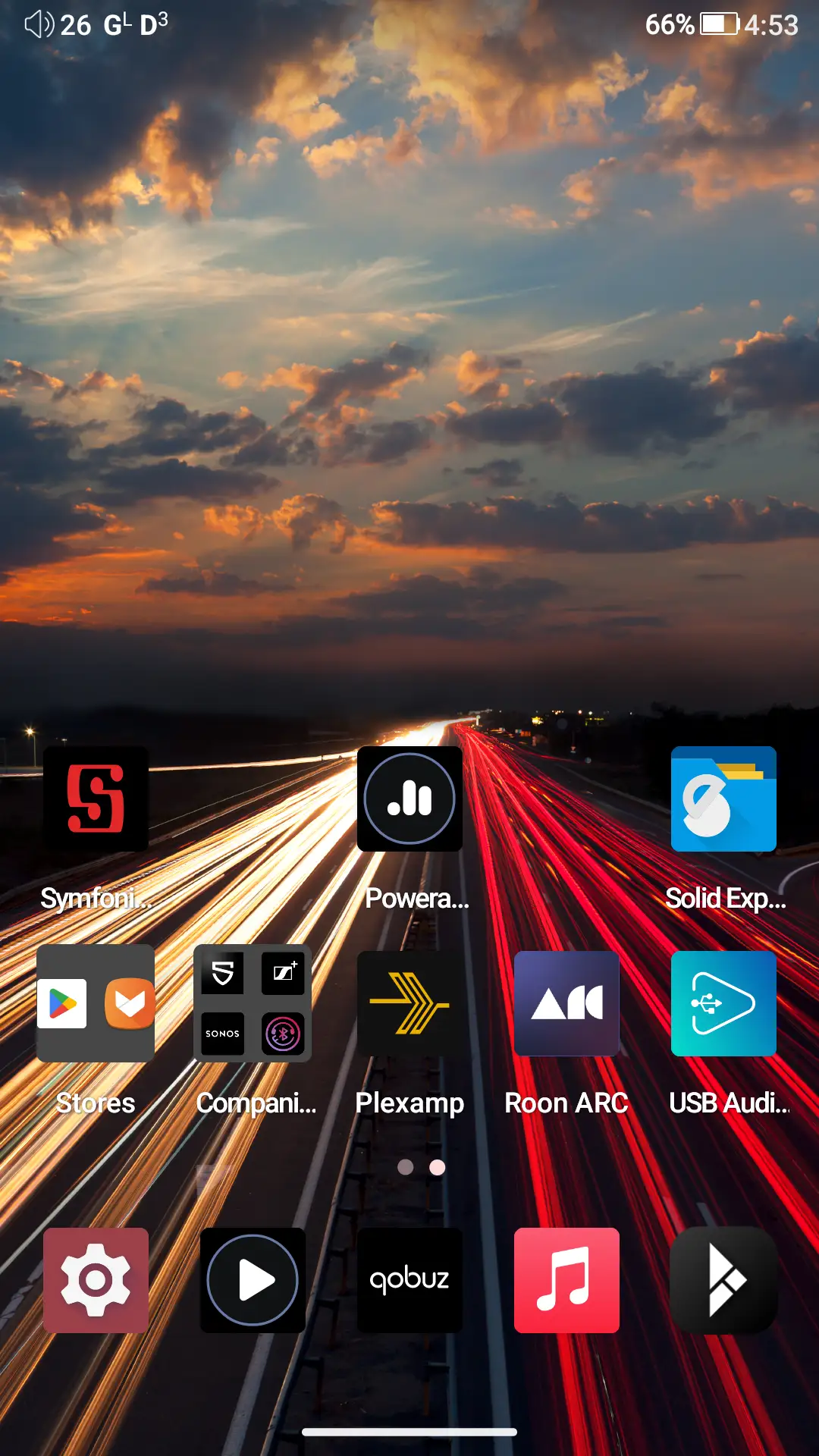
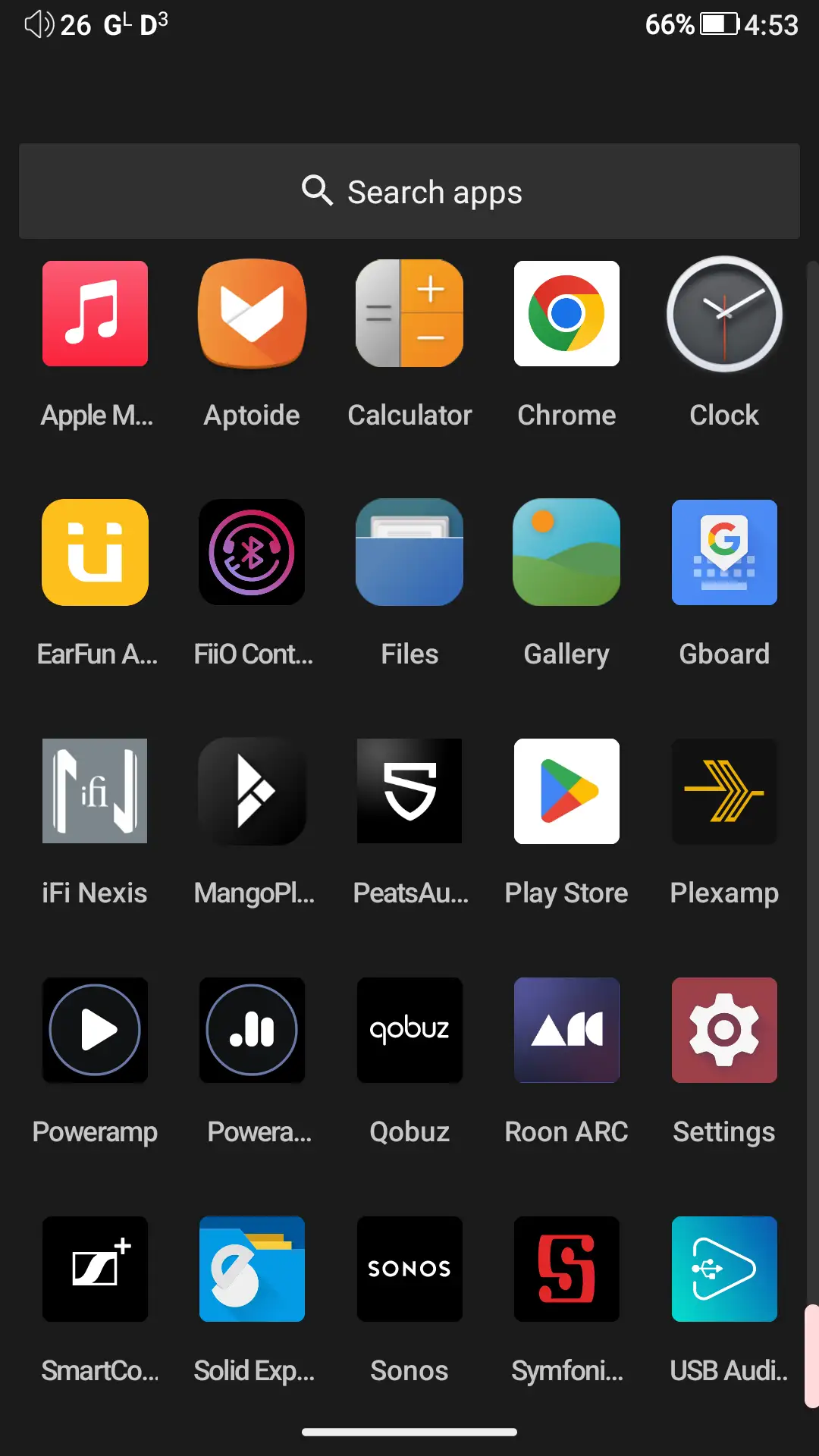
You have the option of using the Gesture navigation or the traditional 3-button navigation. I prefer gesture navigation, and it works very well. The OS feels fluid, and there is no stuttering or lag when using apps or navigating the device. The stock launcher is very basic, but on a dedicated music player, this is expected, as it will use the least amount of system resources. You can do basic things like add widgets and create folders. By default, the app drawer is disabled, but if you enter the Home settings (hold down anywhere on the main screen and select Home settings), turning off the “The main screen” option will prevent all apps from appearing on the home screen and will enable the app drawer. I prefer this for easier app management and a more organized home screen.
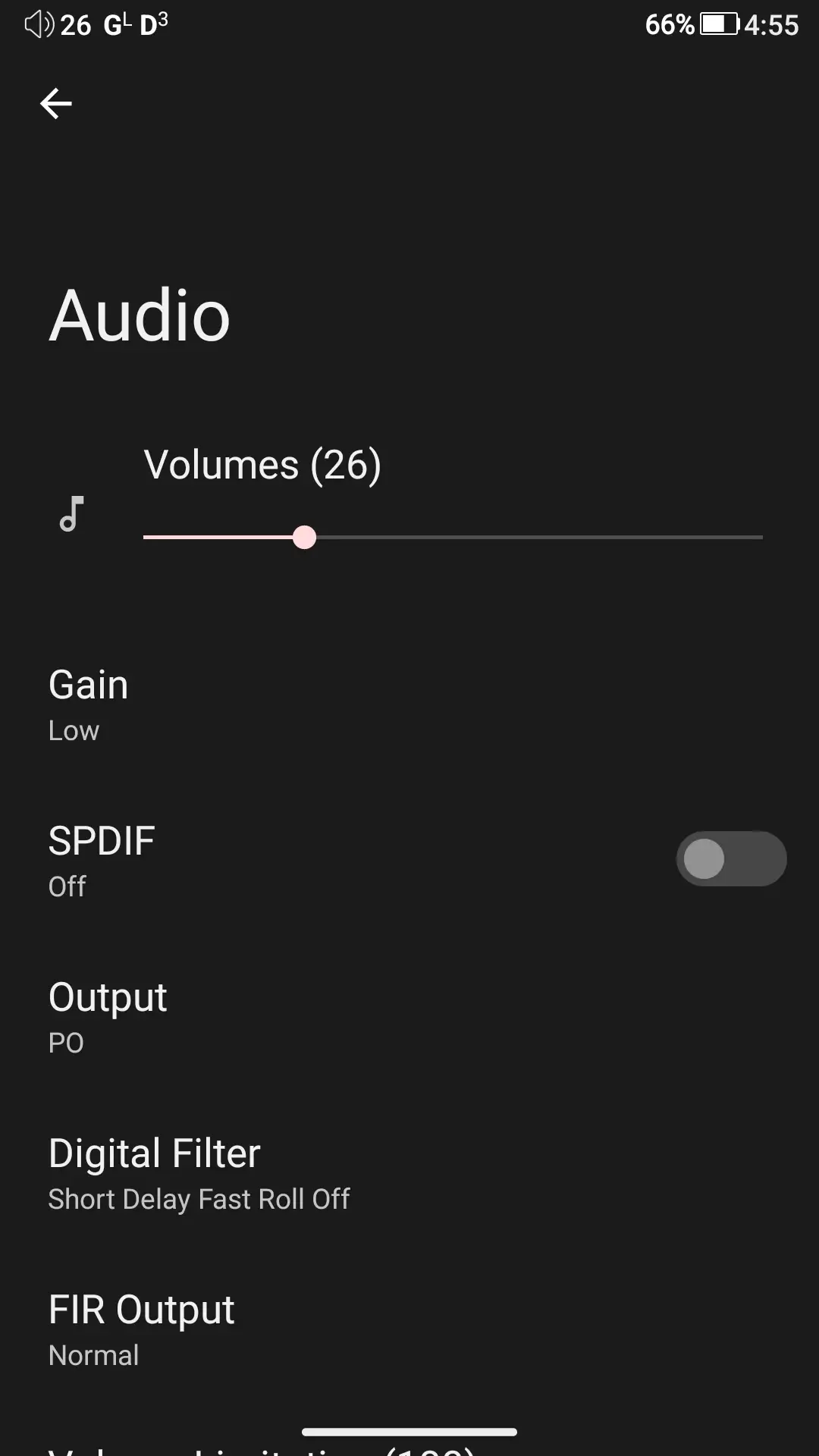
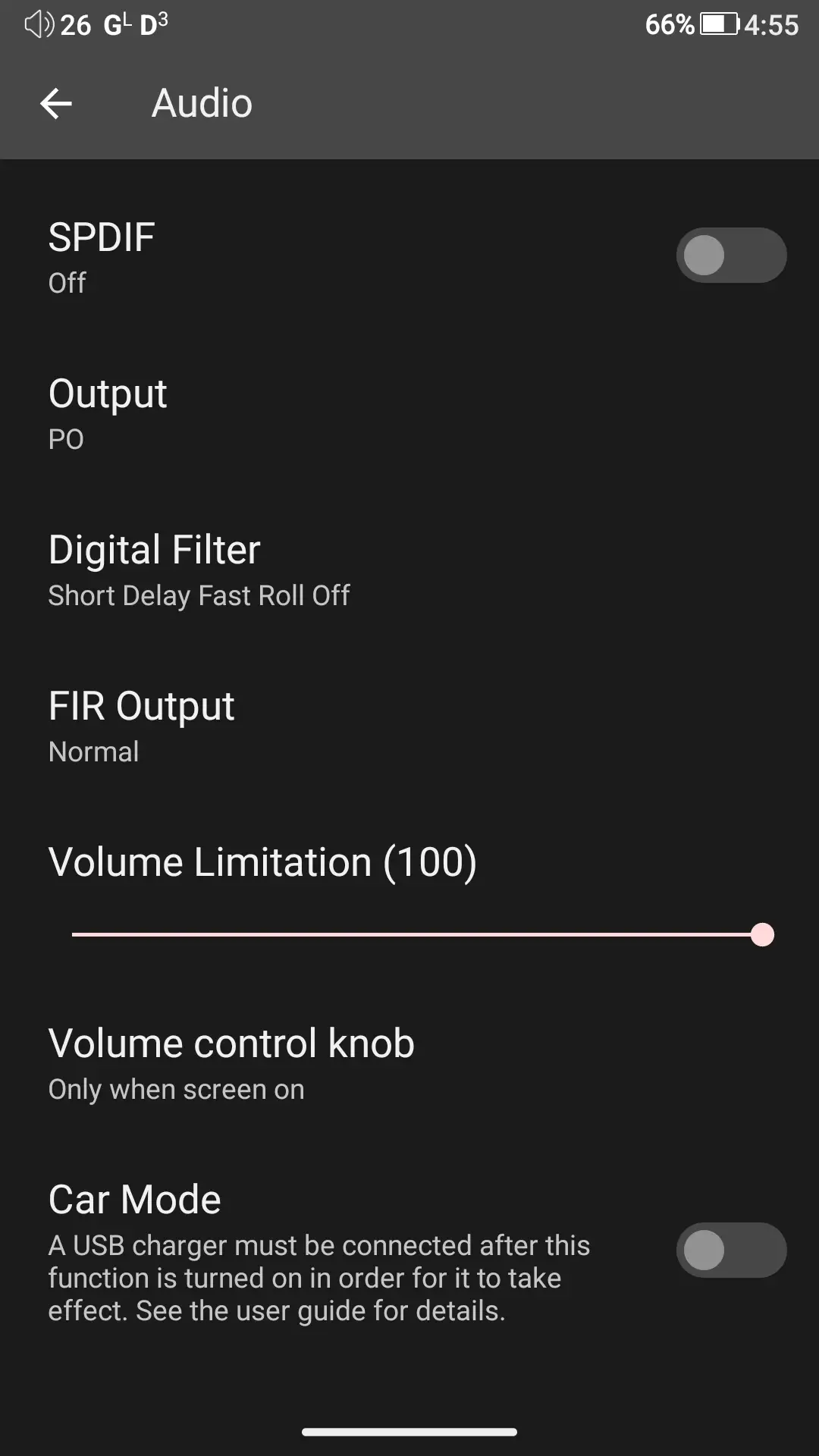
The DX180’s audio settings are available from both the navigation shade (pull down from the top) and the dedicated “Audio” section in the device Settings.
Third-party apps run perfectly fine on the DX180. My most commonly used apps are UAPP (USB Audio Player Pro), Apple Music, and Qobuz. I did try Spotify as well. All of these apps have excellent performance, with only minor lag or stuttering at times (Spotify is the worst offender for this, but it is a rather performance-heavy app). Considering the optimization that goes into these Android installs, and the fact that the device has to drive a 1080p display, it’s actually one of the smoothest and best-performing Android DAPs I have used to this day. iBasso did a great job with the optimization here.
MangoPlayer
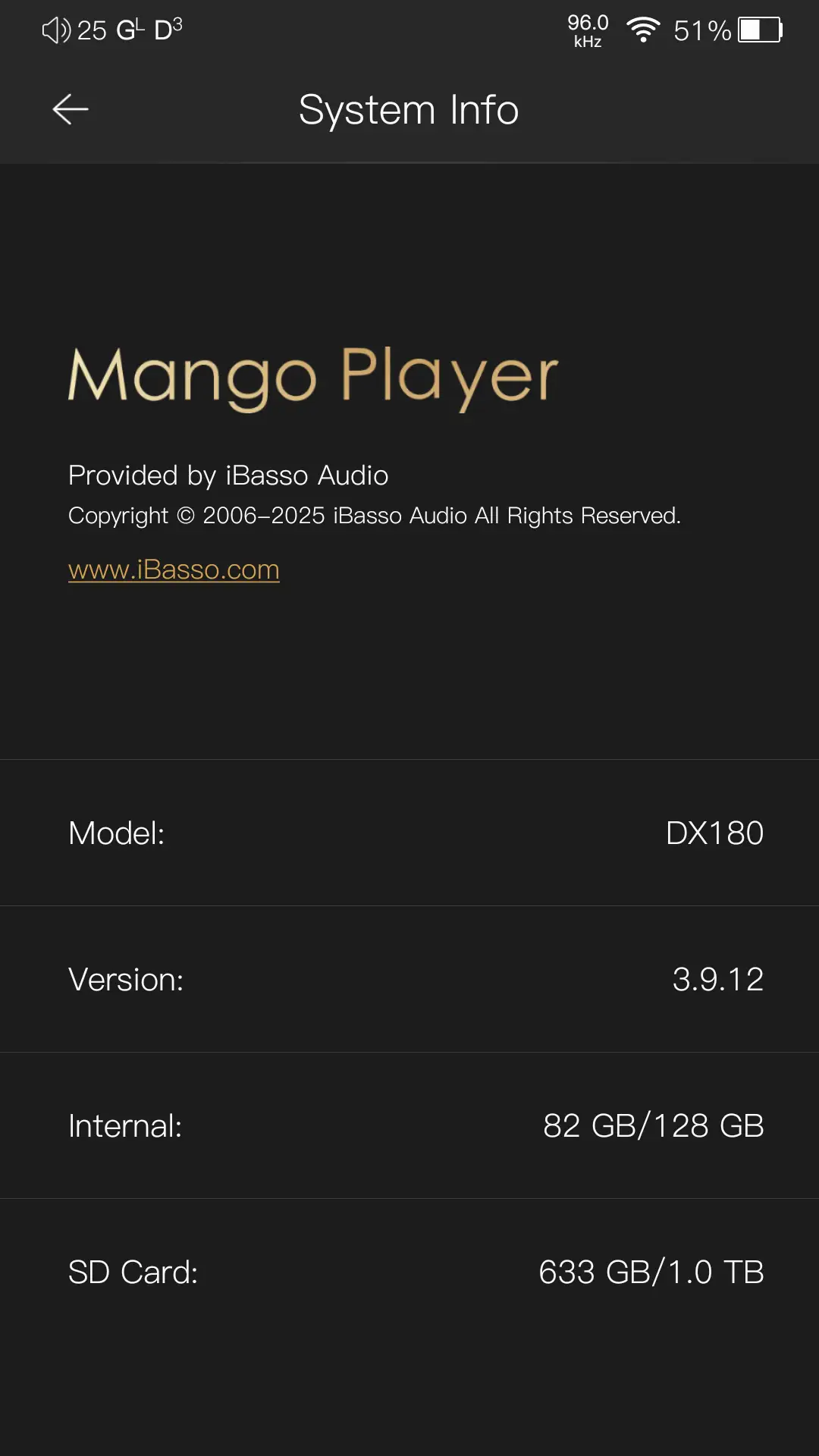
The built-in music player is iBasso’s MangoPlayer. I have mixed feelings about it as it is both incredible and frustrating at the same time. I love the look, features (mostly), and overall simplicity of the UI, especially the Now Playing interface. I hate that many of the DX180’s features are tied to the player. Features such as the Equalizer (GEQ and PEQ), USB DAC, and Bluetooth DAC are all tied to this app. If you decide to uninstall the app, you lose access to those features. As well, the Equalizer only applies to MangoPlayer, so if you want EQ applied to a different app, like Apple Music or Qobuz, you need to install a 3rd party equalizer app to have that ability. I can confirm that Poweramp Equalizer does work, as does Wavelet, without needing to root the device or do anything special.
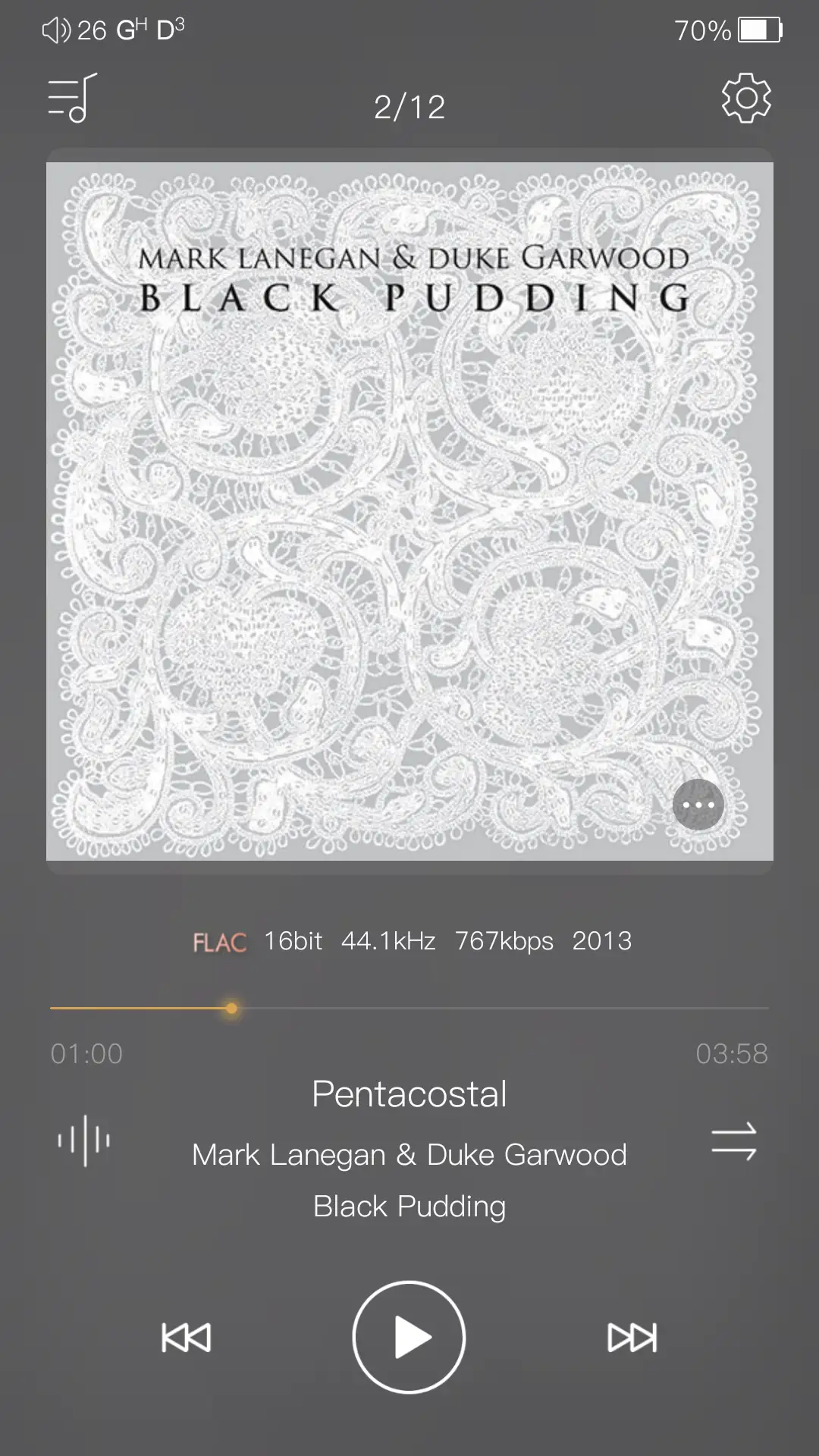
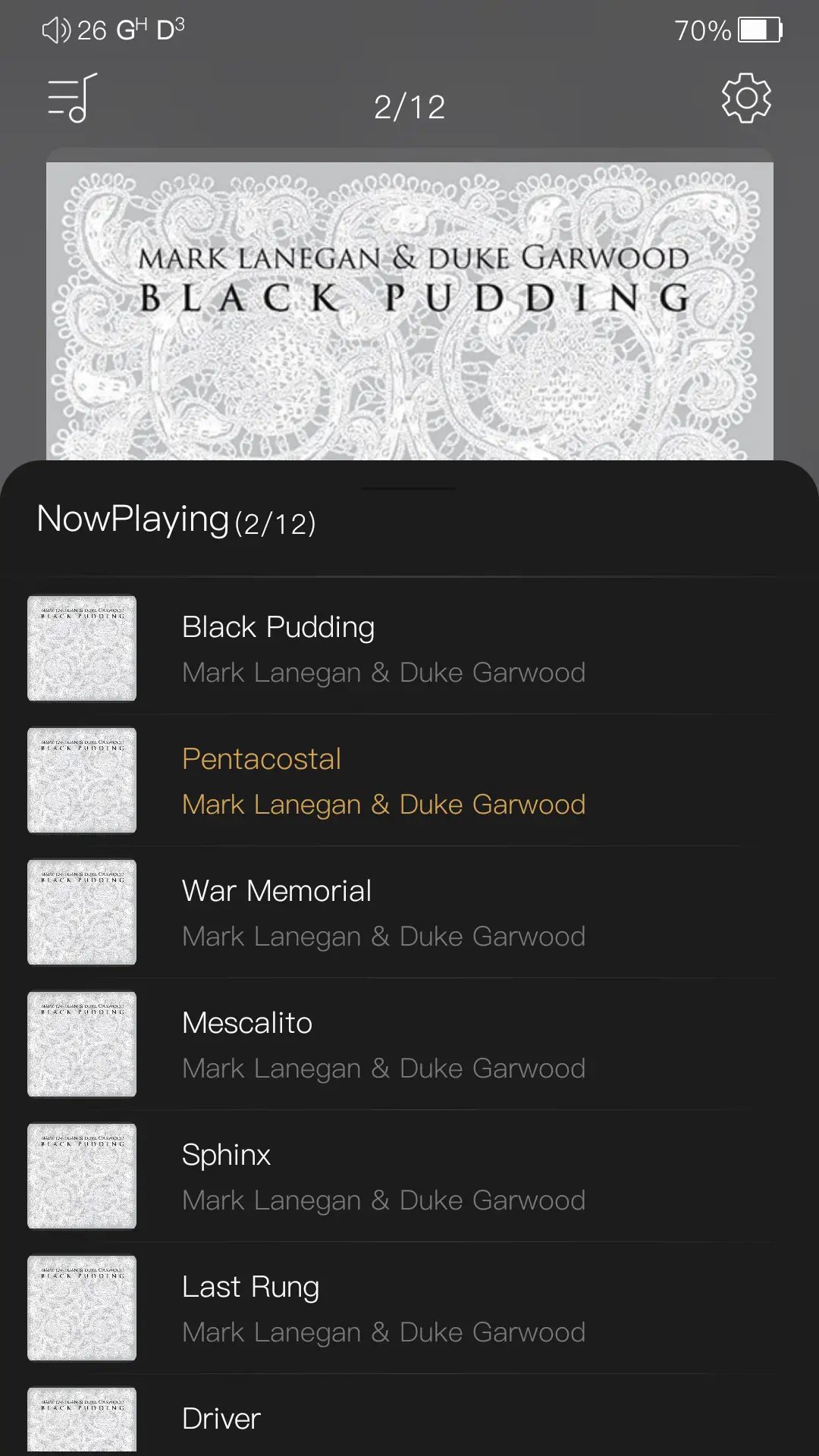

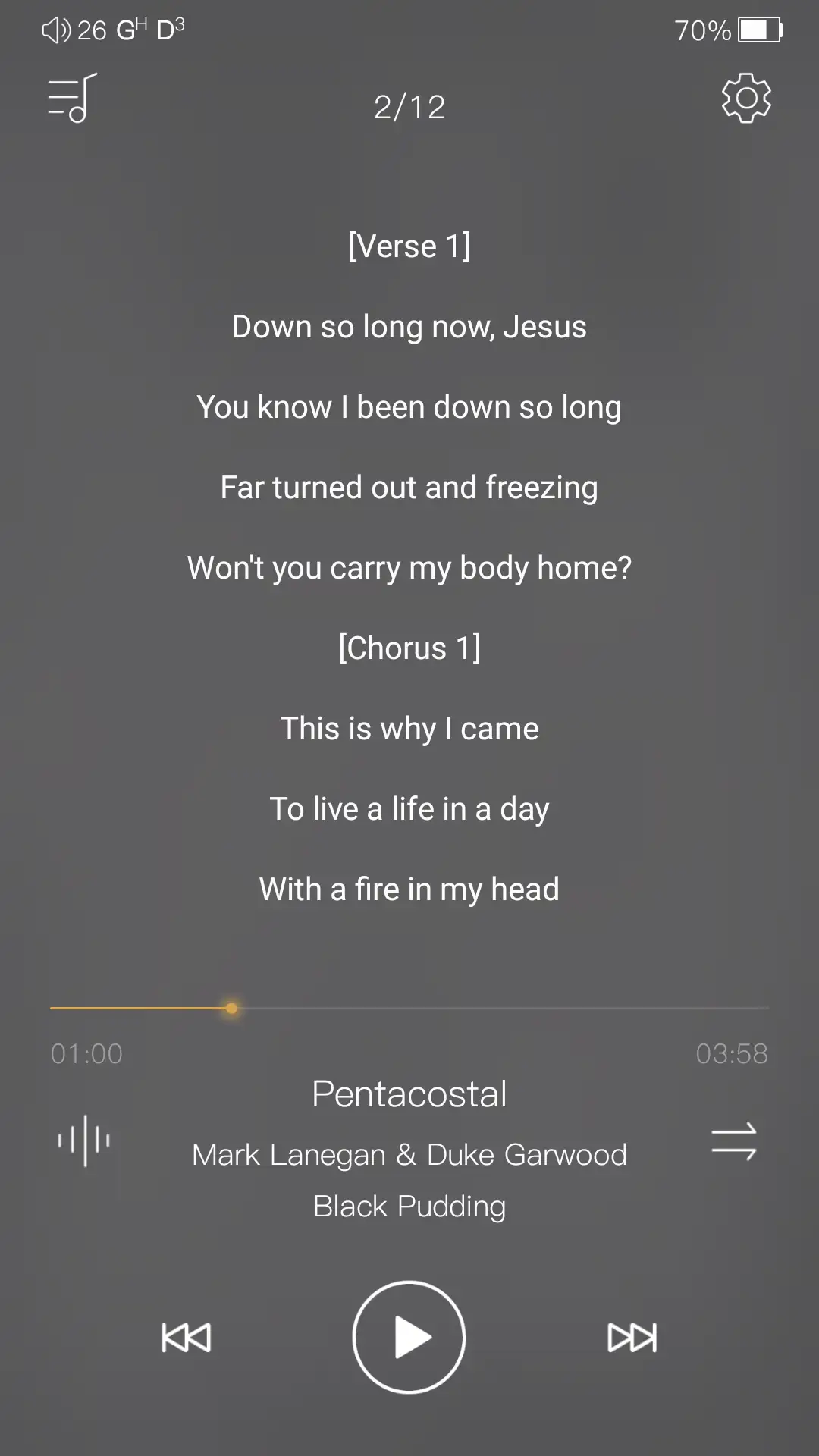
With most of my grievances now out of the way, let’s look at the app itself. When you open it, you land on the Now Playing screen. It’s very clean looking, and the album art is displayed prominently, which I appreciate. It also displays all of the relevant information one would need (or at least what I feel is relevant): track number, file type and sampling rate, year, track name, artist, album, and the seek bar. On the bottom right section of the album art is a button with three dots. Pressing this brings up the queue list. Tapping once on the album art displays lyrics (if you have any), and tapping once again brings you back to the album art.
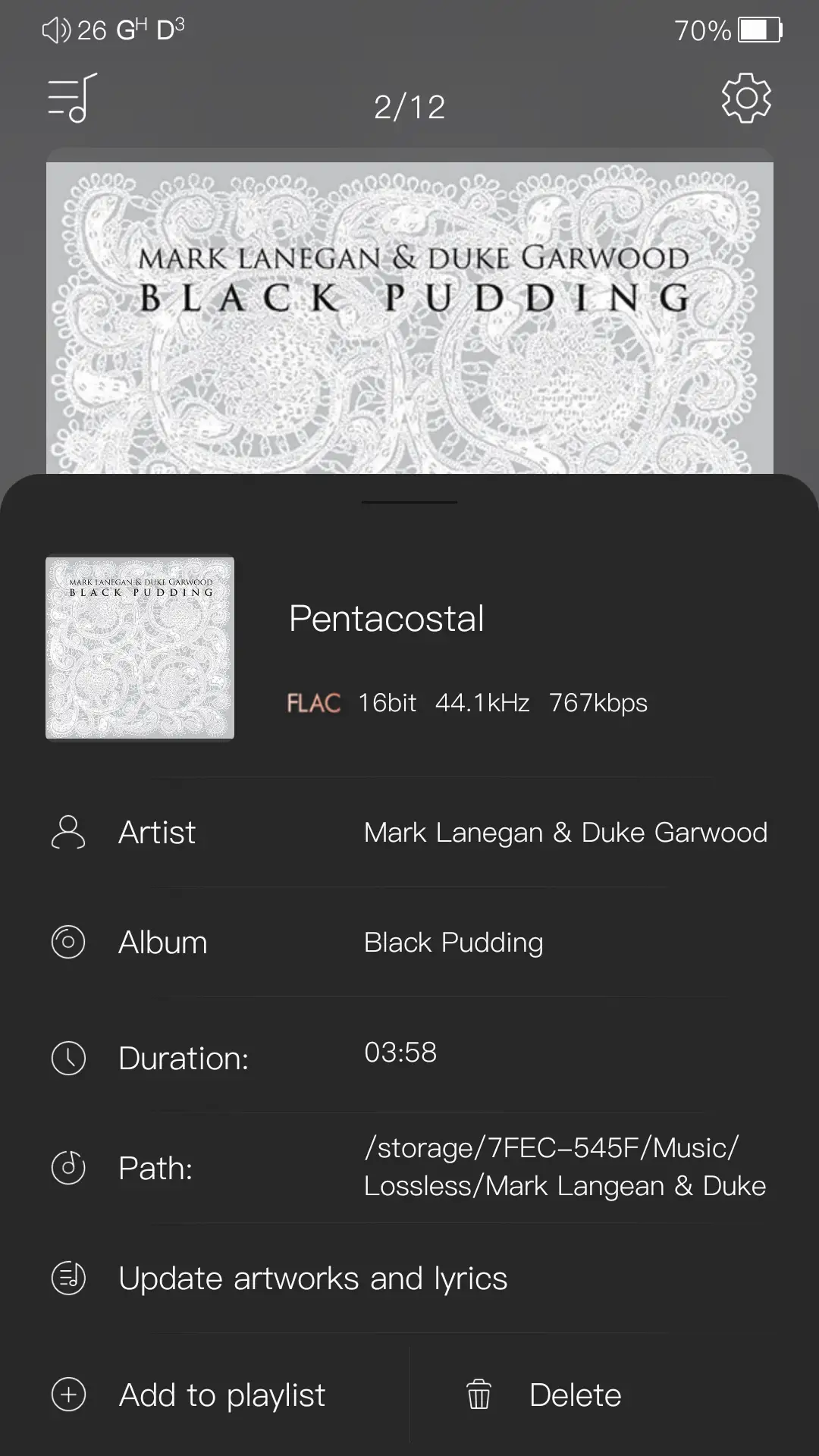

The button to the left of the track info displays detailed information about the currently playing file, and allows you to add it to a playlist, delete the file, and even update the artwork and lyrics. The button to the right of the track info cycles through the Play Modes. You can also swipe the album art left and right to change tracks.
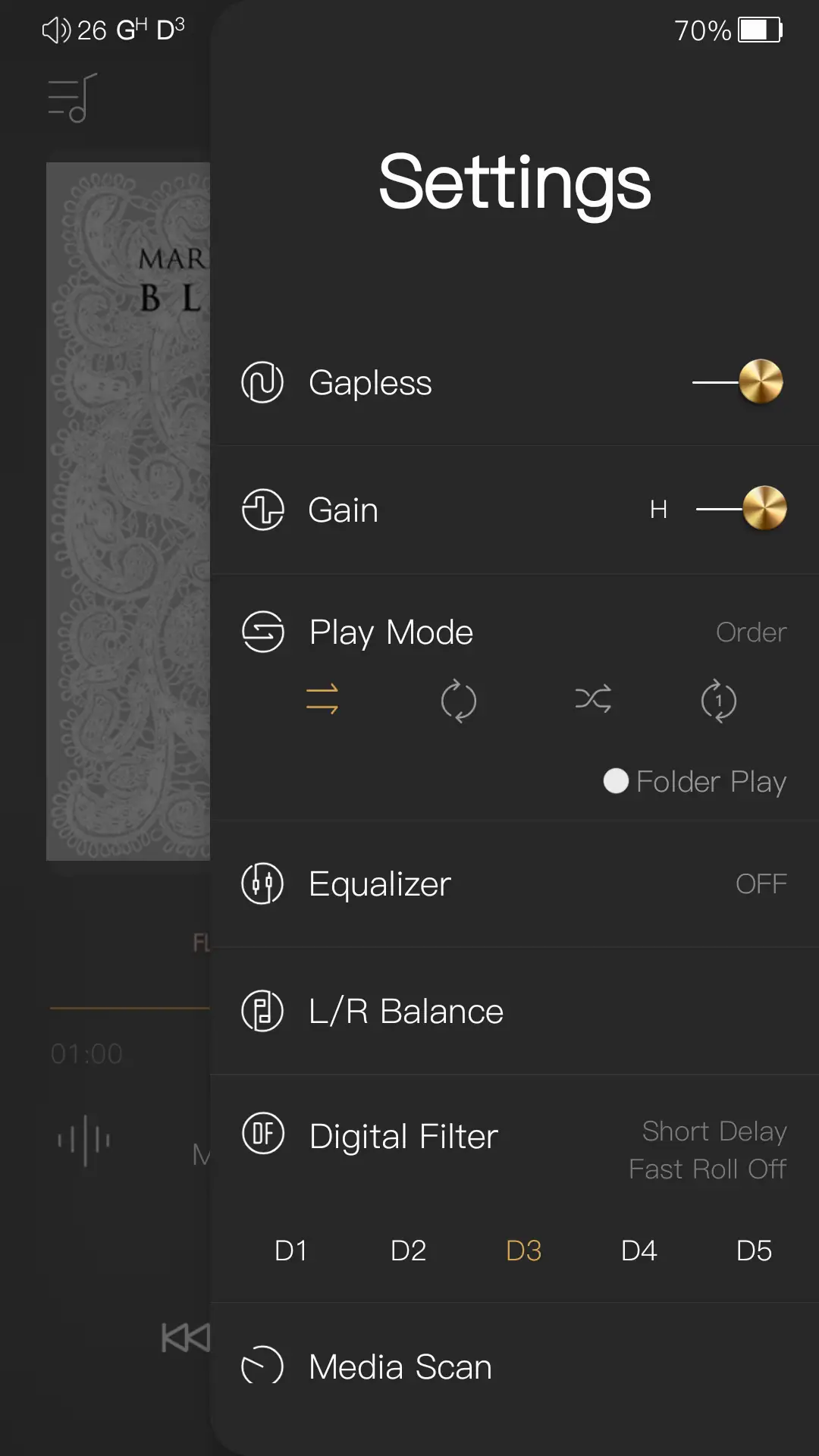
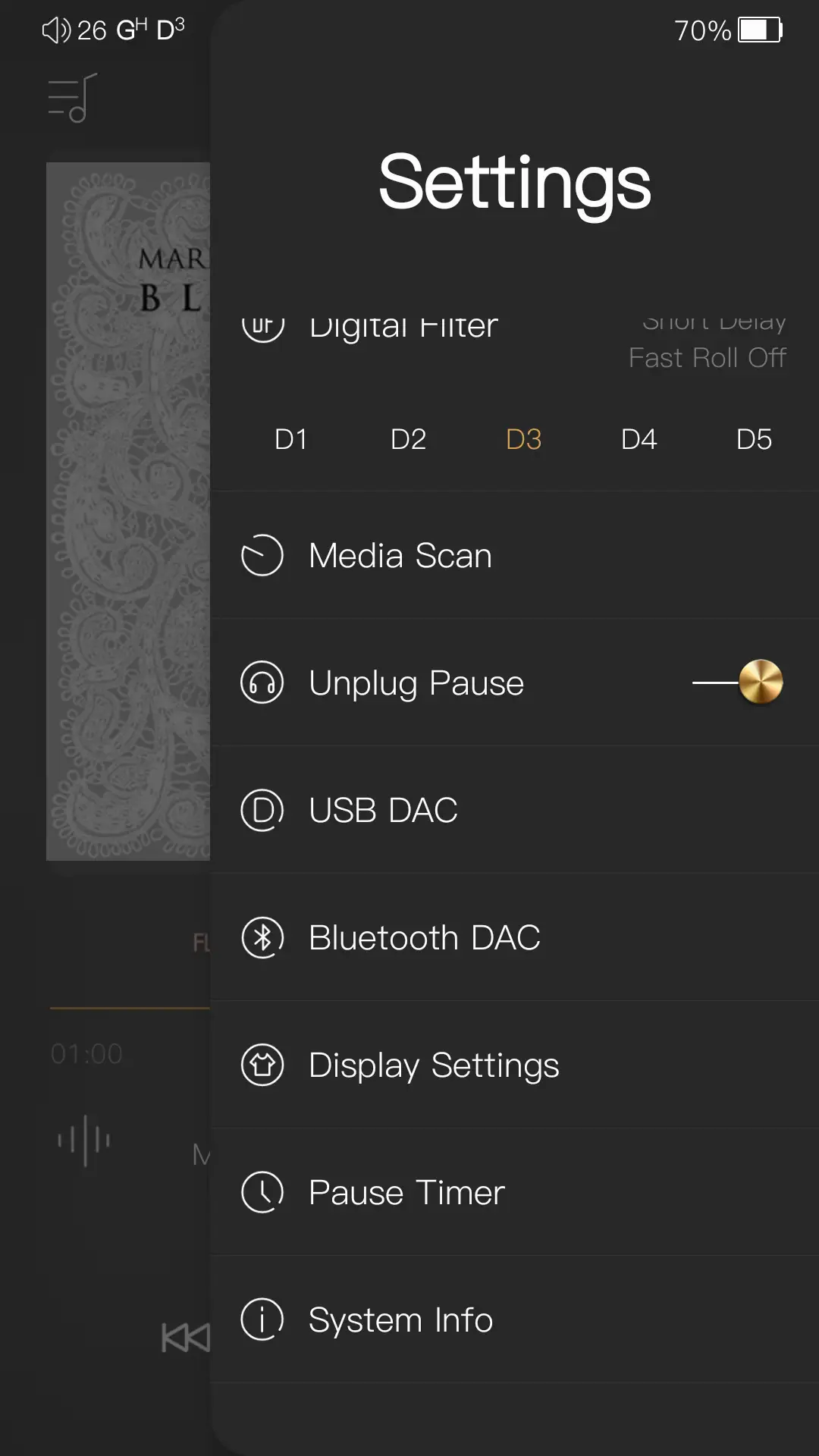
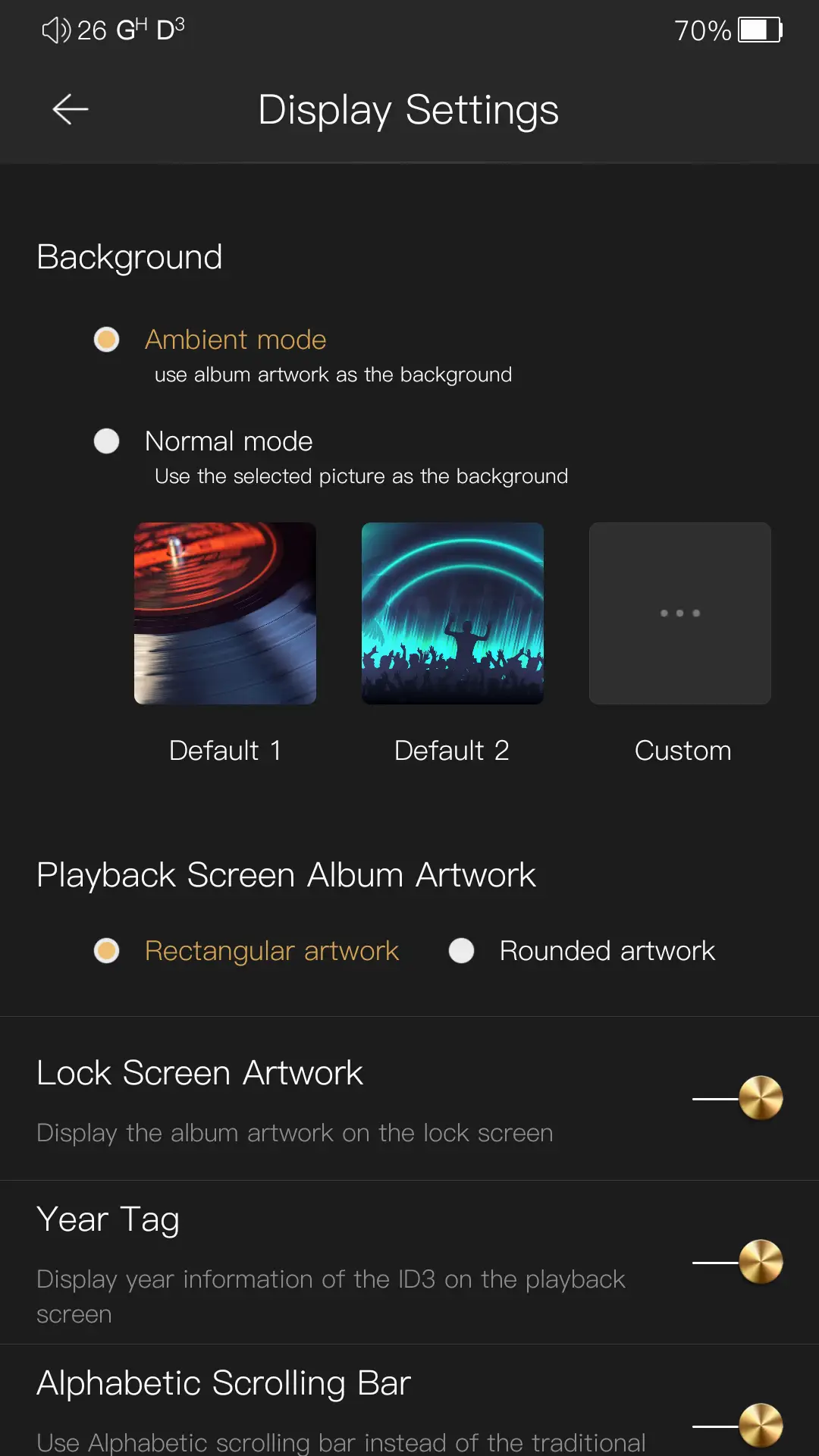
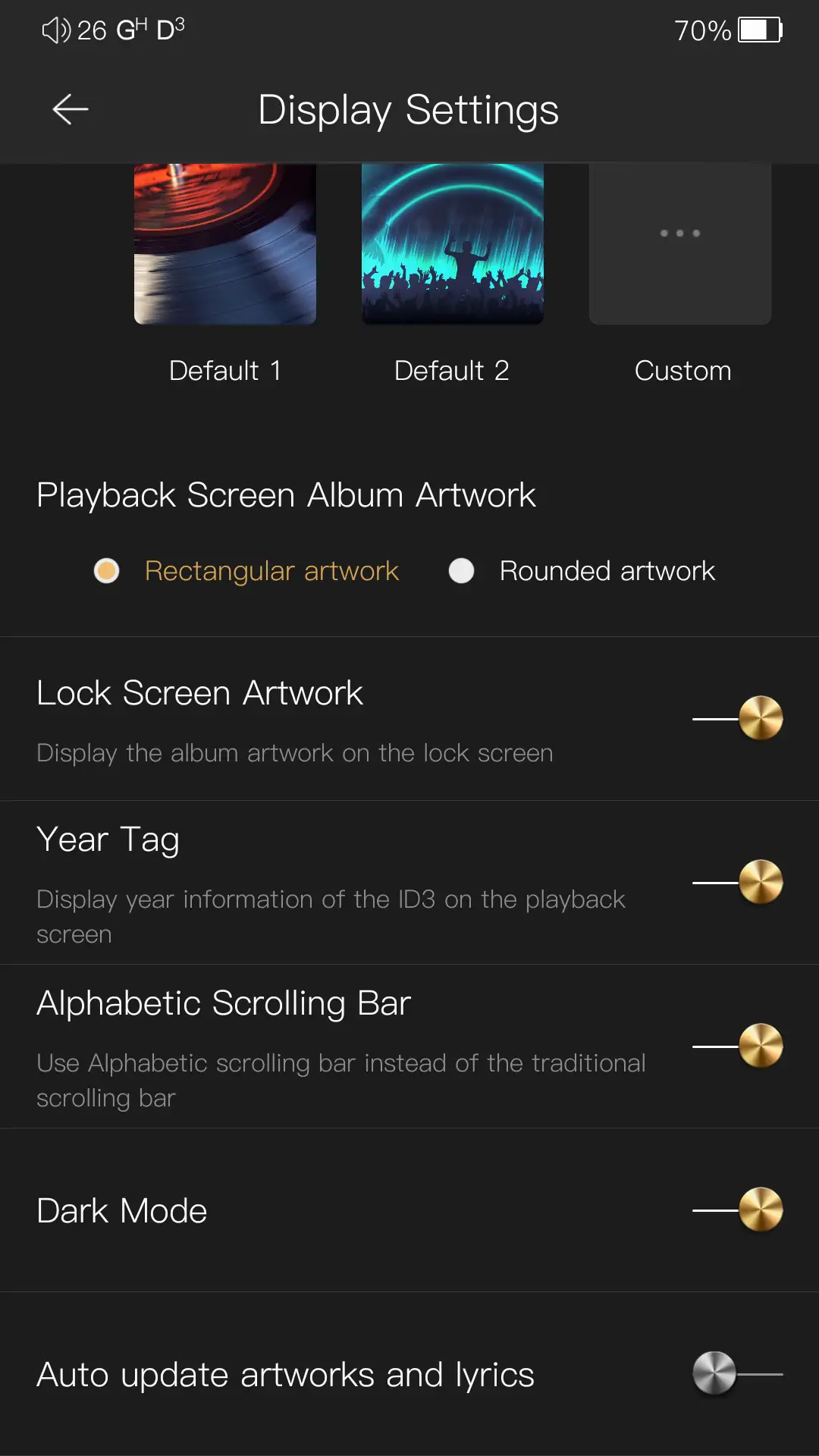
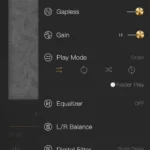
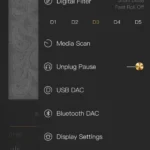
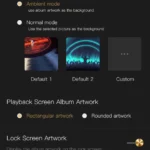
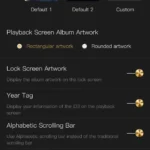
On the top right of the screen is the player’s Settings button. From here, you can change all of the audio and playback-related settings:
- Gapless playback
- Gain level (Low, High)
- Play Modes (sequential, Loop, Shuffle, Repeat)
- Equalizer (GEQ and PEQ)
- L/R balance
- Digital Filters
- Media Scan
- Unplug Pause
- USB DAC
- Bluetooth DAC
- Display Settings
- Pause Timer
- System Info (app version)
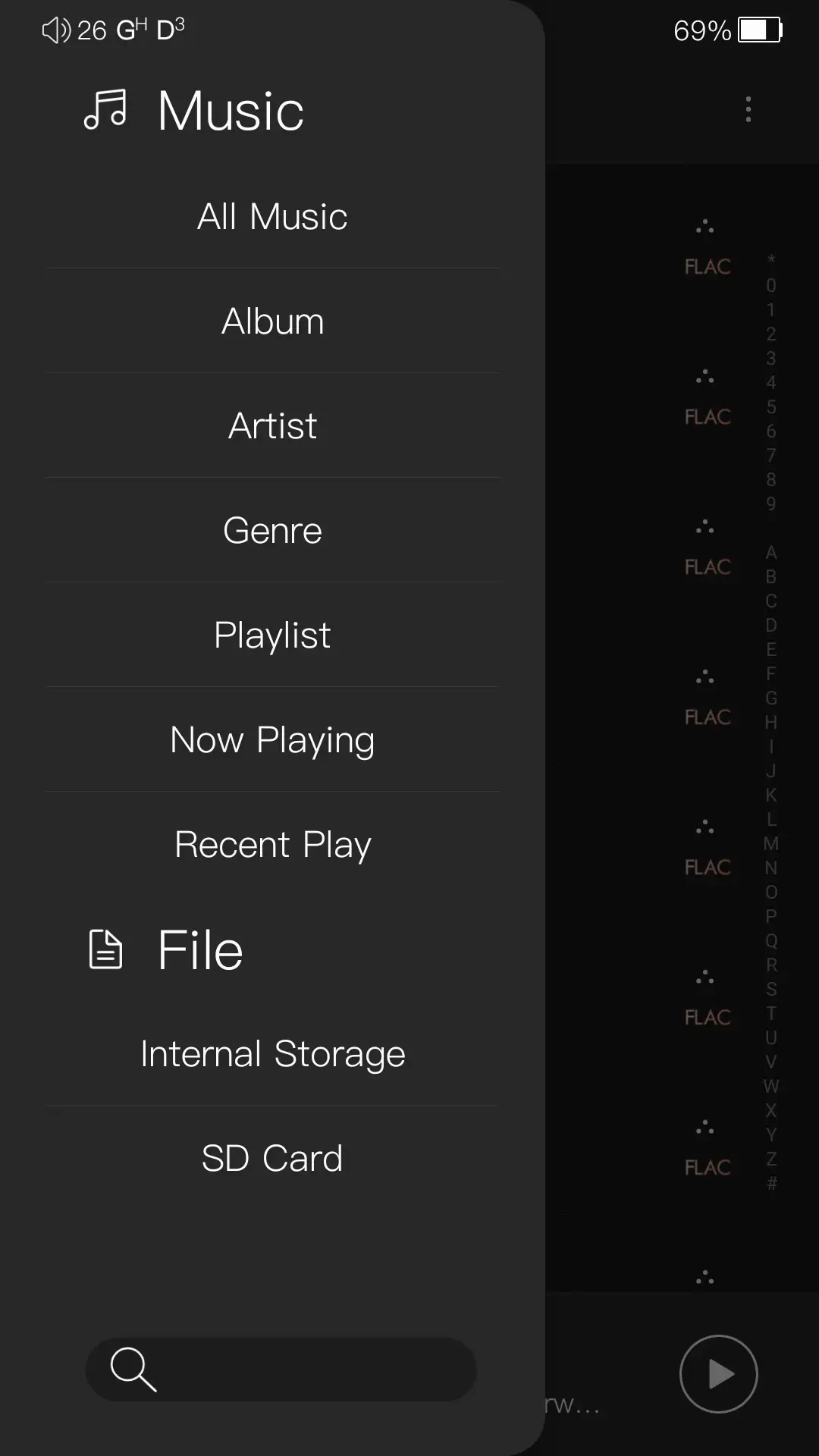
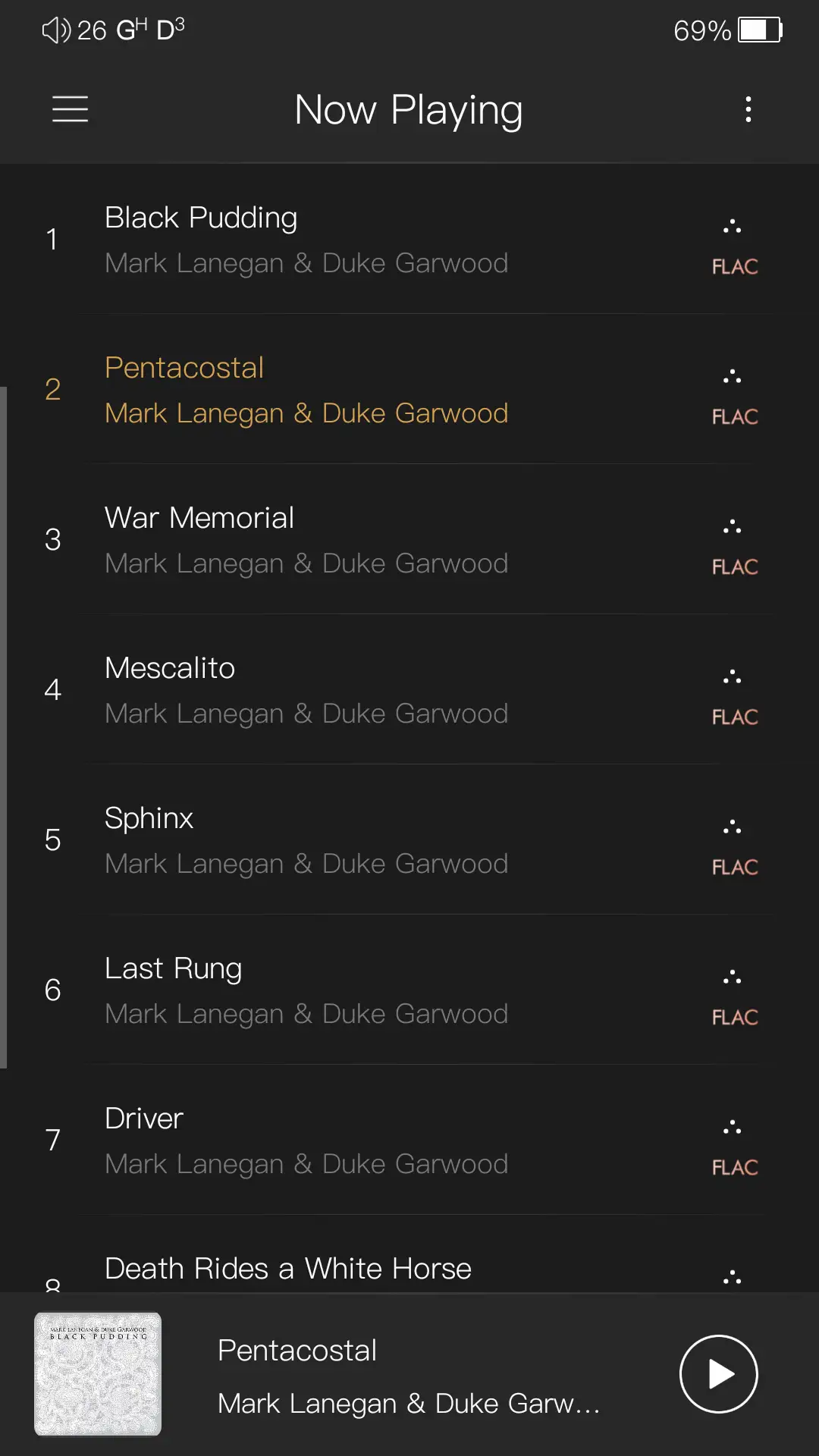
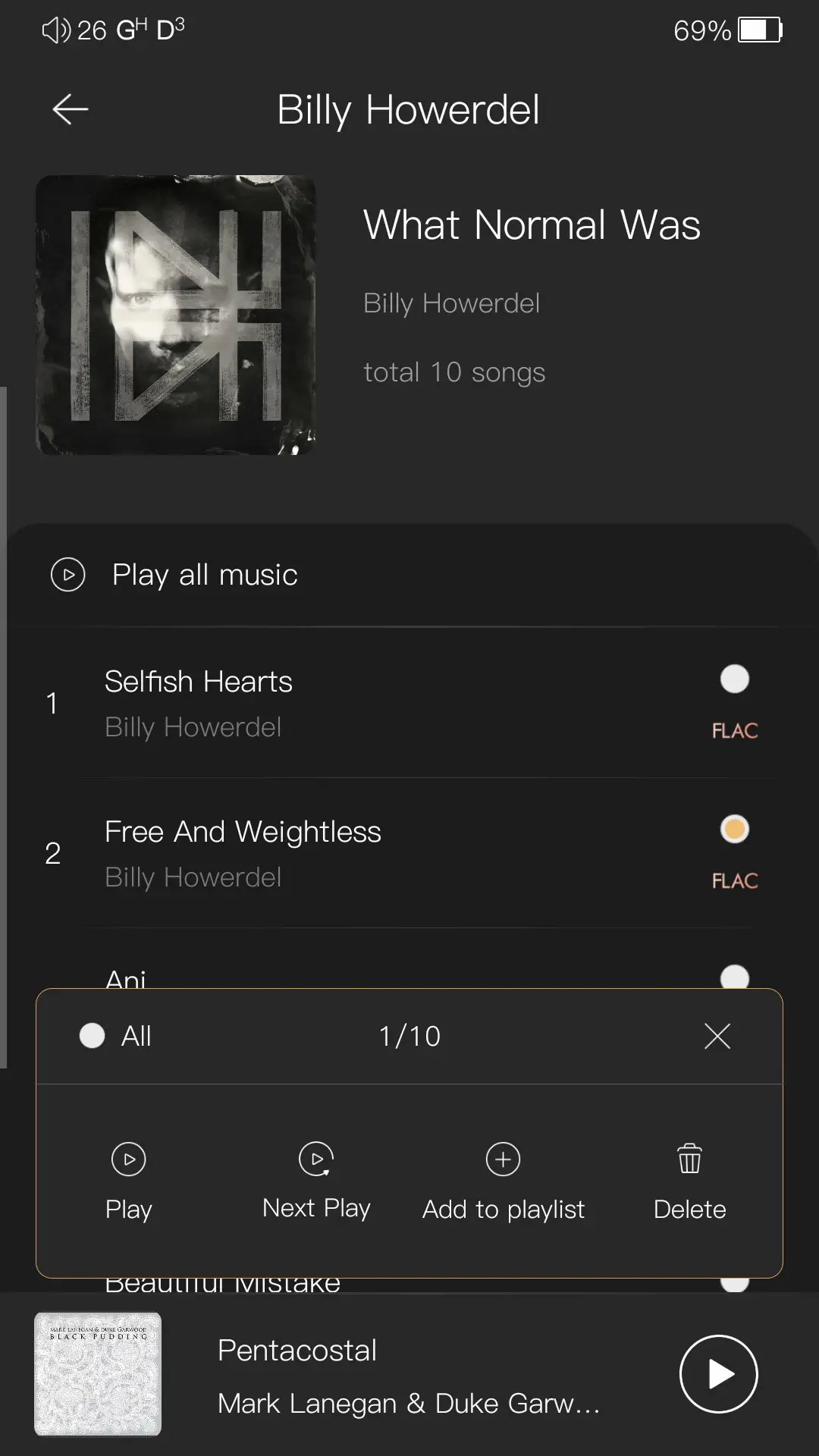
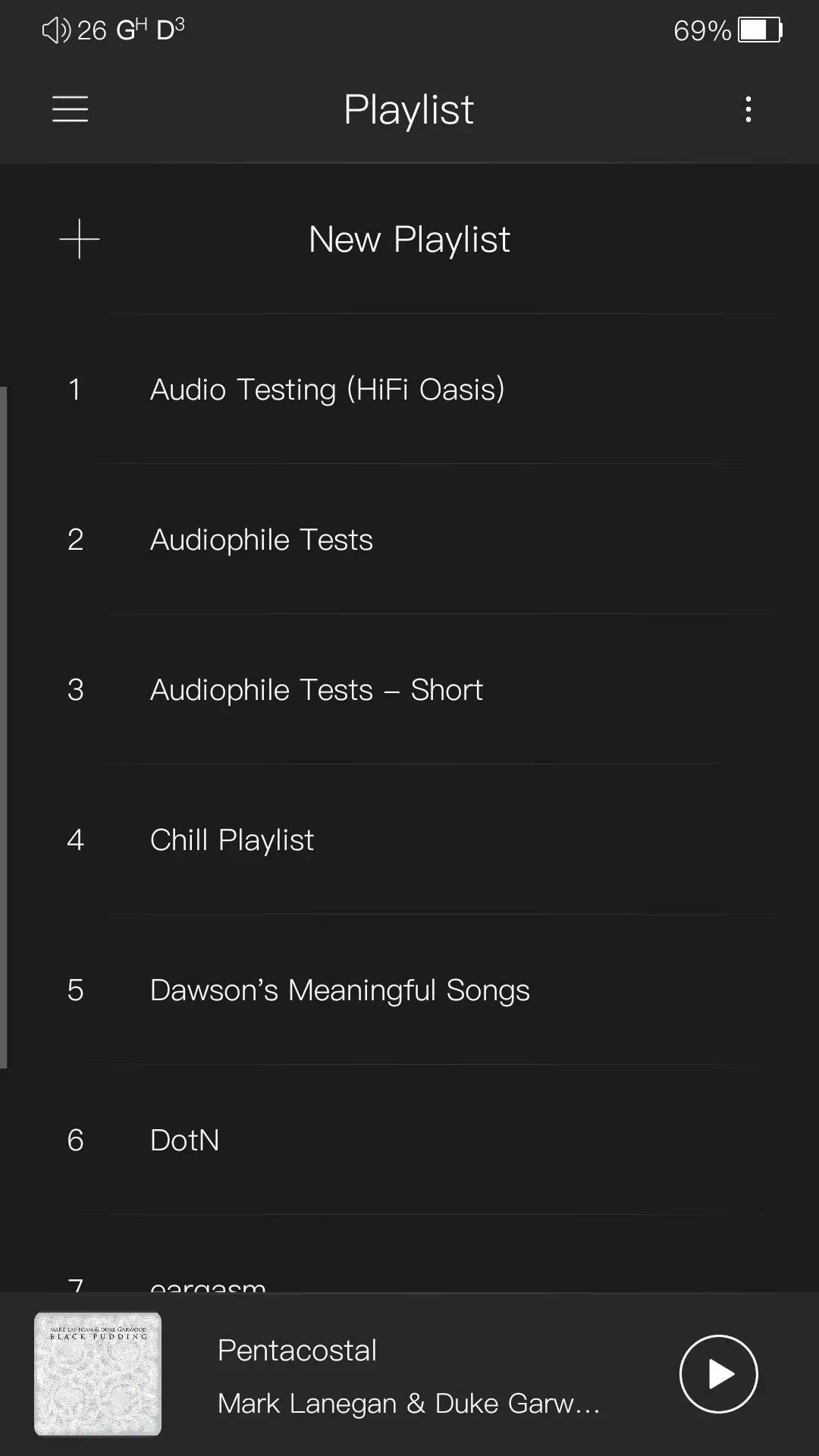
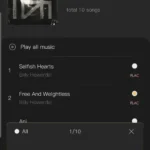
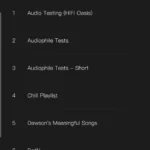
The button on the top left of the screen takes you to “All Music”, which is a list of all songs in your library. Pressing the hamburger menu on the top left will then bring you to the “Music” sidebar, which allows you to select from the following:
- All Music
- Album
- Artist
- Genre
- Playlist
- Now Playing (this is not the Now Playing screen referenced earlier, but the current song queue)
- Recent Play
- Internal Storage
- SD Card
At the very bottom is a search bar where you can search for tracks, albums, artists, and genres.
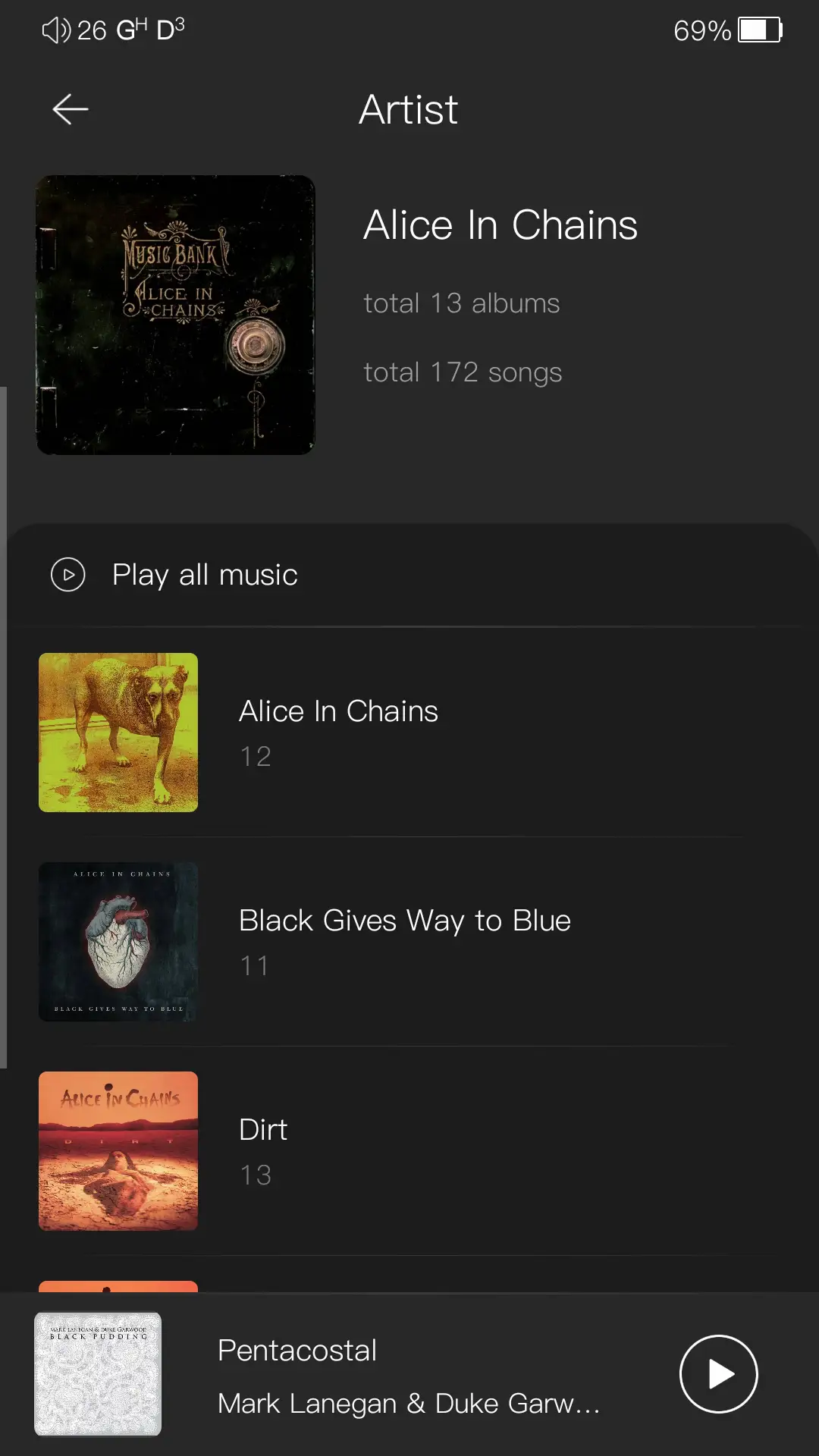
I do not like OS gesture navigation in this app. When on the Now Playing screen, swiping from the right edge opens the Settings section. Swiping from the left opens the All Music screen. Then, if you swipe quickly from the left again, it will, most of the time, go back to the Now Playing screen, but if you slowly swipe, it will open up the sidebar. The lack of consistency is annoying, and it’s clear the app was designed with Android’s button navigation in mind. Overall, this is a minor gripe and not a deal breaker. I also do not like that albums are ordered alphabetically and not chronologically when viewing an Artist.
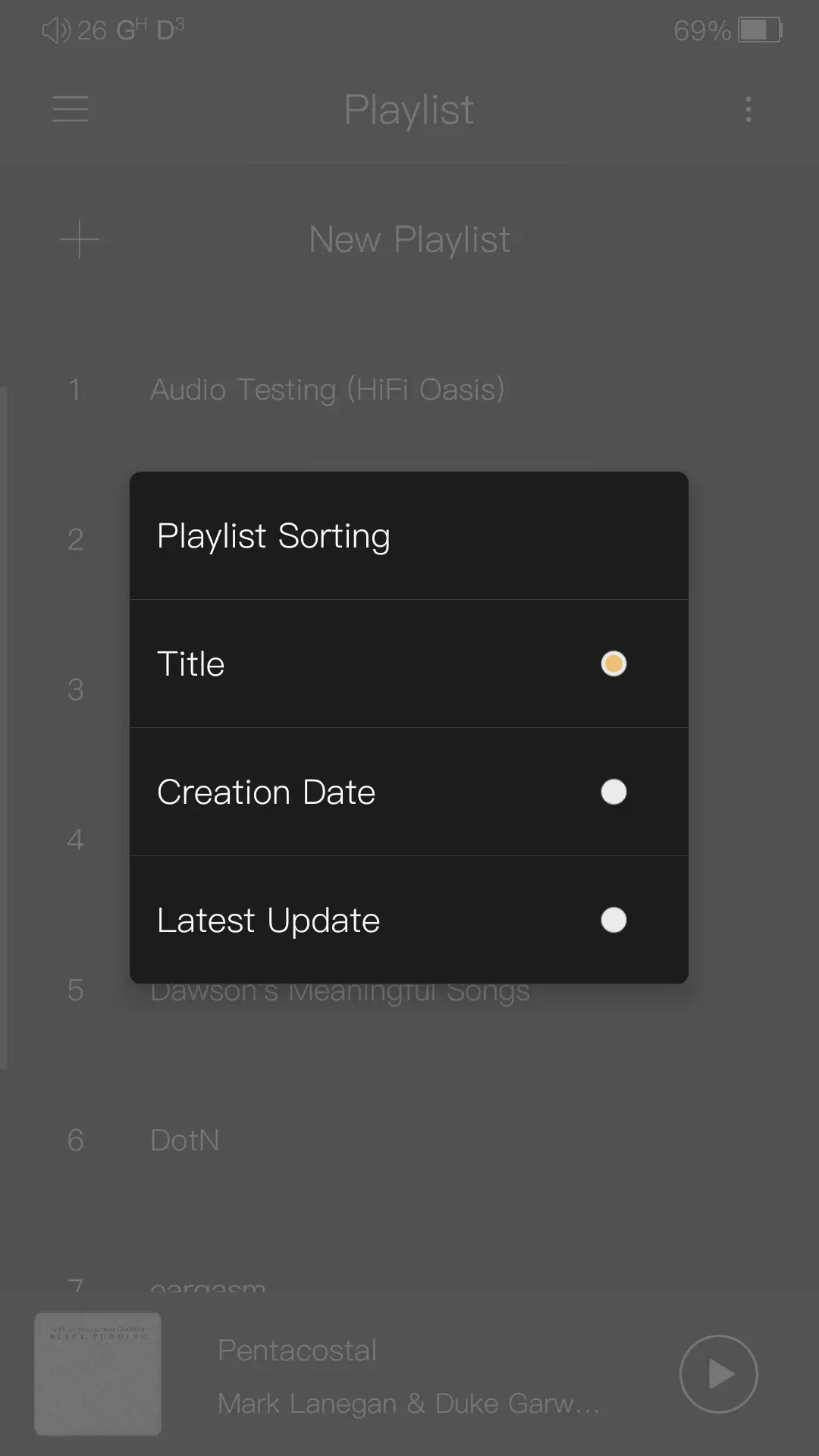
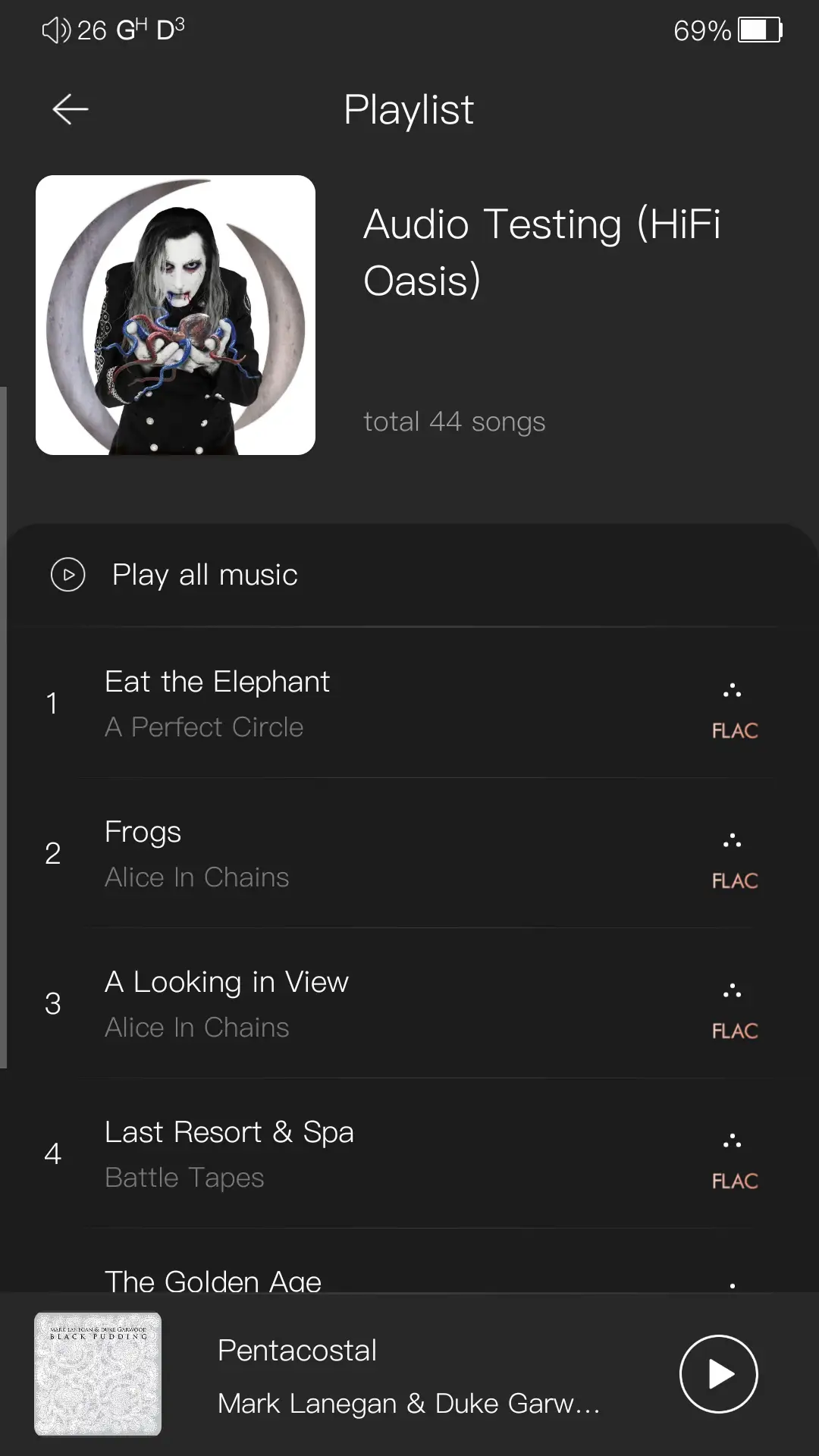
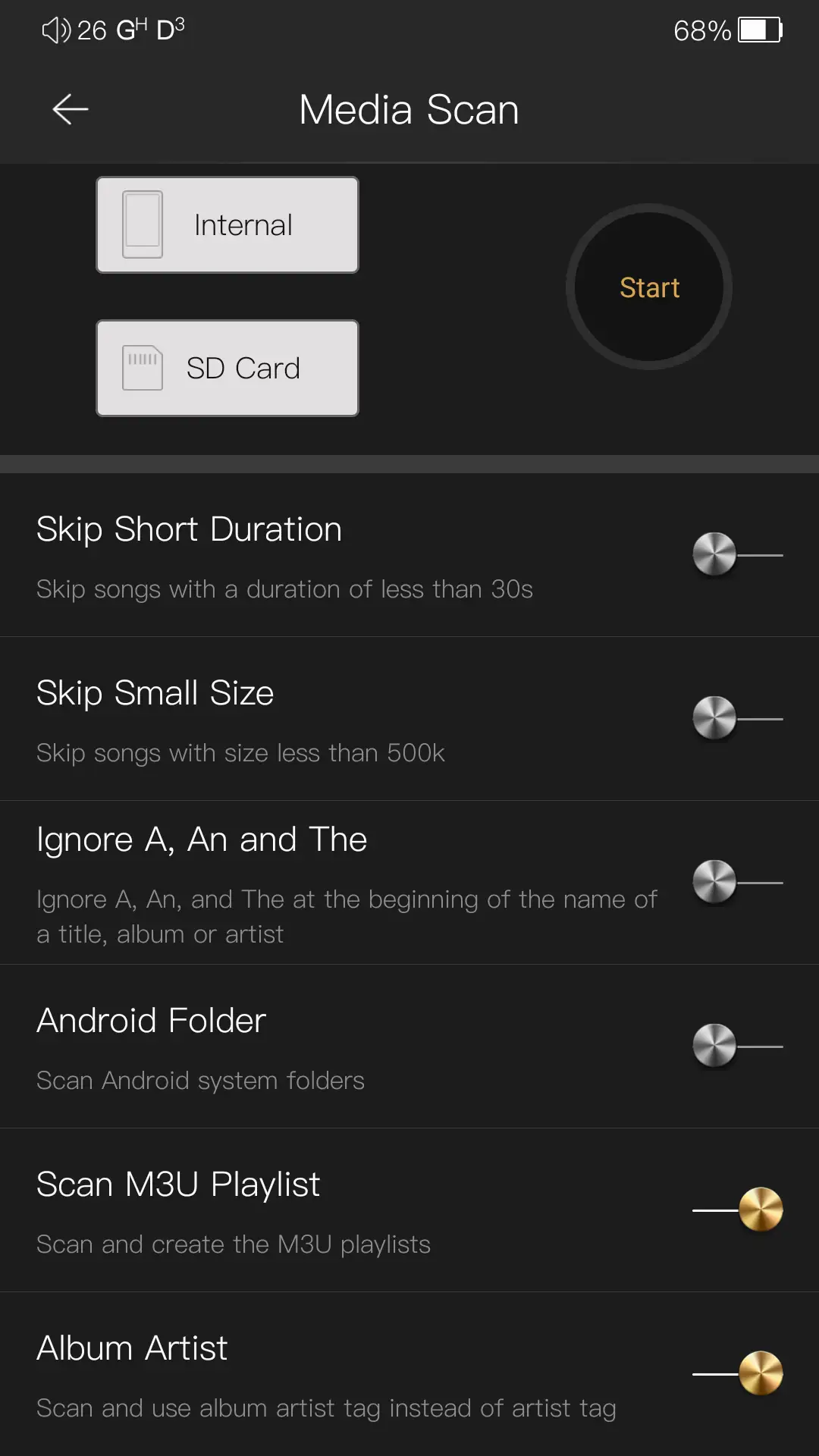
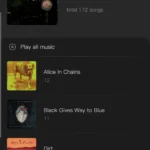
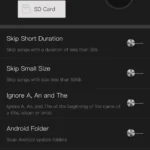
Ok, so what do I like? Aside from the clean-looking Now Playing screen, I like the fact that there is a play queue and the ability to add a song to play next. I also like the media scanning capabilities. You can choose between indexing the Artist or Album Artist (changing this option requires a rescan), you can choose to ignore A, An, and The in an artist’s name, album, or track title, and you can choose where to scan. There is no incremental or automatic scanning, but it is fairly quick (one of the quickest of any app I’ve used).
Overall, I found the MangoPlayer app to be fairly full-featured and definitely usable enough for most users. If you don’t like the app, this is Android after all, and you can install and use one of the many other great music players available.
EQ
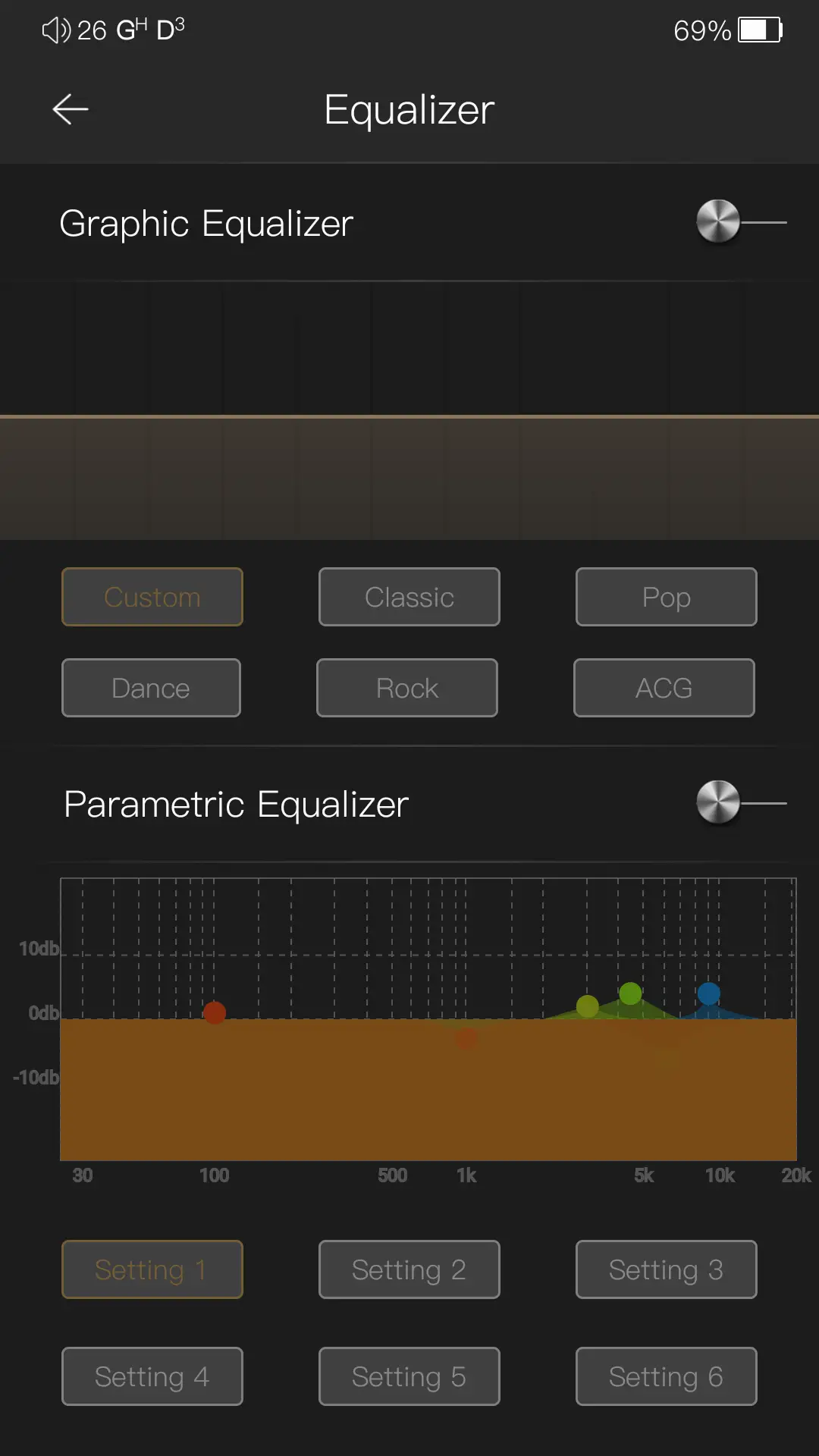
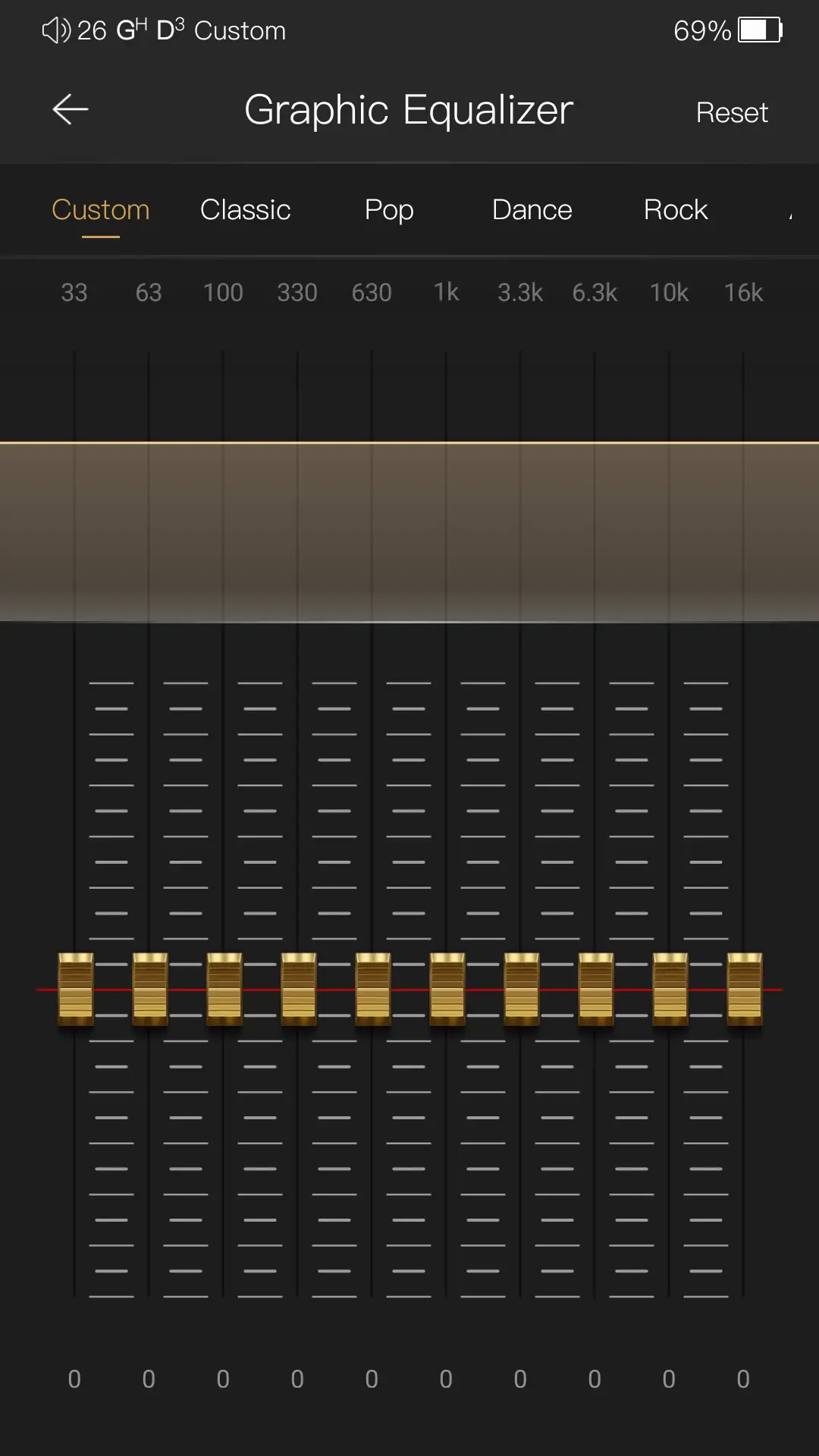
As I previously stated, the MangoPlayer app has a built-in Equalizer and allows you to select between a Graphic EQ and a Parametric EQ. The graphic EQ has 10 bands, allows for 1dB increments, and has a maximum of 12 dB in either direction. There is one custom slot and 5 presets.
The parametric EQ allows for 6 bands, with a maximum of 20 dB in either direction, and all of the fine-tuning you would expect from a PEQ implementation. The one thing I wish you could do is name the saved settings.
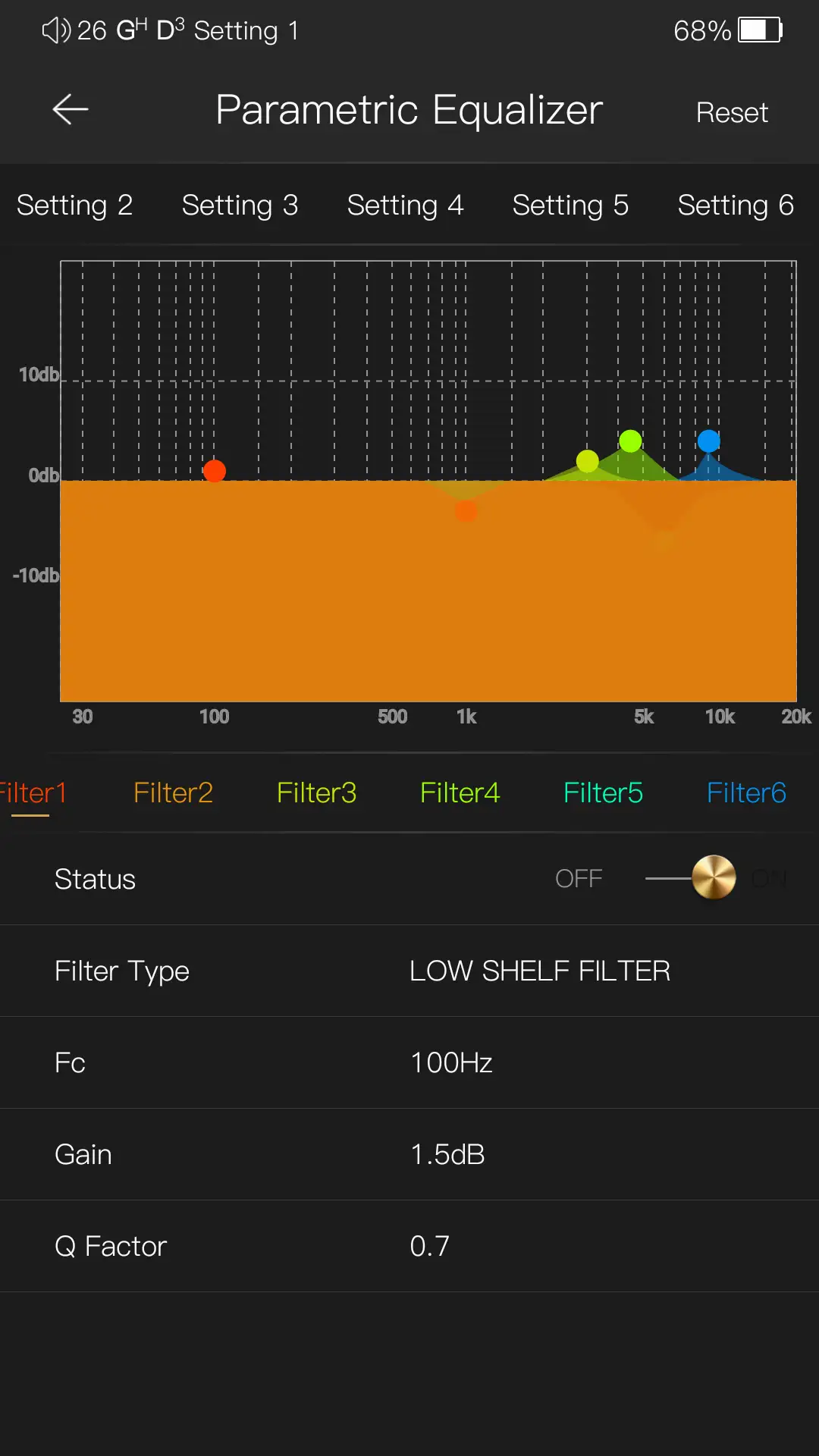
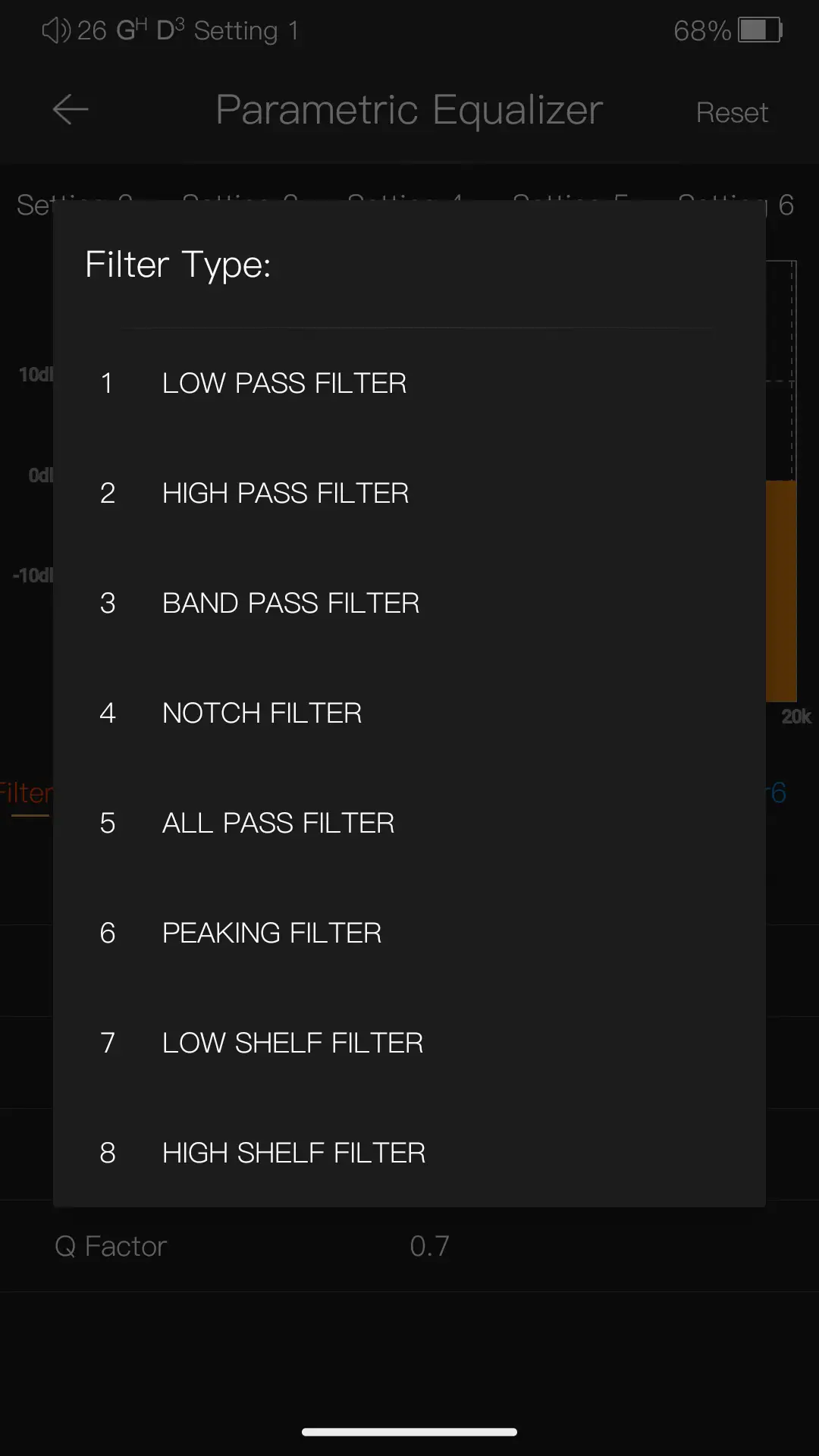
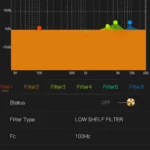
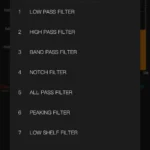
I briefly tested the graphic EQ, and it works as expected. I did test the parametric EQ a bit more, though, as I used my Audeze LCD-2 extensively with the DX180, and I prefer a specific PEQ profile to use with it. I was able to use the same PEQ settings with the DX180 that I use on other apps, so I can say that it works well here. 6 bands can be limiting, but it’s better than nothing.
If you need better PEQ support, or if you want to use EQ with other apps, Poweramp Equalizer works very well.
WiFi & Bluetooth Performance
Bluetooth headphones and TWS earbuds used:
- Sonos Ace (aptX HD)
- Apple AirPods 4 ANC (AAC)
- EarFun Air Pro 4+ (aptX, LDAC)
- Sennheiser HDB 630 (aptX HD)
- Sennheiser Momentum True Wireless 4 (aptX)
- Sony WH-1000XM5 (LDAC)
The DX180 supports 802.11ac Wi‑Fi on both 2.4GHz and 5GHz bands, with a transmit and receive rate of 433mbps. This is perfectly acceptable for a DAP, as even when streaming music, you don’t require too much bandwidth. I had no issues with the WiFi performance here, and the range is decent too (I still had a strong connection 15 meters away from my access point, through a concrete wall).
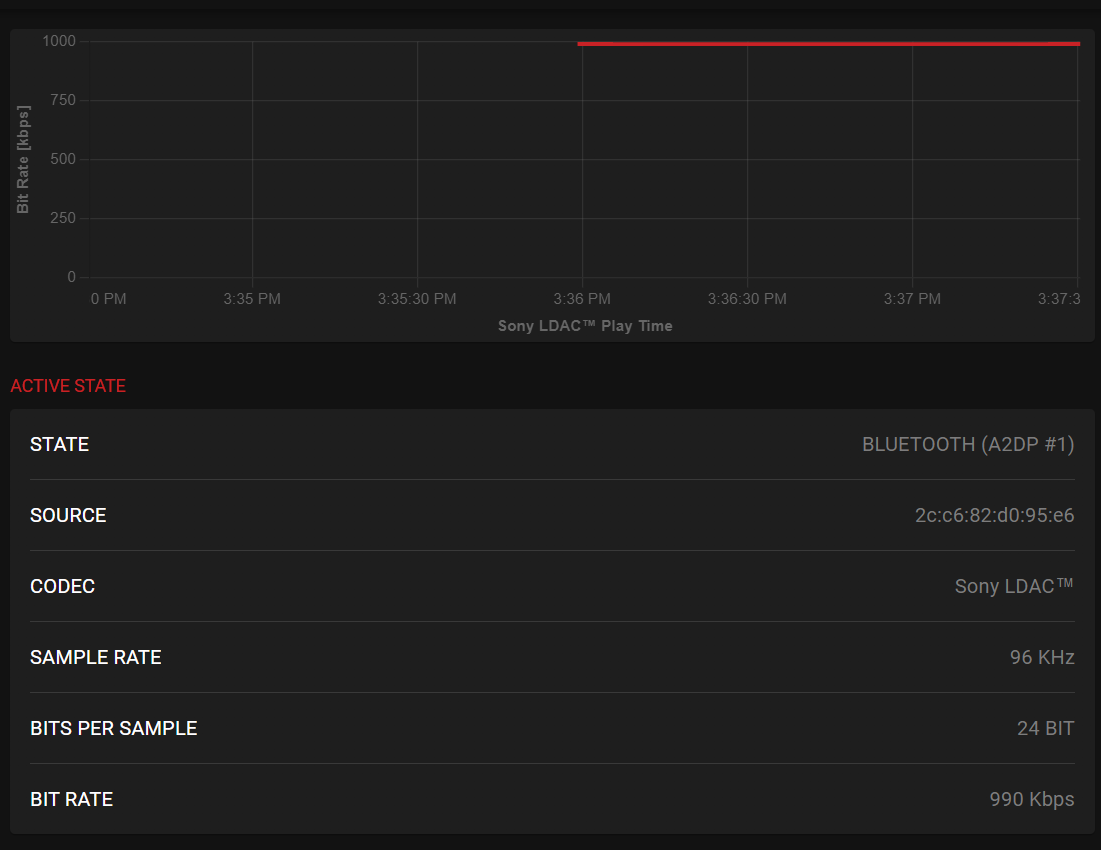
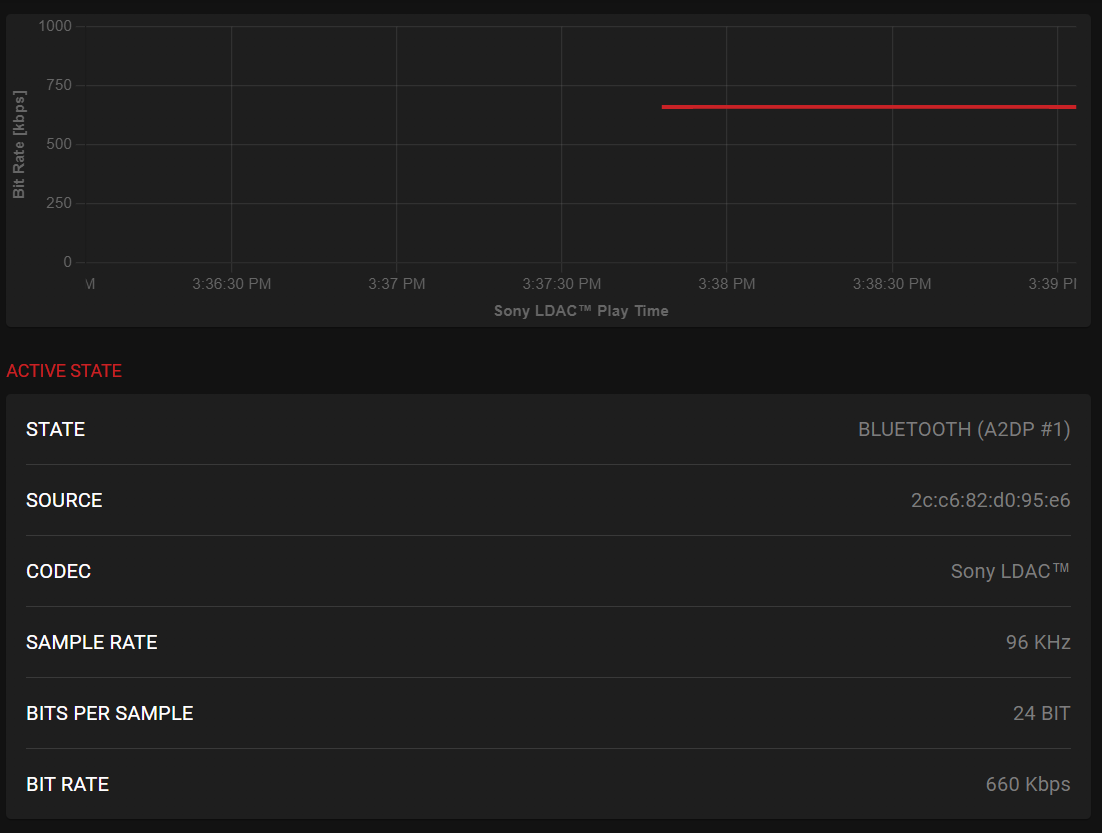
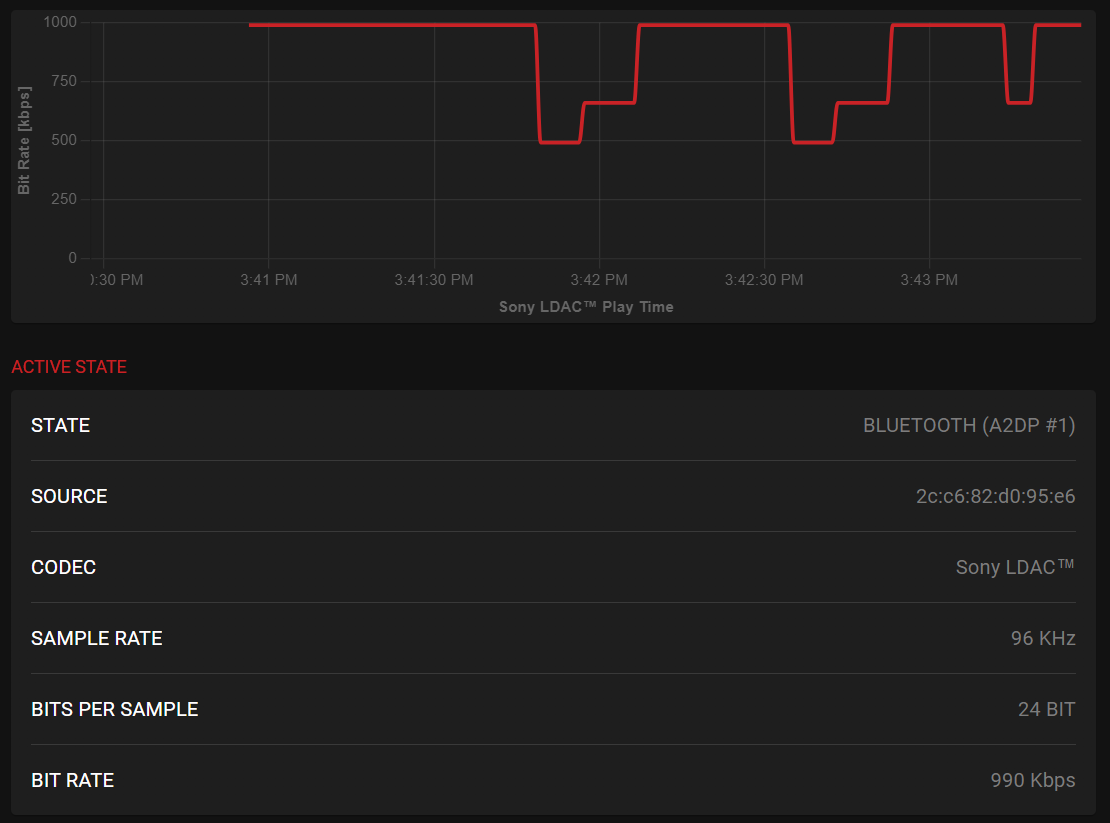
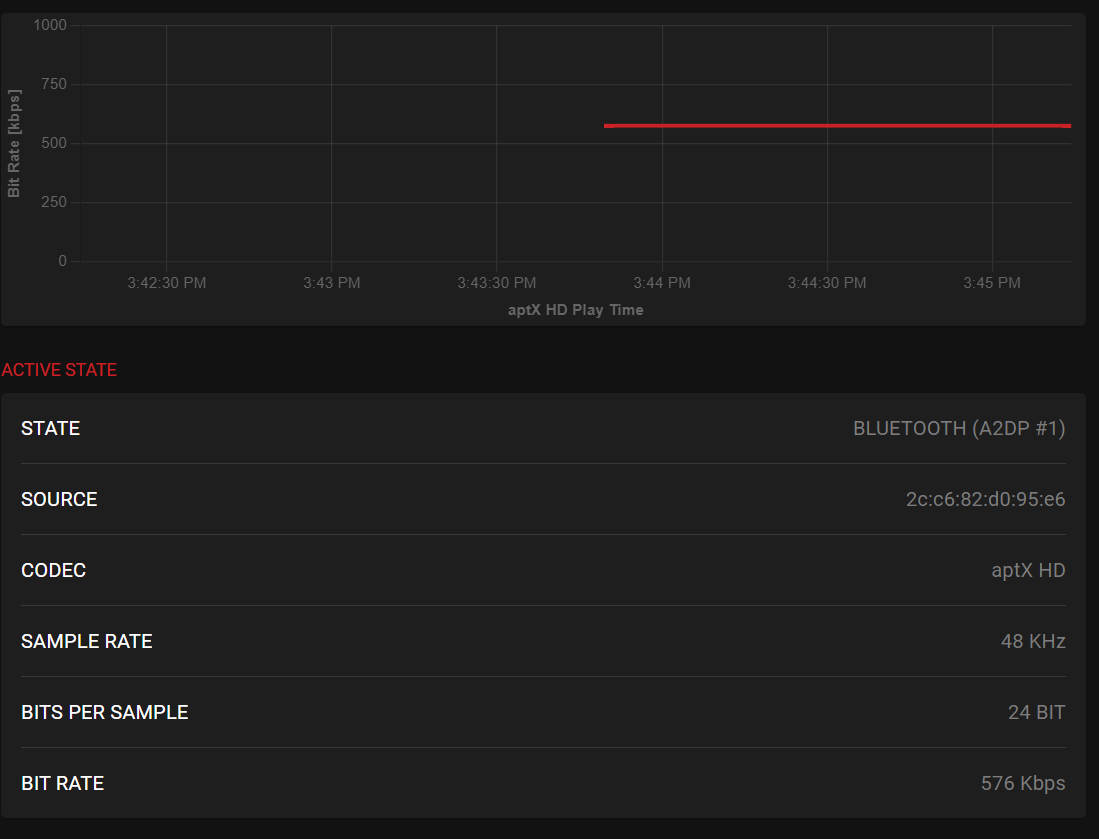
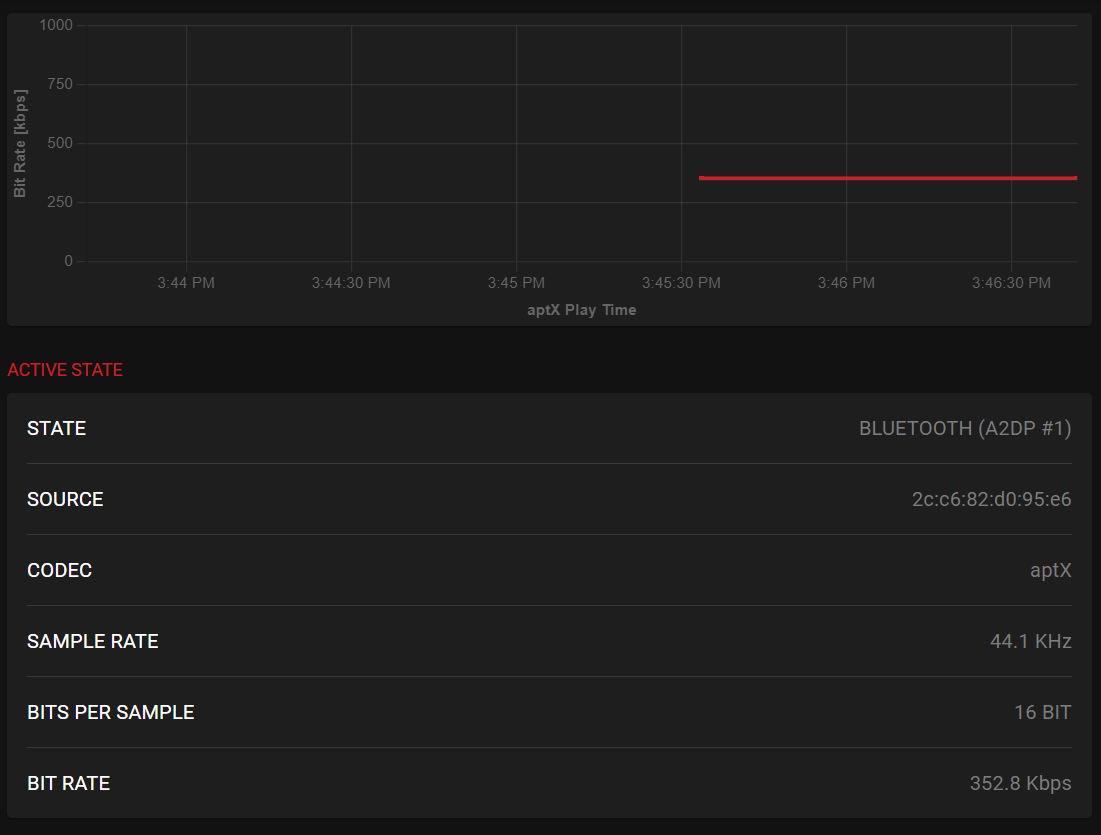
The DX180 uses Bluetooth 5.0, and covers the usual codecs: SBC, AAC, aptX HD, and LDAC for transmission. When in USB DAC mode, it supports SBC and AAC. Testing the codec performance with the Qudelix 5K (with both devices roughly 1 meter apart), this is what we get:
LDAC 990 Kbps
LDAC 660 Kbps
LDAC 330 Kbps
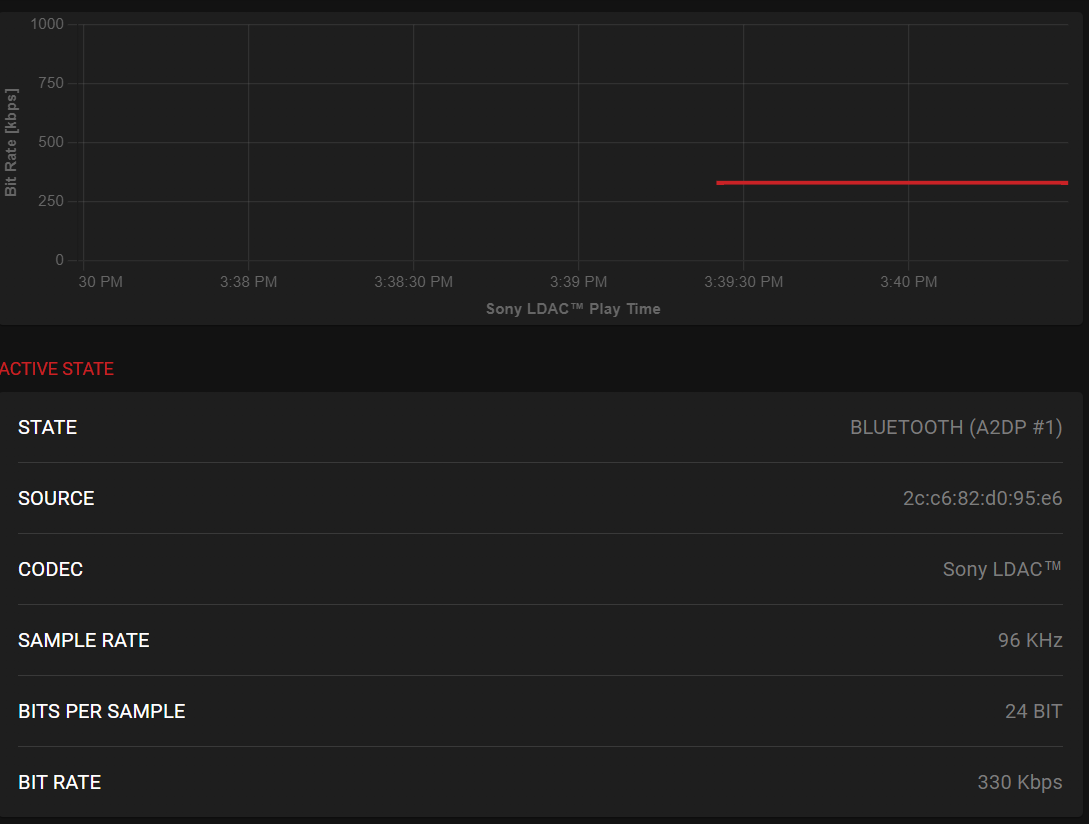
LDAC Adaptive
aptX HD
aptX
AAC
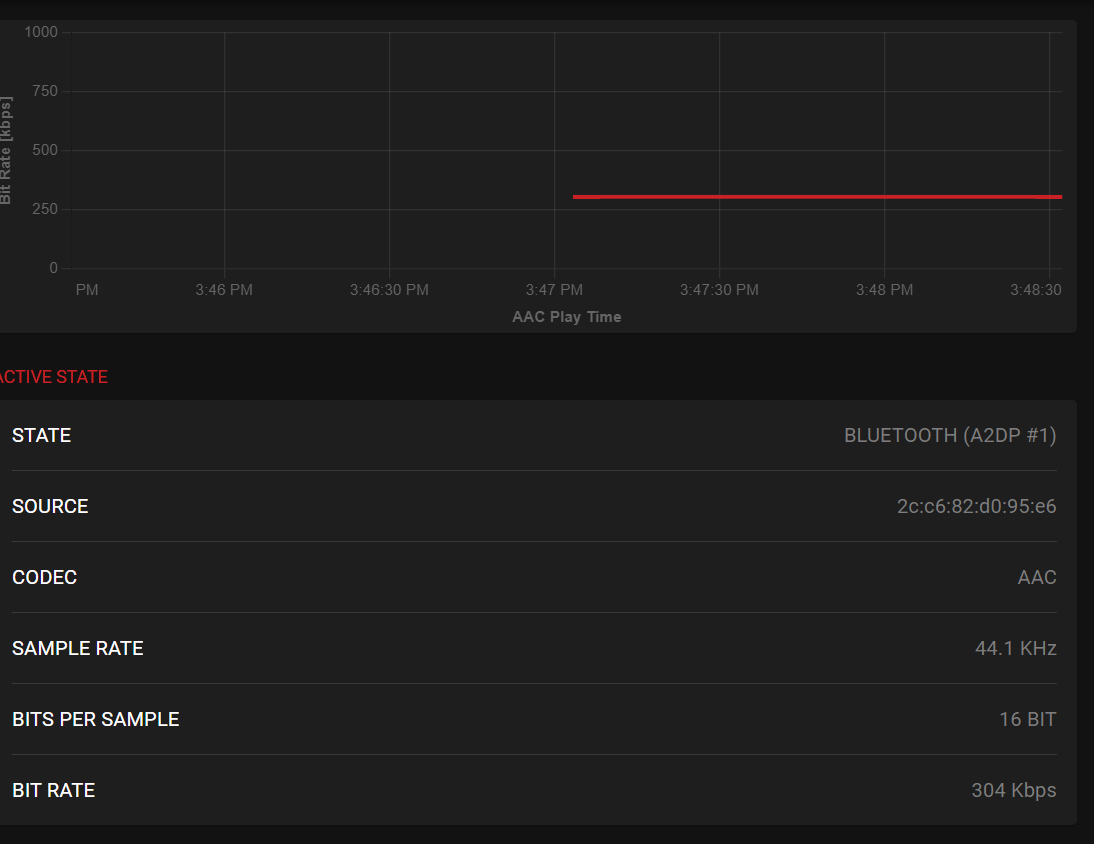
What this shows is that all codecs perform extremely well. The LDAC adaptive bitrate is generally performing at the highest level, and only fluctuates when both devices are more than 1 meter away. Using various Bluetooth headphones and TWS earbuds, my Bluetooth experience with the DX180 was nearly flawless. I say nearly because one issue I did find when using my Apple AirPods 4 is that the controls did not work with MangoPlayer. They do work fine with other music players, such as UAPP, though.
Battery Life
Despite the high-resolution 1080p screen and powerful internals, the iBasso DX180 manages respectable battery performance. The device is rated for up to 15.5 hours of playback time with Low Gain enabled on the 4.4mm balanced output, which is generally considered “all day” battery life for most users. This drops to roughly 13 hours with High Gain.
During my testing with moderate volume levels and local FLAC files, these numbers proved accurate, and I actually exceeded it in some cases, mostly when using easy-to-drive IEMs on the 3.5mm output, getting just over 16 hours. With these results, the DX180 has had the longest battery life of any Android DAP I have tested so far.
Line-out usage will extend the runtime dramatically to 30 hours, making the DX180 suitable for desktop setups where you want to leave it running all day. Using Bluetooth will also get you 20+ hours of use.
WiFi streaming does impact battery life, reducing actual runtime by a few hours, though this varies depending on how much you’re actually streaming versus browsing. Screen-on time also has an impact, but it’s not as dramatic as when using WiFi.
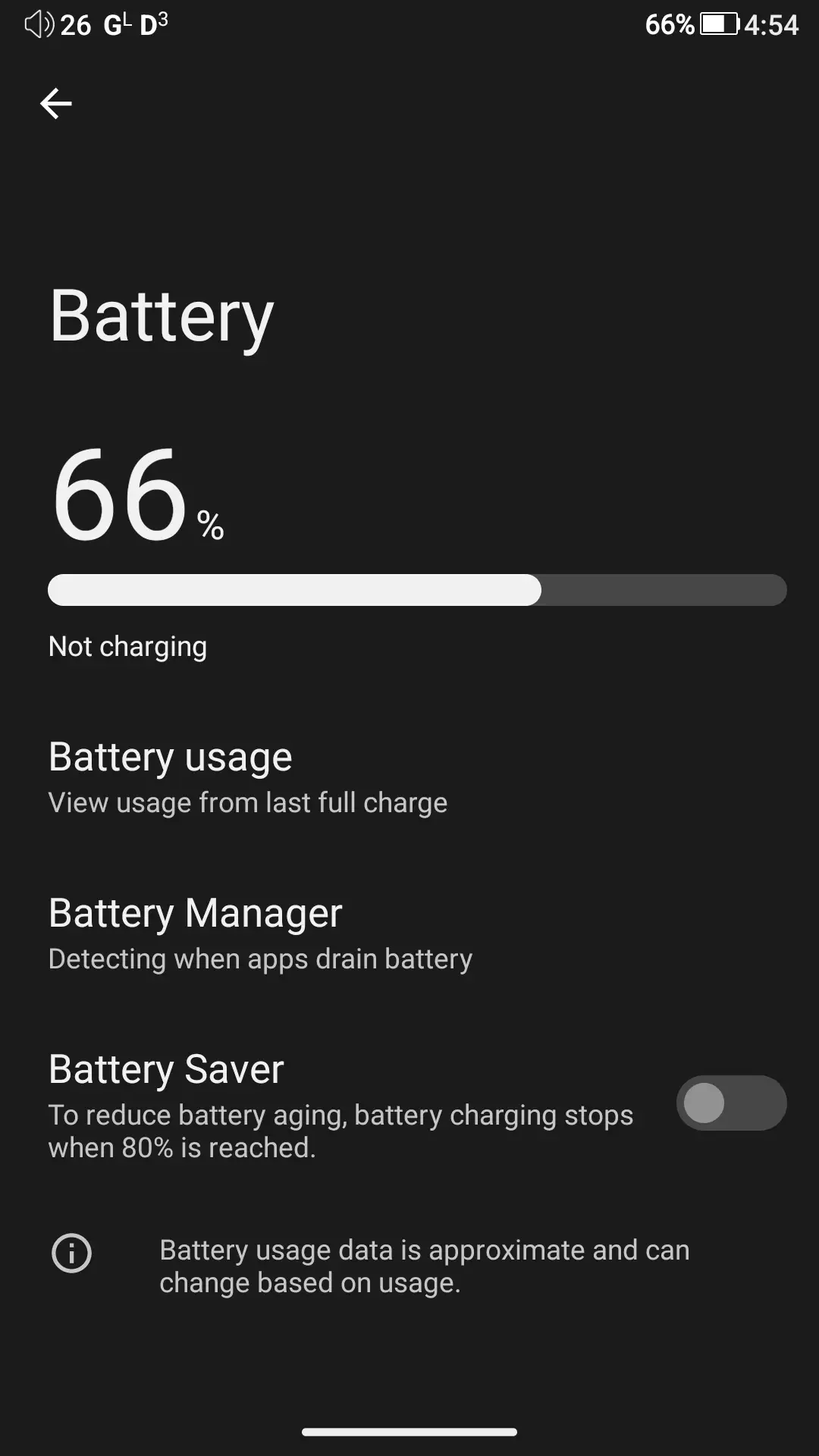
There’s an included Battery Saver feature that limits charging to 80%, which helps prevent battery degradation from repeated charging in the 80-100% range. As previously discussed, if you do have to replace the battery down the line due to degradation, it is user-replaceable thanks to the ability to remove the backplate and easily take out the battery.
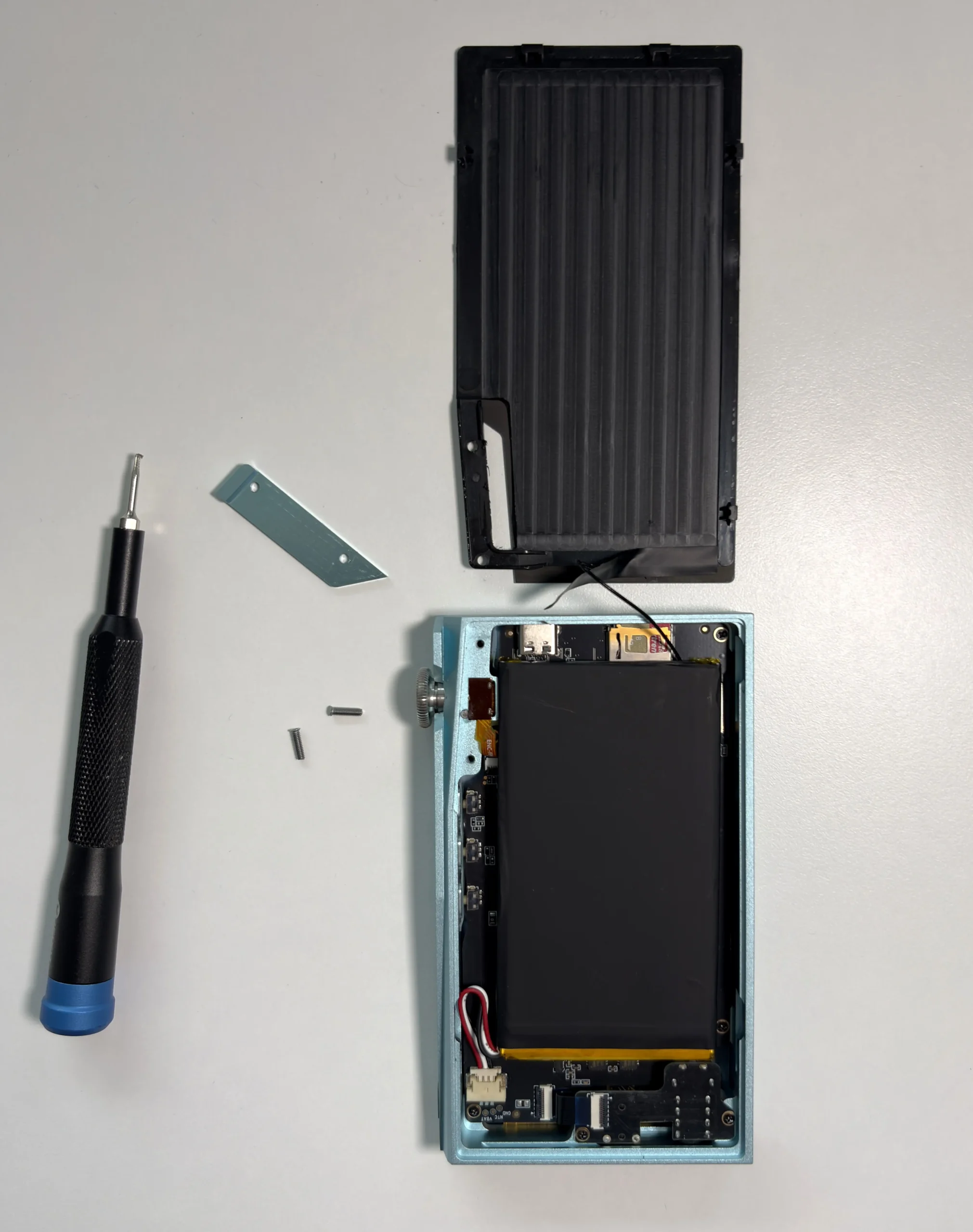
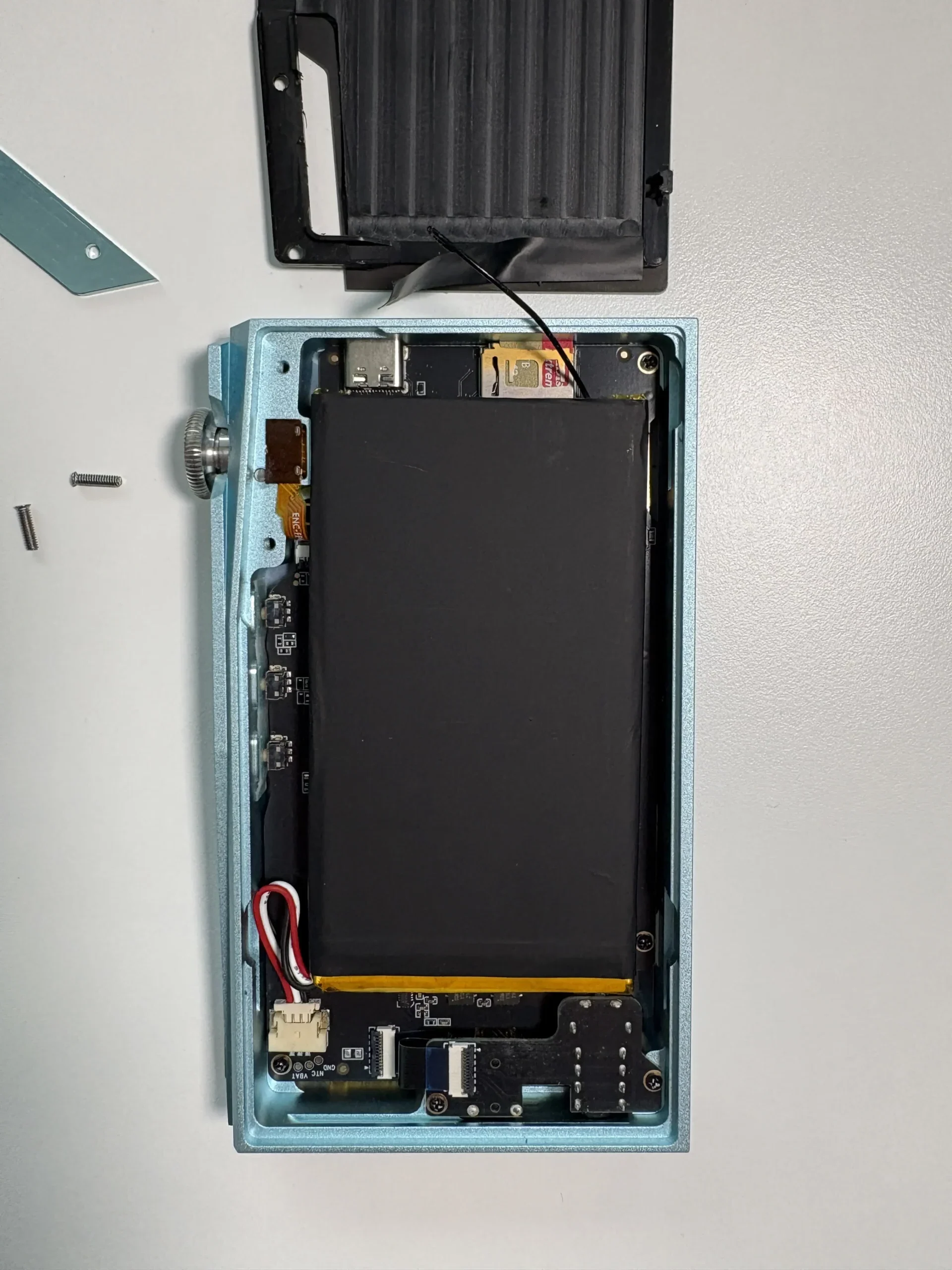
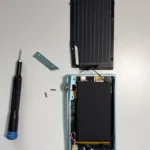
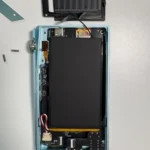
Both QC3.0 and PD3.0 fast charging protocols work without issues. A full charge from 0% takes approximately 90 minutes, while reaching 80% capacity requires only 60 minutes.
Standby performance is good, but not great. In my tests, it loses 4-5% through 24 hours, which makes the DX180 one of the better-performing Android DAPs when it comes to power management.
Notable Features
Quad CS43131 DAC Implementation
The DX180 uses four Cirrus Logic CS43131 DAC chips. Each chip individually measures 130dB dynamic range with -115dB THD+N, but working together in parallel, the quad setup achieves an exceptional -121dB THD+N. The only other DAP in this price range to utilize four DAC chips is the HiBy R6 III 2025, so it is rare to get a DAC array like this unless you move up to something higher-end.
FPGA-Master 2.0 And Dual NDK Oscillators
The FPGA-Master 2.0 acts as the audio system controller, maintaining signal integrity by requesting data directly from the processor. Two NDK femtosecond oscillators provide unified timing for all audio clocks, achieving picosecond-level precision for DAC clock timing and FIR filter construction. The implementation uses delay parallel processing across the four DACs to average out differences between chips and reduce distortion.
A unique feature unlocked by the FPGA-Master 2.0 is the FIR 2x output mode. This technology uses the Quad DAC architecture to perform additional audio processing in parallel, effectively constructing a hardware-based analog FIR (Finite Impulse Response) filter. In FIR 2x mode, the system aligns and slightly delays multiple DAC outputs to average out differences and minimize distortion, which enhances the detail and clarity of the audio bitstream. I’ll be talking more about the impact of the FIR filter in the Sound Quality section.
USB DAC Mode With Low Latency
The DX180 has a dedicated USB controller to ensure low latency when used as a USB DAC, and I can confirm there are no perceptible audio/video sync issues when watching YouTube videos or podcasts. In this mode, it supports PCM up to 32-bit/384kHz and DoP DSD up to DSD128 without any drivers. Windows users need to install iBasso’s driver to unlock full capabilities, including native DSD256 support. Both ASIO and WASAPI output modes work properly for applications that support this, such as MusicBee.
Syncing Music and Playlists
Since the DX180 is an Android DAP, getting music onto it is not complicated. You have the option of using the internal storage, a microSD card, or a combination of both. If you choose to use the built-in MangoPlayer as your primary music player, you do not need to do anything complicated to get music into it. The only quirk I found is with playlists. The app allows the detection and importing of M3U playlists, but if you use relative paths in your playlist file it will duplicate tracks that are present in your playlists. To avoid this, I found that this format works the best (if you create a playlist in the app, export it, and open it up on a computer, you can see this is the format it prefers):
Music/Lossless/Nine Inch Nails/Hesitation Marks (Deluxe Version)/04 - Find My Way.flacOverall User Experience
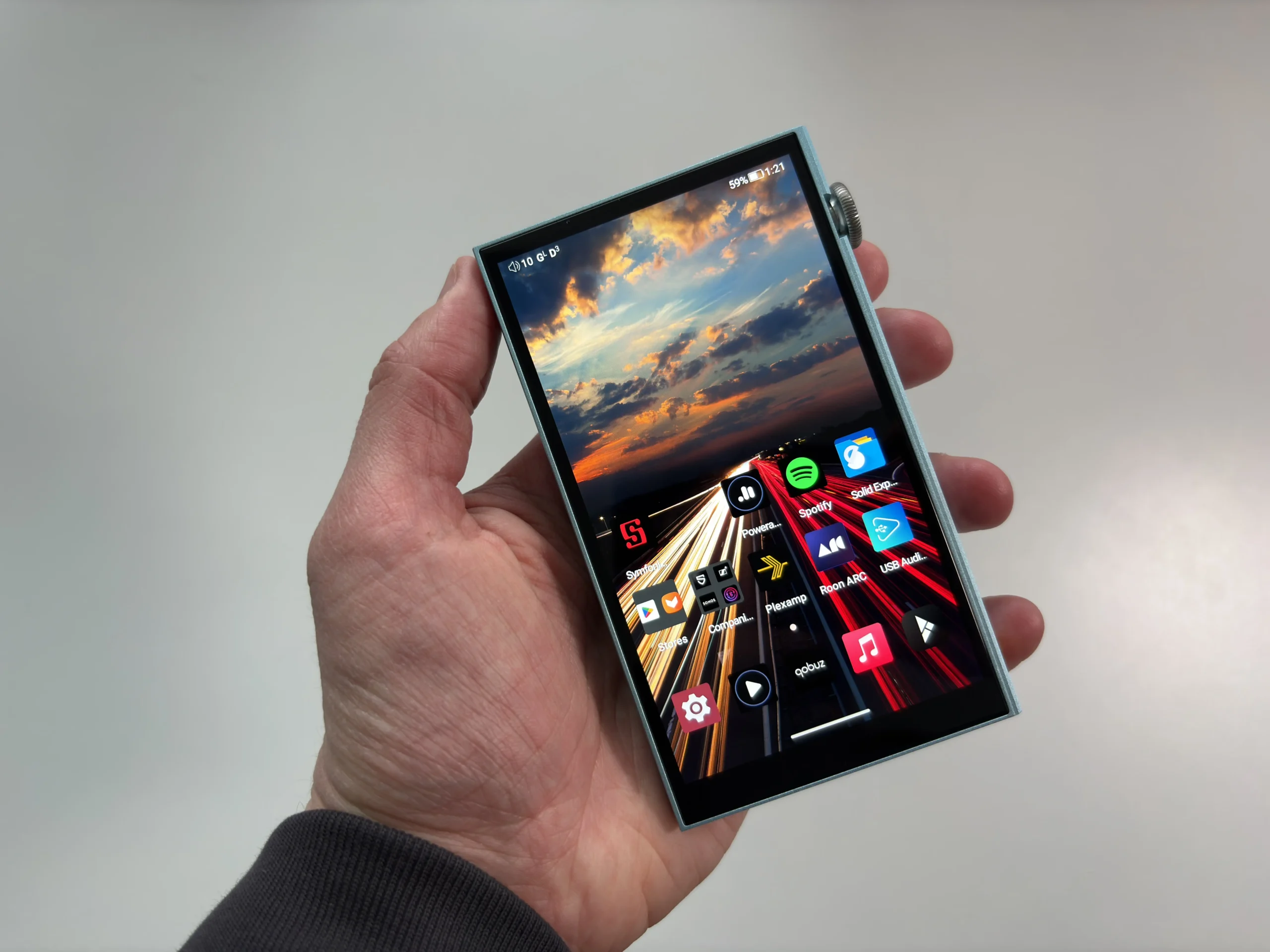
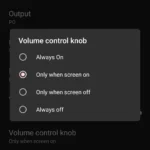
From a usability perspective, the DX180 is one of the most polished mid‑range DAPs available. The combination of a responsive Android system, physical playback controls, and a bright and high-resolution touchscreen makes the player easy to live with day to day. The buttons are easy to use, and can even be customized to switch the previous and next track positions (which I did, since it feels more natural for me to have the next track button on the bottom). The volume knob is a pleasure to use, though I needed to set the option to disable it when the screen is off, to avoid accidentally changing the volume when handling the device.
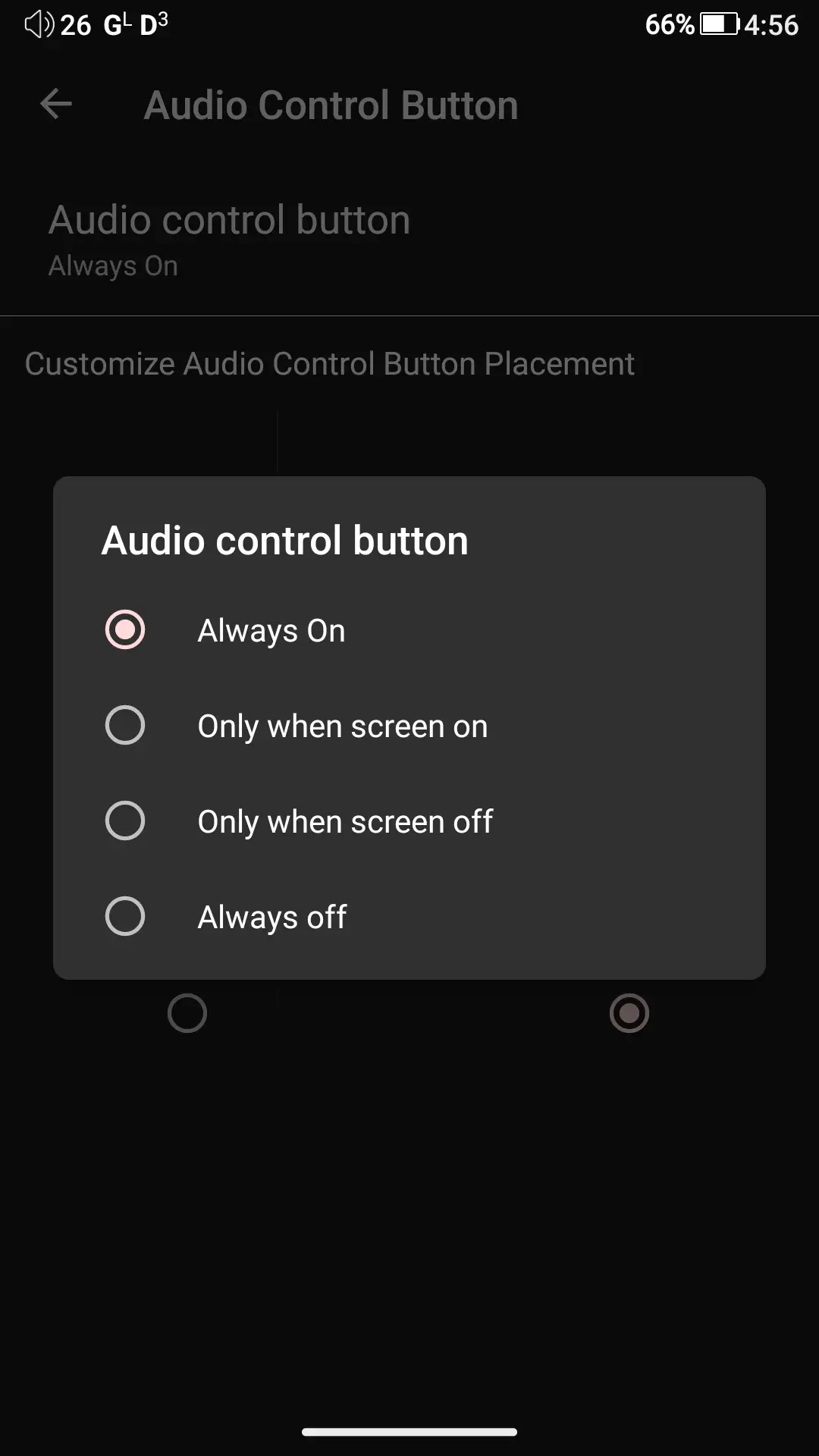
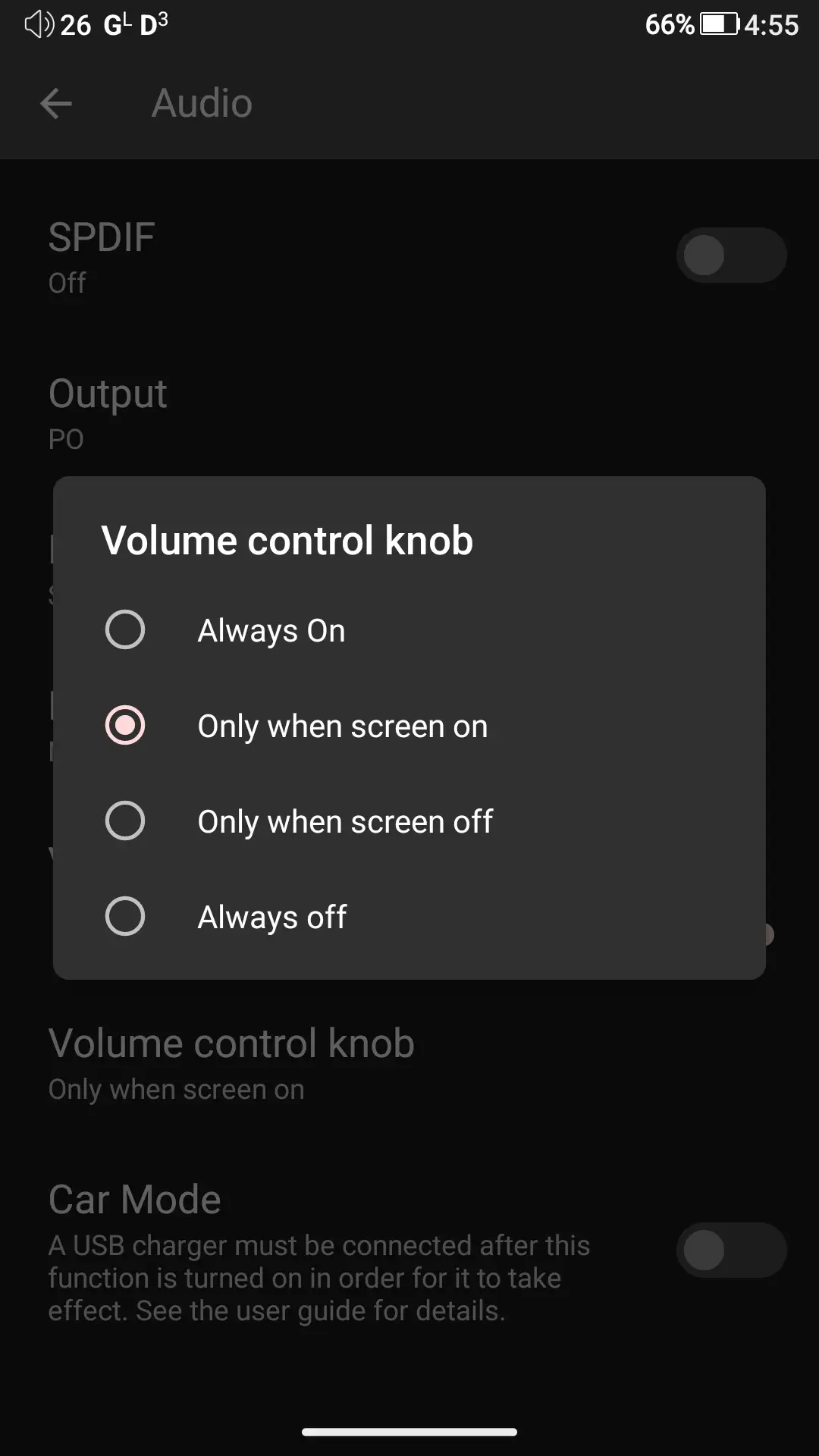
And again, I do love that the outputs are on the bottom and not the top, as it more naturally fits in with my listening workflow. I primarily used the MangoPlayer app for listening to music, but I also tried both UAPP and Poweramp. Regardless of which app I used, it was always a great experience. Don’t let the fact that the DX180 uses Android dissuade you. The listening experience is excellent, and music playback always takes precedence.
Output Power
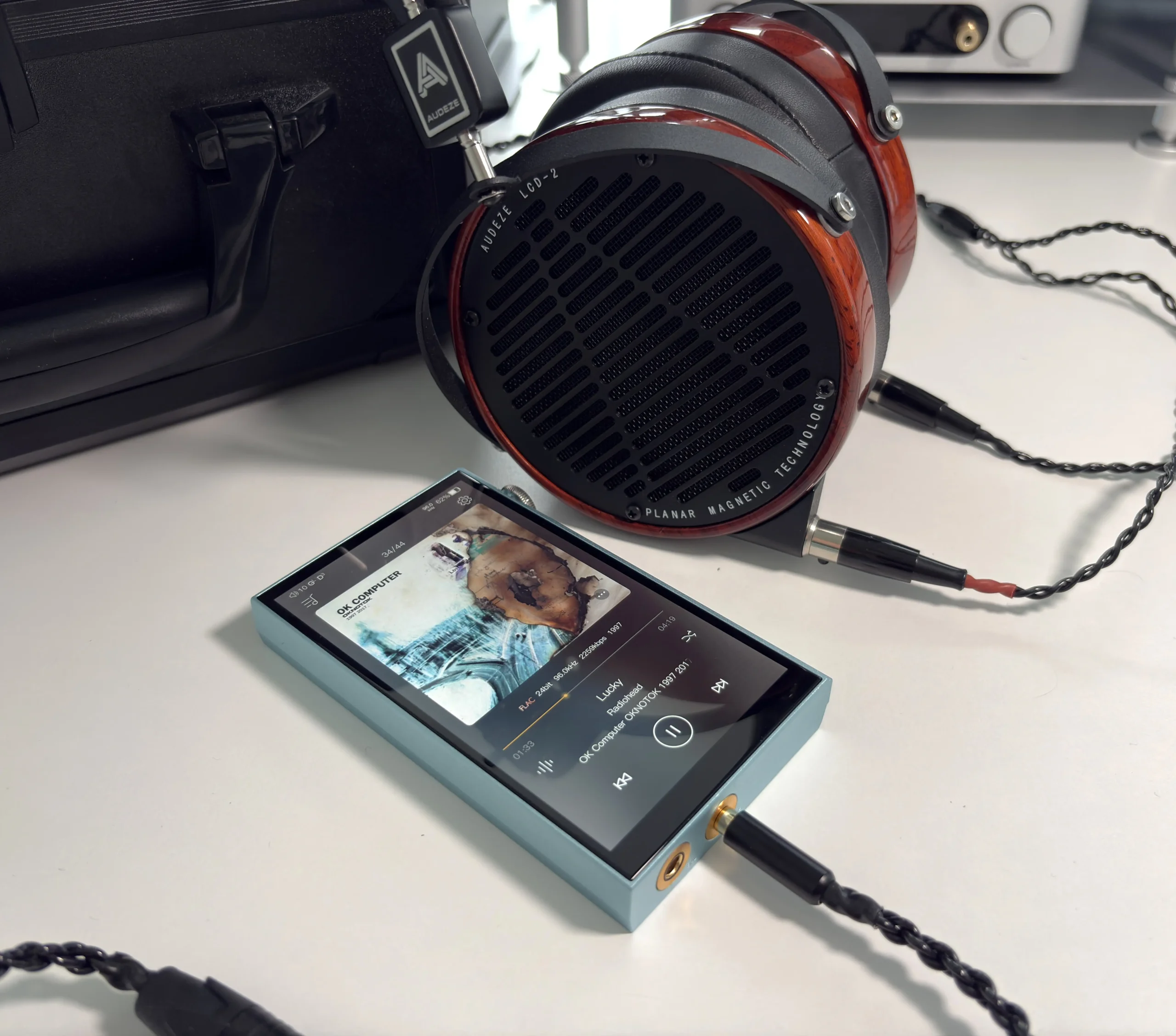
The DX180 provides an impressive amount of driving power for its size, making it compatible with a huge variety of IEMs and headphones. The DAP features two gain settings (Low and High), allowing listeners to optimize the output for different loads. For example, on Low Gain, the DX180 provides the necessary flexibility for sensitive IEMs, while High Gain offers the required voltage to drive many full-sized open-back and planar headphones effectively.
The 3.5mm SE outputs feature output power of roughly 125mW per channel at 32 ohms in Low Gain mode, and 281mW with High Gain. I found even low gain to be enough for all of my IEMs, as well as many headphones. A good example here is the Audeze LCD-2, which I do not have a balanced cable for, so I’m stuck using 3.5mm or 6.35mm. Audeze themselves recommend greater than 250mW to drive these planar magnetic headphones, meaning many DAPs do not meet this requirement. Even if they do, the result is not always satisfying. The DX180 drives them perfectly fine for me, which makes me happy to not be tied to a desktop amplifier.
The DX180’s balanced output is capable of about 500mW per channel at 32 ohms in Low Gain mode, and 690mW with High Gain. What this means is, outside of some higher-end, harder-to-drive headphones, the DX180 is capable of driving the majority of whatever you throw at it.
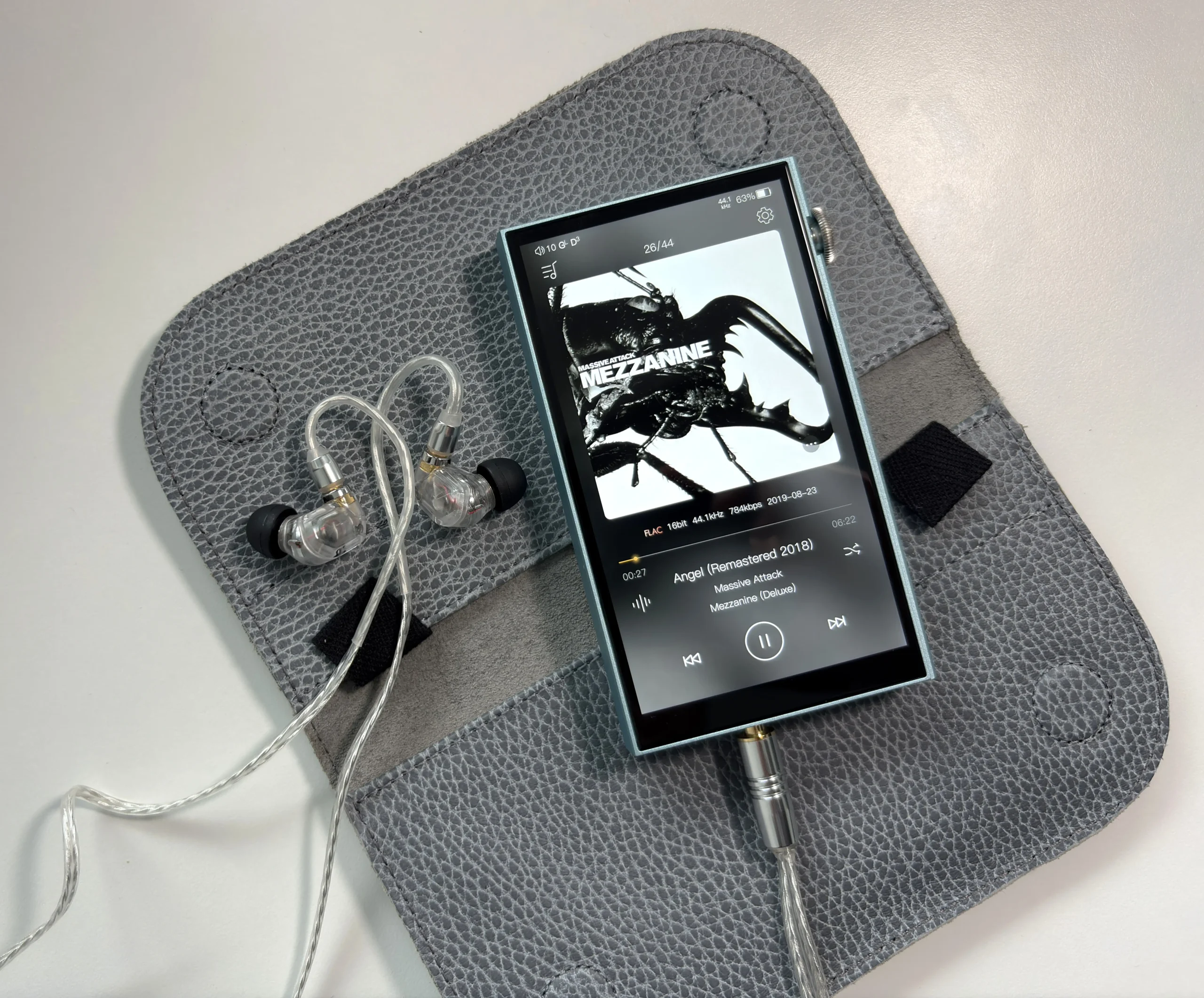
One crucial aspect here, too, is that there is no background noise. Even with sensitive IEMs, the background was completely free of any noise or hiss. It’s a very satisfying feeling to not hear anything between tracks or during the silent parts of songs.
Sound Quality
Headphones and IEMs used for the majority of testing:
- 64 Audio Solo
- Audeze LCD-2
- Campfire Audio Iris
- Focal Azurys
- HIFIMAN Edition XV
- Kiwi Ears Orchestra II
- Simgot EA1000
- ZiiGaat Horizon
Links to my music playlist used for the majority of testing:
Spotify: https://open.spotify.com/playlist/6QSIhuCBDAUyoWGcyxPeN8
Apple Music: https://music.apple.com/ca/playlist/hifi-oasis-audio-testing/pl.u-lKWlcjy04xp
Qobuz: https://open.qobuz.com/playlist/39521747
Tidal: https://tidal.com/playlist/503485c7-7f3d-43f0-b904-4b9a89c33875
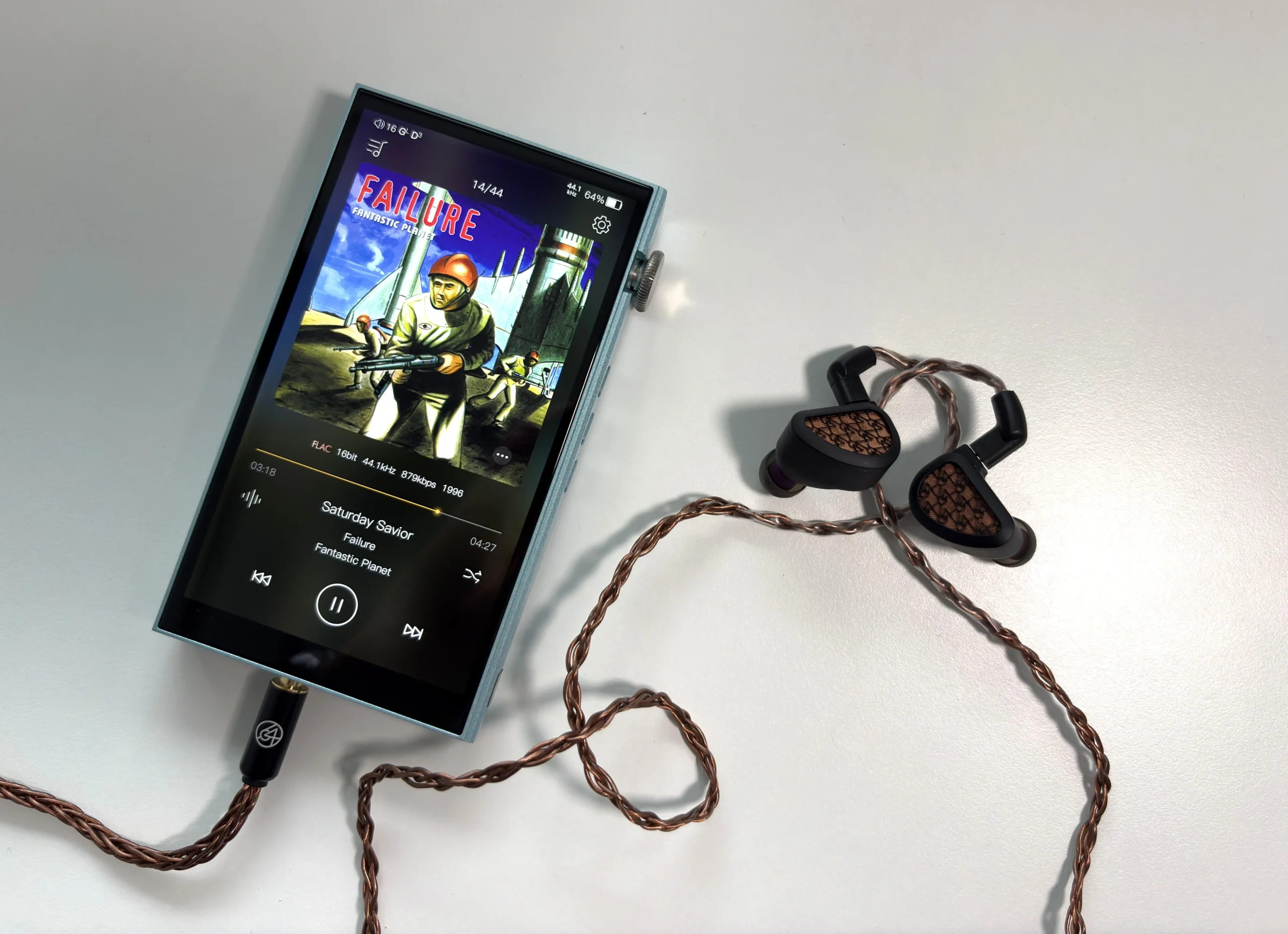
The sound signature of the iBasso DX180 can best be described as neutral and transparent, with a revealing and detailed presentation. There’s a natural warmth present that prevents the sound from feeling sterile, but it never becomes overly colored. iBasso’s focus on detail and accuracy comes through clearly, though they’ve added enough organic character to keep long listening sessions enjoyable.
After listening to the DX180 consistently for roughly two months now, I can say that it is the best-sounding DAP I have reviewed. I would even rank it above my beloved Sony NW-WM1AM2, if only for the fact that the WM1AM2 has a very distinct sonic character, and the warmth that it has tends to overly affect some tracks if your IEMs/headphones already do this as part of their tuning. Meaning, it is not an ideal pairing with every IEM and headphone out there. The DX180, on the other hand, gives such a transparent and detailed sound that I did not have any synergy issues like I sometimes do with the Sony.
The bass response is characterized by its extension, speed, and precision. The sub-bass extends deep, providing a textured and physical rumble when the music demands it. I found it adds a layer of natural warmth and dynamic engagement, particularly effective for electronic and orchestral music. The mid-bass has a sense of airiness and space, with truly excellent layering and separation.
The midrange really shines with a neutral, clean, and articulate reproduction. Instruments and vocals render with excellent clarity that reveals genuine texture rather than artificial sharpness. There’s a tactile quality to the midrange that adds body without compromising separation between instruments. The presentation leans slightly forward, which enhances vocal presence and detail retrieval without crossing into analytical territory.
The treble extends smoothly with what I’d call a silky presentation that maintains excellent control. The highs offer energy and air without any edginess, capturing sparkle and detail. For a mid-range DAP, detail retrieval is quite impressive, with subtle treble enhancements that contribute to better spatial awareness. The well-executed treble maintains transparency and resolution throughout the upper frequencies without ever feeling sharp or fatiguing.
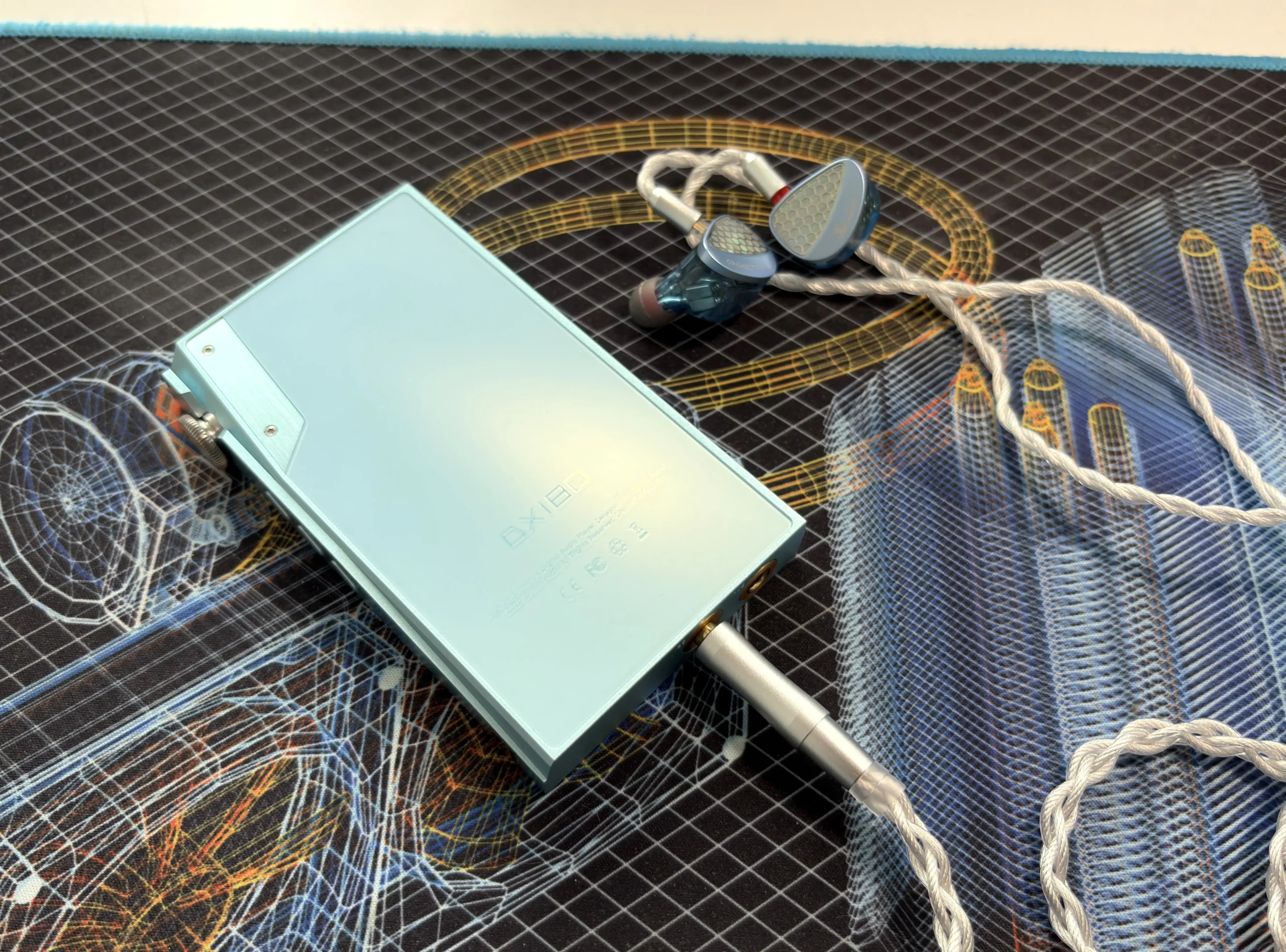
The soundstage expansion feels noticeably wider and more spacious compared to competitors like the Shanling M3 Plus and FiiO M21. The presentation achieves genuine three-dimensional holographic imaging, offering excellent depth and height even if the width doesn’t reach extreme proportions. Imaging precision places instruments and vocals accurately in space, creating that sense of being positioned directly in front of the performance. Resolution capabilities really shine when paired with equally capable IEMs and headphones. The DX180 is my favorite digital audio player for classical music and live tracks as a result of this.
FIR 2x Output and Digital Filters
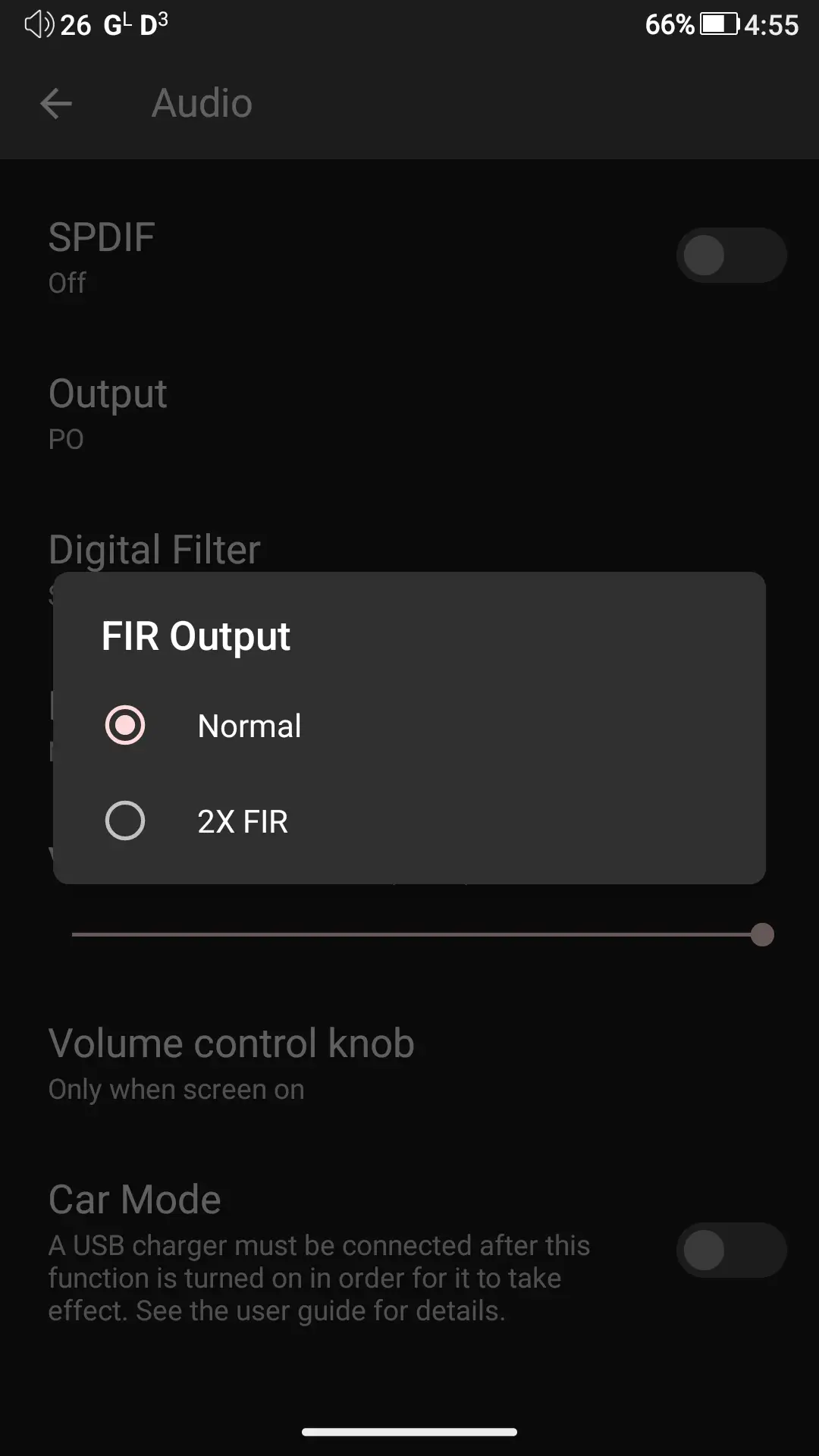
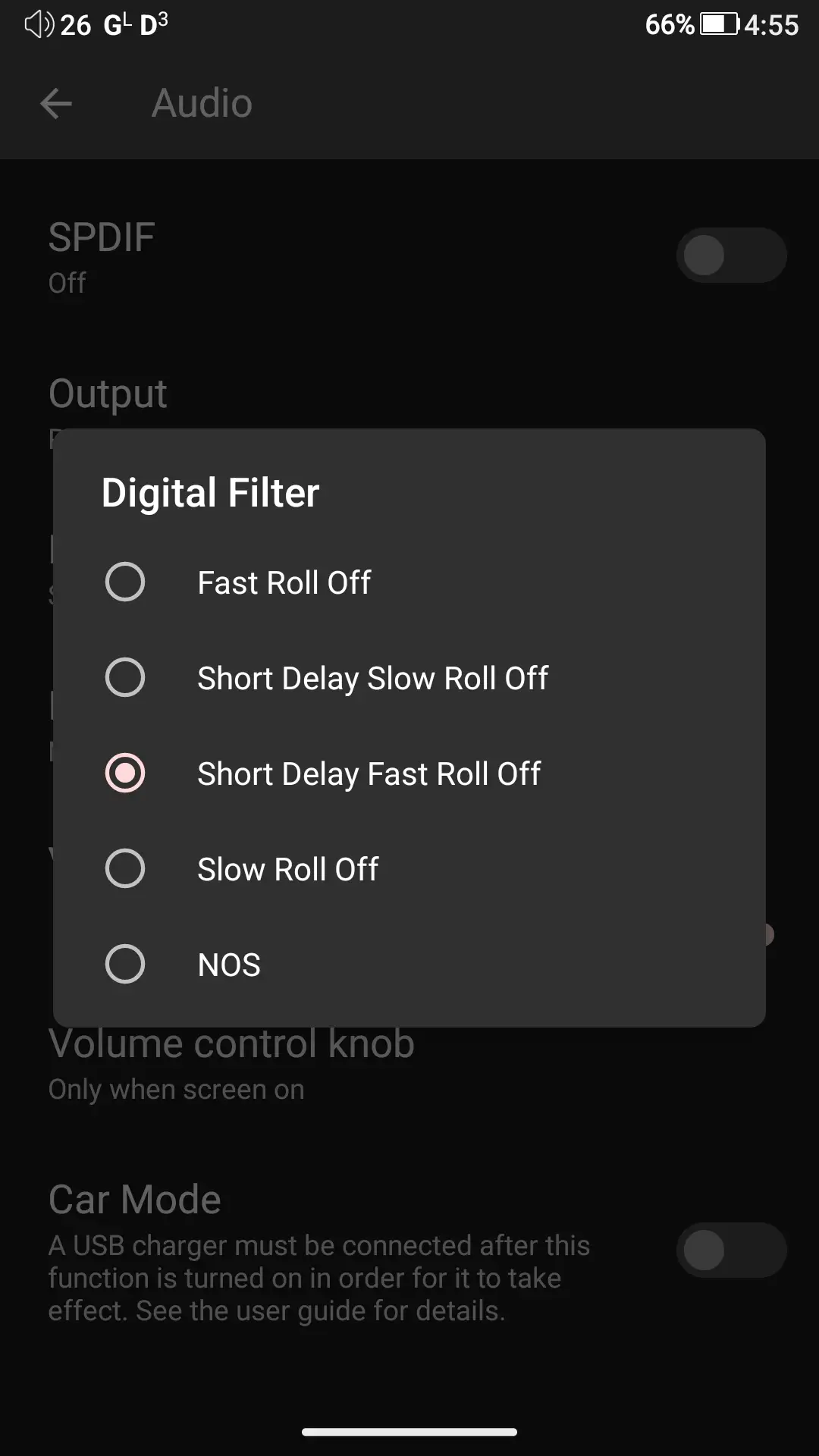
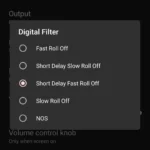
Switching the FIR Output from “Normal” to “2X FIR” does reveal some subtle differences. With FIR 2x enabled, notes feel tighter and snappier, with a faster transient response. There’s also an improvement in imaging performance (very minor), slightly better instrument separation, and improved clarity in the overall presentation. The consequence of all this, besides using slightly more battery, is that the overall sound shifts towards a more clinical and sterile one. I generally do not enable FIR 2X unless I am doing some critical listening. Otherwise, I prefer the slightly more musical sound of Normal mode.
There are also five digital filters you can choose from:
- D1 (Fast Roll-off)
- Faster pace, tighter sound
- D2 (Short Delay Slow Roll-off)
- Laid-back, relaxed presentation
- D3 (Short Delay Fast Roll-off)
- Laid-back pace but tighter sound
- D4 (Slow Roll-off)
- Laid-back with slightly fuller body
- D5 (NOS – Non-Oversampling)
- Smoother, less articulate, longer attack/decay
I prefer the Short Delay Fast Roll-off filter as it gives the most attractive sound to my ears, but these will be highly personal preference, so you will need to listen to them yourself and see which one you prefer.
Final Thoughts
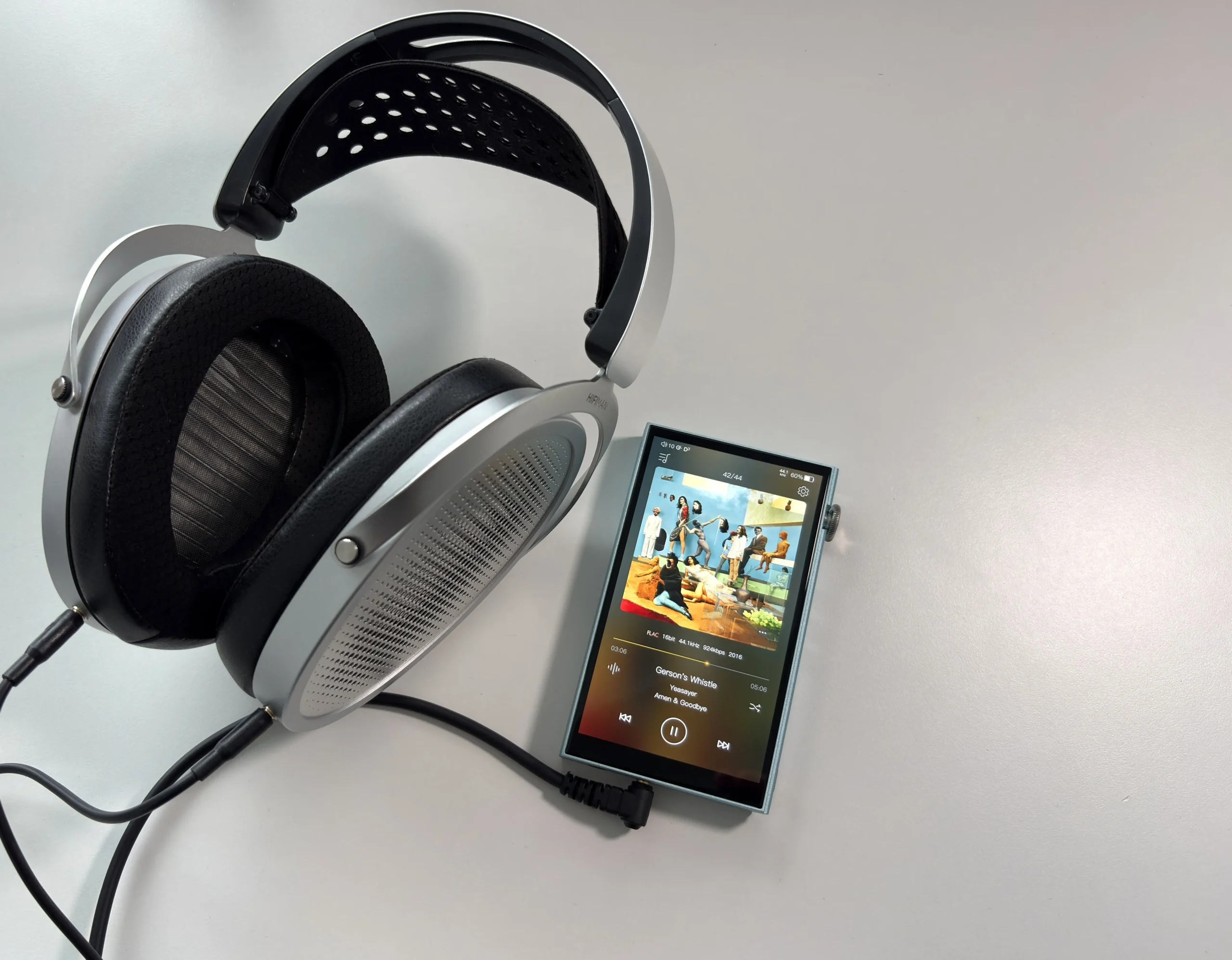
The iBasso DX180 is one of the clearest examples of what a mid-range DAP should be. Despite being launched in mid-2024, it holds up very well even now into 2026. To me, it’s one of those devices that grows on you the more you use it. I was initially skeptical of it’s audio performance when buying it, believing that you needed to pay much more in order to get noticeably better sound quality. After all, the likes of the FiiO M21 and even the Shanling M1 Plus have shown that you do not need to go very far to get excellent sound quality. I was categorically wrong about this. The DX180 is that much of a step up.
With that said, it won’t be a step up for everyone. The IEMs or headphones you are using will always be the weakest link in your audio chain, and you should invest your time and money there first. As well, if you are not someone who notices the difference between different audio devices, digital filters, or you just casually listen to music, the DX180 will most likely be overkill for you. For everyone else, the DX180 should definitely be on your radar.
The excellent sound and technicalities that iBasso is able to get out of this device do not excuse the limitations of some of the features (such as the EQ, USB DAC, and Bluetooth DAC being tied to the MangoPlayer app), but it’s also not a deal breaker, at least for me. It just means that this DAP was so close to being perfect.
At $529 USD, the implementation of the quad CS43131 DACs array, the substantial amount of output power for both the 3.5mm SE and 4.4mm balanced outputs, and the flexibility of Android 13 create a package that punches well above its asking price. The sound quality by itself is extremely impressive, and then you add on top of that the user-replaceable battery, superb build quality and design, and the absolutely stunning display. Like I said, almost perfect.


Purchase Links
Buy from AliExpress: https://s.click.aliexpress.com/e/_c3REobwP
Buy from HiFiGo: https://hifigo.com/collections/ibasso/products/ibasso-dx180?rfsn=8743649.bf4c478
Buy direct from iBasso: https://ibasso.com/product/dx180/
The above links may be affiliate links. All commission earned through them goes directly to maintaining this site and bringing you more audio reviews.
If you’re looking for a DAP and the iBasso DX180 doesn’t suit your needs, I encourage you to take a look at my constantly evolving DAP guide: https://www.hifioasis.com/advice/the-best-digital-audio-players-daps/
I’m not always able to cover all the details of a product, both hardware and software, in our reviews. If you have any specific questions about this product, please feel free to leave a comment or contact me directly.
Be sure to check out our excellent Buyer’s Guides, as well as our other Reviews.
HiFi Oasis Verdict
HiFi Oasis Verdict-
Design & Build Quality9/10 Amazing
-
Sound9/10 Amazing
-
Features/Accessories7/10 Good
-
Value8/10 Very good
Pros
- Outstanding sound quality for the price (neutral, detailed, highly resolving)
- Quad CS43131 DAC implementation delivers flagship-level performance
- Excellent output power (drives most headphones and IEMs with ease)
- Clean, noise-free background even with sensitive IEMs
- Non-SRC system-wide audio bypass (no forced resampling)
- Smooth and responsive UI for an Android DAP
- Beautiful 5” 1080p display
- Premium aluminum build with solid construction
- Tactile and satisfying volume wheel + physical playback buttons
- User-replaceable battery (rare for a DAP and highly valuable for longevity)
- Strong battery life (up to ~15–16 hours in real-world use)
- Excellent overall user experience for daily use
Cons
- MangoPlayer locks key features (EQ, USB DAC, Bluetooth DAC tied to the app)
- EQ does not apply system-wide (requires third-party apps)
- Sharp corners/edges may feel uncomfortable without a case
- Standby battery drain is decent but not class-leading



I’m torn between the FiiO M21 and the iBasso DX180. If you were to compare just these two, which one would be the better choice?
If price and portability isn’t a concern, then the DX180 is better. Richer sound, brighter and higher quality display, slightly better build quality, replaceable battery, and no background hiss with sensitive IEMs.
Thank you so much for the detailed comparison! Your insight really helped me clear the air and make a final decision. I’ve always enjoyed reading your reviews keep up the great work!
No problem! And thank you!
9 out of 10 sound , any dap with 10 sound quality ?
Not possible, no DAP is perfect (at least that I have heard).