

Disclosure: I’d like to thank NICEHCK for providing me with the PureAural for this review. All thoughts and opinions are my own, and NICEHCK had no say or input on the contents of this review.
NICEHCK’s dongle lineup has filled out quickly. There’s the NK1 MAX at $19.99, the NK1 Ultra at $29.99, and the Octave at $89 USD, which I reviewed earlier this year and still use as my dongle DAC. The PureAural slots in between at $59.99 USD, and it’s the first one NICEHCK is pitching squarely at gamers.
Most of that gaming angle lives in software. You get Game Mode presets for footsteps and gunshots, adjustable microphone gain, and a TRRS jack so earphones with an in-line mic work for voice chat. Inside, there’s a CS43198 DAC, an SGM8262 op-amp, and a claimed 210 mW at 32 ohms from a 3.5mm single-ended output. That’s more than the Octave puts out from its own 3.5 mm jack.
So does a “gaming DAC” have anything to offer someone who mostly listens to music? And is it worth twice the price of the NK1 Ultra? Let’s get into it and find out.
Key Specifications
- Product Page: https://www.nicehck.com/products/nicehck-pureaural
- MSRP: $59.99 USD
- DAC: Cirrus Logic CS43198
- Amp: SGM8262
- Connectivity:
- 3.5 mm single-ended output (TRRS, in-line mic support): 210 mW @ 32Ω, 235 mW @ 16Ω
- Fixed USB-C cable (silver-plated single-crystal copper)
- Supported Sample Rates: 32bit/384kHz PCM, DSD256
- Features:
- NICEHCK app and Web Tuning
- 10-band PEQ
- Four music and four game presets
- 5 built-in digital filters
- Low/Mid/High gain
- Class AB or Class H amp mode
- Case and Dimensions:
- 45 x 15 x 9 mm
- 12 grams
In the Box
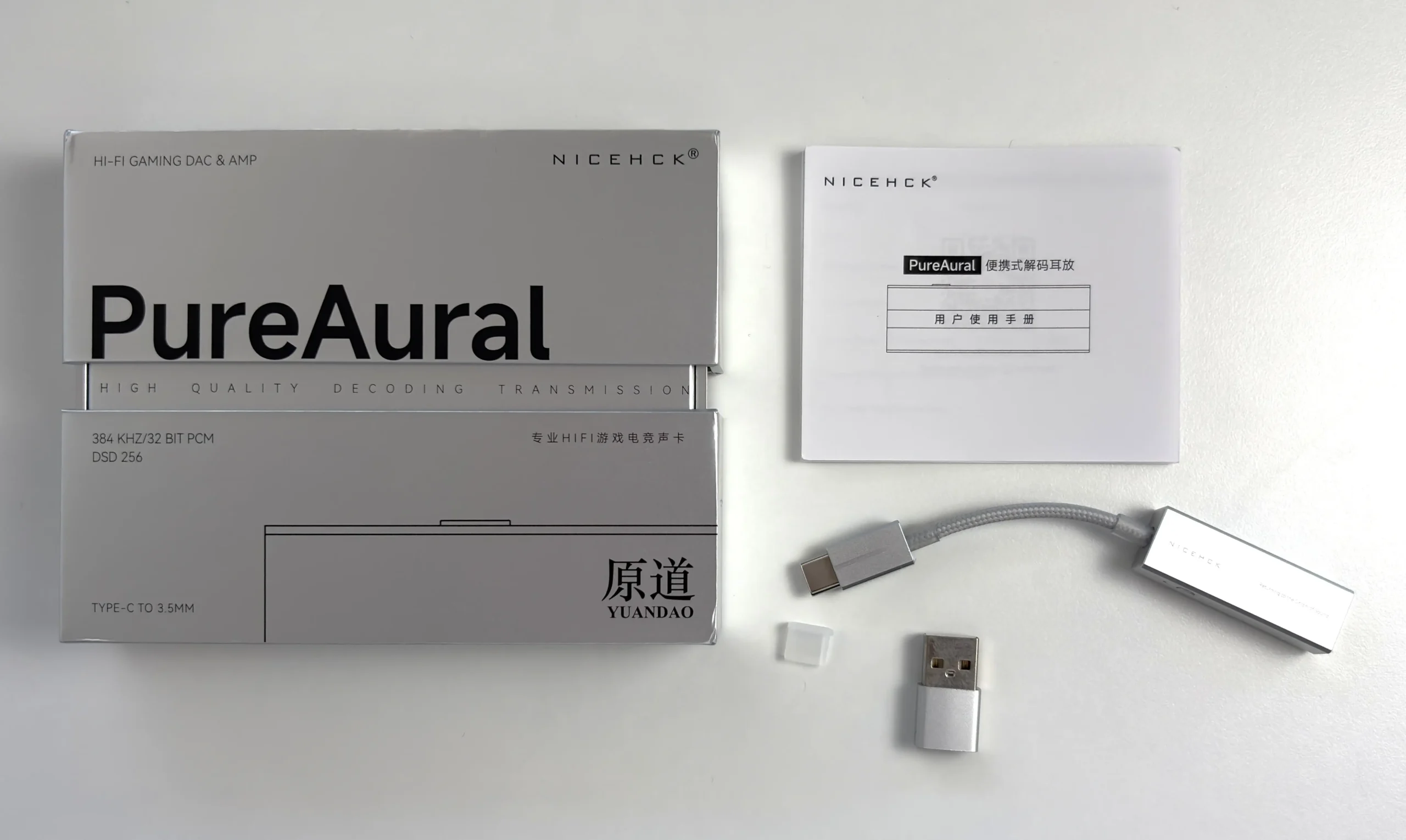
- NICEHCK PureAural (fixed USB-C cable)
- USB-C to USB-A adapter
- User manual
- QC card
The PureAural arrives in a small silver box that opens from the top and bottom rather than sliding out like most dongle packaging. It’s a nice touch that makes the unboxing feel a little more premium than the price suggests.
The USB-A adapter is handy for older laptops and desktops without a spare USB-C port. Beyond that, it’s a bare-bones bundle, which is about what I expect at this price.
Design & Build Quality
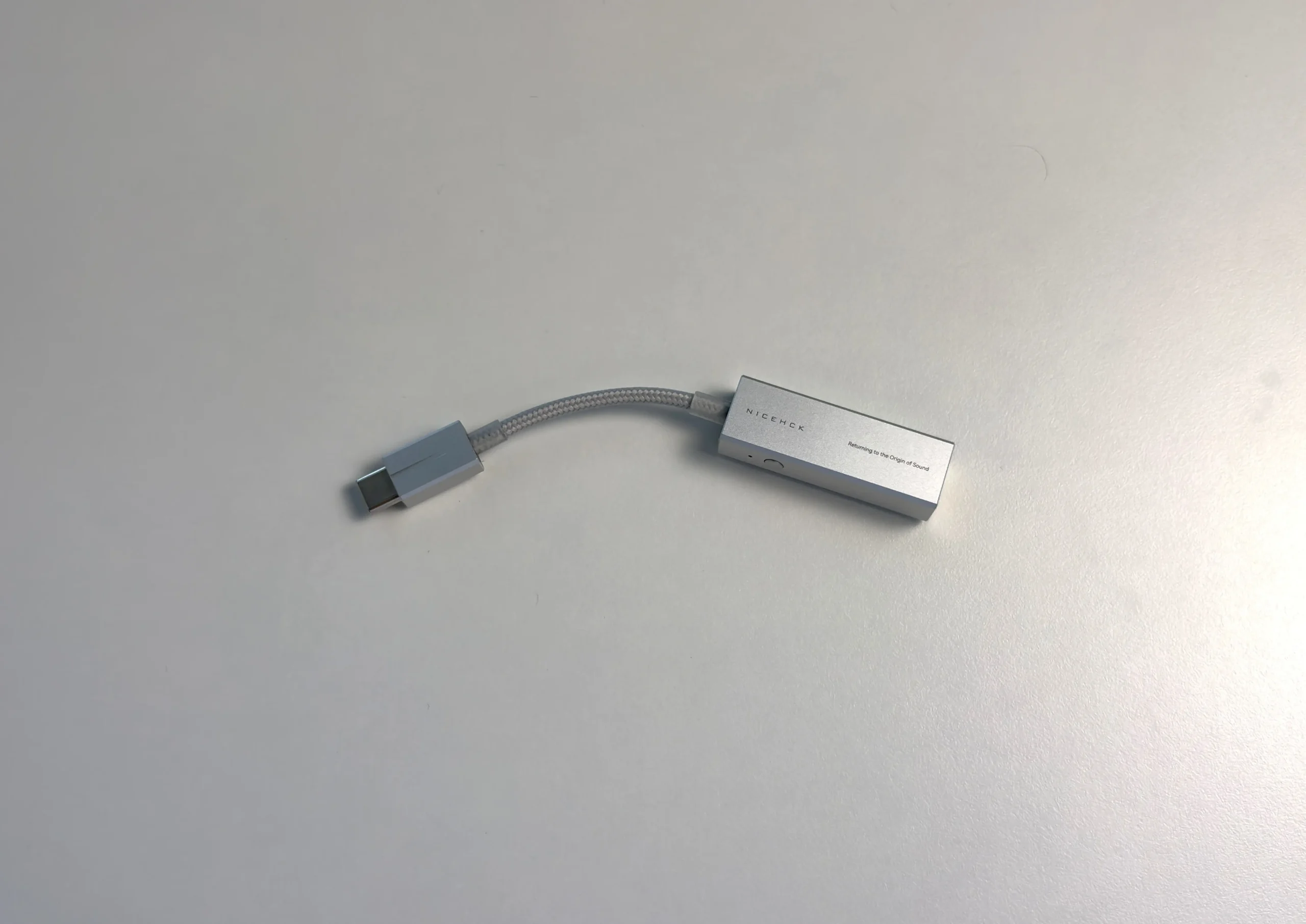
The NICEHCK PureAural’s body is CNC-machined aluminum alloy with a fine sandblasted finish, chamfered edges, and brushed silver accents. NICEHCK says the design was inspired by piano keys, and once you know that, it’s hard to unsee it. Silver looks to be the only color option right now.
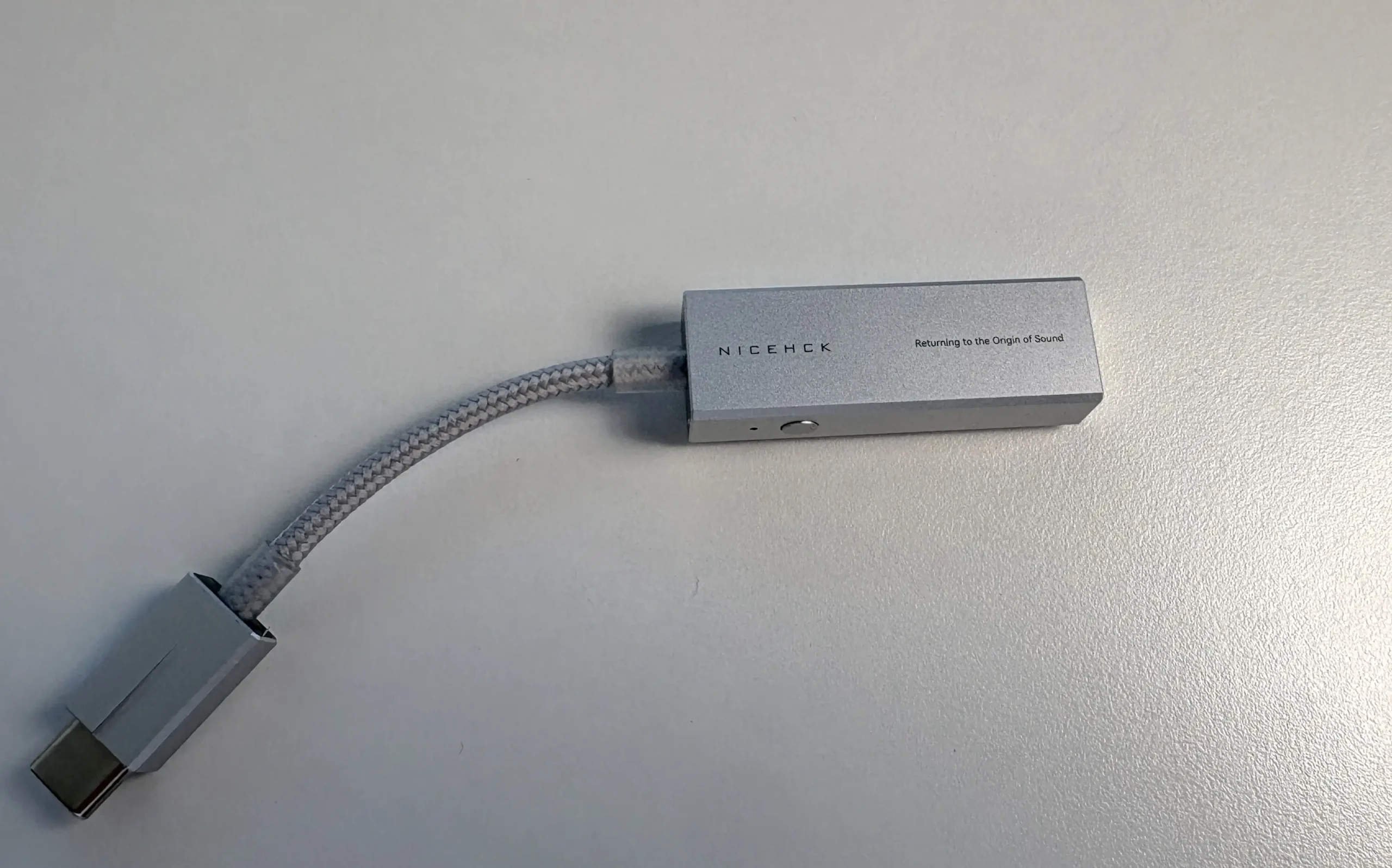
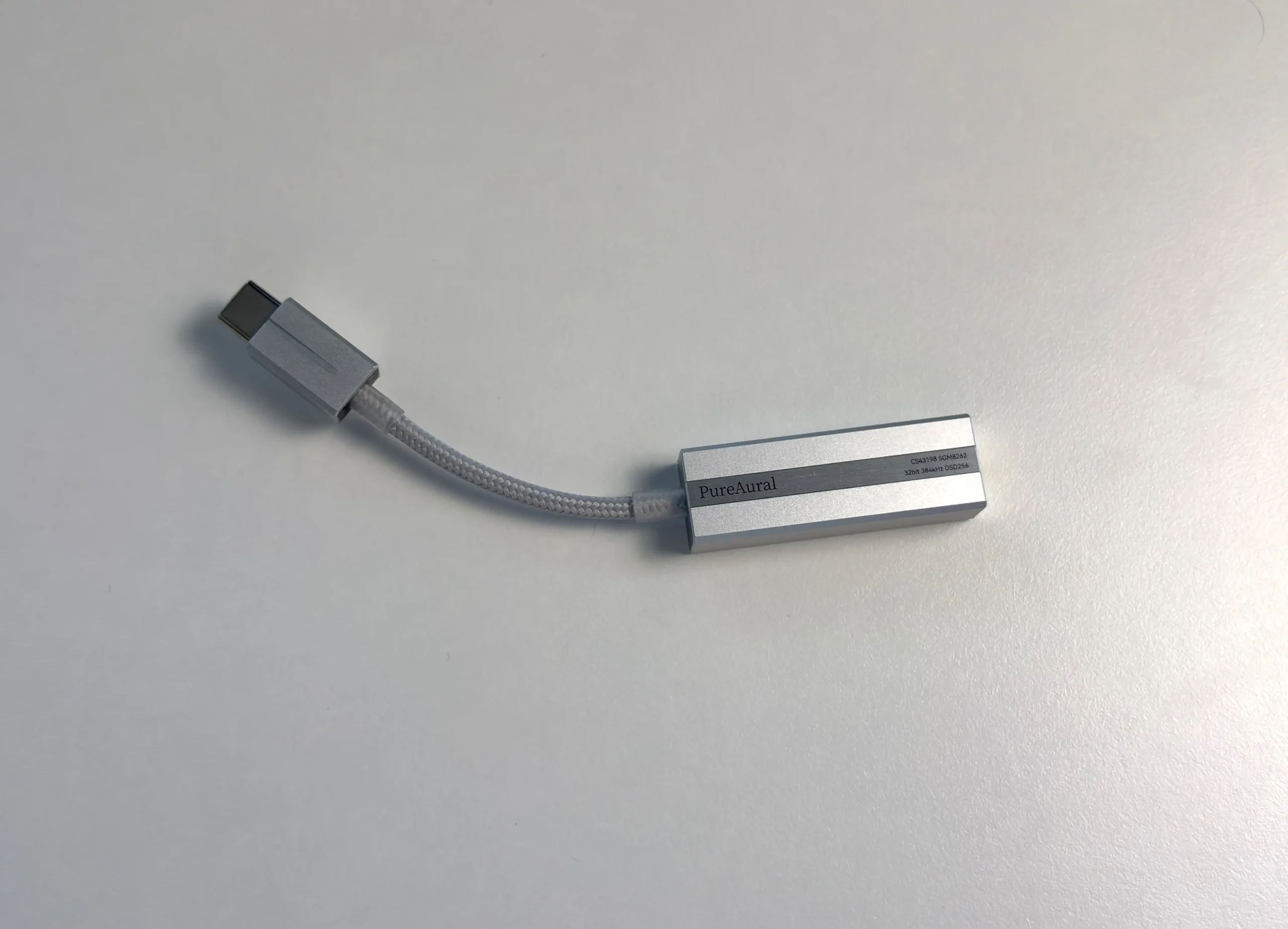


At around 12 grams, it’s less than half the weight of the Octave. It disappears in a pocket and doesn’t drag on a phone’s USB-C port. It feels rigid and well put together for something this small.
The USB-C cable is permanently attached and uses silver-plated single-crystal copper. It’s flexible and has decent strain relief where it meets the body. It’s also short, at roughly 5 cm. That keeps the whole thing compact, but it means you can’t swap in a longer cable for a desktop, and if the cable ever fails, the dongle goes with it.
Controls and Connectivity
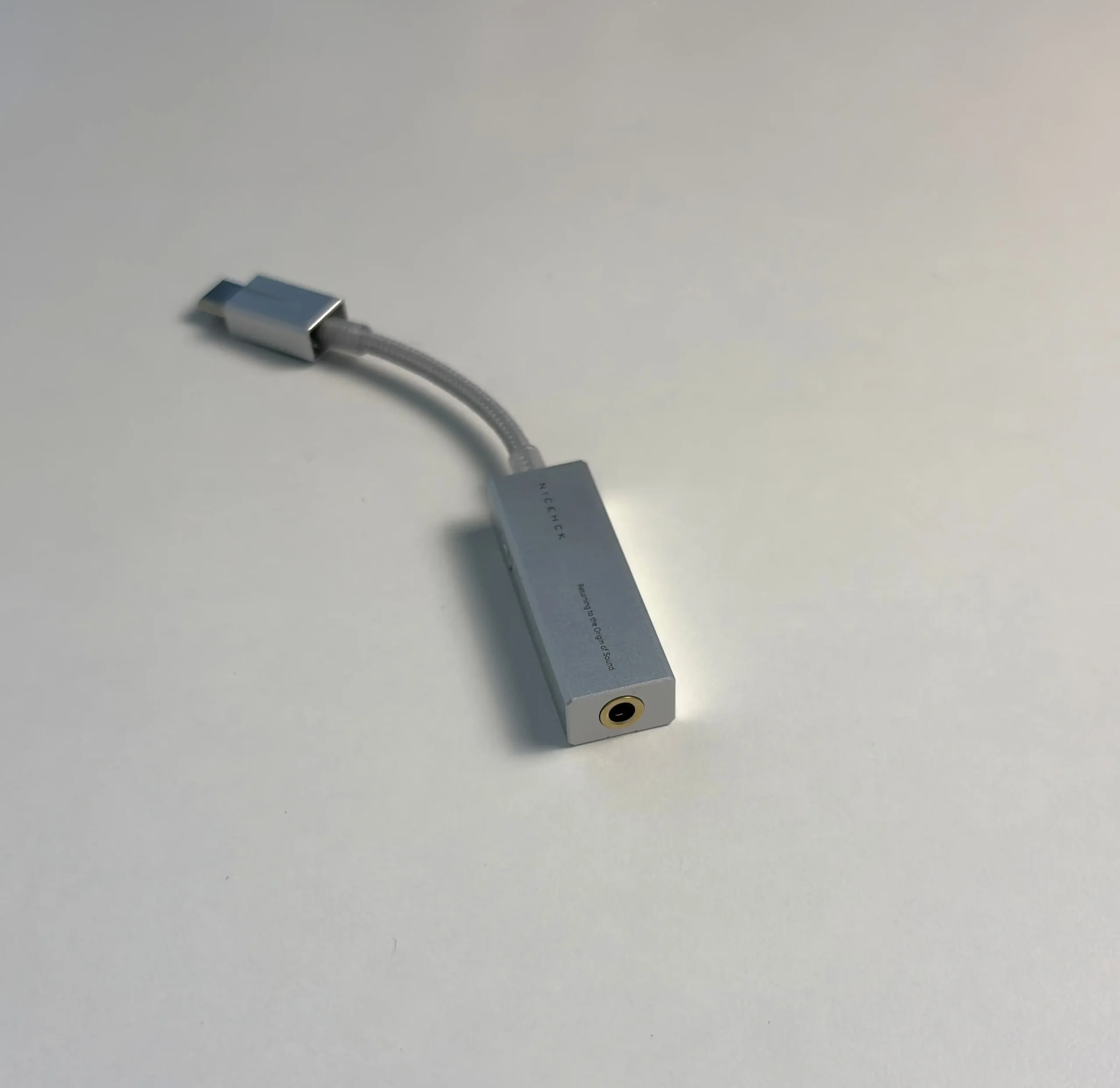
There’s a single round button on the side, slightly raised so you can find it without looking. One press plays or pauses. Hold it for two seconds, and it cycles through the digital filters. There are no volume buttons and no gain switch, so volume comes from your source or the app’s 100-step hardware volume.
I’d have traded the filter shortcut for a Game Mode toggle. Why? This is sold as a gaming DAC, yet every gaming-related setting lives in the app or browser. If you want to flip from a music preset to footsteps, you need a phone or computer to do it.
There’s also a small status LED that changes color with the sample rate:
- Ice blue: 44.1/48 kHz (blinking for DSD64)
- Green: 88.2/96 kHz (blinking for DSD128)
- Orange: 176.4/192 kHz
- Red: 352.8 kHz and above (blinking for DSD256)
It’s a simple way to confirm that an app like USB Audio Player Pro is passing the sample rate you expect.
The PureAural is a plug-and-play device. One tip for Windows users: the first time I plugged it in, Windows set the volume to 100%. Turn it down before you press play, especially with sensitive IEMs.
The 3.5 mm jack is TRRS, so earphone cables with an in-line mic and remote work as expected for calls and voice chat. Older devices and some earphones may still be hit or miss with the remote buttons.
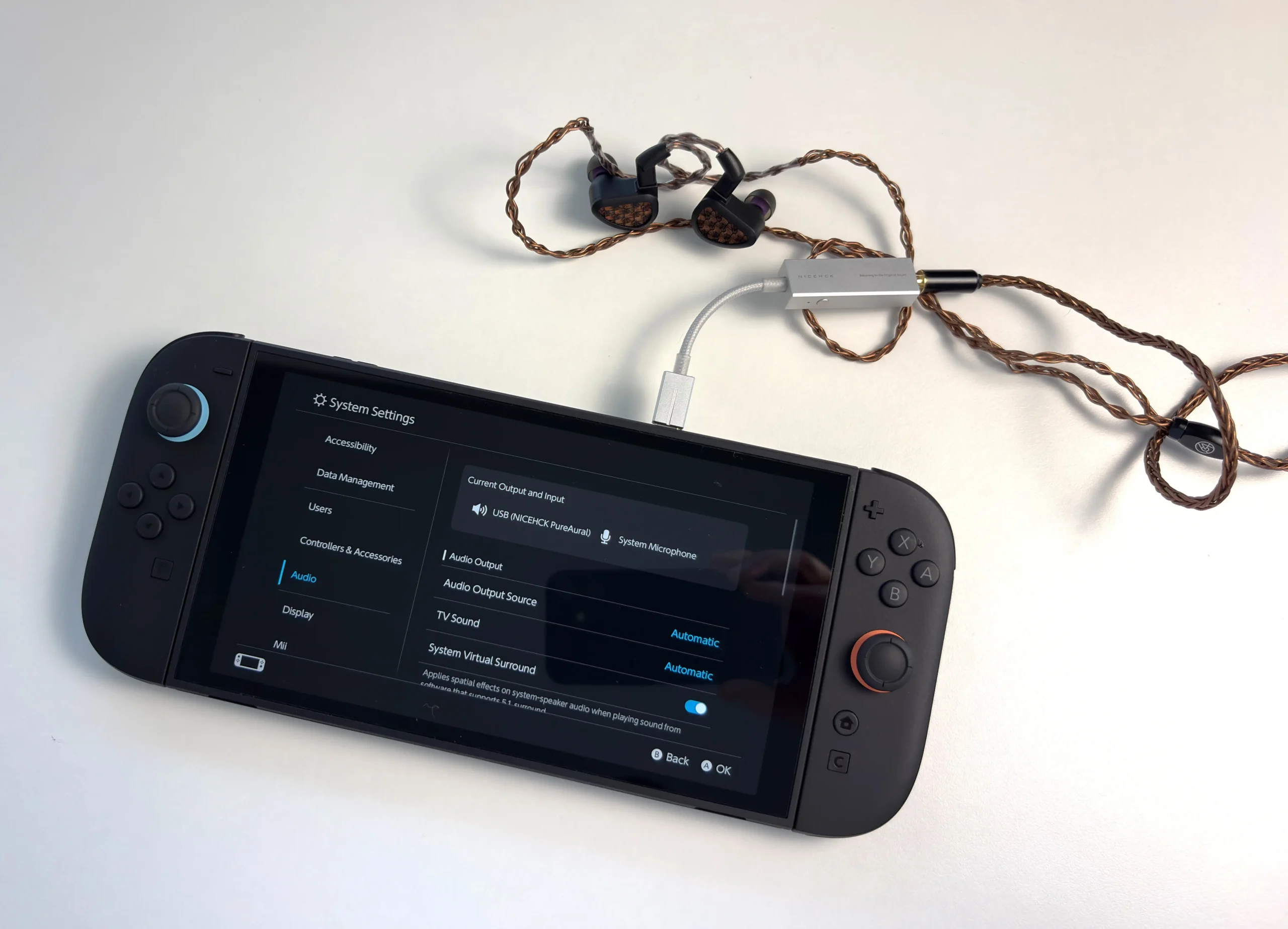
NICEHCK lists the Switch 2 and PS5 as targets, and console support is a big part of the gaming pitch. I tested the PureAural with my Switch 2, and it worked just fine.
NICEHCK App and Web Tuning
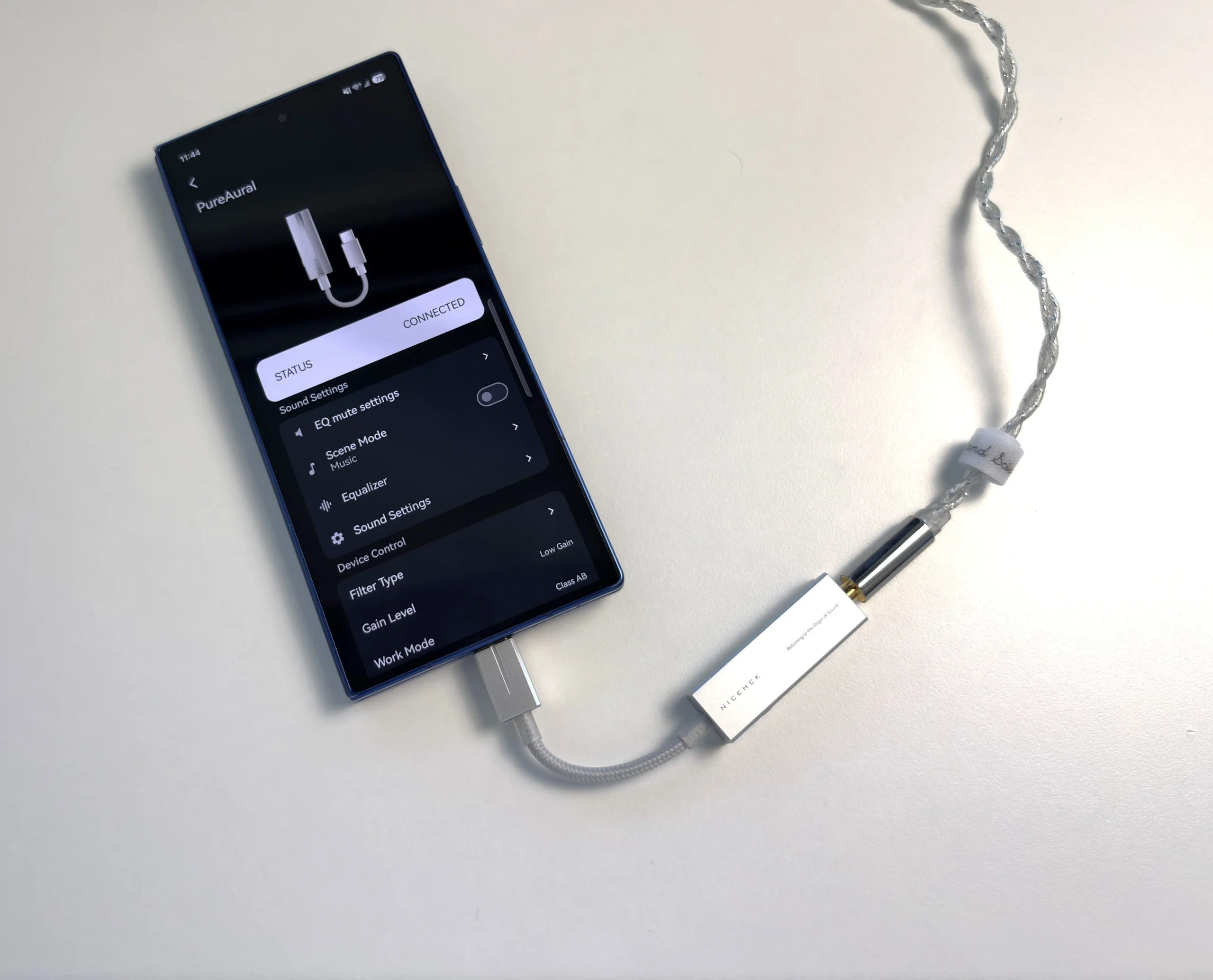
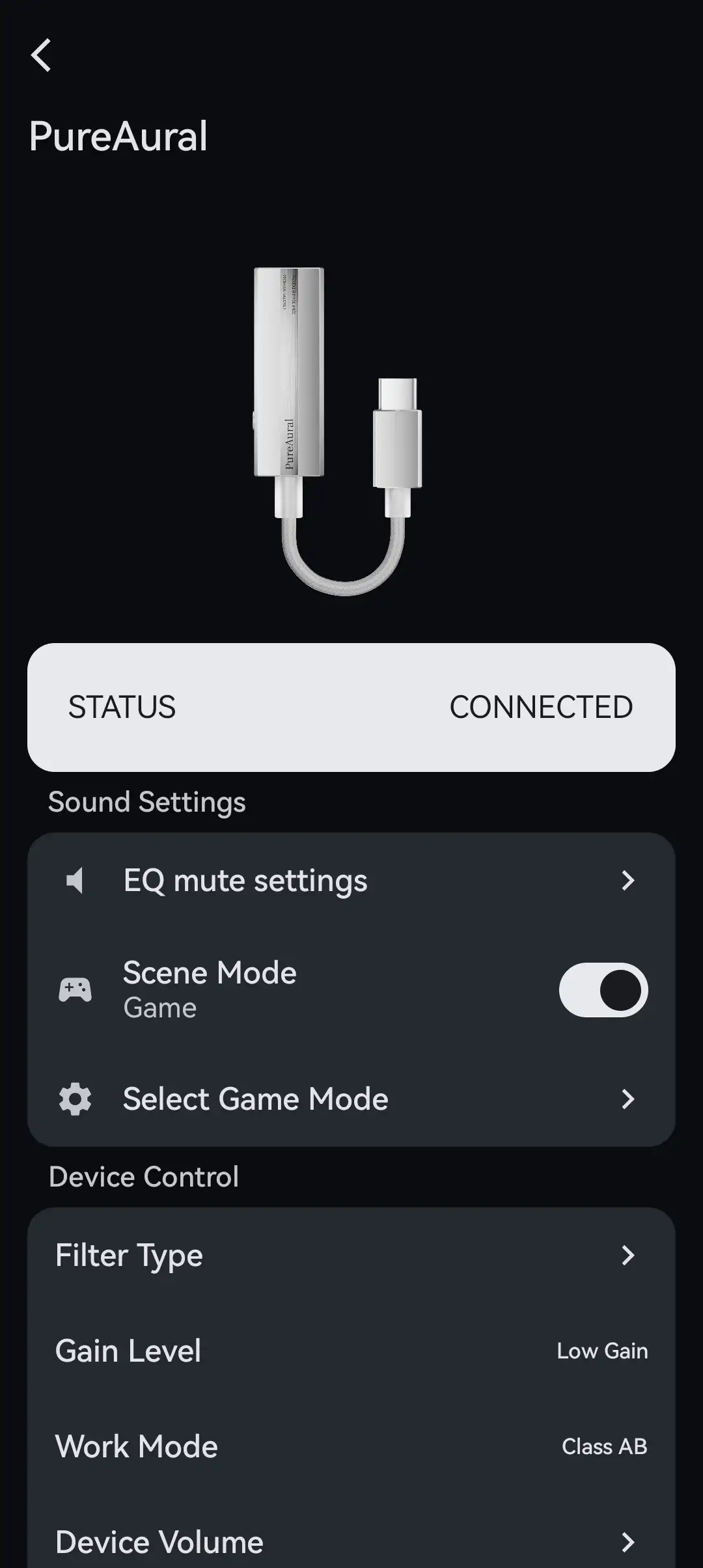
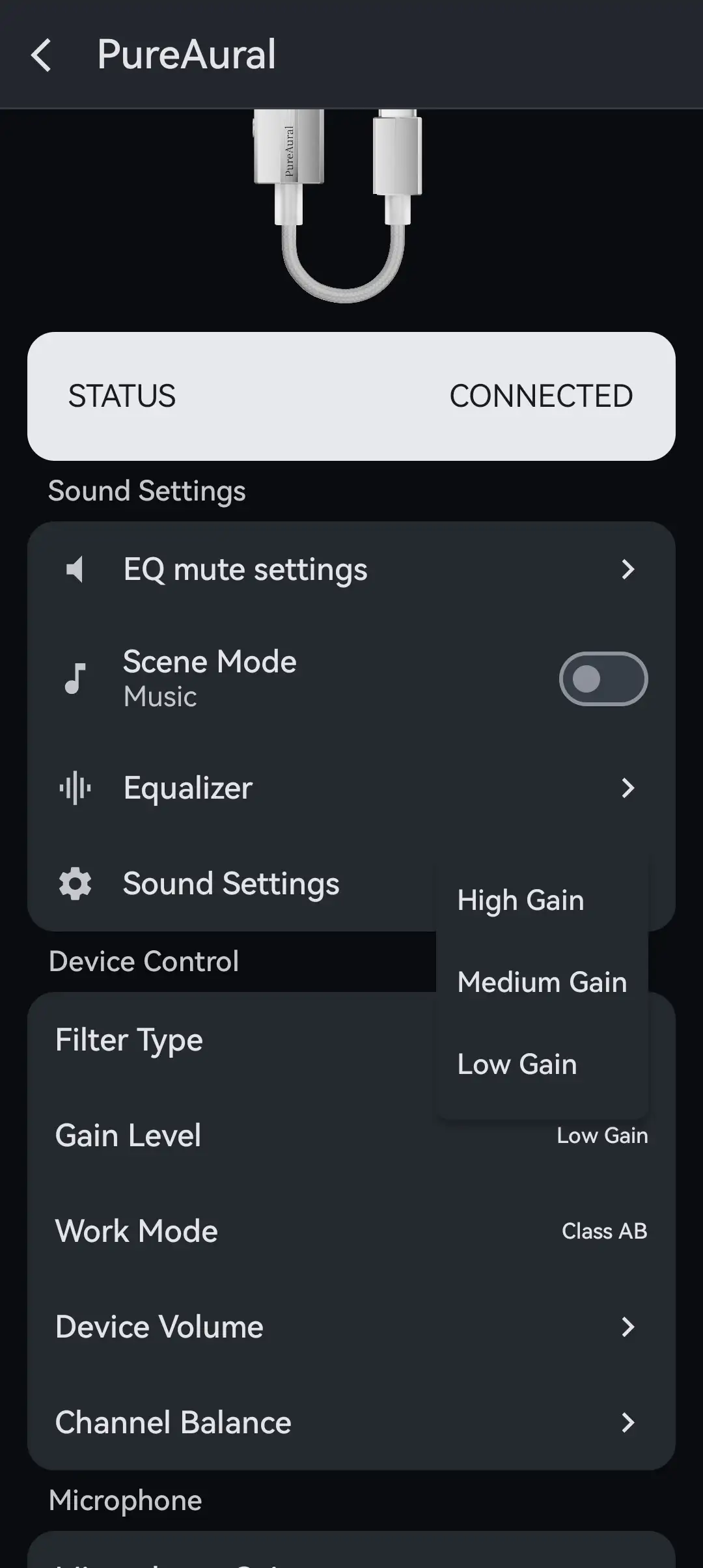
The PureAural’s settings live in the NICEHCK app on Android or in NICEHCK’s Web Tuning page at https://app.nicehck.cn/. The web version connects over USB from a desktop browser, with nothing to install (which is actually nice). That’s a real improvement over the Octave, where only the Android app worked, and Apple users couldn’t touch the EQ at all.
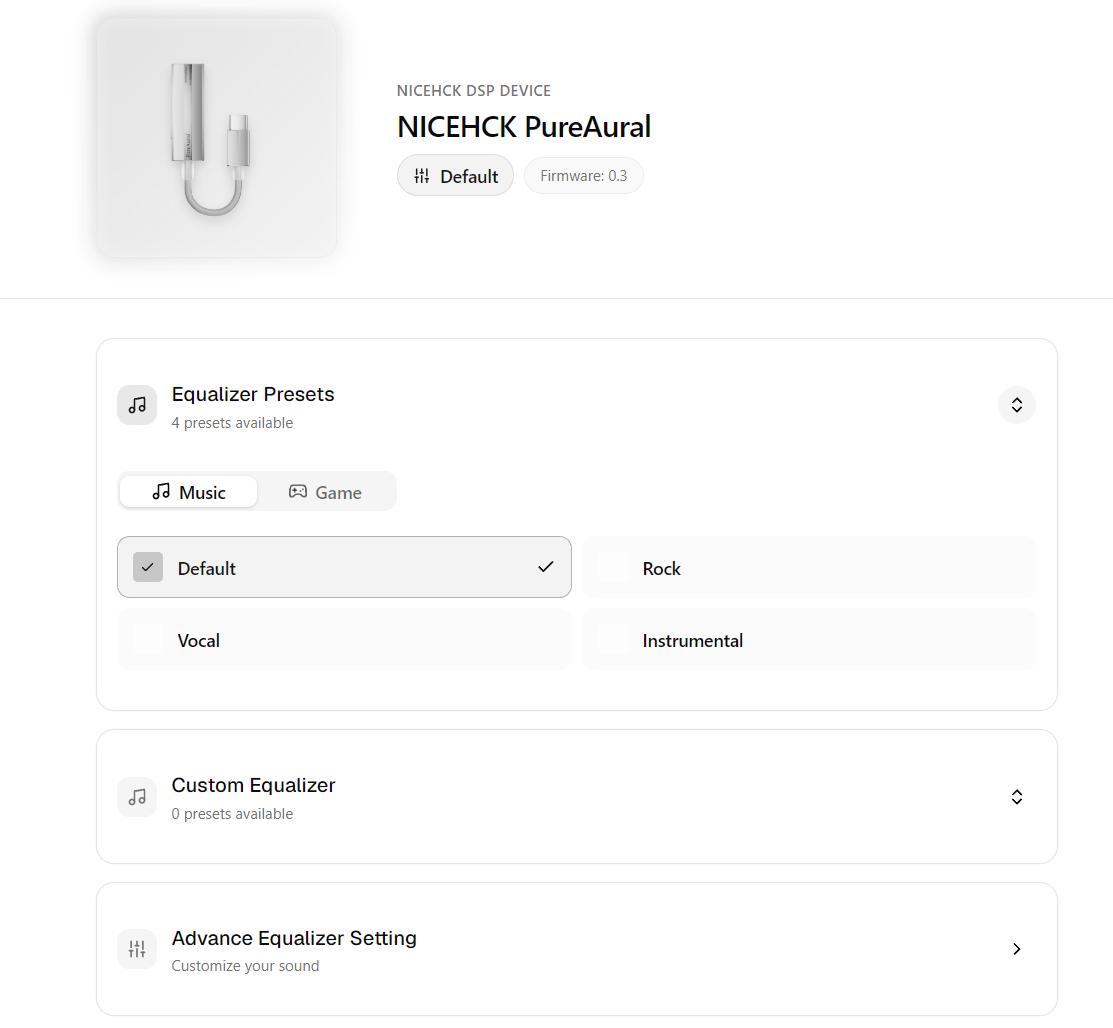
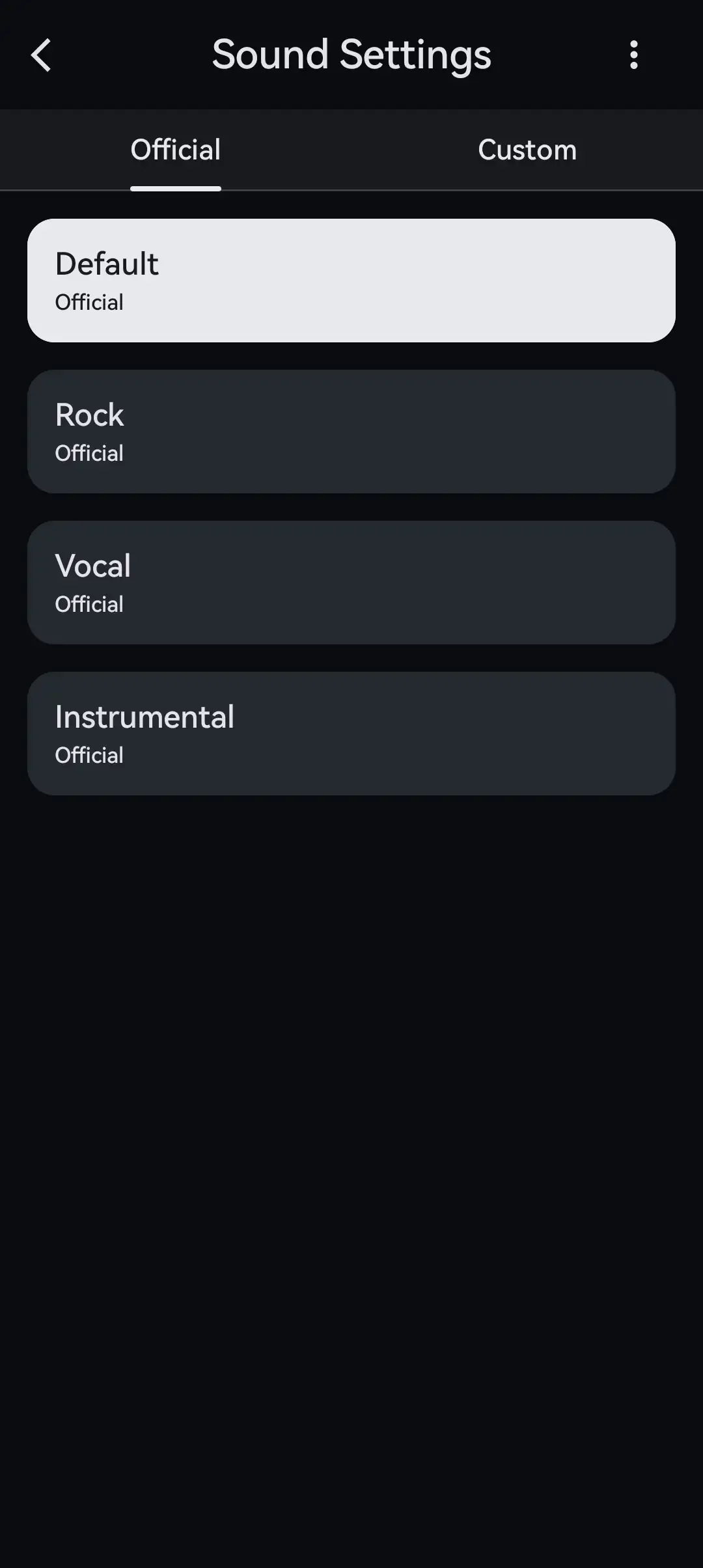
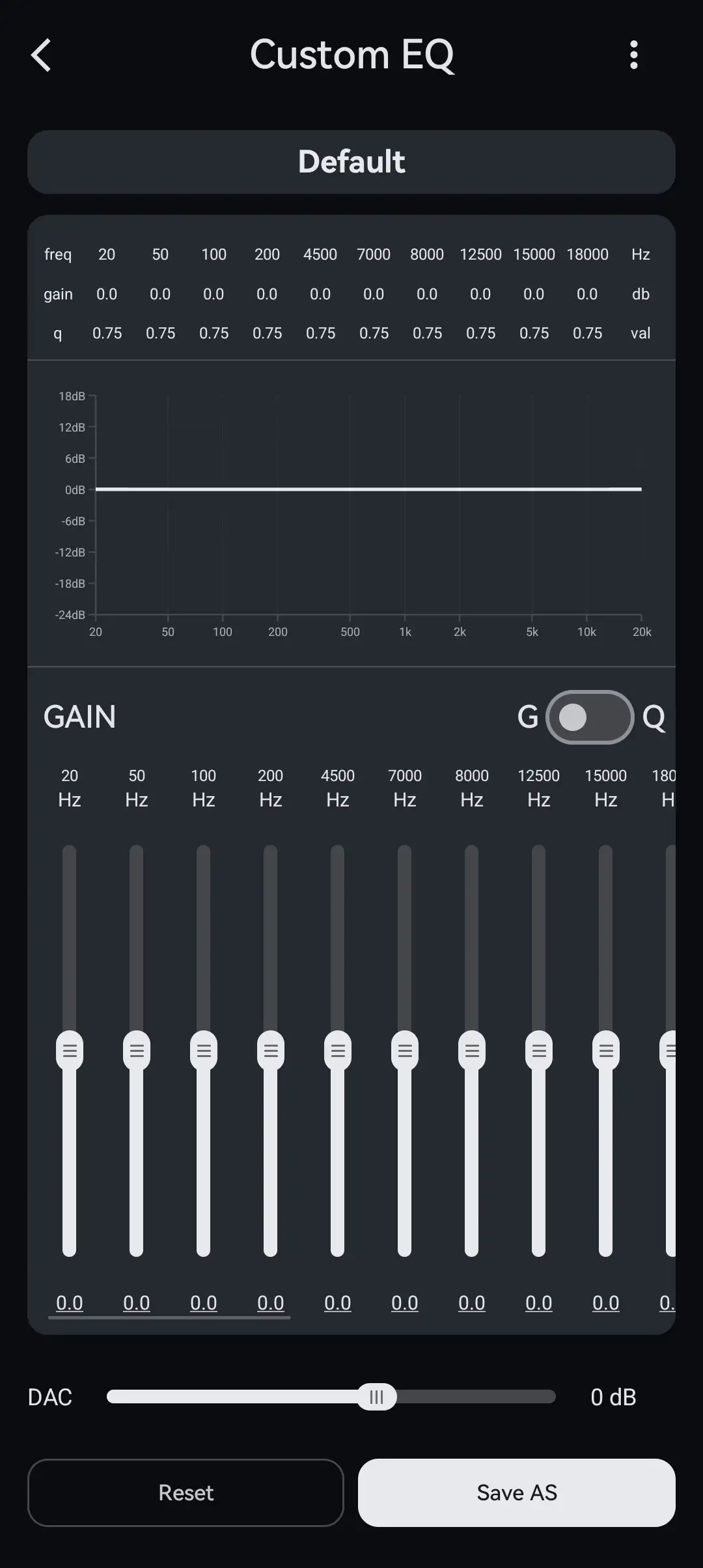
The app is split into two scene modes: Music and Game. Music mode is where you’ll find the 10-band PEQ, with adjustable frequency, gain, and Q for each band, a curve display, a global gain control, and the ability to save your own presets. There are also four built-in music presets: Default, Rock, Vocal, and Instrumental. Switching to Game mode hides the PEQ and swaps in four game presets, which I’ll cover in the next section.
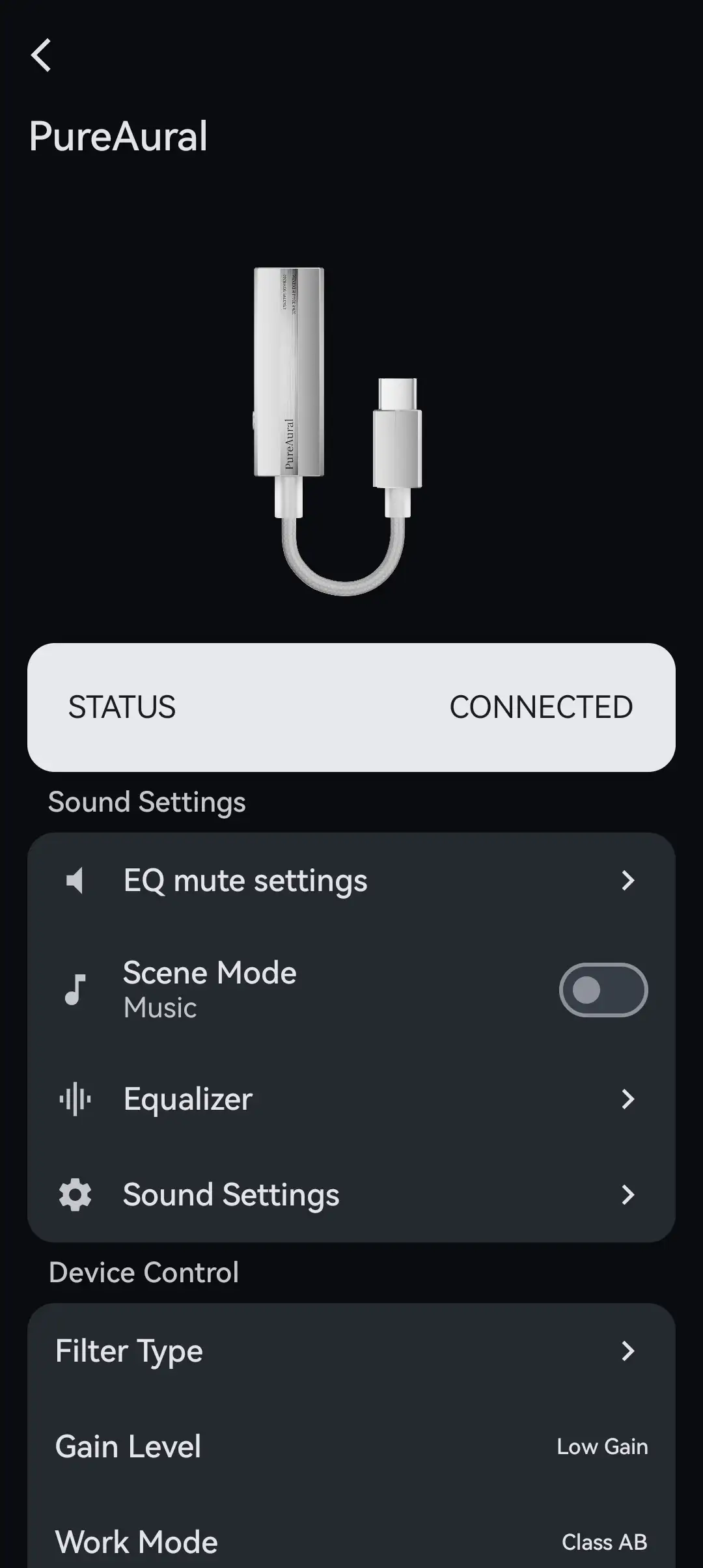
The rest of the settings apply to both modes:
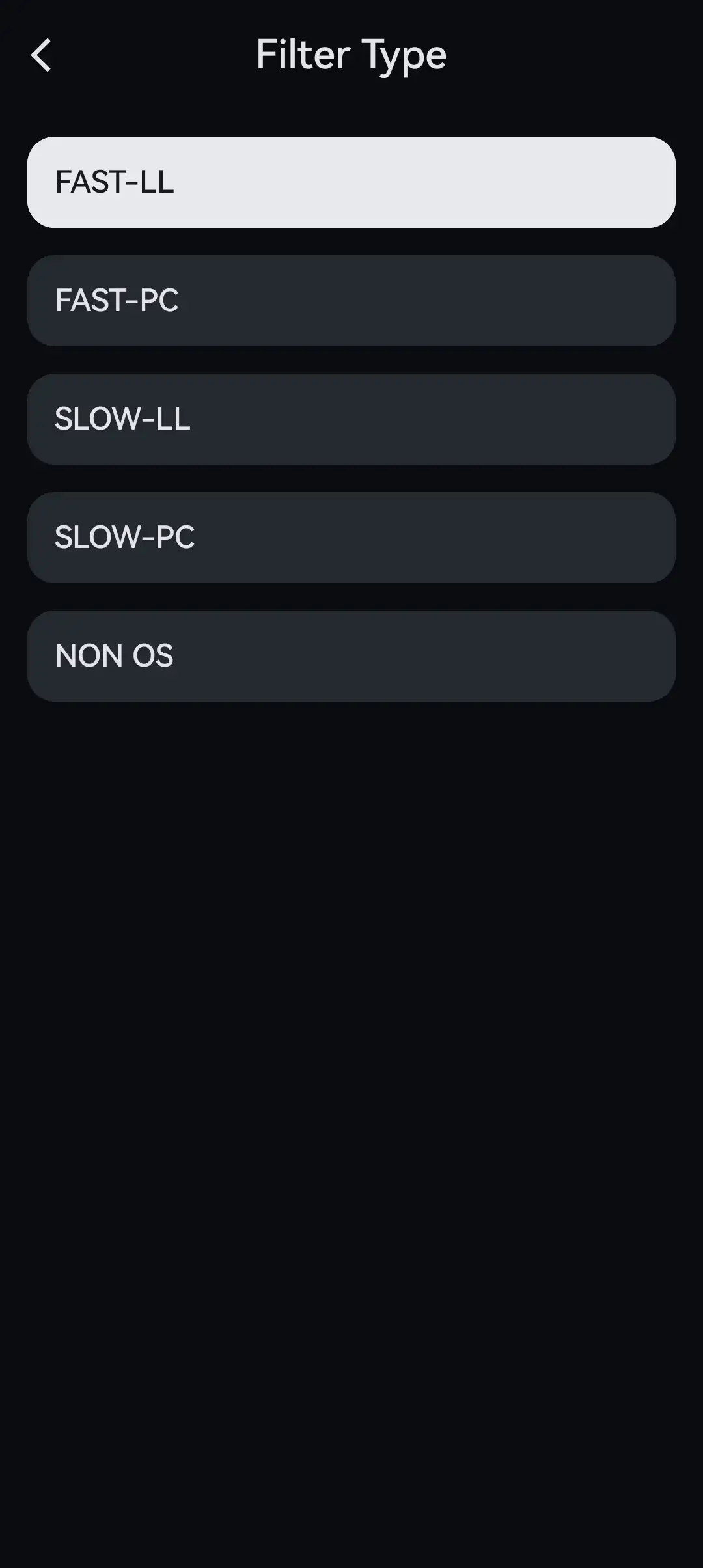
- Digital filters: FAST-LL, FAST-PC, SLOW-LL, SLOW-PC, and NON-OS
- Gain: Low, Mid, and High
- Amp mode: Class AB or Class H
- Device volume: 100 steps
- Channel balance: left/right adjustment
- Mic gain: input level for in-line microphones
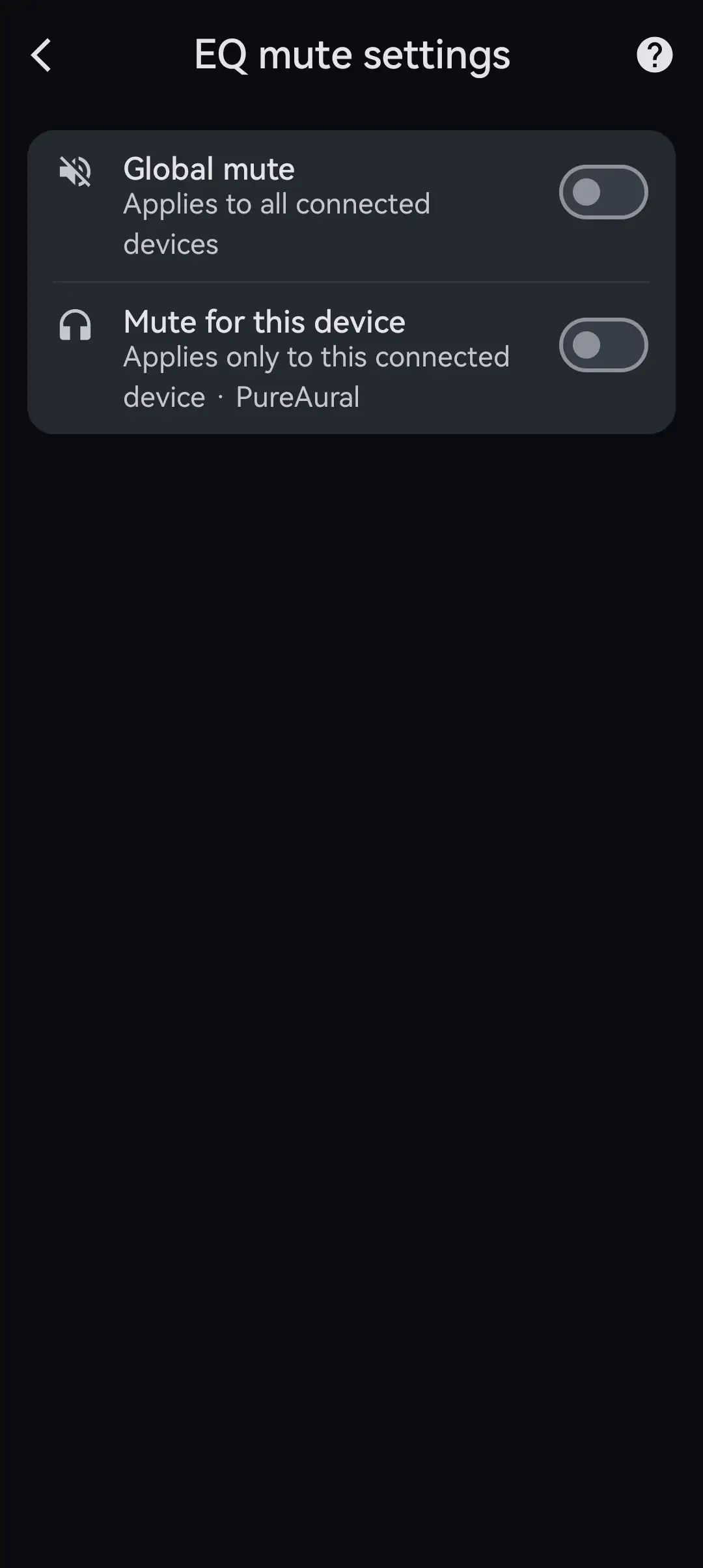
- EQ Mute: meant to reduce pops when switching EQ or filters
As with the Octave, the filters make very subtle changes. I ended up on FAST-LL most of the time. The SLOW filters take a little edge off the treble, which helped with brighter IEMs. NON-OS is the default, if you’d rather not think about it.
Class AB uses a fixed power rail, while Class H adjusts the rail to follow the signal to save power and reduce heat. To my ears, Class AB has slightly more punch and life. Class H is a touch softer, but the difference is small enough that I’d pick based on battery life, not sound.
My main complaint is the lack of explanation. The app offers almost no explanation of what the filters, EQ Mute, or Class H actually do. Yes, most seasoned audiophiles will be familiar with these terms and features, but regular users may feel overwhelmed by them.
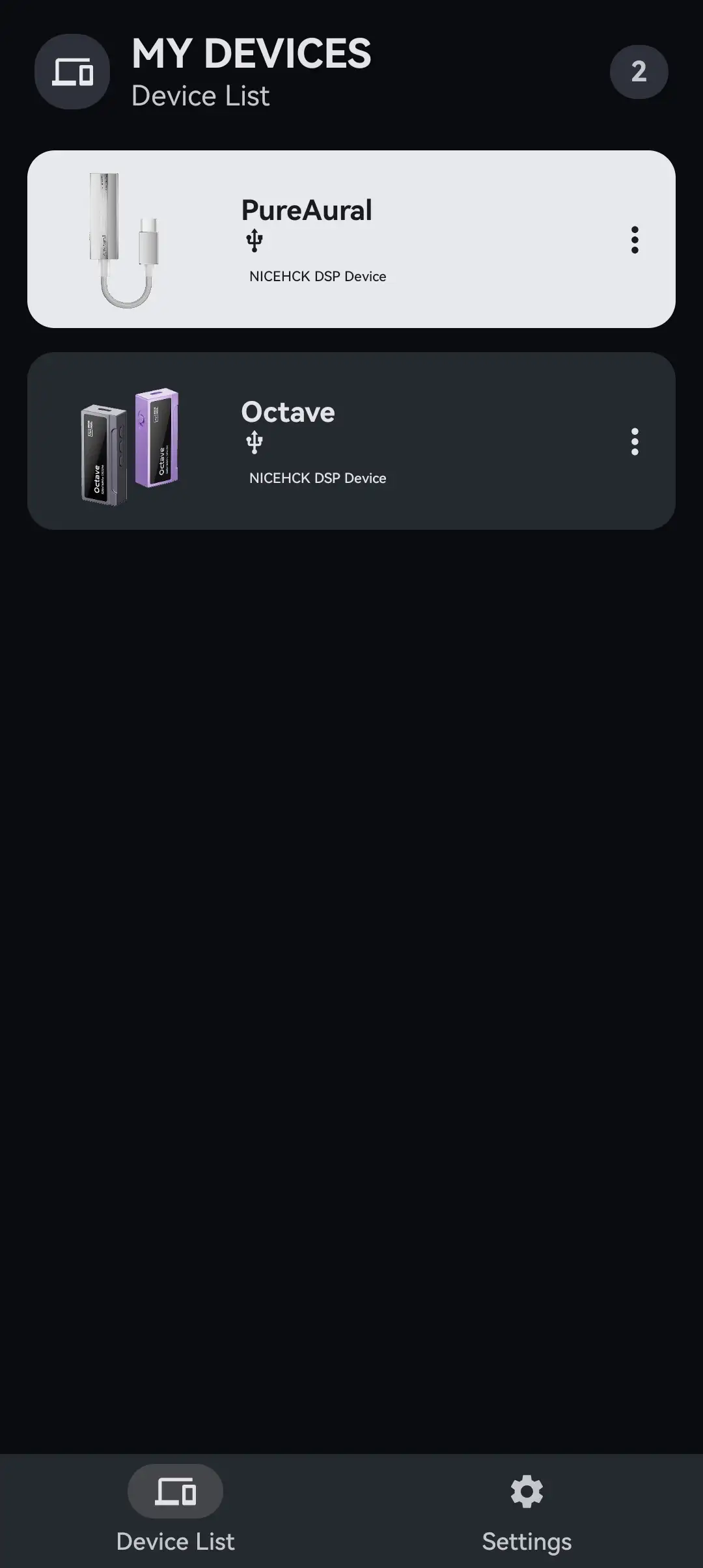
Here are some screenshots taken from my Samsung Galaxy Fold 7:







Game Mode and Microphone
Game mode offers four presets: FPS Footsteps, FPS Gunshots, Vocal Boost, and Immersion. FPS Footsteps is the default once you switch modes.
The FPS presets push the midrange forward, which is where footsteps, reloads, and other small cues sit. In competitive shooters, they make it easier to pick out where movement is coming from. I wouldn’t listen to music with them, but that’s not the point. Vocal Boost does what it says for dialogue-heavy games and voice chat.
Immersion is the one I kept coming back to. It adds weight and impact to explosions and big set pieces, and it’s surprisingly fun with live recordings and bass-heavy music too.
To be honest, the PureAural’s imaging does a lot of the work even before you touch a preset. Directional cues are clean and easy to place, and the tight bass keeps footsteps from getting buried under effects. A good pair of IEMs on the default preset already gets you most of the way there.
The microphone gain setting is the sleeper feature here. With an IEM cable that has an in-line mic, I could pull the gain down so my voice didn’t clip when the mic sat close to my mouth. Very few dongles let you adjust mic input at all, and it makes a real difference in voice chat.
Output Power and Noise Floor
NICEHCK rates the PureAural at 210 mW at 32 ohms and 235 mW at 16 ohms. That’s a lot for a single-ended dongle, and more than the 150 mW the Octave gets from its 3.5 mm output. The Octave’s balanced output is still the more powerful option at 550 mW, but that only helps if your cables are terminated in 4.4 mm.
For IEMs, low gain is all you need. With the app’s volume at 100, I rarely needed to go past the middle of my phone’s volume slider. Even my least efficient IEMs got enough volume without leaving low gain.
Medium and high gain are there for full-size headphones. On high gain, I could get my Sennheiser HD 620S and HIFIMAN Edition XV to comfortable listening levels. For something like the 300-ohm HD 660S2, I’d reach for a balanced source with more voltage as the 3.5mm output on the PureAural just isn’t enough.
On low gain, the noise floor is low. I didn’t hear any background hiss with sensitive IEMs like the Simgot EA1000.
The chassis gets warm in Class AB mode after a while, but never hot. Class H runs a little cooler.
Power Consumption
I tested the PureAural the same way I tested the Octave: one hour of playback at medium-high volume on low gain, checking how much battery my Samsung Galaxy Fold 7 and HiBy R1 lost. Since there are two amp modes, I ran each source in both.
Class H saves some battery, but the gap is smaller than I expected. Neither mode is as frugal as a basic dongle, which makes sense given how much power the PureAural can deliver.
If you plan to game on your phone for hours, battery drain is worth keeping in mind. Class H is the better choice there, and a USB-C splitter with charging passthrough is worth considering for long sessions. I would not categorize the PureAural as a battery hog, though.
Sound Quality
Main sources used for this review:
- Apple iPhone 16
- Nintendo Switch 2
- Samsung Galaxy Fold 7
- Windows 11 desktop PC
Main IEMs/headphones used for this review:
- 64 Audio Solo (3.5mm)
- DUNU DN242 (4.4mm)
- Sennheiser HD 550 (3.5mm)
- Simgot EA1000 Fermat (3.5mm)
Links to my music playlist used for the majority of testing:
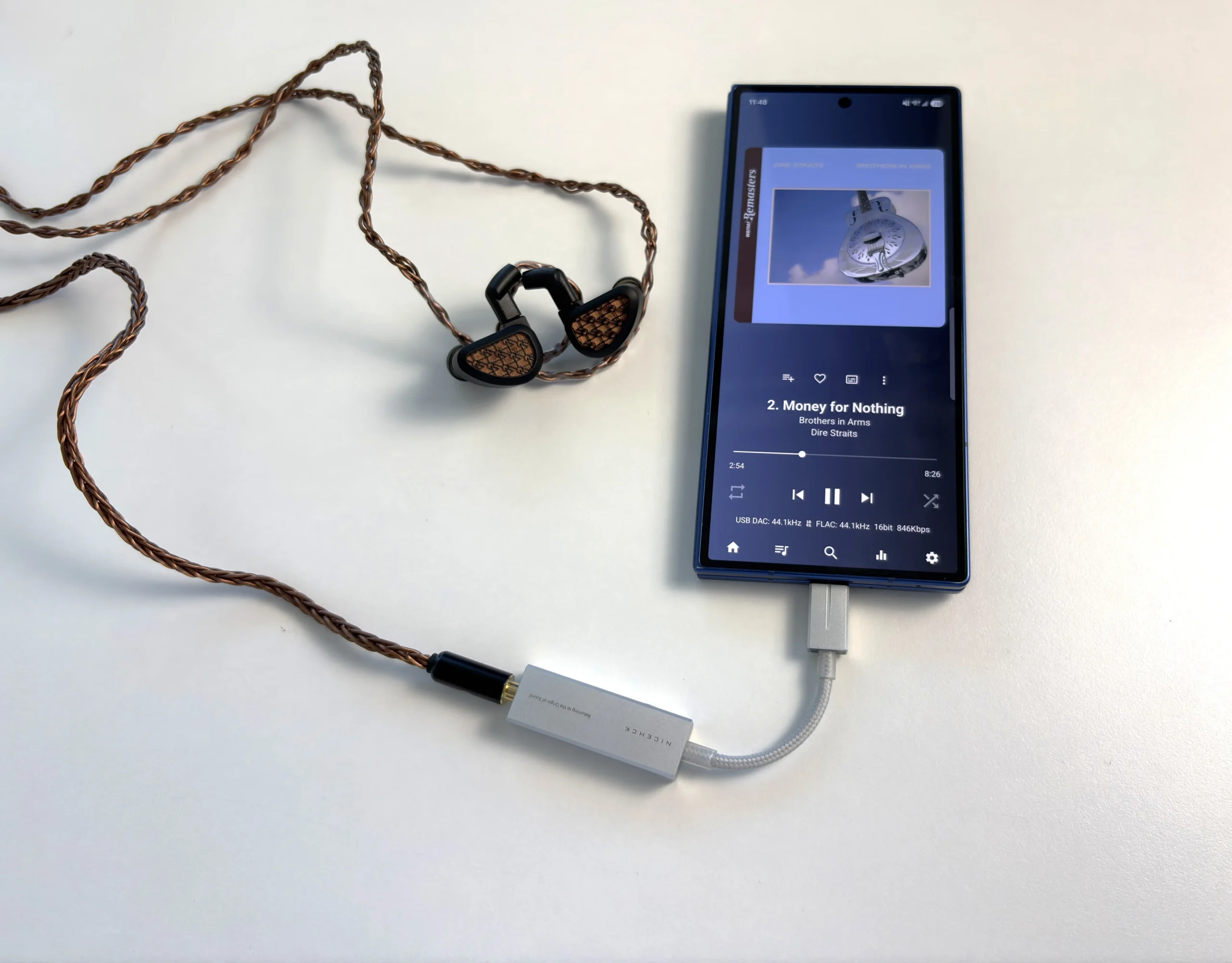
The NICEHCK PureAural sounds clean and transparent, while leaning slightly cool. It doesn’t add much character of its own, so your IEMs and headphones will sound like themselves, just a little more focused. If the Octave is neutral to slightly warm, the PureAural sits a step to the cooler side of neutral.
Bass is tight and well controlled, with quick decay. It doesn’t add weight or bloom, which keeps kick drums and bass lines easy to follow. Sub-bass isn’t emphasized, so bass lovers may want to reach for the PEQ or the Immersion preset.
The midrange is clear, with vocals sitting ever so slightly forward. Female vocals in particular have a bit of sheen, and there’s enough body in the lower midrange that voices never sound thin. The midrange comes through intact, just a little more defined.
Treble is crisp, with clean note edges and plenty of detail in hi-hats, strings, and electronic textures. That clarity is a strength at normal volumes, but it can tip into sharpness with brighter multi-driver IEMs or when you turn things up. If that happens, a SLOW filter or a small PEQ cut can help.
Separation and imaging are where the PureAural stands out, in my opinion. Instruments sit in clearly defined positions, and layered passages stay easy to pick apart. The soundstage is slightly wide but focused, rather than big and diffuse. It’s the same quality that makes it good for games.
As for Class AB versus Class H, AB has a bit more snap and energy. H is slightly softer in punch. It’s subtle enough that most people will be fine either way.
Is it the most resolving dongle I’ve heard? No. But for a $59.99 USD single-ended dongle, it’s clean, detailed, and honest about what you plug into it.
Final Thoughts
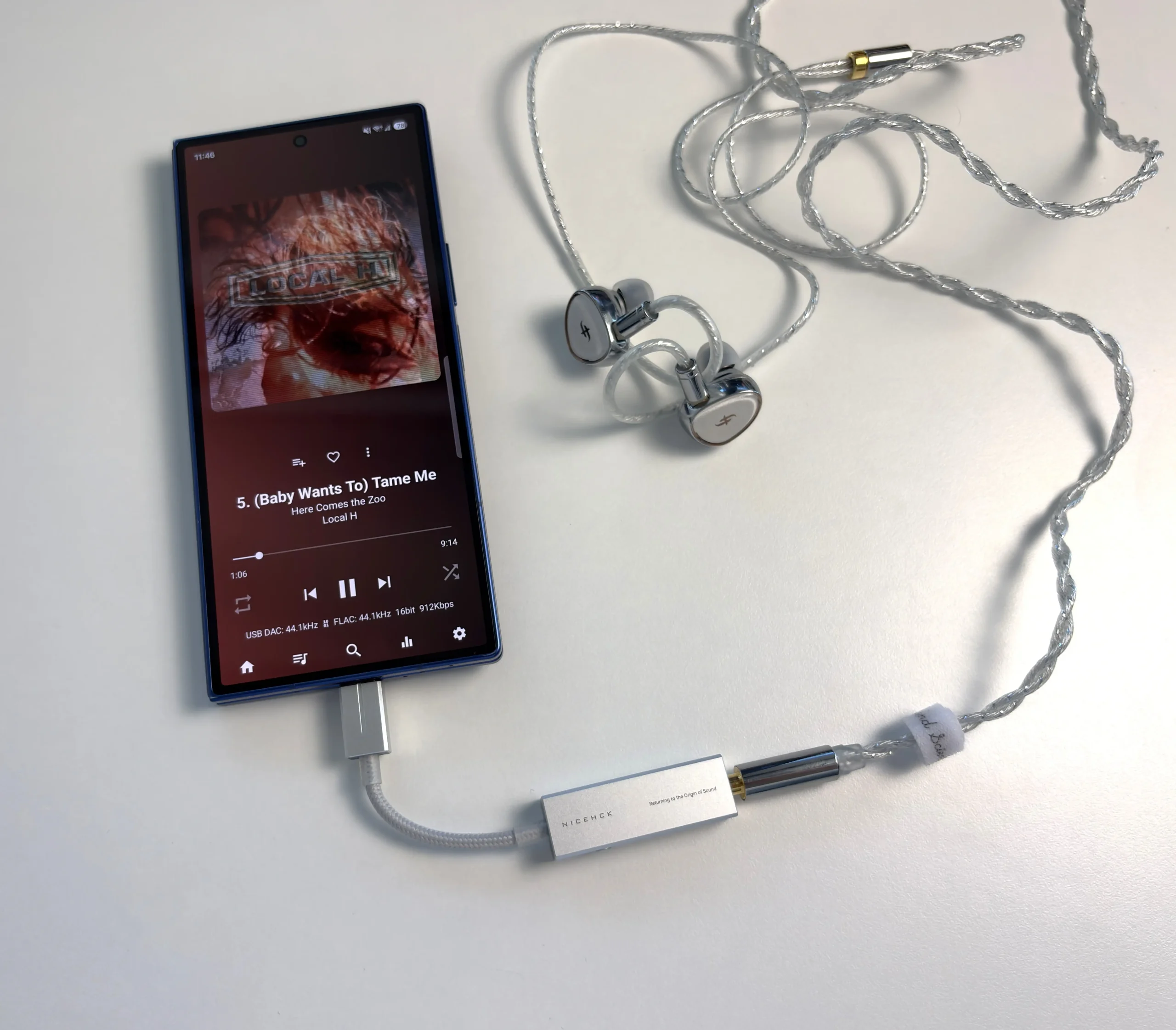
The PureAural is a better music dongle than the “gaming DAC” label suggests. It’s clean, slightly cool, and detailed, with sharp imaging and more single-ended power than most dongles at this price. The gaming features are a bonus on top, not a replacement for good sound (anything that sounds and performs well can be a “gaming DAC”, really).
The software is the big win here. Web Tuning means you can set up the PEQ, filters, gain, and mic level from a desktop browser without installing anything. After the Octave’s Android-only app, that alone makes the PureAural easier to recommend to people who don’t use Android.
It’s not without gripes. There’s no 4.4 mm output, the cable is short and fixed, and every gaming setting is locked away in software. A hardware Game Mode toggle would have made far more sense than holding the button to change filters. The app could also use proper explanations of its settings. So who is it for? If you only use 3.5 mm, play games on a PC or phone, and like to tweak, the PureAural is easy to recommend at $59.99 USD. If you have balanced cables or want a warmer sound, the Octave is worth the extra $30. And if you just need something simple and forgiving for everyday listening, the NK1 Ultra costs half as much.

Purchase Links
Buy from NICEHCK: https://www.nicehck.com/products/nicehck-pureaural
Buy from Amazon: https://link.amazon/B022NIUnG
Buy from AliExpress: https://s.click.aliexpress.com/e/_c42rZvkJ
I’m not always able to cover all the details of a product, both hardware and software, in my reviews. If you have any specific questions about this product, please feel free to leave a comment or contact me directly.
Be sure to check out our excellent Buyer’s Guides, as well as our other Reviews.
HiFi Oasis Verdict
HiFi Oasis Verdict-
Design & Build Quality8/10 Very good
-
Sound Quality9/10 Amazing
-
Features/Accessories8/10 Very good
-
Value8/10 Very good
Pros
- Clean, detailed sound with precise imaging and strong instrument separation
- Powerful 3.5mm output with three gain settings
- Flexible 10-band PEQ
- Useful gaming presets and adjustable microphone gain
- Compact, lightweight aluminum build
- Quiet background with sensitive IEMs on low gain
- Solid Android app and desktop browser app
Cons
- No 4.4mm balanced output
- Short, permanently attached USB-C cable
- No physical volume controls or Game Mode toggle
- App settings lack clear explanations
- Limited headroom for demanding headphones